Product description
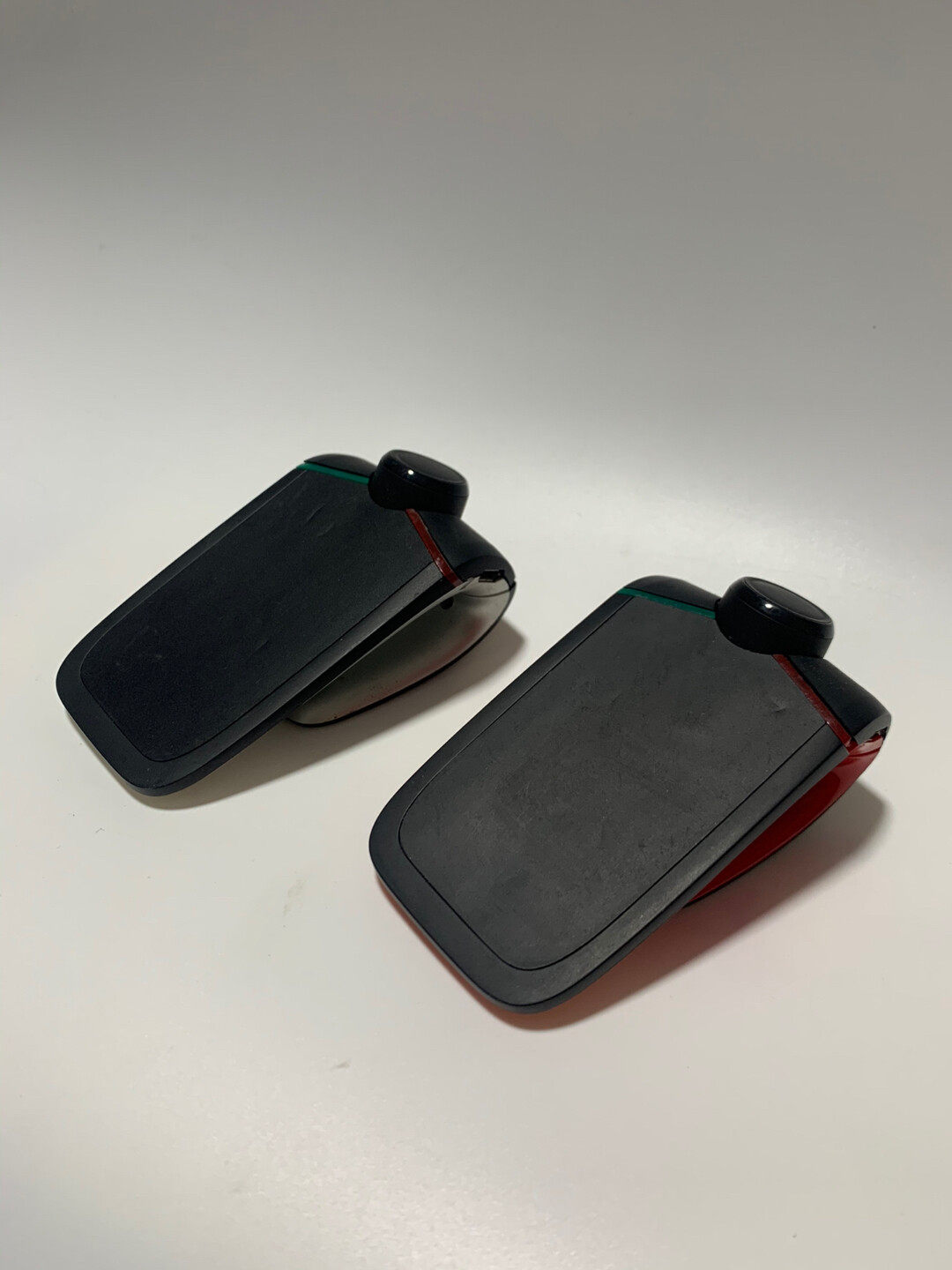
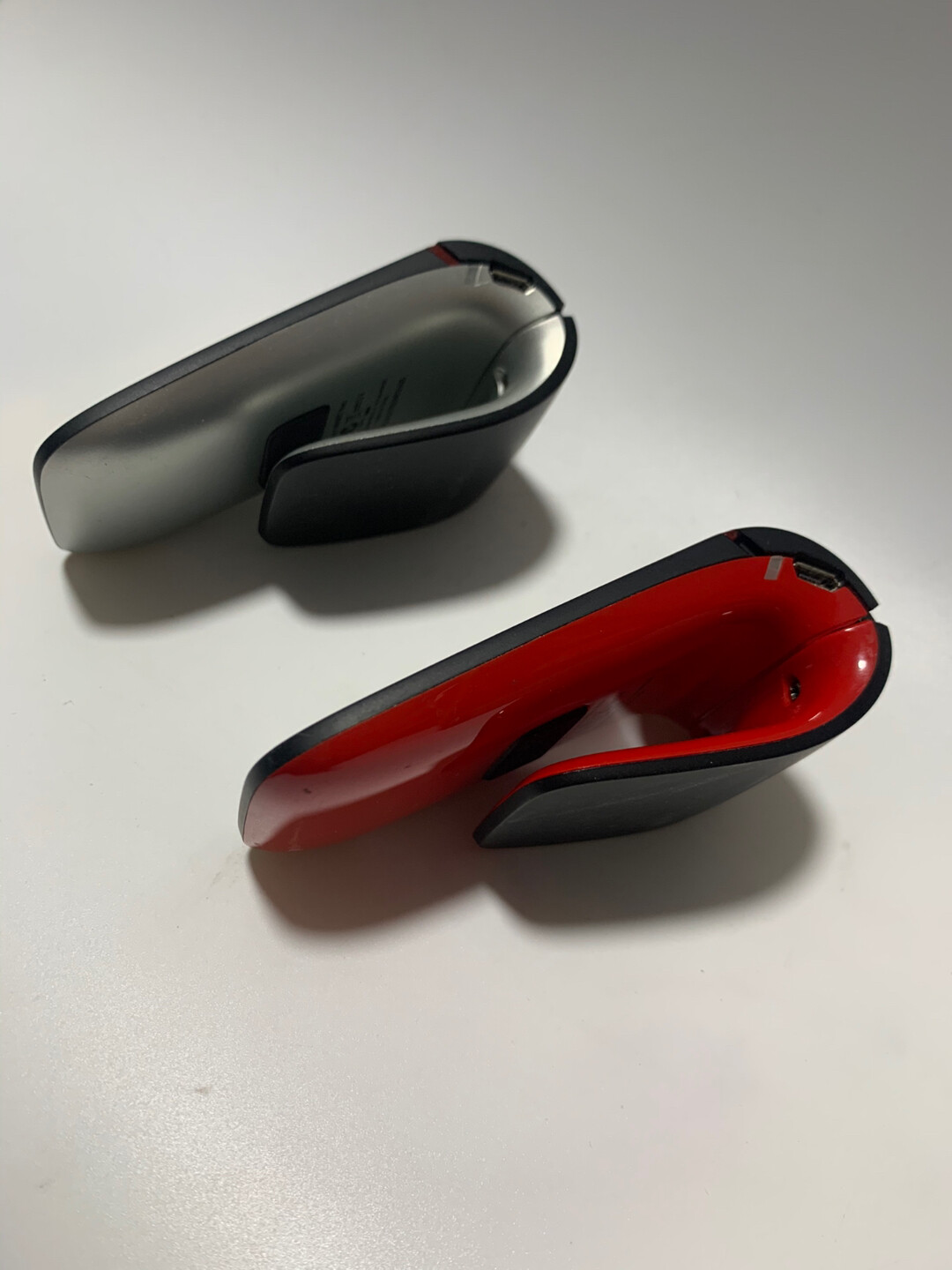
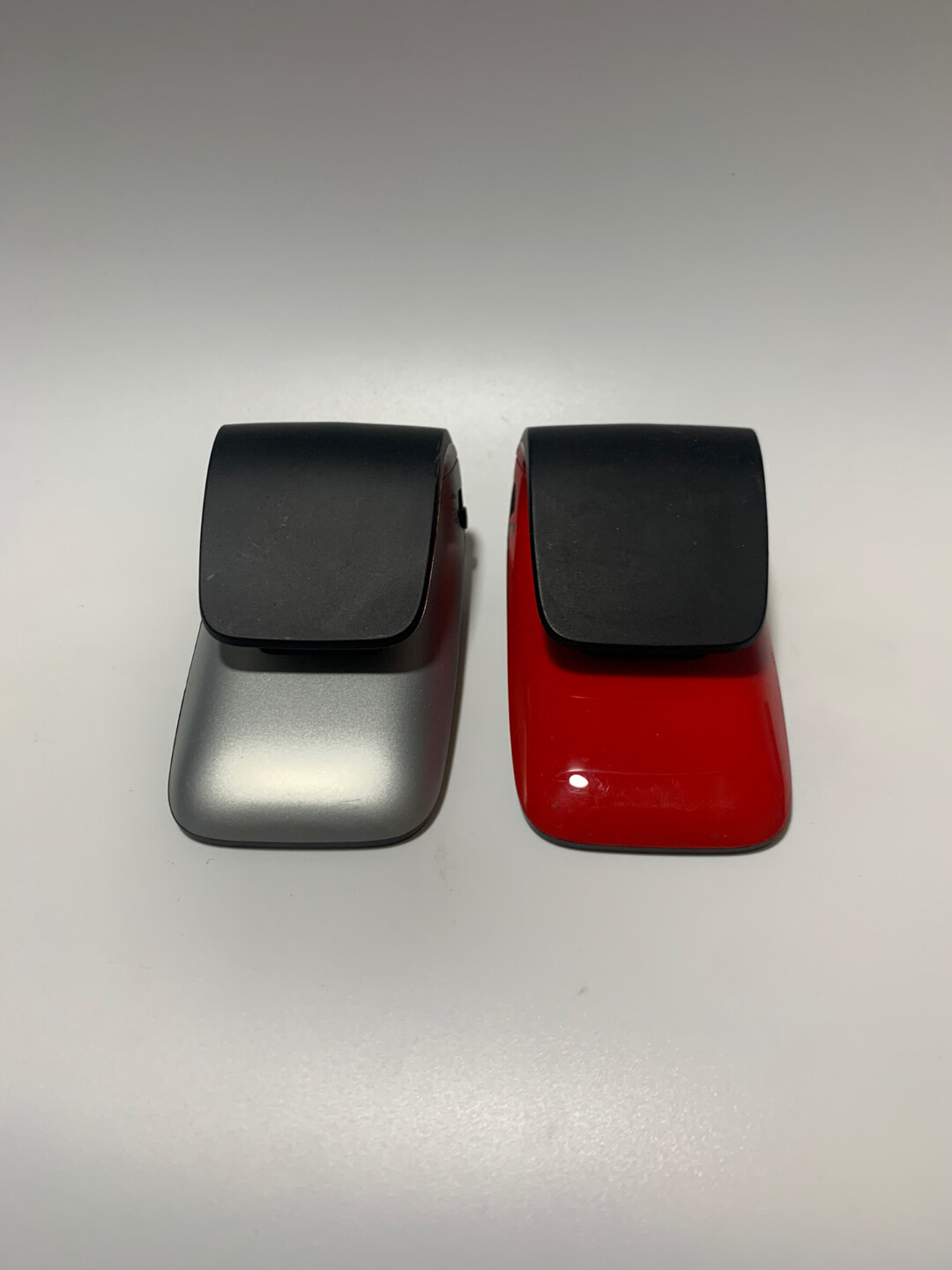
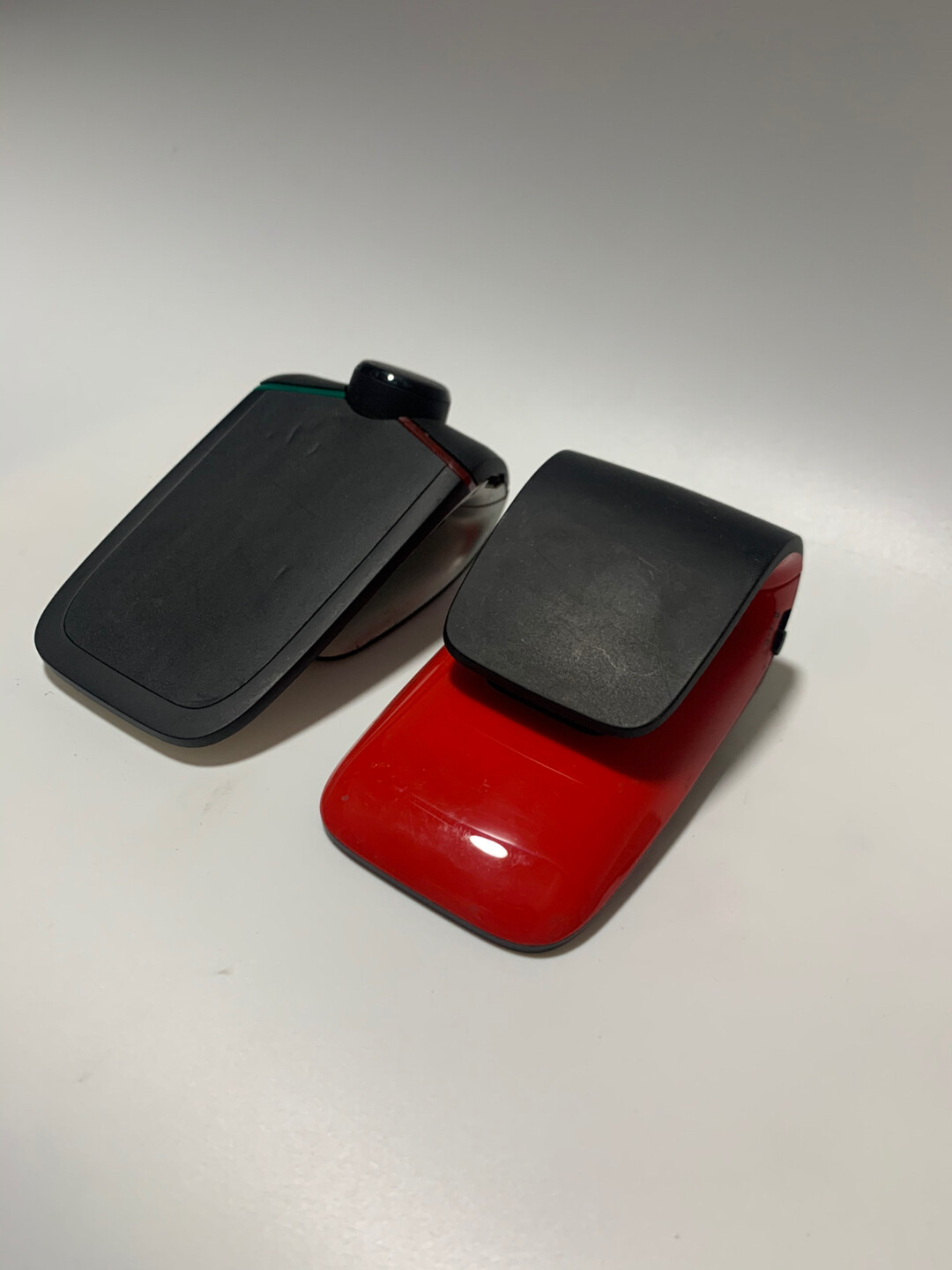
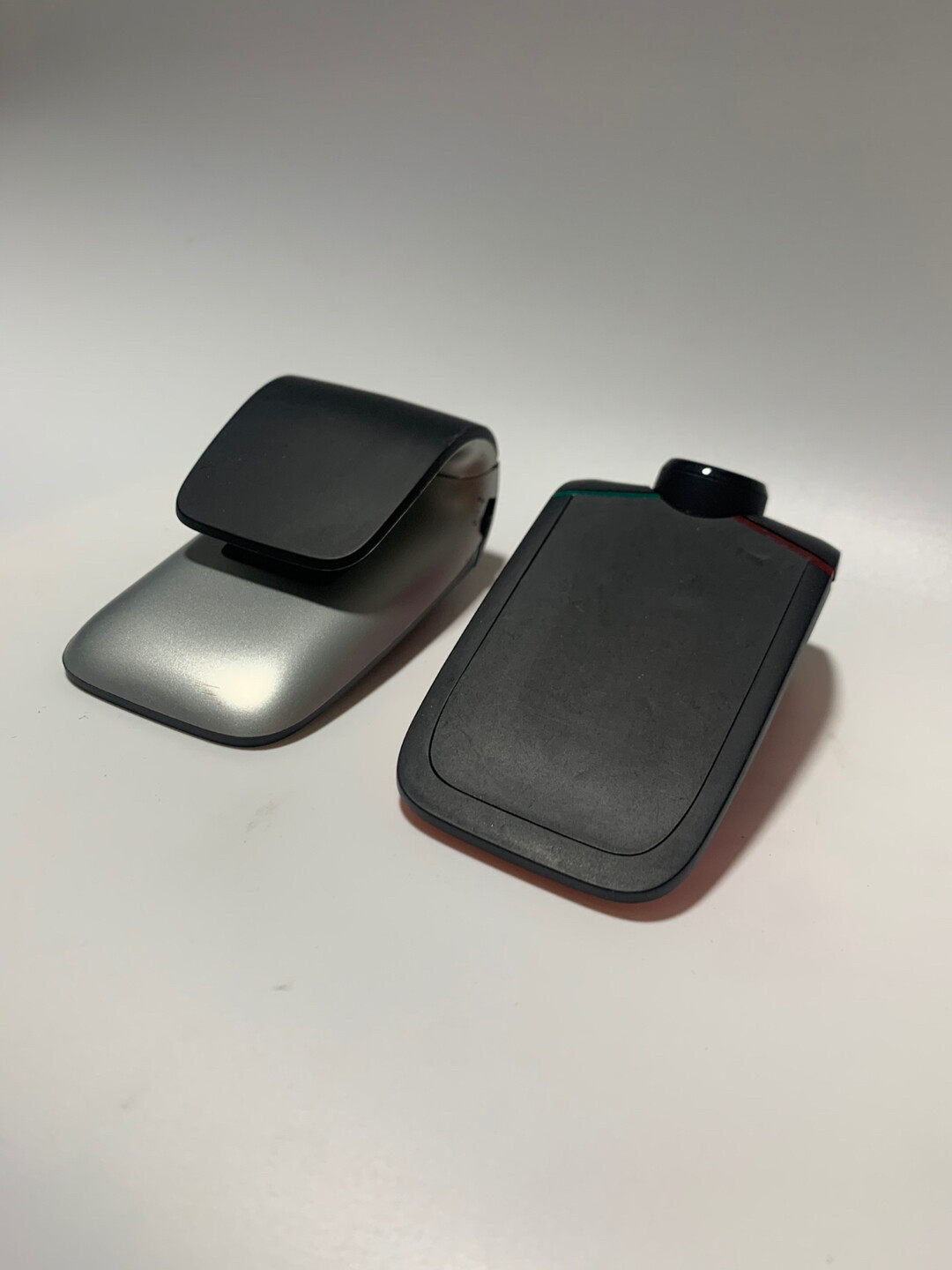
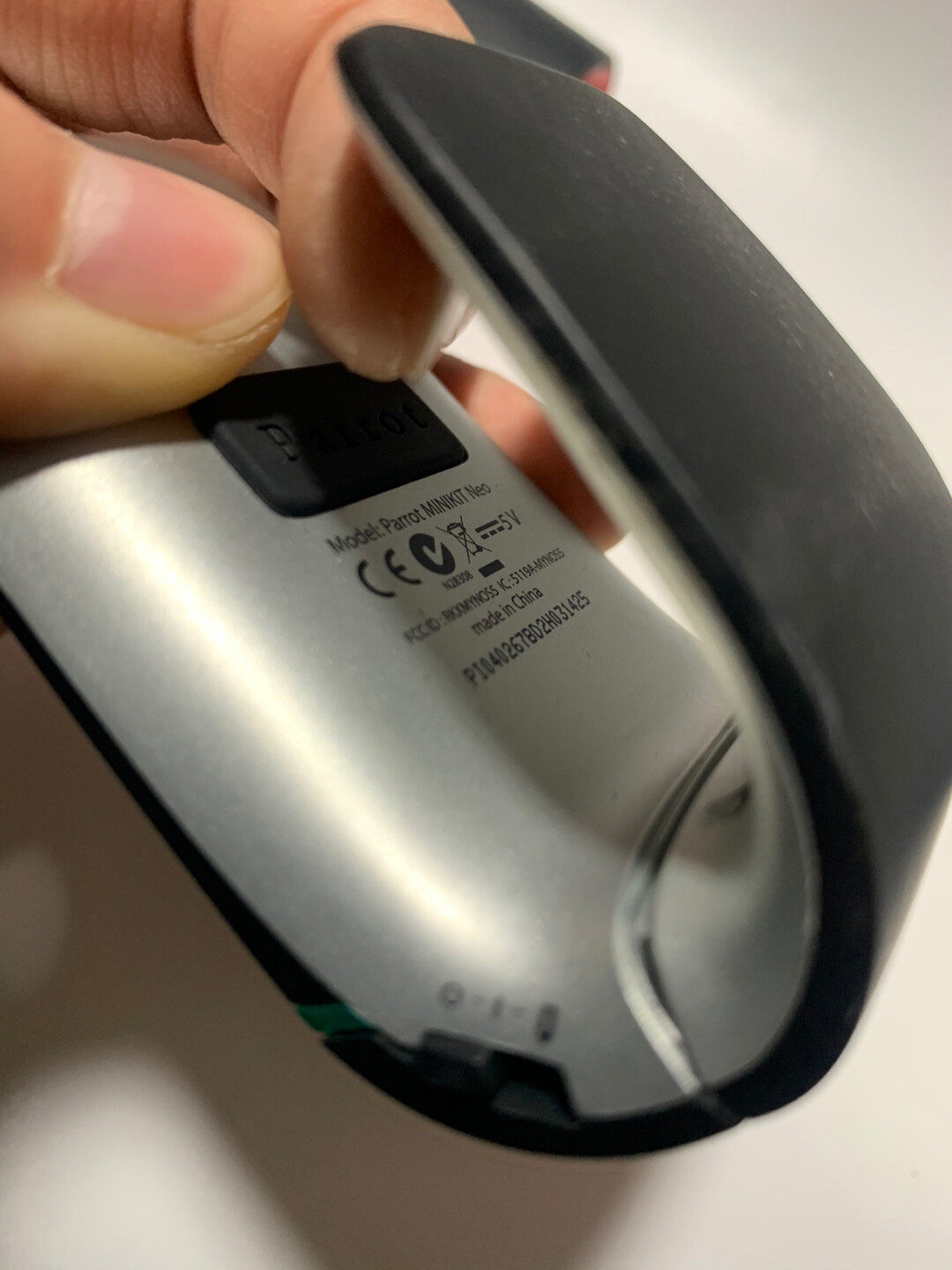
Voice control French brand After setting up, it can automatically connect to the Bluetooth of your mobile phone when you get in the car. Voice prompt No disassembly or repair, normal function and can be used normally Parrot MINIKIT Neo is an advanced Bluetooth car hands-free device that uses the latest voice recognition technology and high-definition sound quality to provide car owners with a safer and more convenient call and music experience. First of all, Parrot MINIKIT Neo fully considers the safety factors during driving, eliminating the owner's hand operations and using a completely voice-based operation method. Secondly, this hands-free device can be easily connected to the vehicle system, can identify your mobile phone contacts, and notify you of the contacts you need through voice commands, allowing you to make calls easily and freely. It can also play music from your phone, making your journey more enjoyable. In addition, Minikit Neo's smart system also includes some advanced features, such as voice command dialing, automatic power-on, infrared signal detection, digital noise reduction technology, etc. These technologies ensure you have a clear, high-quality call and music experience while driving, while also keeping you safe. For car owners who are concerned about appearance, MINIKIT Neo also provides a variety of optional colors to facilitate users to choose in appearance. To sum up, MINIKIT Neo is an excellent Bluetooth car hands-free device. It not only provides high-quality voice and music experience, but also has an innovative design and a variety of practical advanced functions. If you need a Bluetooth hands-free device that is both excellent and practical, you will not be disappointed with the MINIKIT Neo.
Buying tips and things to try
Who is it for?
Ask which of the things in the photos come with the item. If it needs a power supply, cable or mounting kit, find out what those extras will cost.
What to ask before buying
How to check it when it arrives
When it arrives, check the pieces against the listing photos. Try the familiar buttons or moving parts first. Have damaged electrical equipment checked before use.
Community
Open-source projects
A handy tip
Take one photo with all the small parts laid out. It comes in handy when something goes into a drawer or you need to ask about a missing piece.
Things to try
- Try the item on the shelf before fixing it in place. Leave room for plugs and cables.
- Save the model and accessory photos in a home inventory such as HomeBox, so the manual or replacement parts are easier to find later.