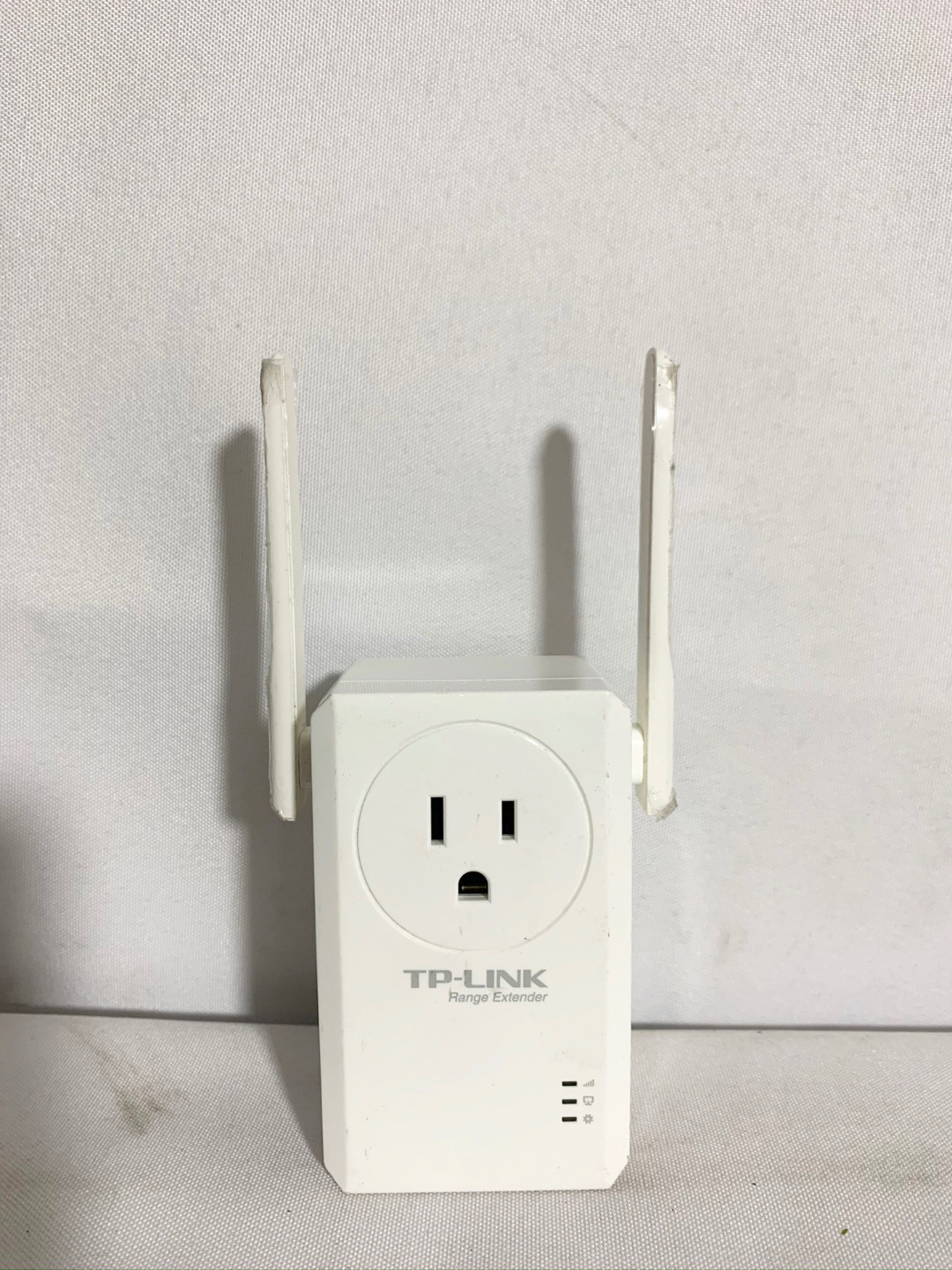
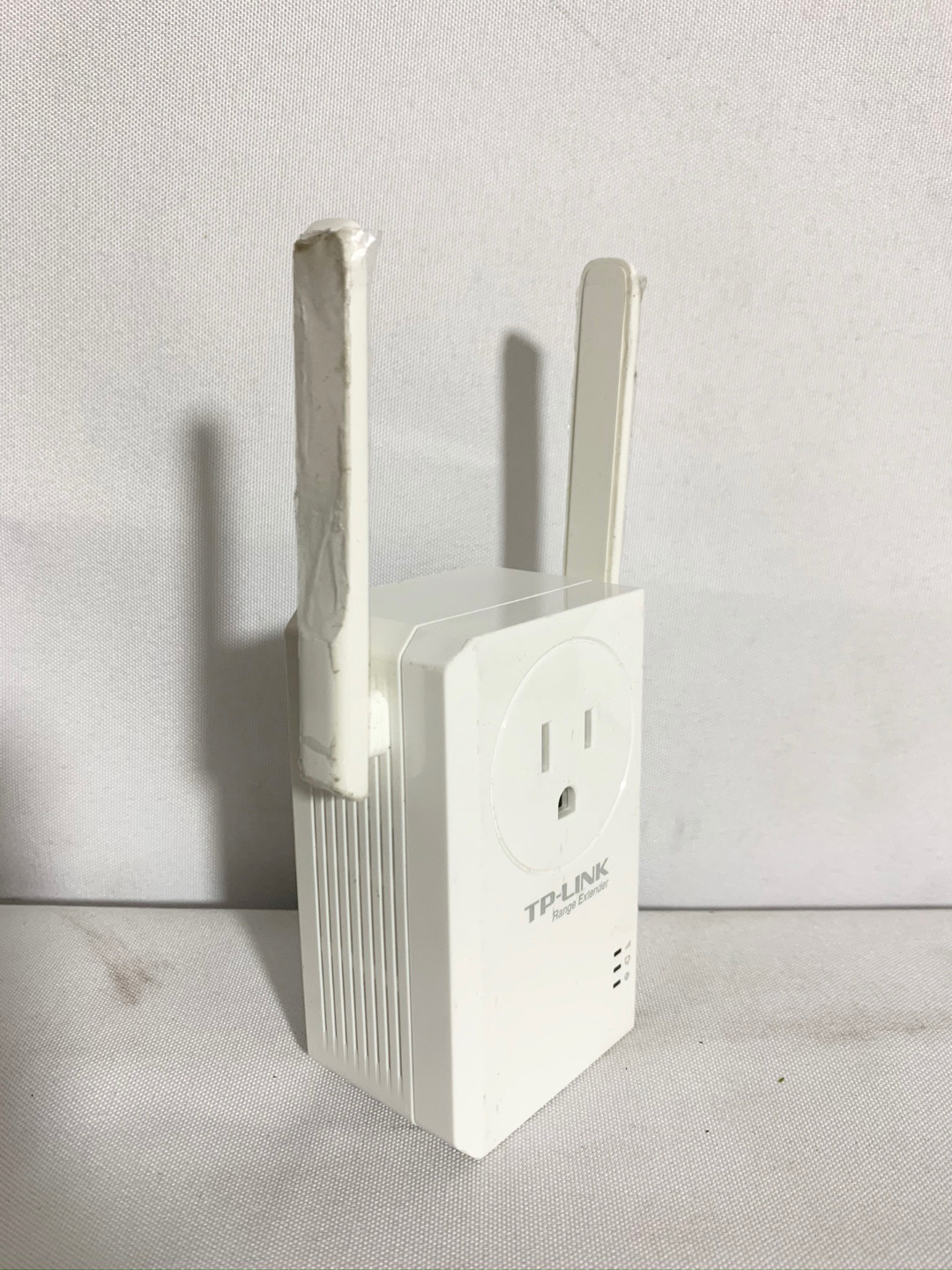
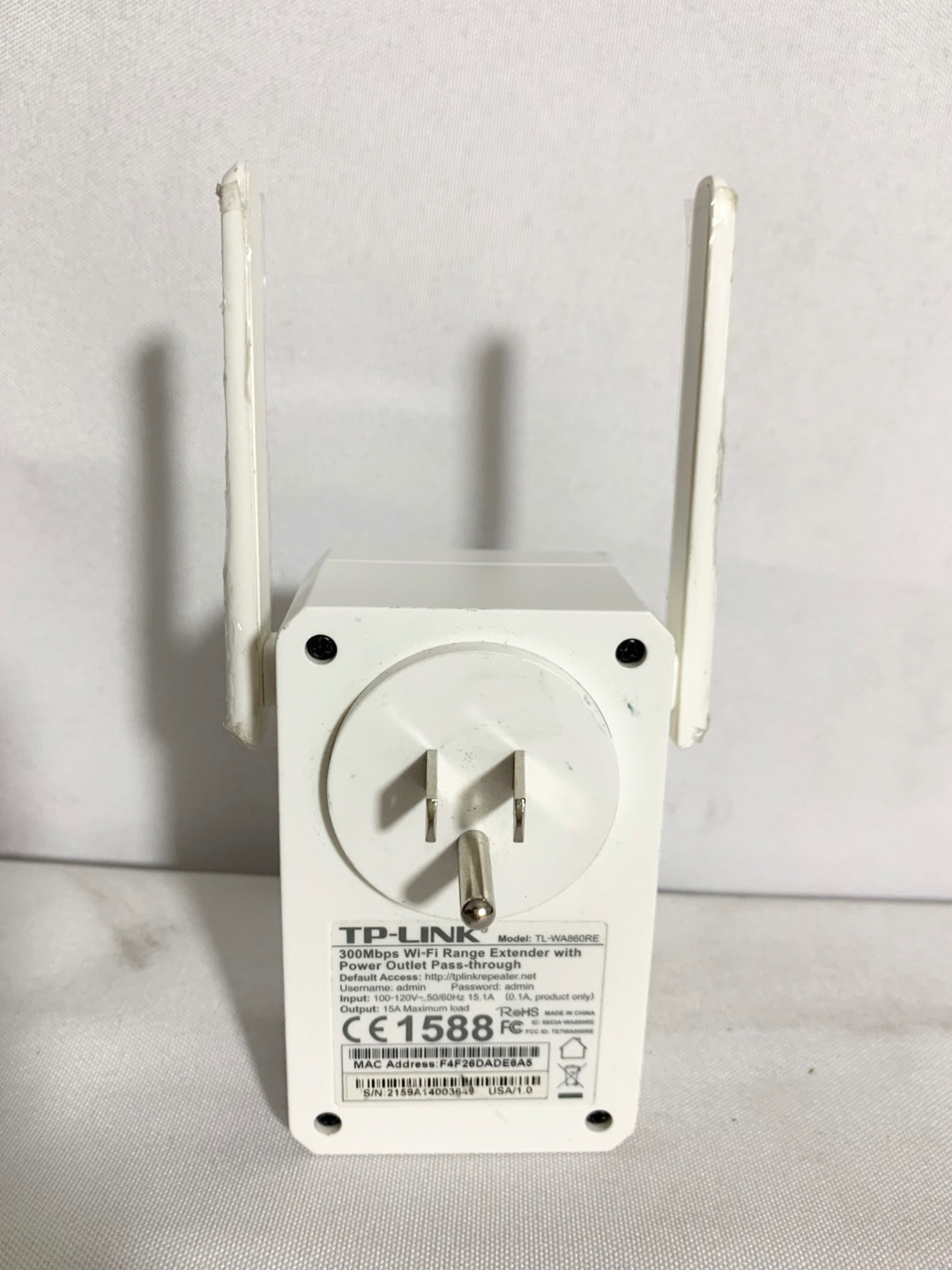
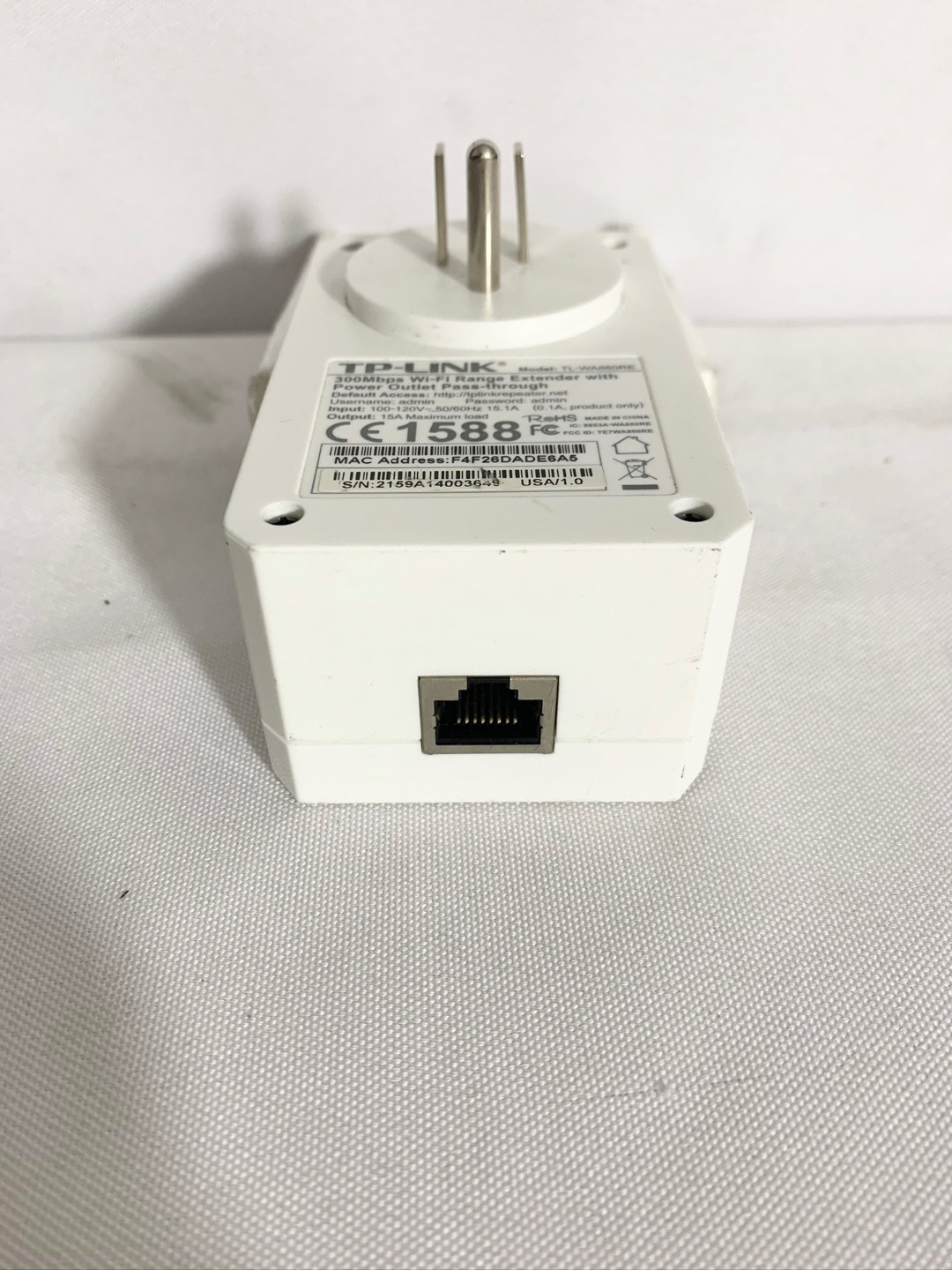
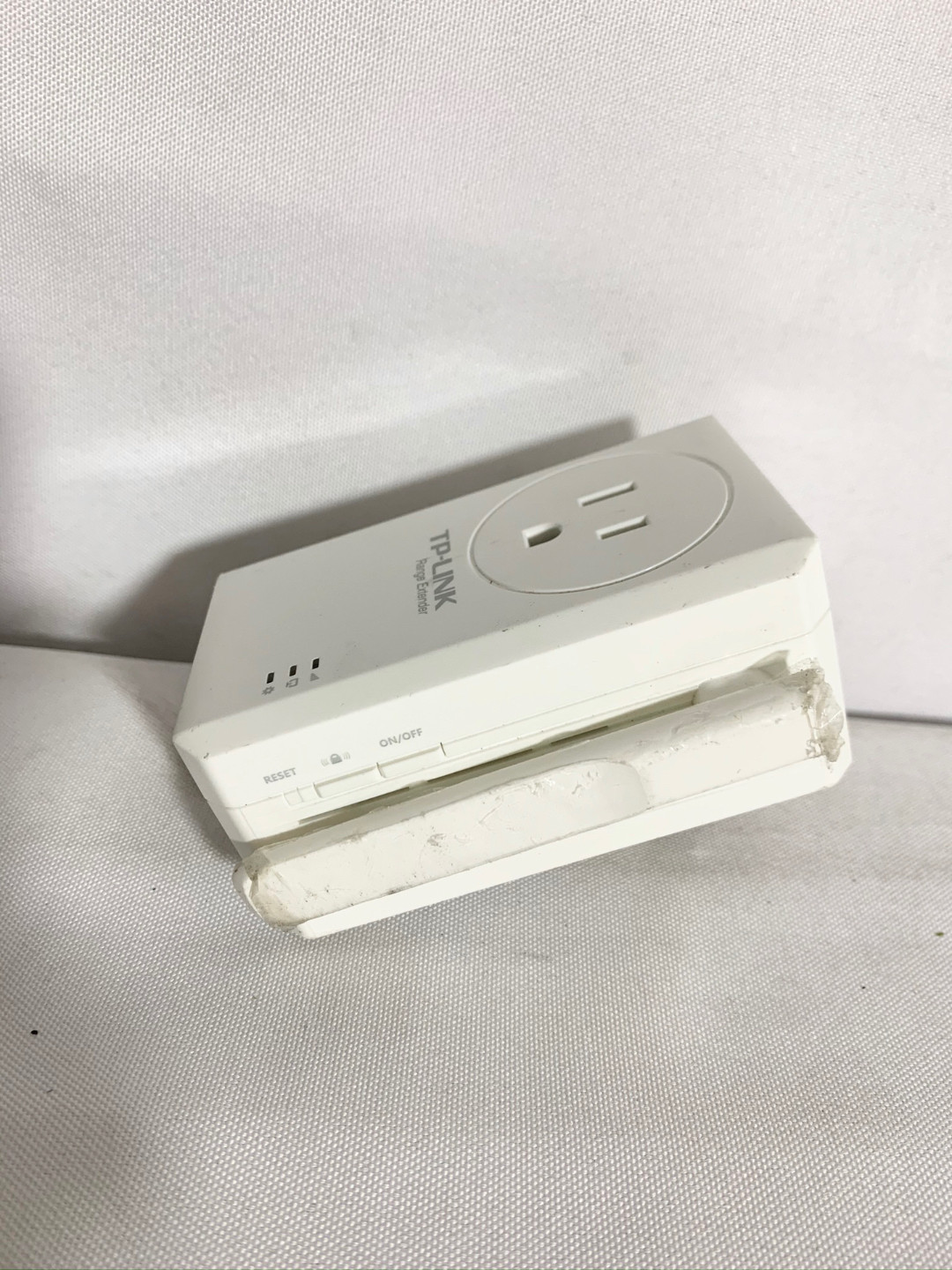
Product description
It is an excellent network device that can provide a stable wireless signal for your home or office. It adopts a dual-antenna design and can reach a wireless transmission rate of up to 300Mbps. You can set it to repeater mode to relay existing wireless signals to other areas. In addition, it also has an Ethernet interface, which you can connect to the network through wired methods to achieve seamless switching between wired and wireless, providing a more stable network connection. No technical skills are required, and configuring your network via the included installation wizard only takes a few minutes. Compared with many competitors' products, the advantages of TP-LINK/PuLian TL-WA860E Repeater are its affordable price, simple operation and excellent performance. If you are looking for a high-performance and affordable repeater, then the TP-LINK TL-WA860E Repeater will be a good choice. It is undeniable that the TP-LINK/PuLian TL-WA860E repeater is 110V. This means it works with the voltage standards used in the United States and some other countries. If you want to use this device in other countries or regions, please make sure your voltage standard complies with 110V . If your voltage standard is 220V or other standards, you need to consider choosing equipment that complies with the local voltage standard to ensure safety and stability of use.
Official documentation
TP-Link
Buying tips and things to try
Who is it for?
Ask which of the things in the photos come with the item. If it needs a power supply, cable or mounting kit, find out what those extras will cost.
What to ask before buying
Send the seller the model number and a photo of the connector on the equipment you already have. If size is what matters, ask for a photo with a ruler alongside the item.
How to check it when it arrives
When it arrives, check the pieces against the listing photos. Try the familiar buttons or moving parts first. Have damaged electrical equipment checked before use.
Community
Open-source projects
A handy tip
Take one photo with all the small parts laid out. It comes in handy when something goes into a drawer or you need to ask about a missing piece.
Things to try
- Try the item on the shelf before fixing it in place. Leave room for plugs and cables.
- Save the model and accessory photos in a home inventory such as HomeBox, so the manual or replacement parts are easier to find later.