Product description
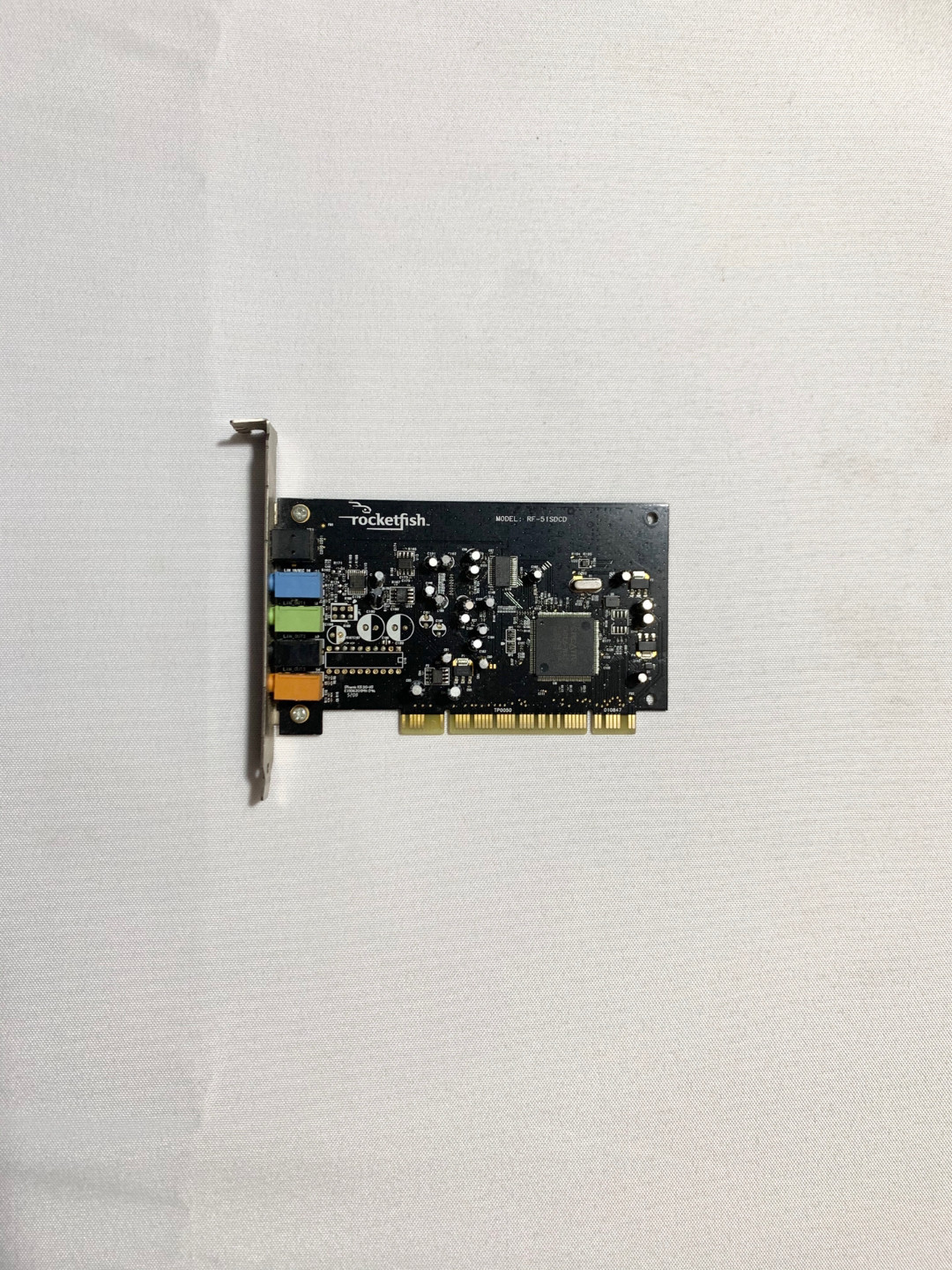
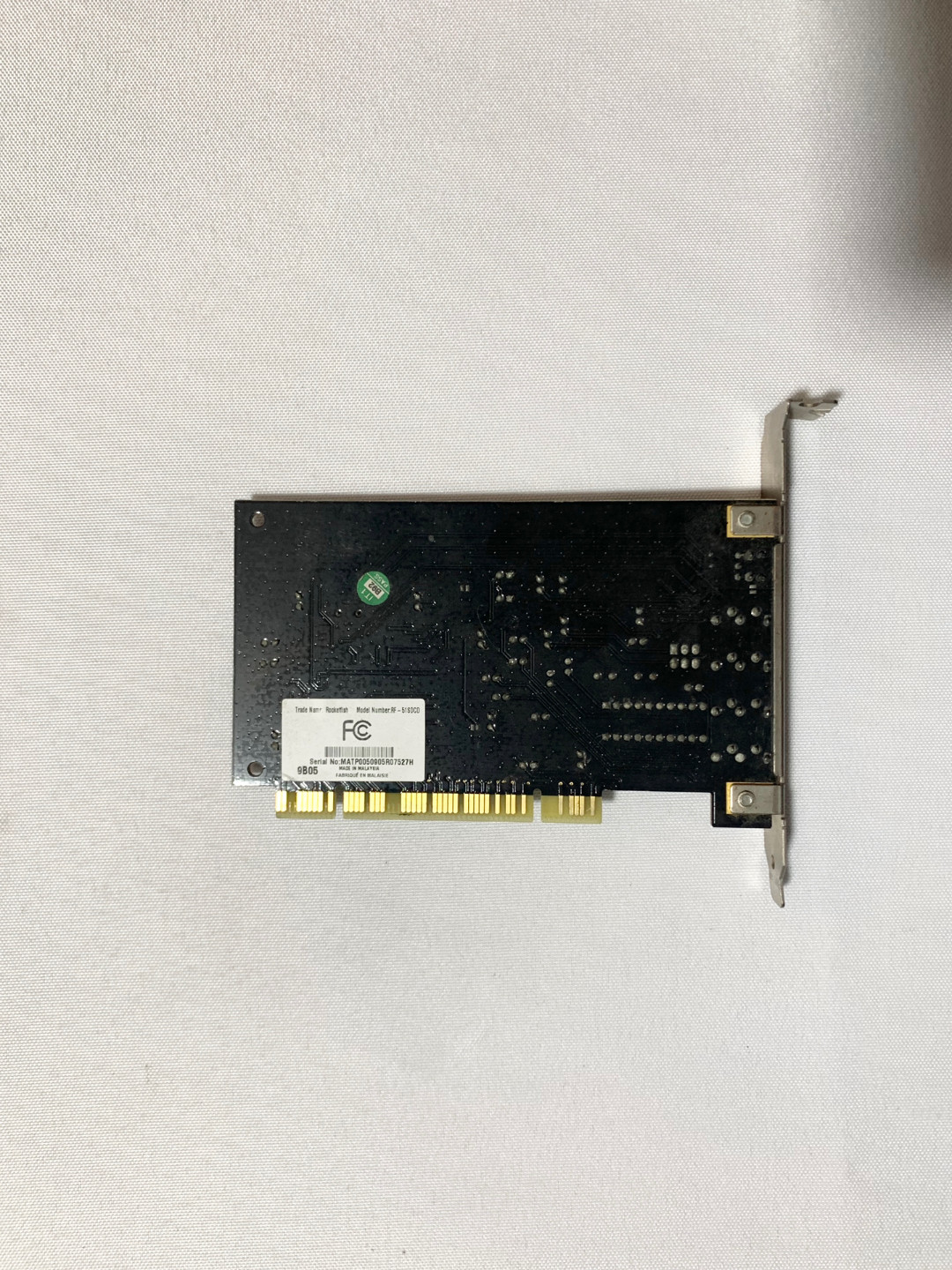
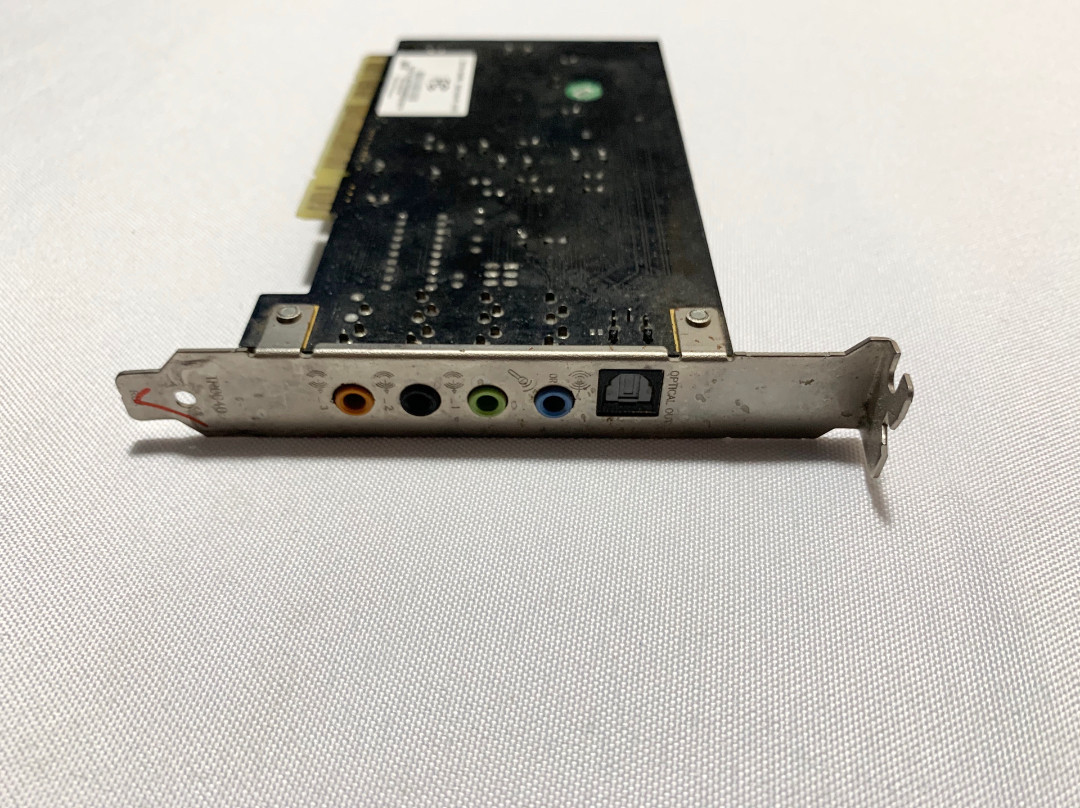
Channel digital optical fiber audio splitter, the following is an introduction to its main features and applications. This audio splitter features digital optical inputs and outputs that can accept high-definition audio signals and output them to a 5.1-channel sound system. It also has SPDIF/Dolby digital and PCM audio format support. Additionally, its compact design makes it suitable for use in home offices, home theaters, multimedia classrooms, and commercial audio/video systems. Rocketfish RF-51SDCO also supports digital audio connections for TVs, DVDs, Blu-ray players, game consoles and more, providing a superior audio experience whether for home use or commercial applications. This audio splitter also features front-panel audio input, volume control, LED indicators, and other features that can be easily controlled and operated to ensure you get the best audio results. Additionally, this audio splitter features an extremely durable metal housing, guaranteeing years of reliable use. For users who want to buy Rocketfish RF-51SDCO, this audio splitter can provide high-quality audio output and excellent performance, or distribute sound to multiple playback devices to meet different audio needs.
Buying tips and things to try
Who is it for?
Ask which of the things in the photos come with the item. If it needs a power supply, cable or mounting kit, find out what those extras will cost.
What to ask before buying
Send the seller the model number and a photo of the connector on the equipment you already have. If size is what matters, ask for a photo with a ruler alongside the item.
How to check it when it arrives
When it arrives, check the pieces against the listing photos. Try the familiar buttons or moving parts first. Have damaged electrical equipment checked before use.
Community
Open-source projects
A handy tip
Take one photo with all the small parts laid out. It comes in handy when something goes into a drawer or you need to ask about a missing piece.
Things to try
- Try the item on the shelf before fixing it in place. Leave room for plugs and cables.
- Save the model and accessory photos in a home inventory such as HomeBox, so the manual or replacement parts are easier to find later.