

Product description
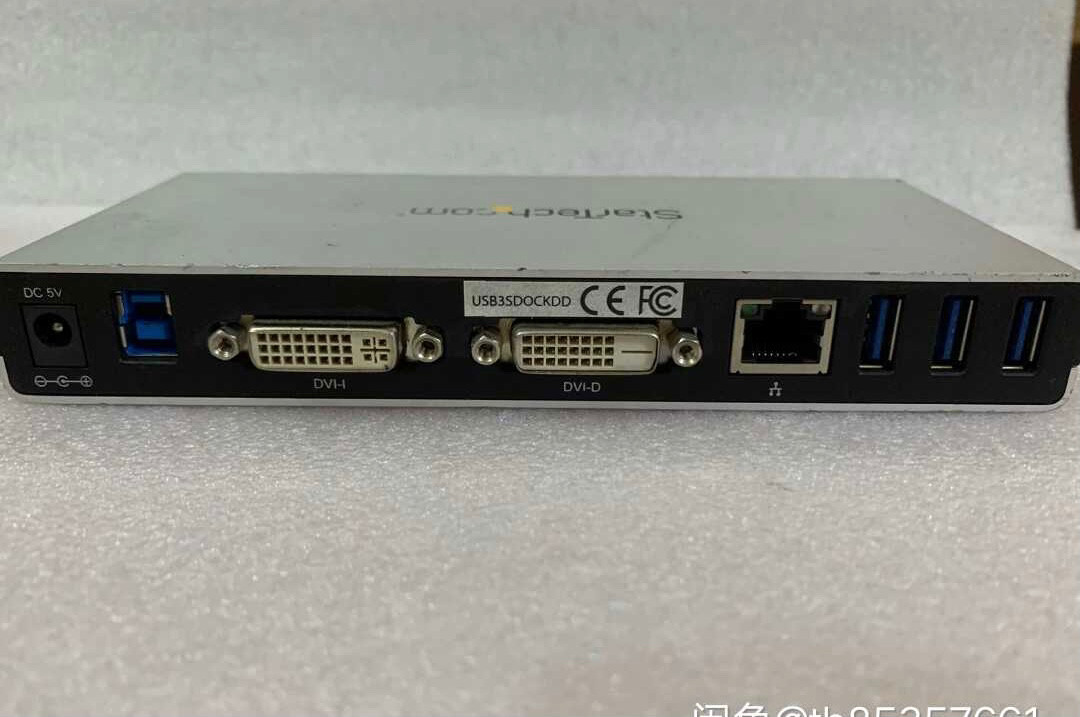
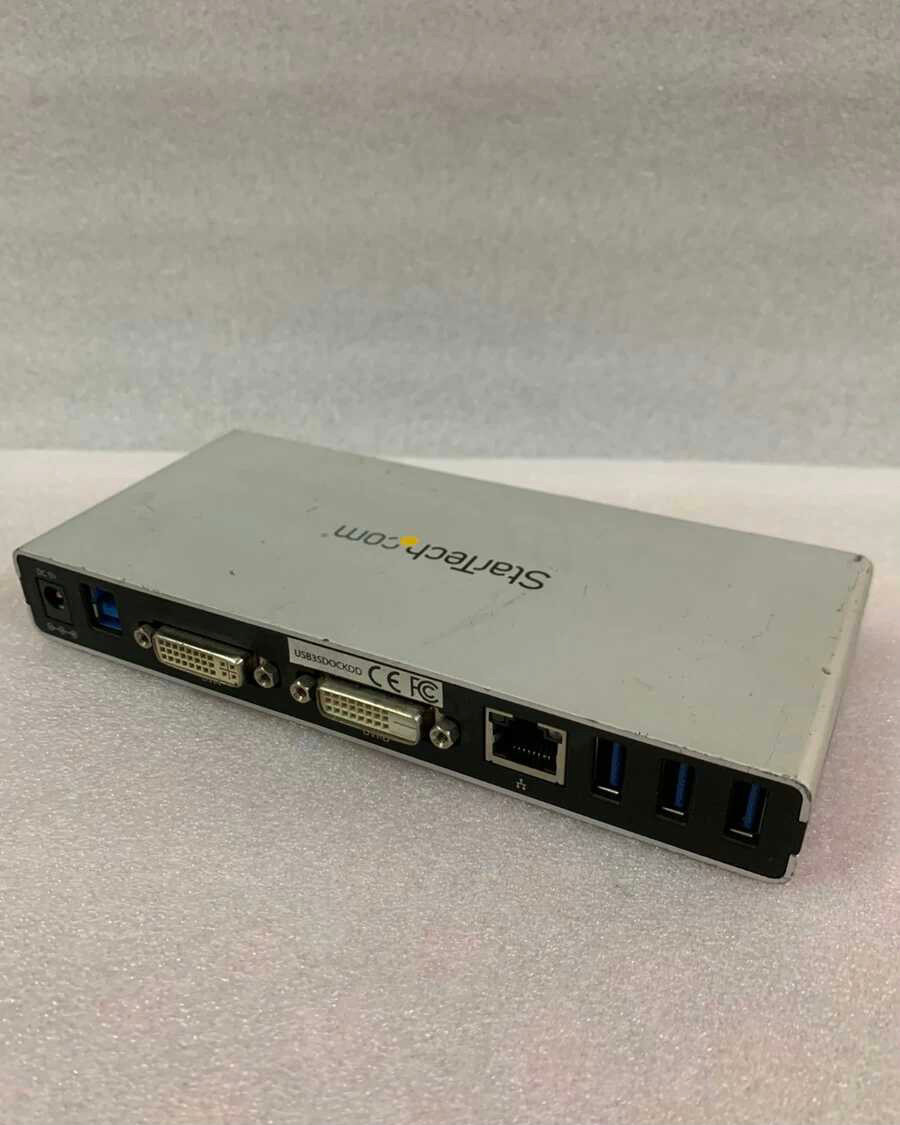
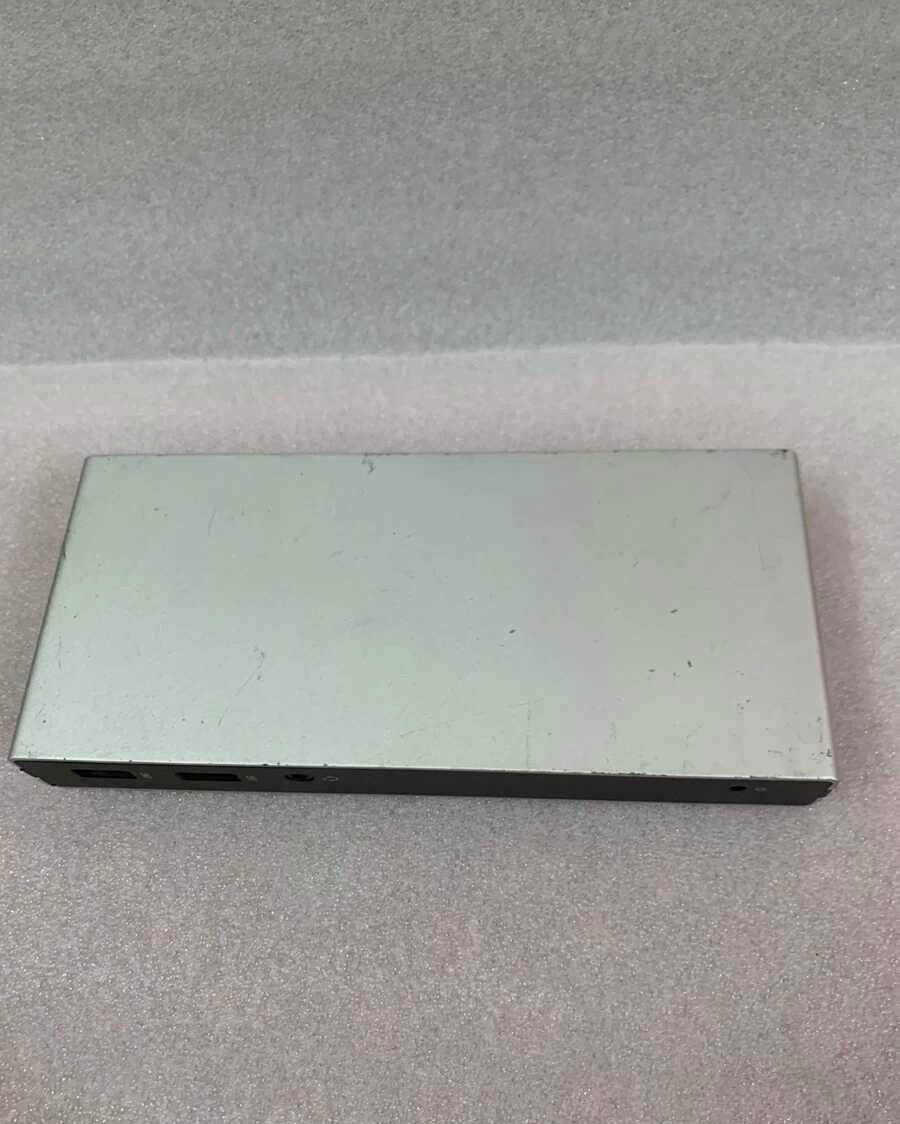
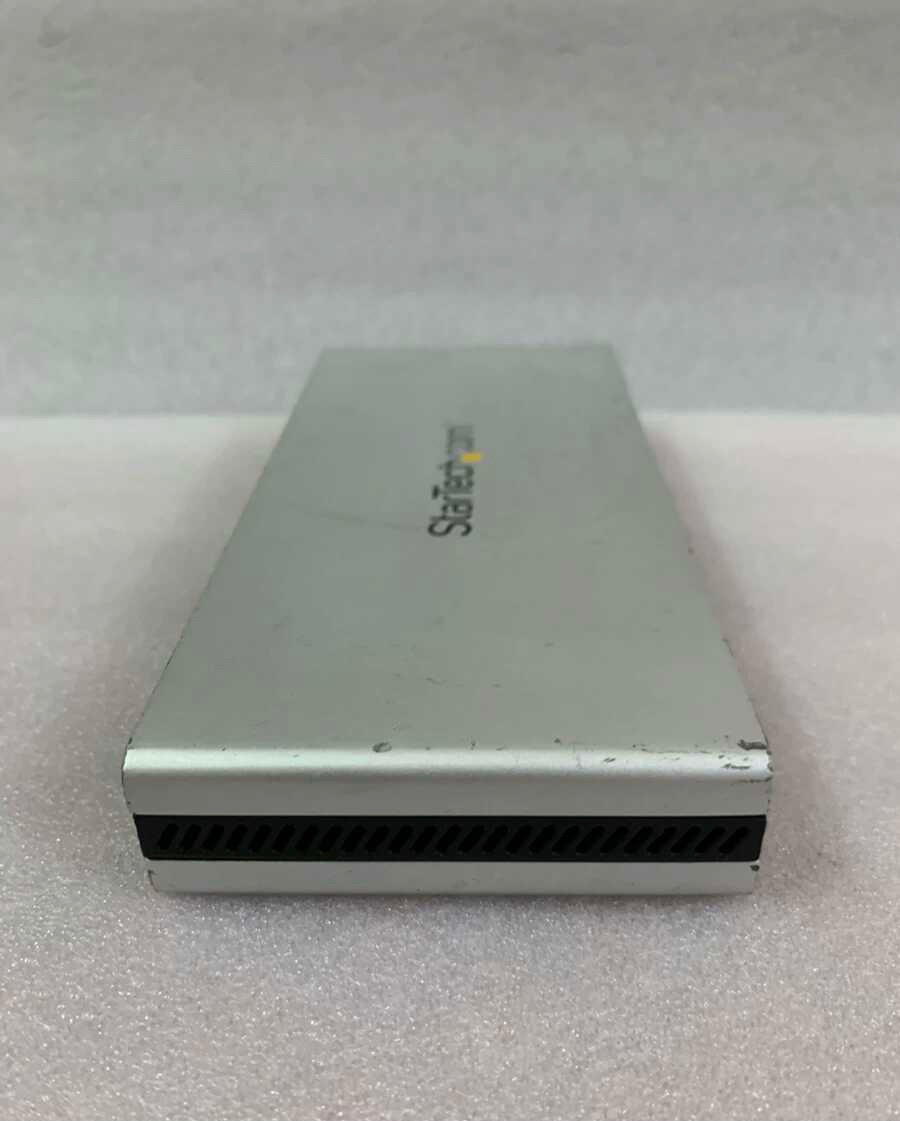
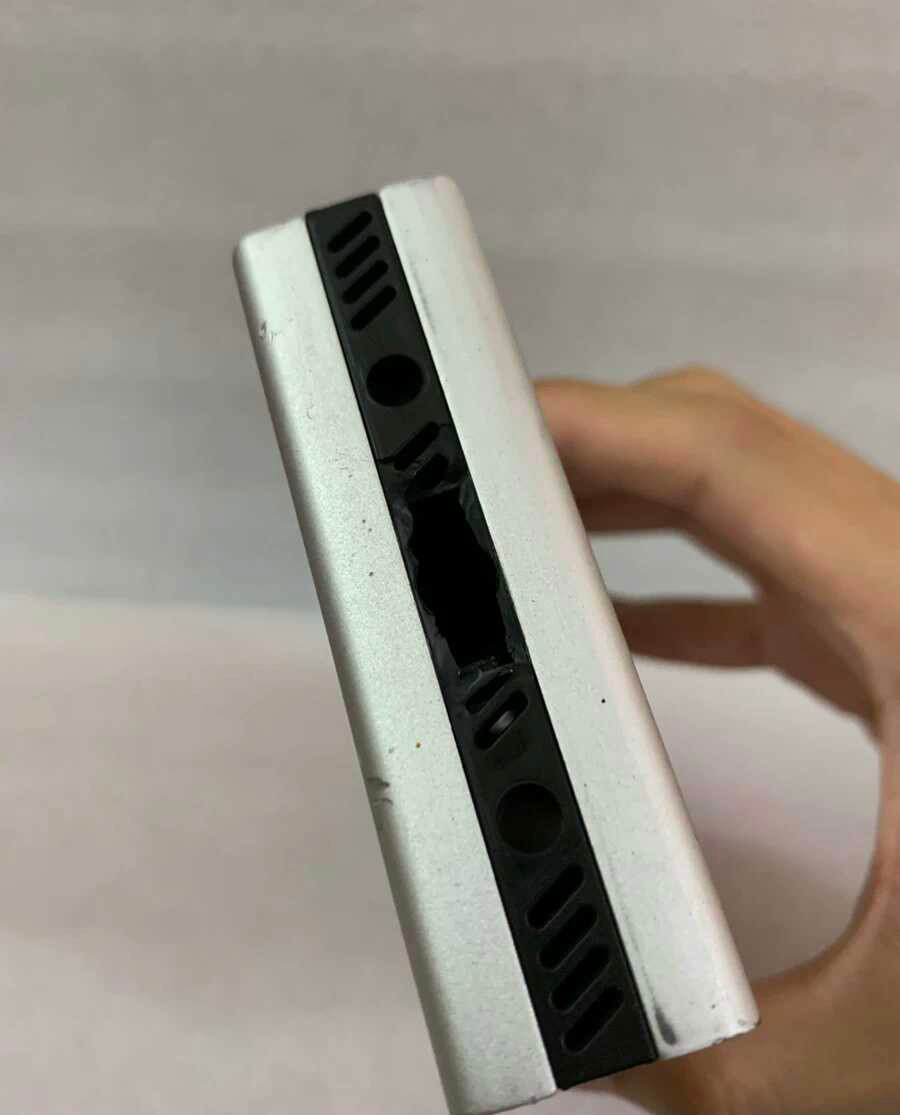
3.0 docking station 2⃣️Hand-made product, no other accessories, the appearance condition is shown in the product photos, the package function is normal, no technical support is provided, you understand Use the included video adapter to connect your USB 3.0-equipped Mac or Windows laptop to a variety of dual-monitor configurations supported Connect and charge USB devices with 5 USB 3.0 ports, including two fast-charging USB ports Save desk space by placing the base vertically using the included base bracket The Dual DVI docking station adds dual monitor support to your workstation, with resolution support up to 2048x1152. With more screen real estate, you can access multiple applications and reference materials simultaneously on one monitor while creating on another. To ensure the USB 3.0 dock supports a variety of monitors, two display adapters (DVI to VGA and DVI to HDMI) are included. Show flexibility Strong connectivity and fast device charging Transform your laptop into a workstation that supports all peripherals. This dock has five USB 3.0 (USB 3.1 Gen 1) ports. The two front USB ports are USB fast charging ports (USB Battery Charging Specification 1.2). These accessible ports charge your mobile devices faster than standard USB ports, whether your laptop is connected to a docking station or not. The dock also features a GbE port, headphone jack, and separate 3.5mm audio and microphone ports, so you'll have all the connections you need. Device charging Save desktop space You can use the included (optional) stand to position the dock vertically on your work surface, freeing up valuable desk space.
Buying tips and things to try
Who is it for?
Ask which of the things in the photos come with the item. If it needs a power supply, cable or mounting kit, find out what those extras will cost.
What to ask before buying
How to check it when it arrives
When it arrives, check the pieces against the listing photos. Try the familiar buttons or moving parts first. Have damaged electrical equipment checked before use.
Community
Open-source projects
A handy tip
Take one photo with all the small parts laid out. It comes in handy when something goes into a drawer or you need to ask about a missing piece.
Things to try
- Try the item on the shelf before fixing it in place. Leave room for plugs and cables.
- Save the model and accessory photos in a home inventory such as HomeBox, so the manual or replacement parts are easier to find later.