Product description
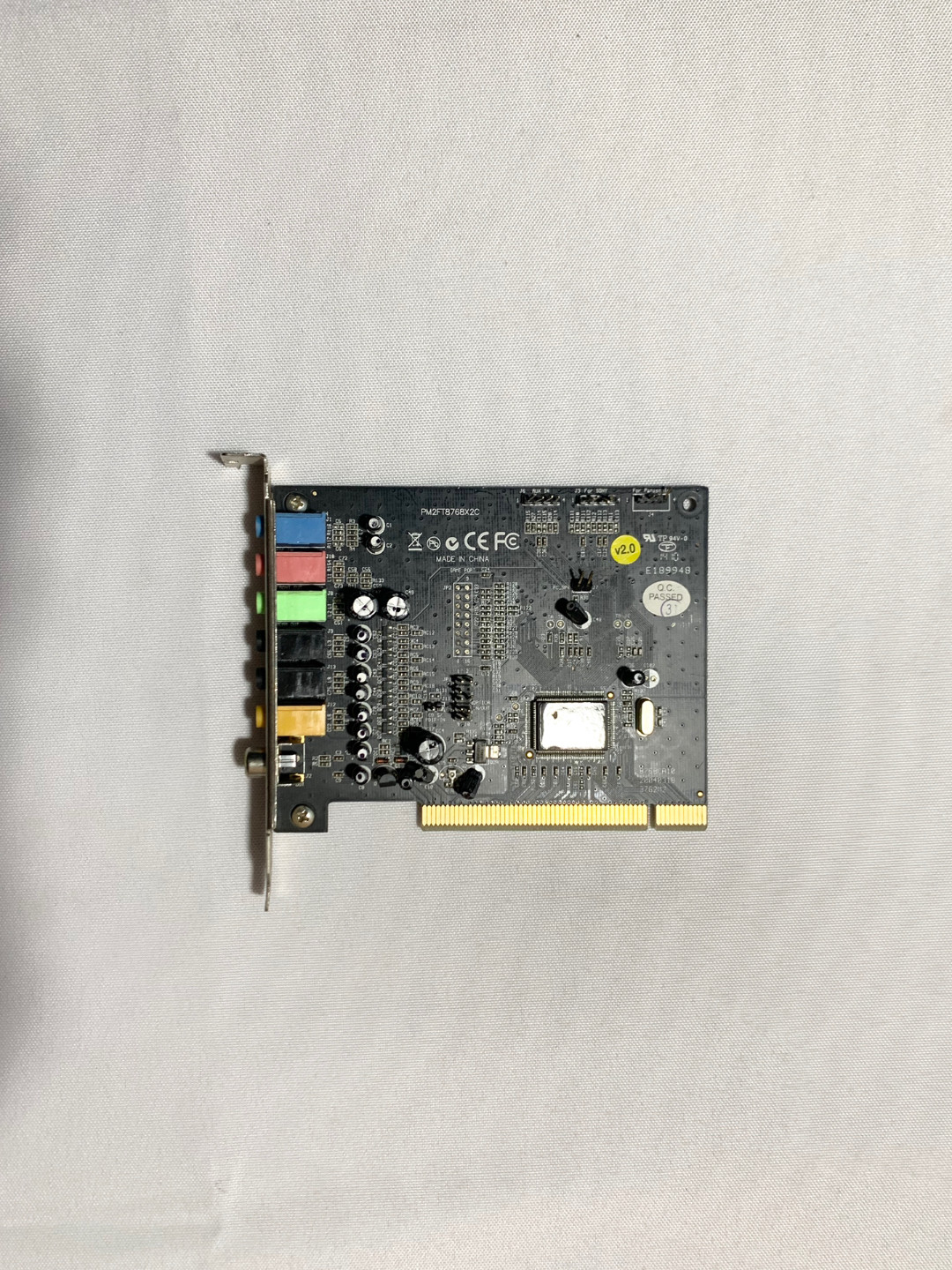
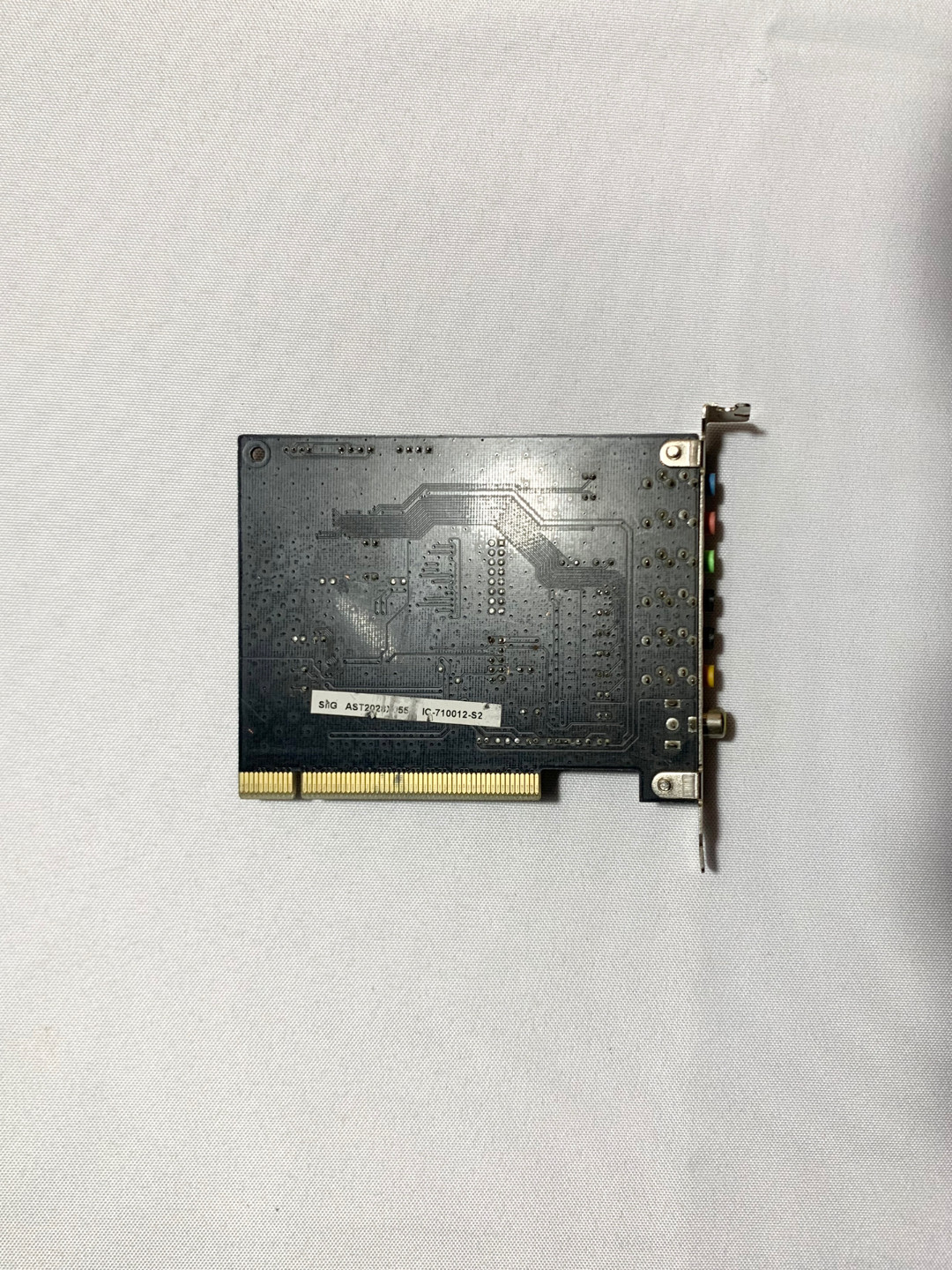
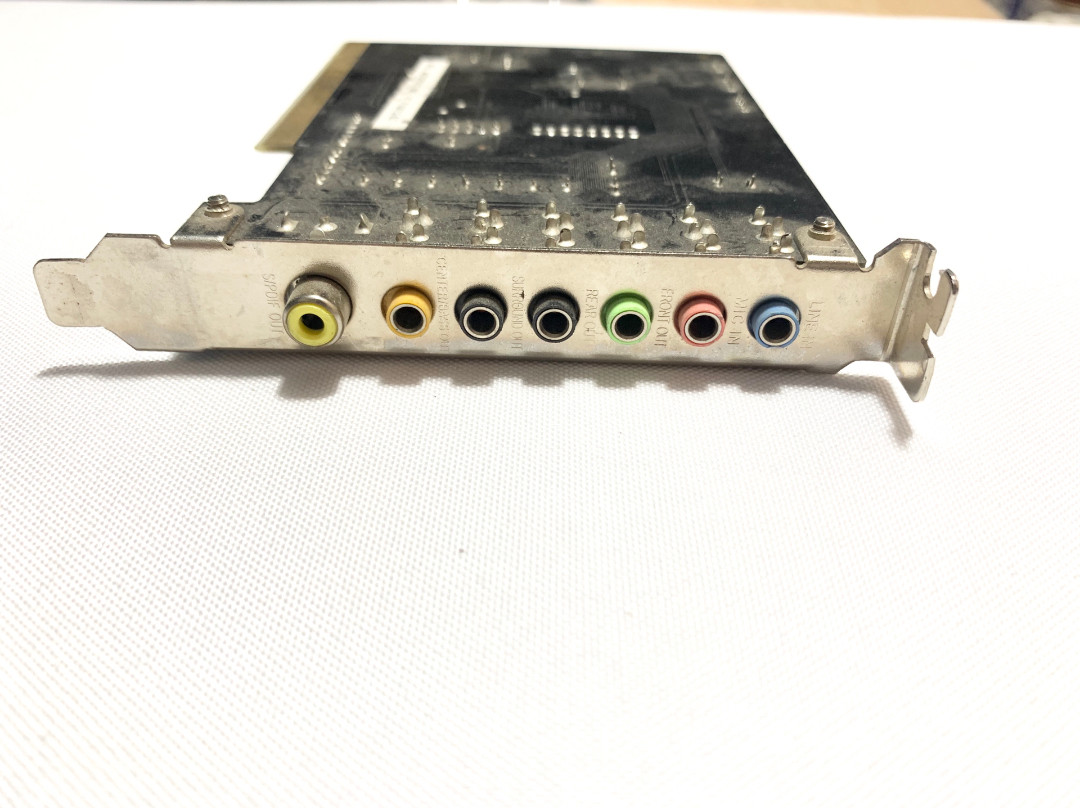
Digital 7.1 Surround Sound Card for Internet, DVD, MP3 and Gaming Windows 10 is not supported Features HD 7.1 surround sound turns your PC into a home theater system 8-channel output supports the latest Dolby® Digital EX and DTS® ES 6.1/7.1CH DVD audio formats Supports the latest 3D sound technology, including Sensaura® EAX™, A3D™, and DirectSound™ Leverage the power of EAX audio technology and surround sound to customize your internet audio Technical indicators Chipset: C-Media CMI8768 Complies with PCI Specification, Revision 2.2 and PC99 Specifications S/PDIF transmitter supports 44.1/48/96KHz sample rates, 16-bit resolution (only for Windows XP 96KHz) S/PDIF output: 2-channel stereo Full-duplex DAC/ADC supports simultaneous playback and recording Supports multi-channel output to 2, 4, 6 (5.1) or 8 (7.1) speaker systems Offering Xear 3D 7.1 virtual speaker shifter technology HRTF-based 3D positional audio enhancement, supporting DirectSound 3D, EAX v1.0 and v2.0 and A3D v1.0 Unique karaoke features: microphone echo, key shift, vocal cancellation Supports most industry standards for gaming PC 3D sound Frequency response: 20Hz to 20KHz Total harmonic distortion: 0.018% THD+N:- 70dB Signal-to-noise ratio:- 92dB Environmental conditions: Operating temperature: 32 to 122 degrees Fahrenheit (0 to 50 degrees Celsius) Working humidity: 20% to 80%RH Storage temperature: -4 to 140 degrees Fahrenheit (-20 to 60 degrees Celsius) Storage humidity: 10% to 90%RH Certifications/Standards: FCC, CE, RoHS System requirements Pentium® II 366 MHz (PIII 800 MHz recommended) or equivalent computer with available PCI slots Windows® 8 (32-bit/64-bit)/7 (32-bit/64-bit)/Vista (32-bit/64-bit)/XP (32-bit/64-bit)/Server 2003 and 2008 (32/64-bit)/Server 2008 R2/2000 At least 128 MB system memory or more (256 MB or more recommended) CD-ROM or DVD-ROM drive (for driver installation) Windows 10 (32-bit/64-bit): Not supported Windows 8.1 (32-bit/64-bit)/8-bit (32/64-bit)/7-bit (32/64-bit)/Vista (32-bit/64-bit)/XP (32-bit/64-bit)/Server 2003 and 2008 (32-bit/64-bit)/Server 2008 R2 Program driver version: Windows 8.1: v8.1.8.1746; Windows 8: v8.0.8.1743; Windows 7: v7.12.8.1740; Windows Vista/Server 2008/Server 2008 R2: v6.1.7600.4402; XP/Server 2003: v5.12.8.1733 Hardware version: 1 Windows XP (32-bit) Windows Server 2003 (32-bit) Windows98SE Windows 2000 SW71_98SE-2003_v1.1.exe Windows Vista (32-bit) Download driver Vista 32 bit only
Buying tips and things to try
Who is it for?
Ask which of the things in the photos come with the item. If it needs a power supply, cable or mounting kit, find out what those extras will cost.
What to ask before buying
How to check it when it arrives
When it arrives, check the pieces against the listing photos. Try the familiar buttons or moving parts first. Have damaged electrical equipment checked before use.
Community
Open-source projects
A handy tip
Take one photo with all the small parts laid out. It comes in handy when something goes into a drawer or you need to ask about a missing piece.
Things to try
- Try the item on the shelf before fixing it in place. Leave room for plugs and cables.
- Save the model and accessory photos in a home inventory such as HomeBox, so the manual or replacement parts are easier to find later.