Product description
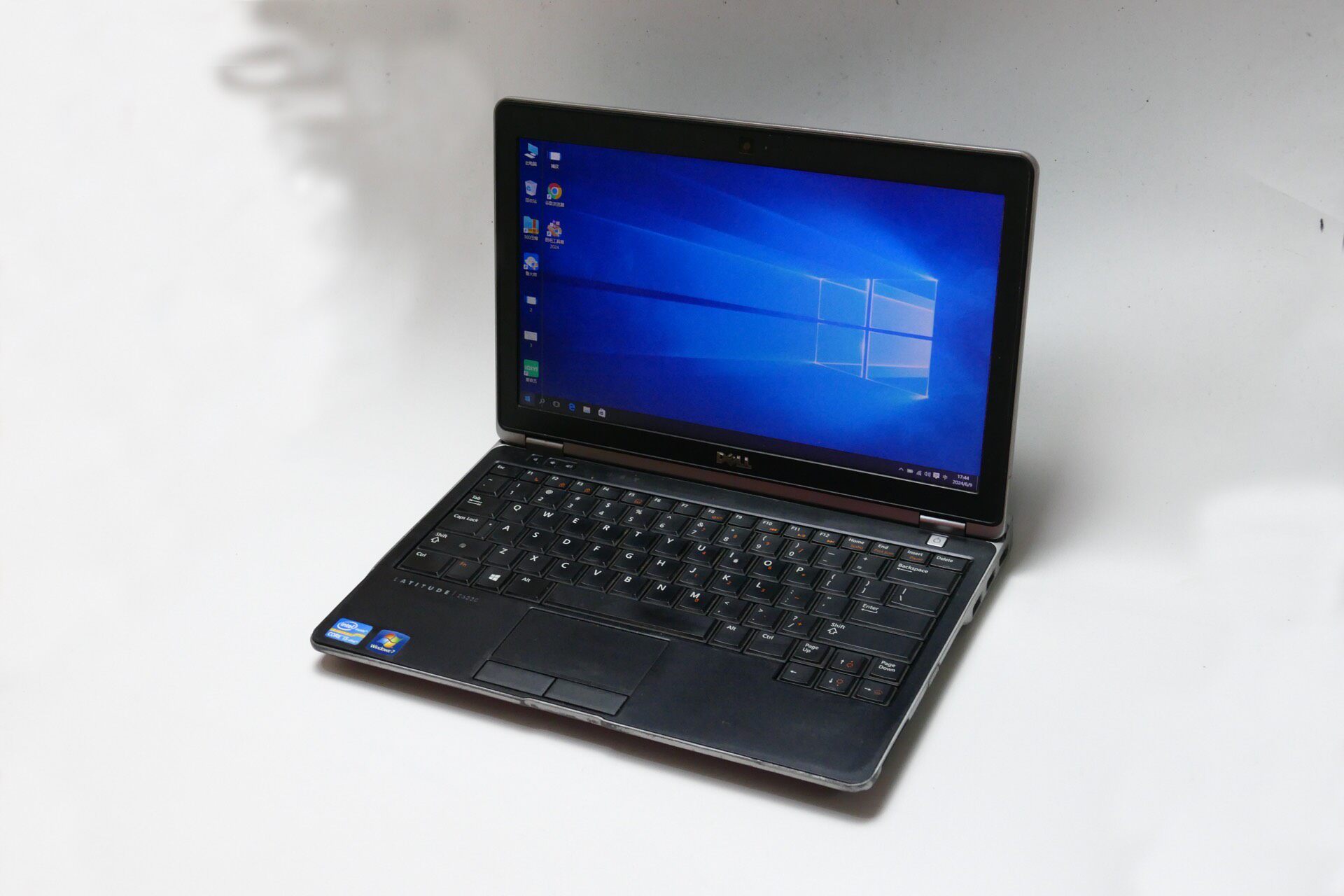
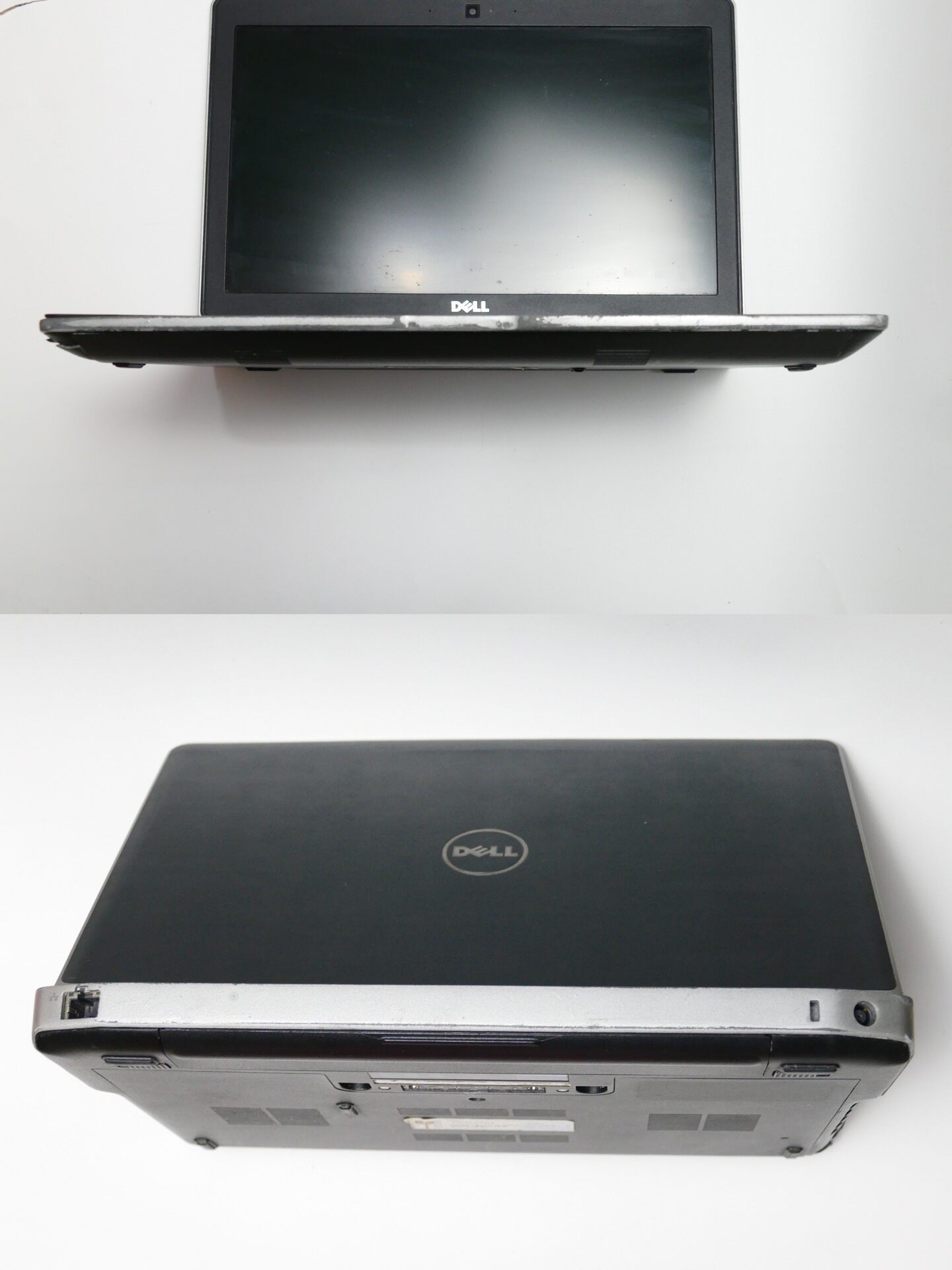
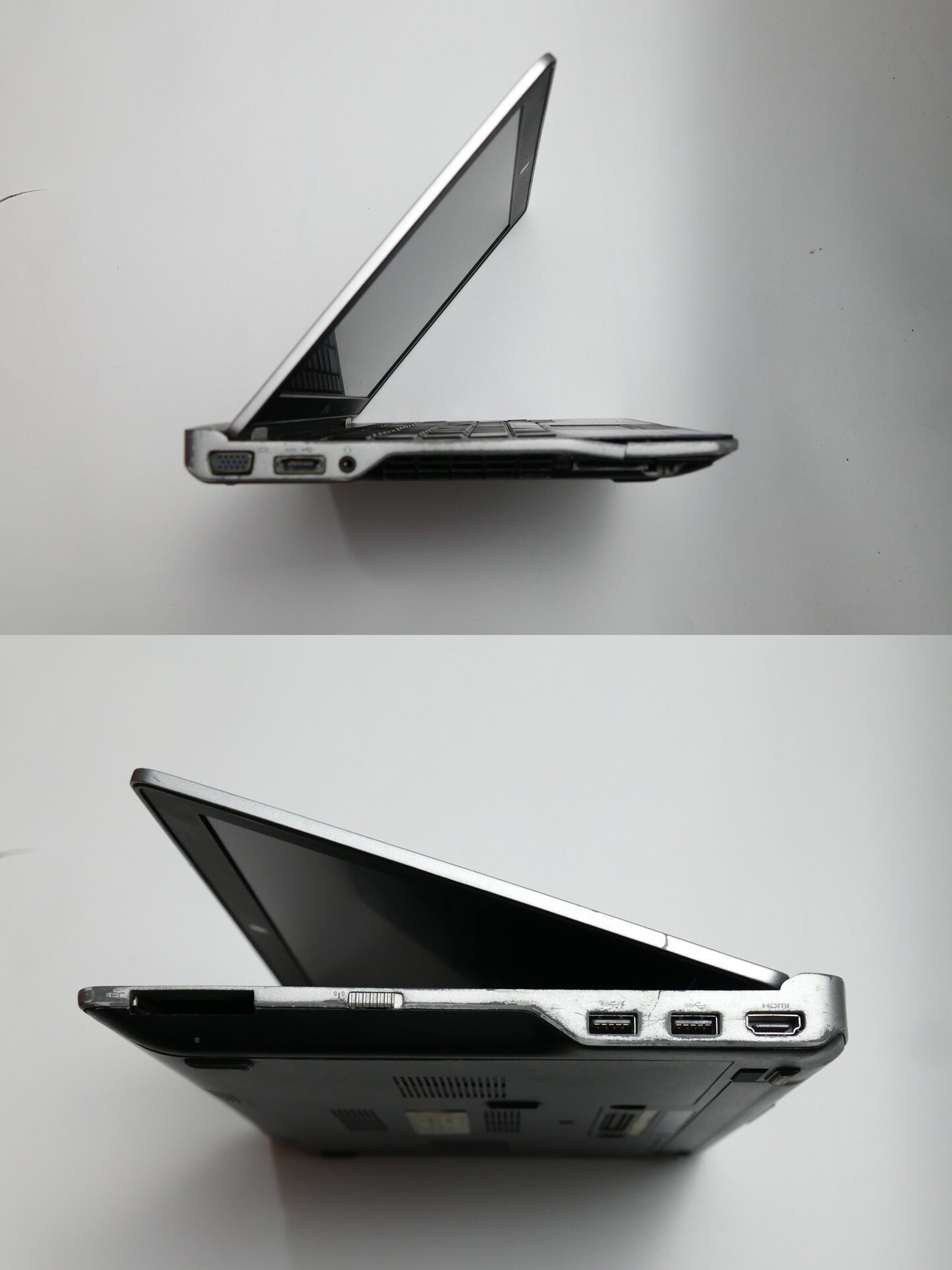
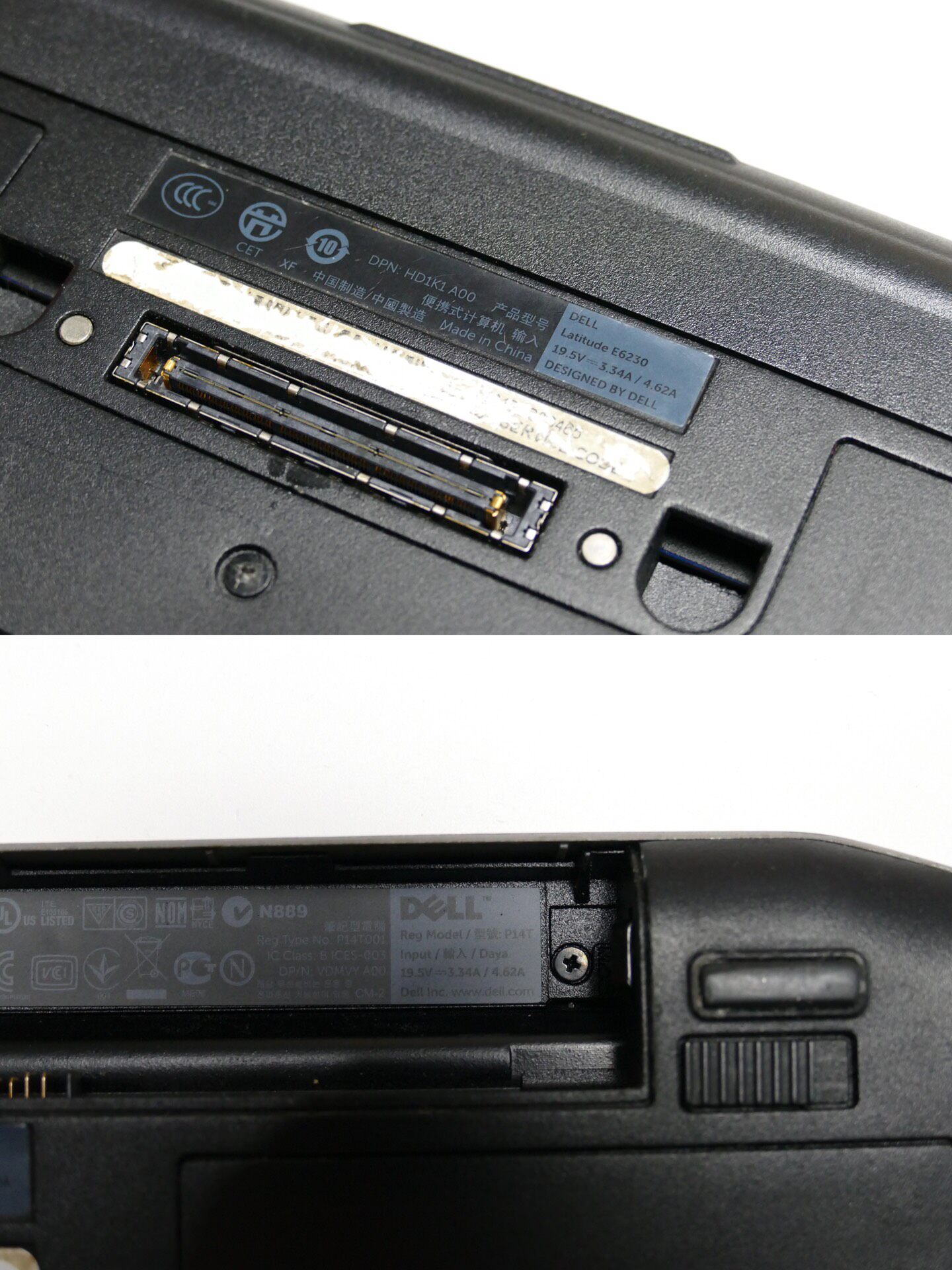
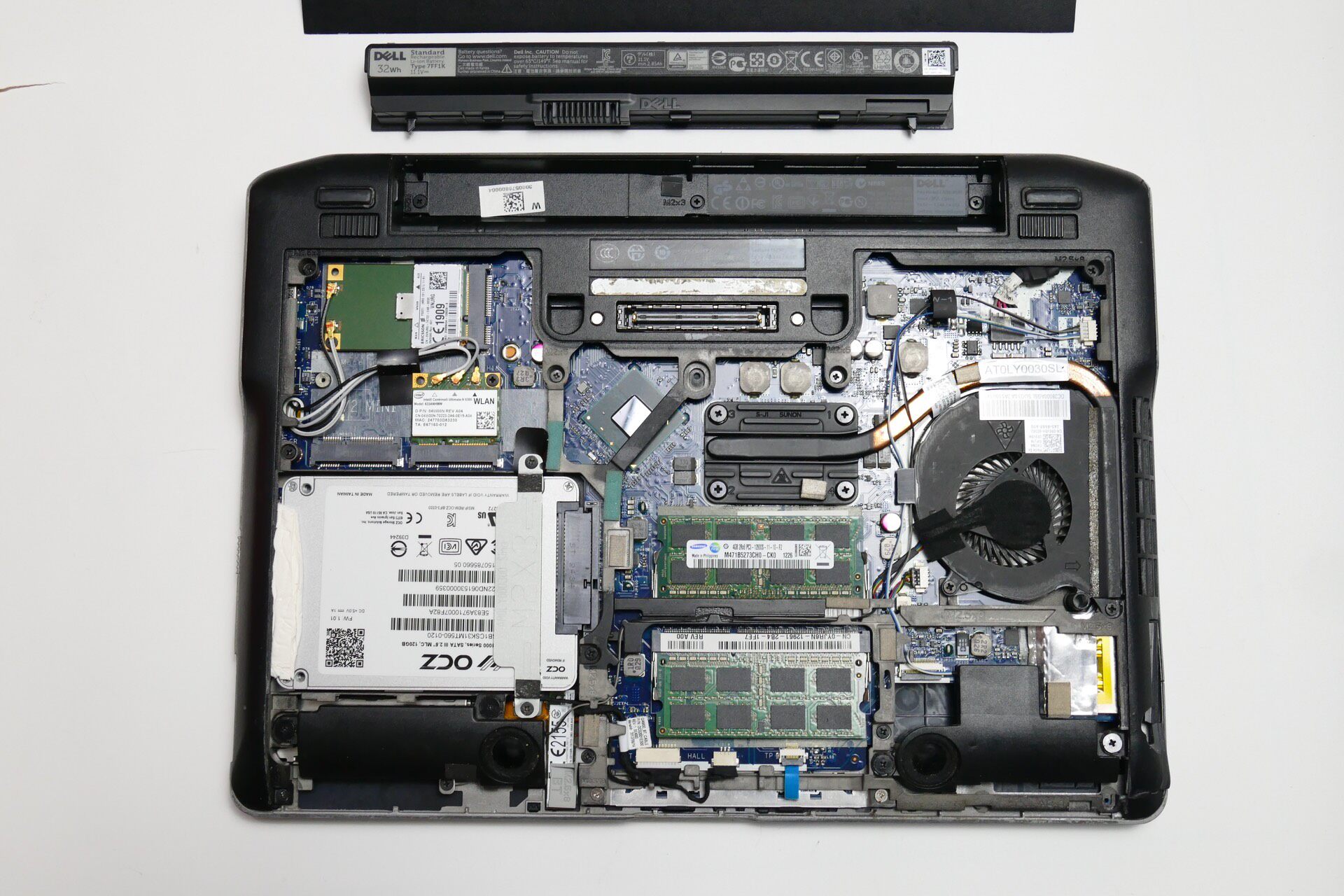
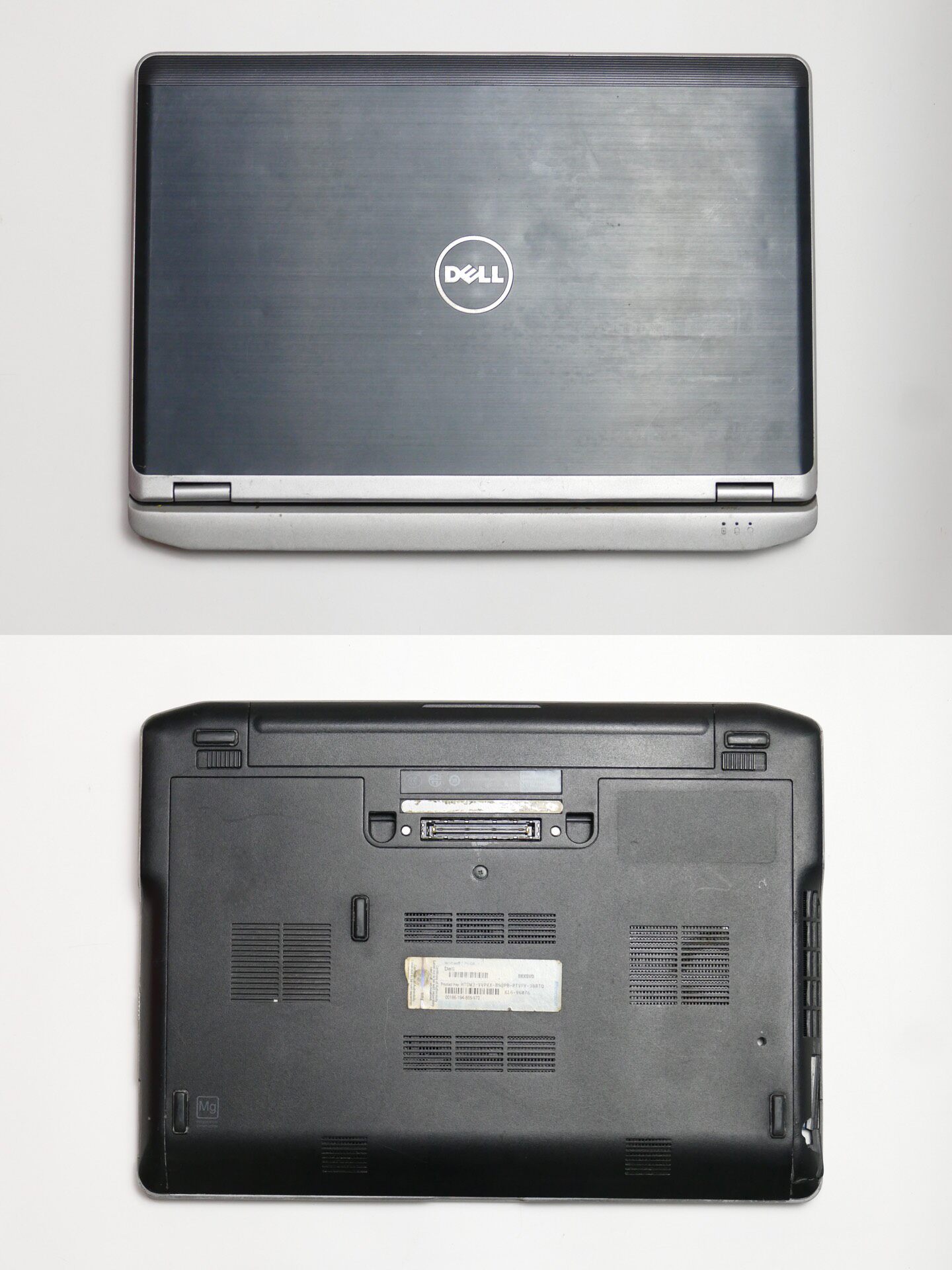
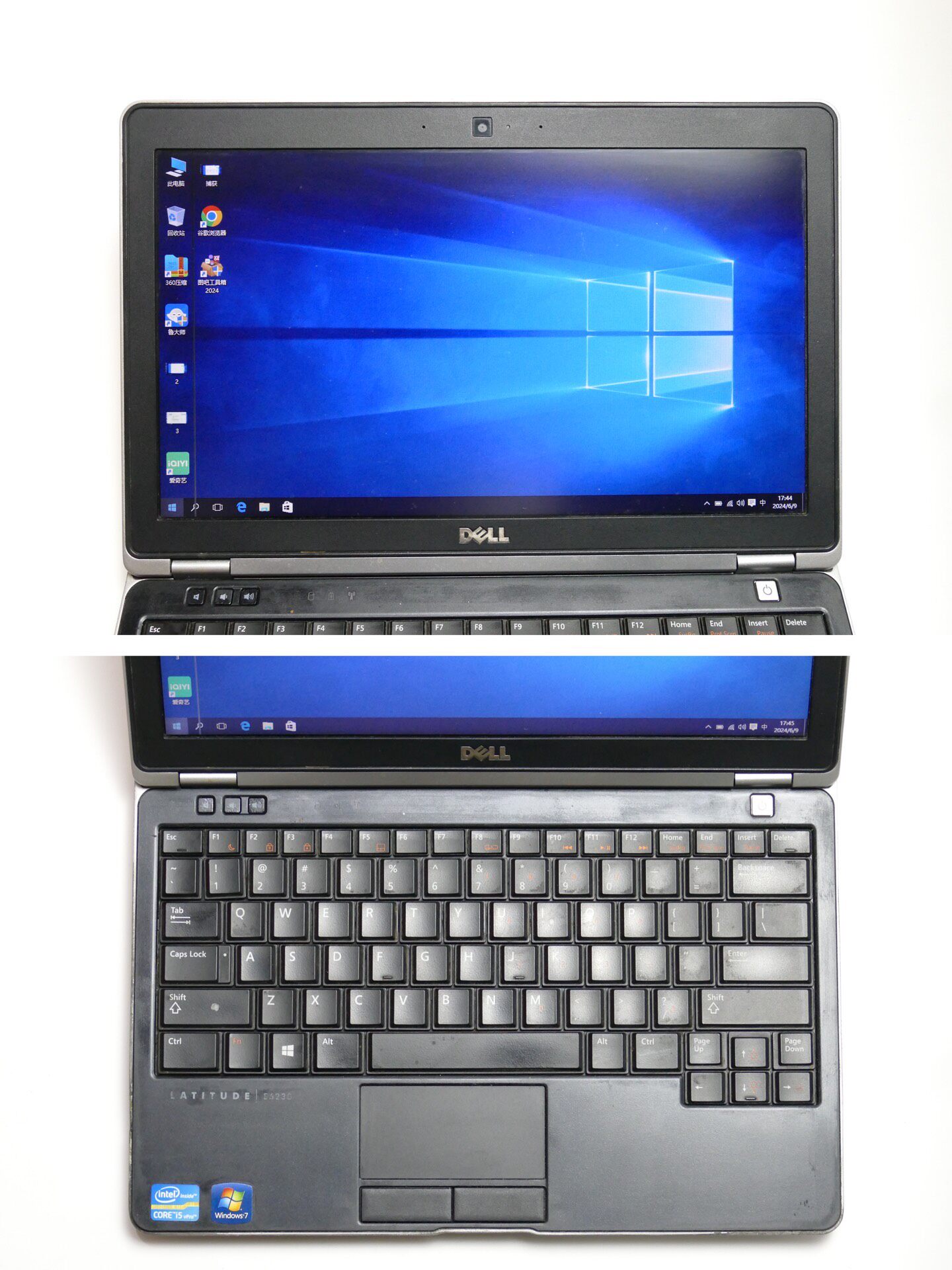
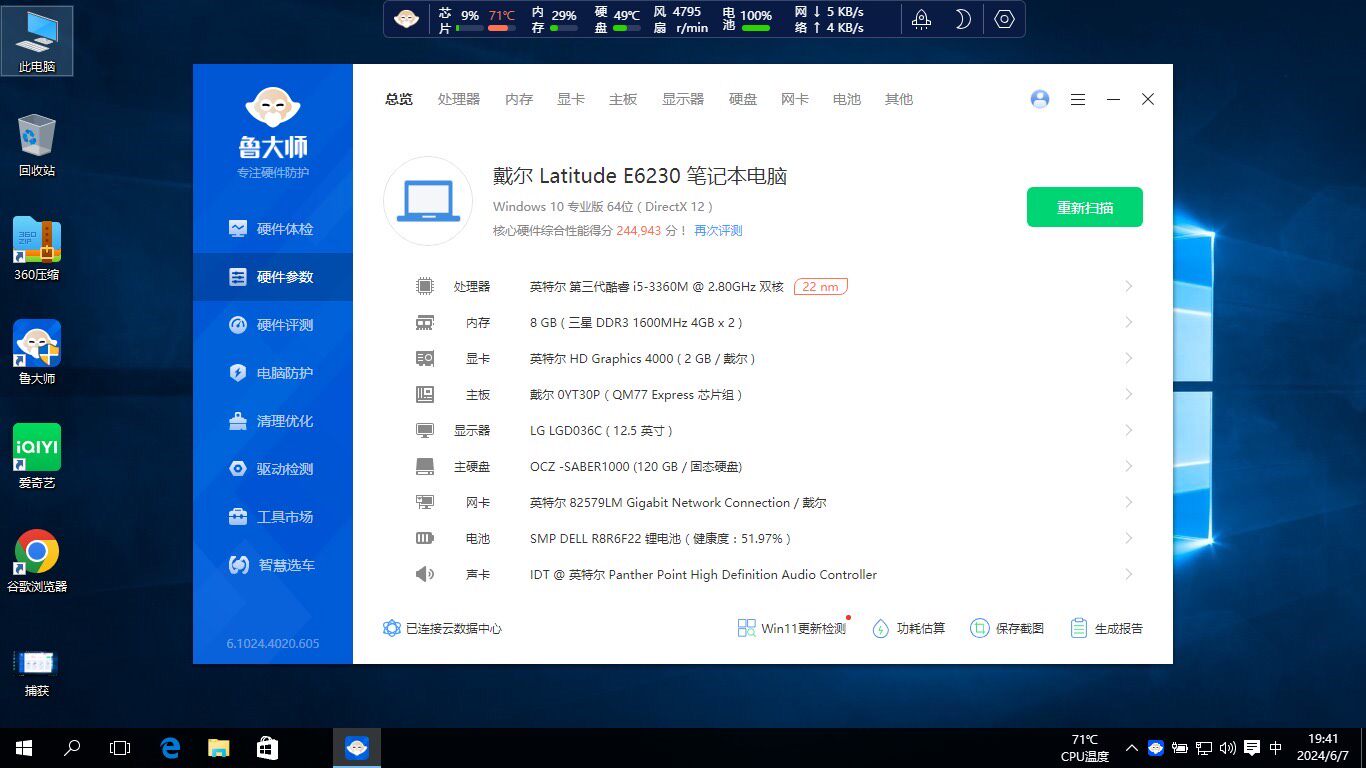
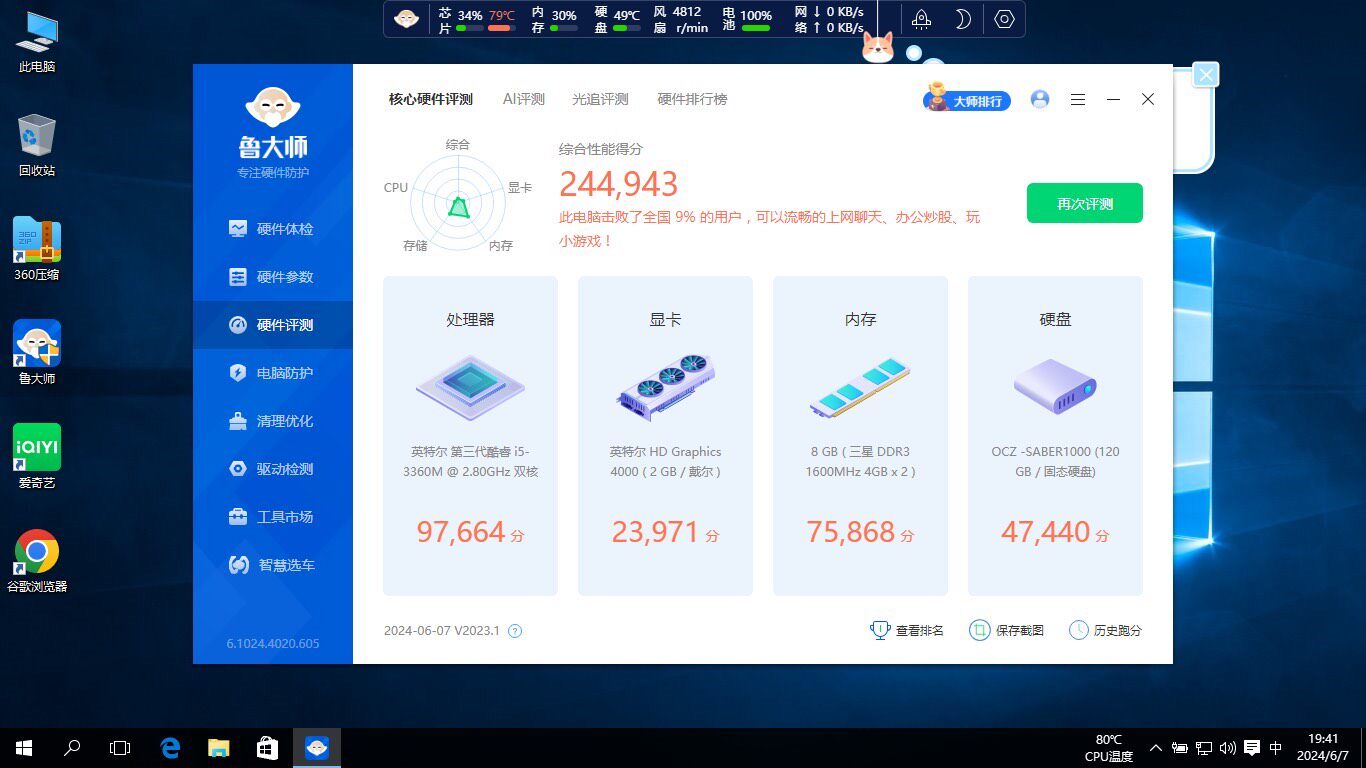
ude E6230 Laptop Defects Note: The screen outlet and the left lower left corner of the casing are broken. The paper towel on the left side of the hard drive is tight. Sometimes when I turn it on, it will prompt that the time and date are not set, which does not affect the use. System: Windows 10 x64 Professional Edition Processor: Intel 3rd generation Core i5-3360M @ 2.80GHz Dual-core 22nm Memory: 8GB (Samsung DDR3 1600MHz 4GB x 2) Graphics Card: Intel HD Graphics 4000 (2GB/Dell) Motherboard: Dell OYT30P (QM77 Express Chipset) Monitor: LG LGD036C (12.5 inches) Hard drive: OCZ - SABER1000 (120GB/SSD) Network card: Intel82579LM Gigabit Network Connection/Dell Battery: SMP DELL R8R6F22 lithium battery (health: 51.97%) Sound Card: IDT @ Intel Panther Point High Definition Audio Controller Free power supply #digitalgoodthingssharing
Official documentation
Dell
Buying tips and things to try
Who is it for?
Ask which of the things in the photos come with the item. If it needs a power supply, cable or mounting kit, find out what those extras will cost.
What to ask before buying
How to check it when it arrives
When it arrives, check the pieces against the listing photos. Try the familiar buttons or moving parts first. Have damaged electrical equipment checked before use.
Community
Open-source projects
A handy tip
Take one photo with all the small parts laid out. It comes in handy when something goes into a drawer or you need to ask about a missing piece.
Things to try
- Try the item on the shelf before fixing it in place. Leave room for plugs and cables.
- Save the model and accessory photos in a home inventory such as HomeBox, so the manual or replacement parts are easier to find later.