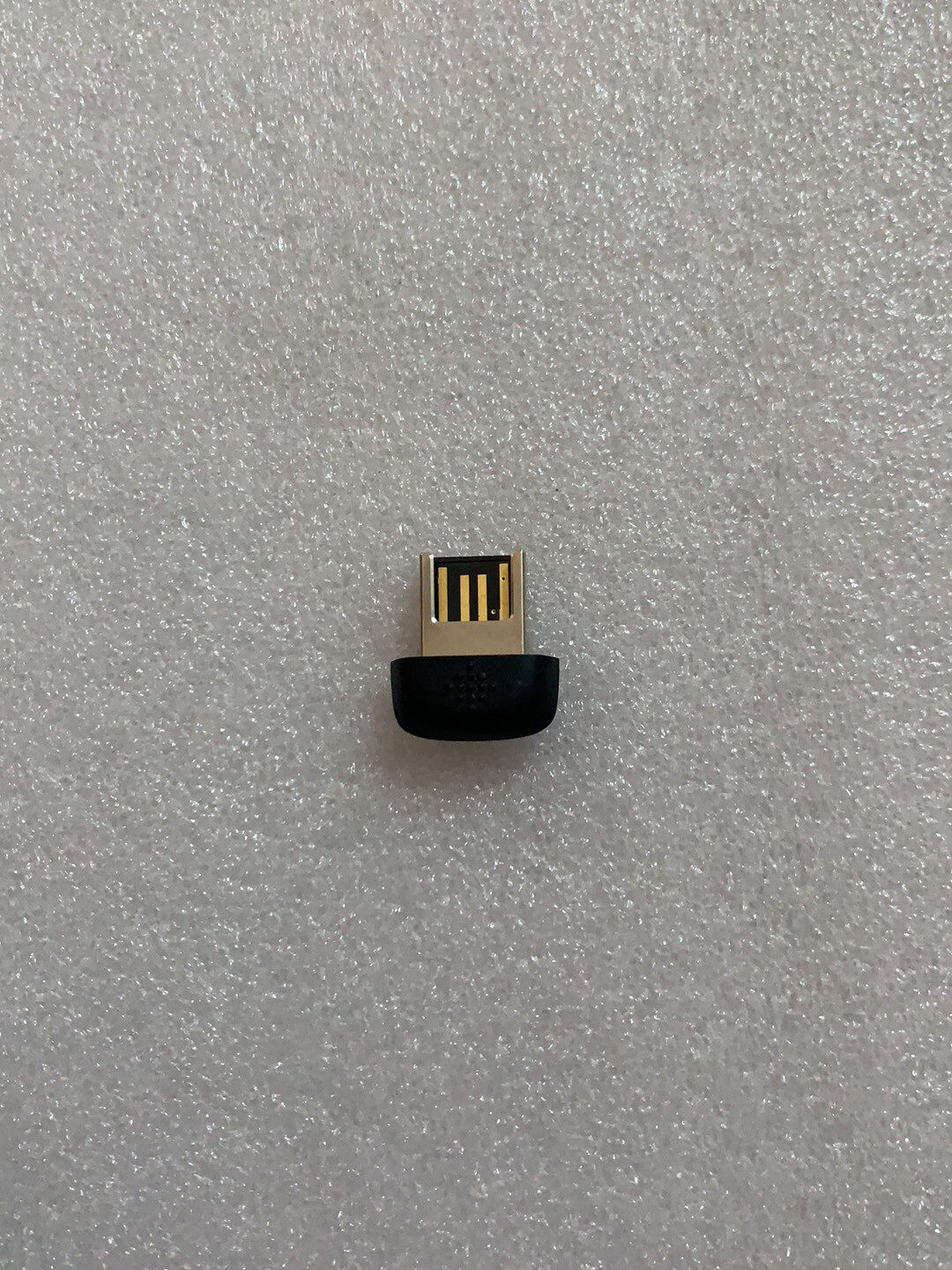
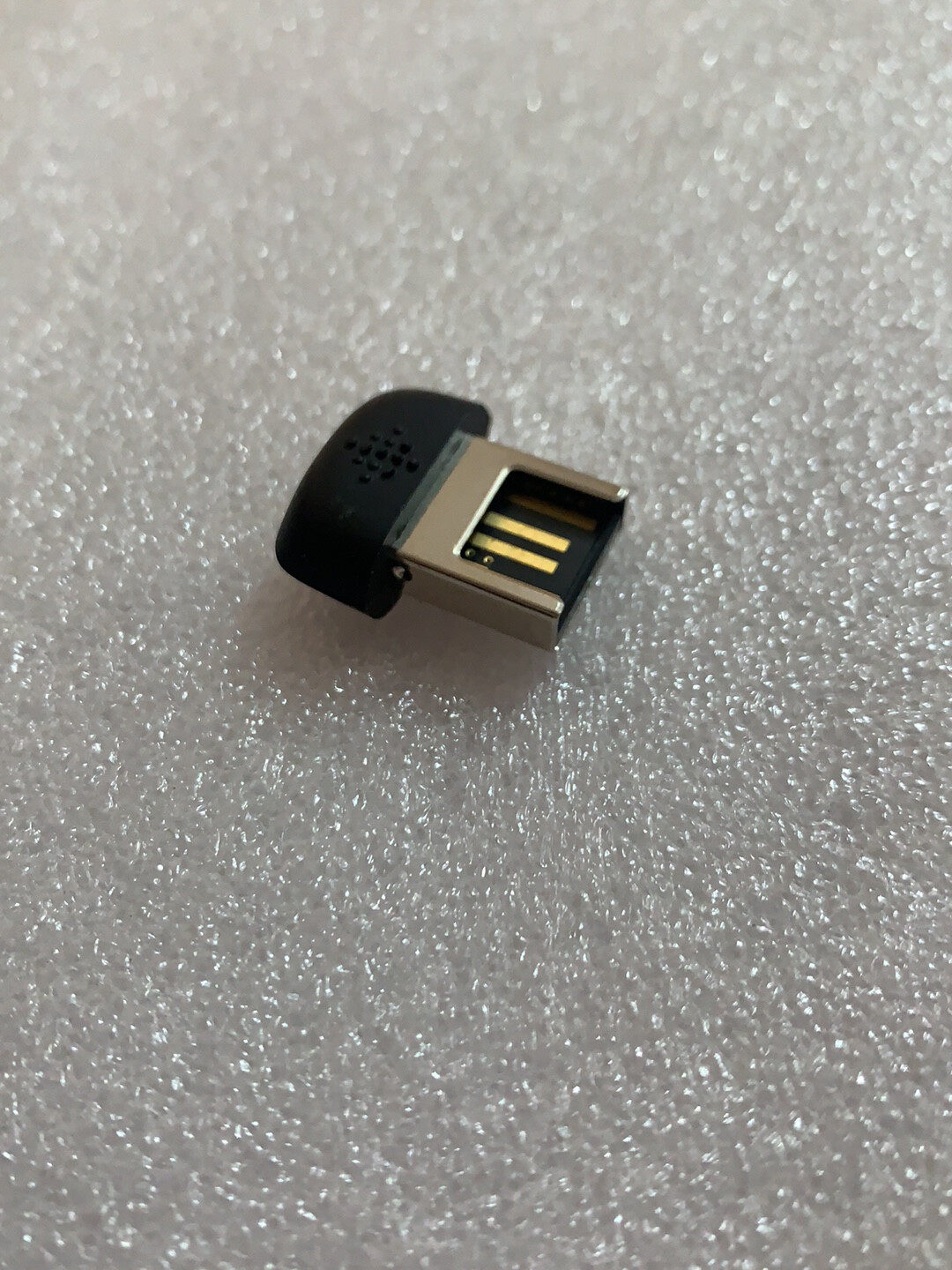
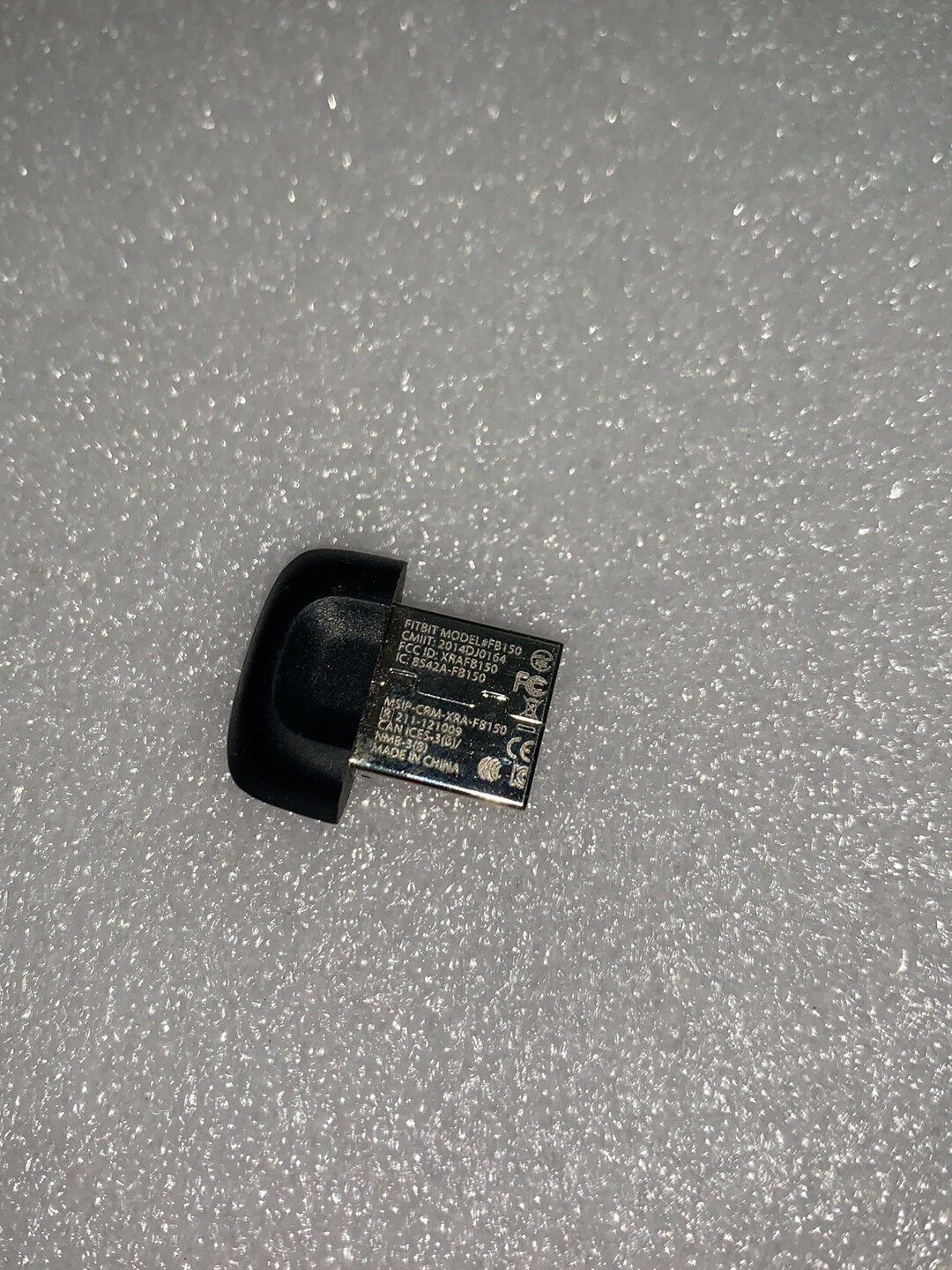
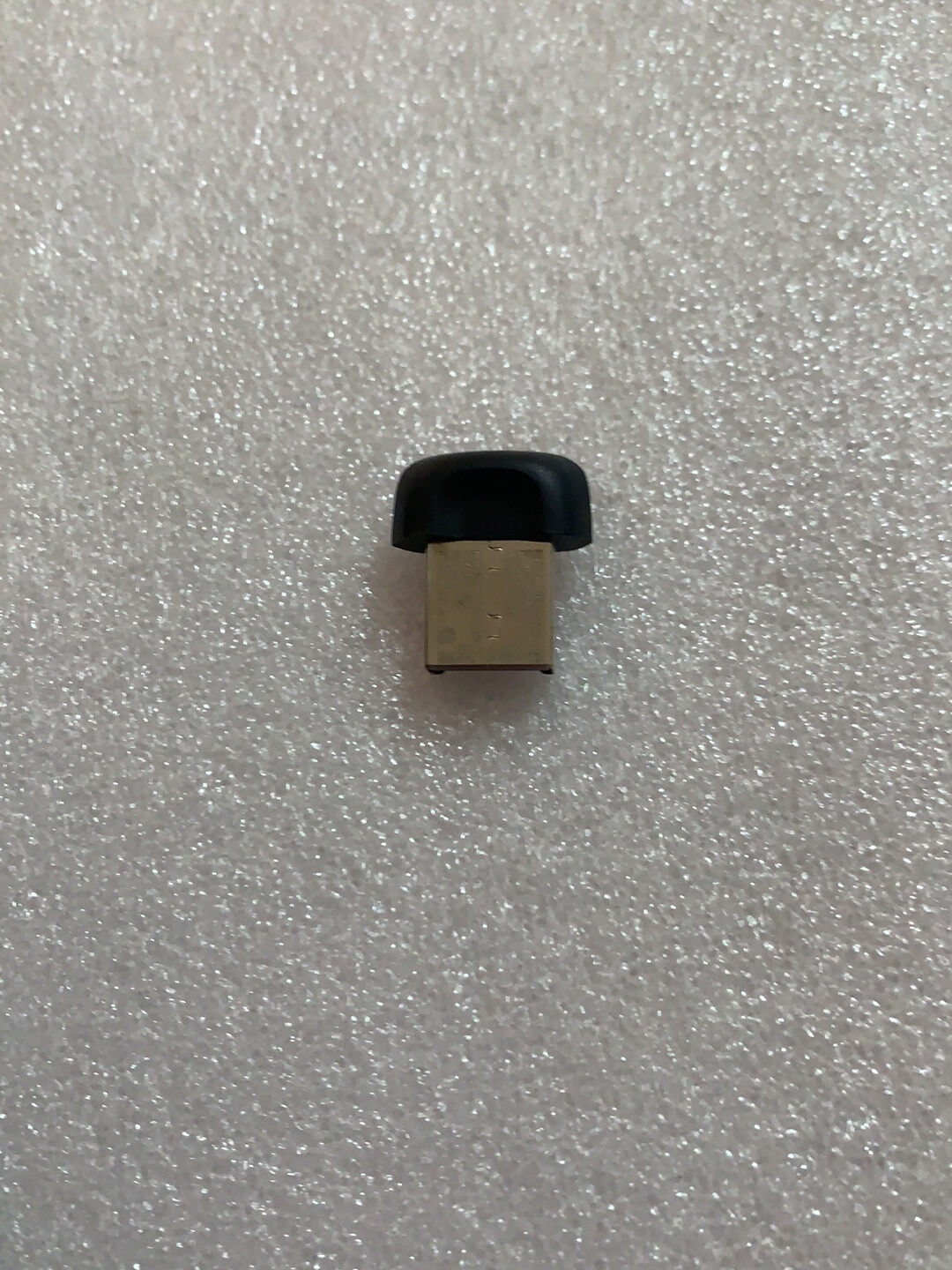
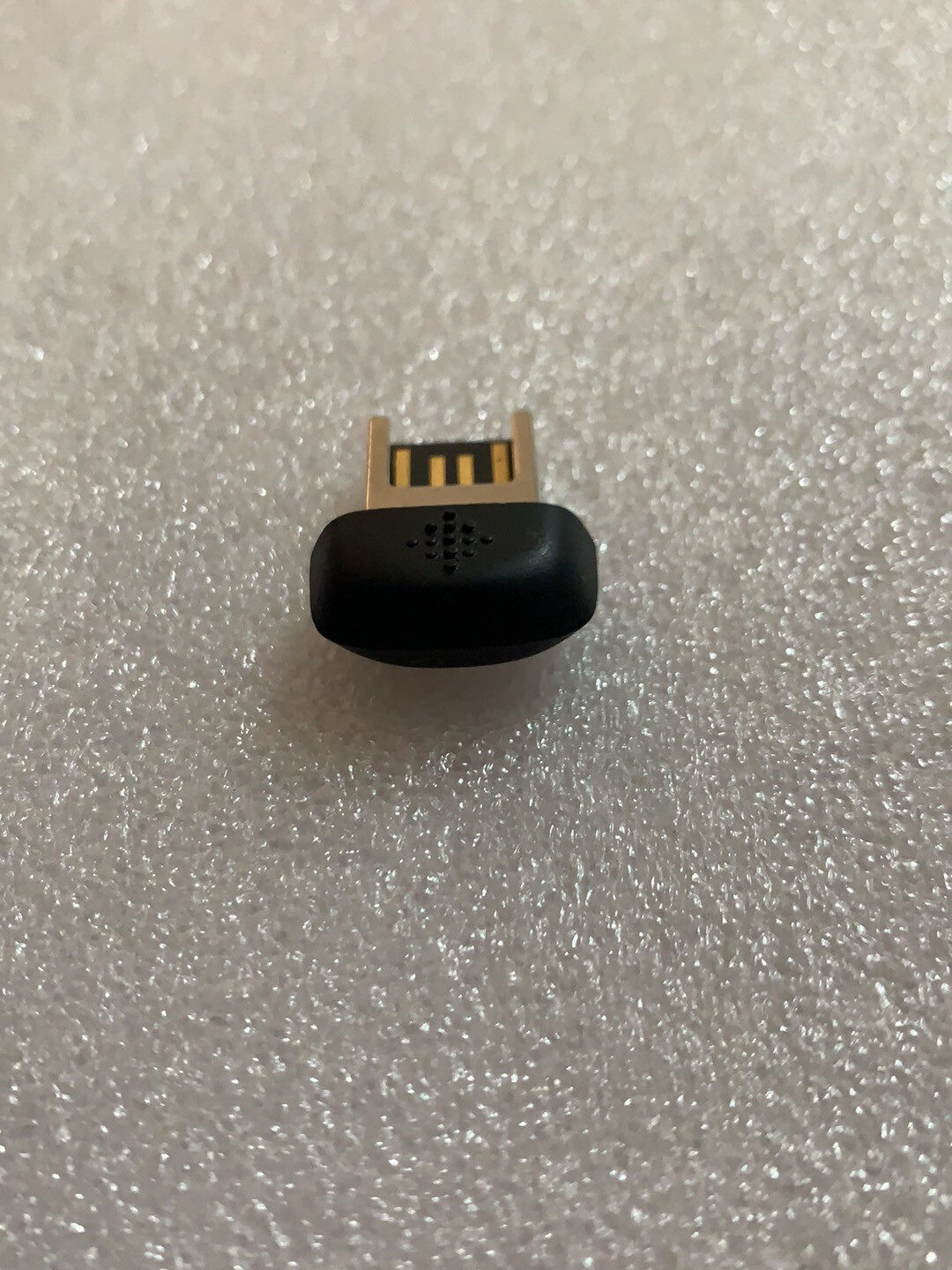
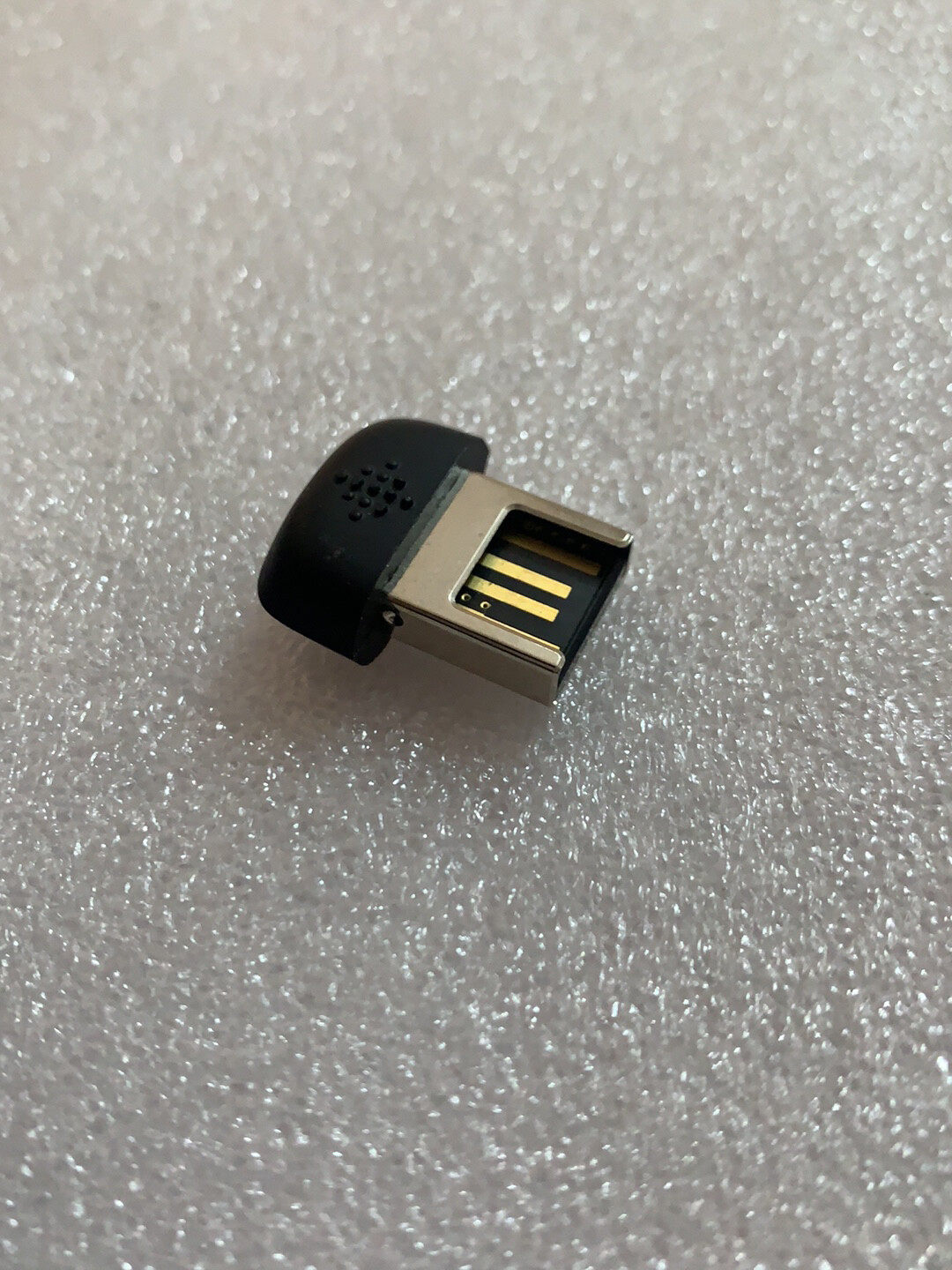
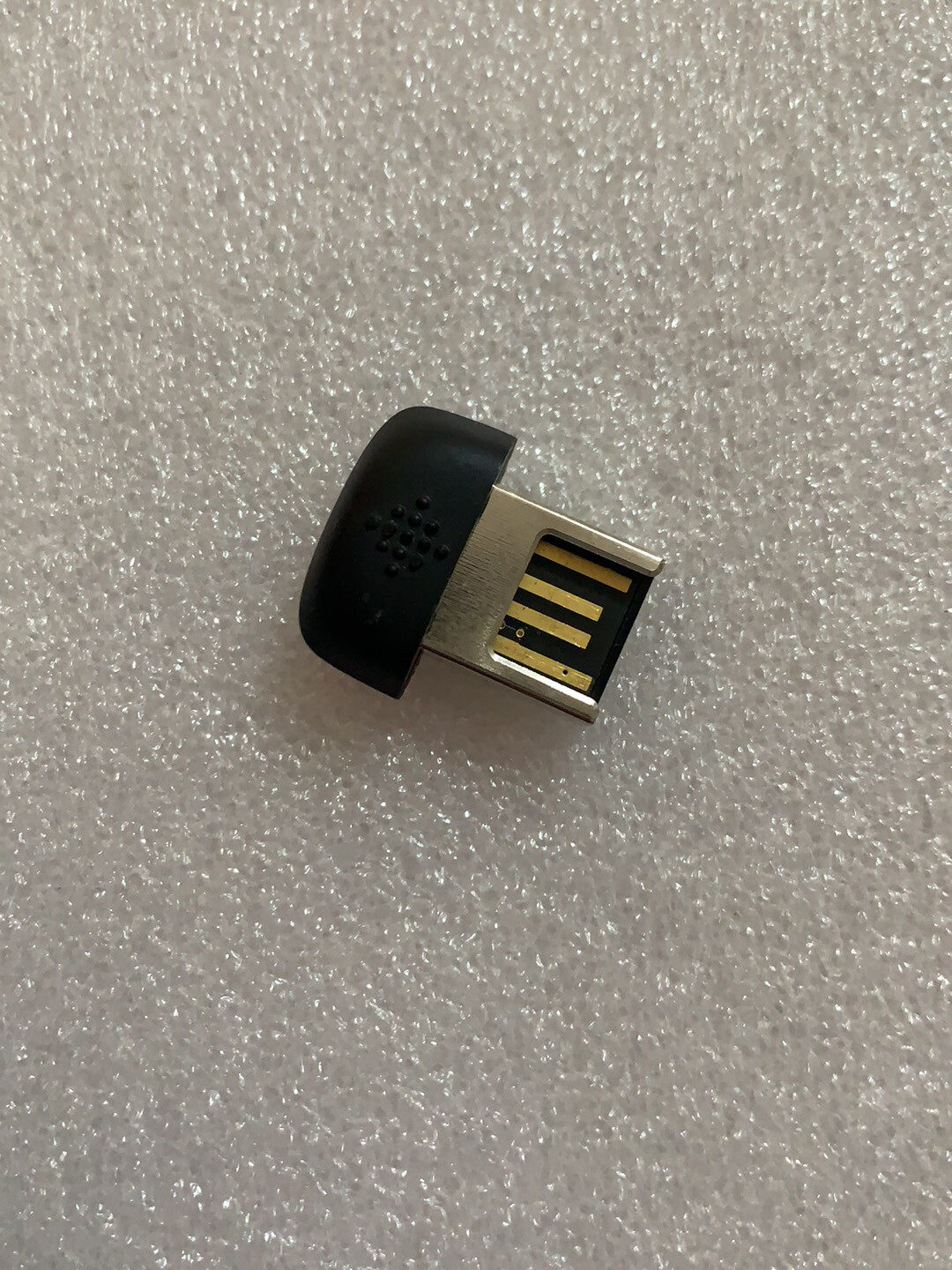
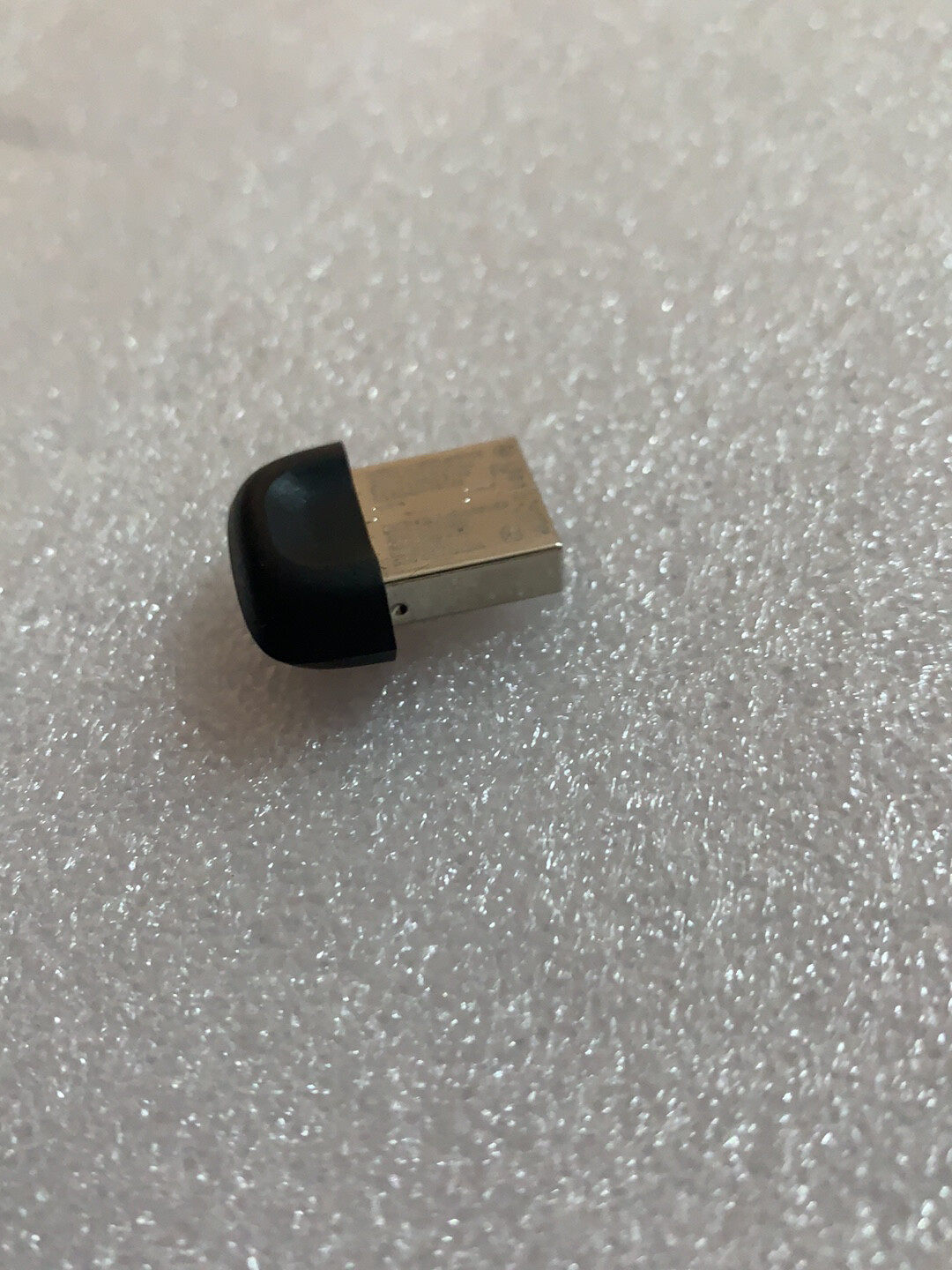
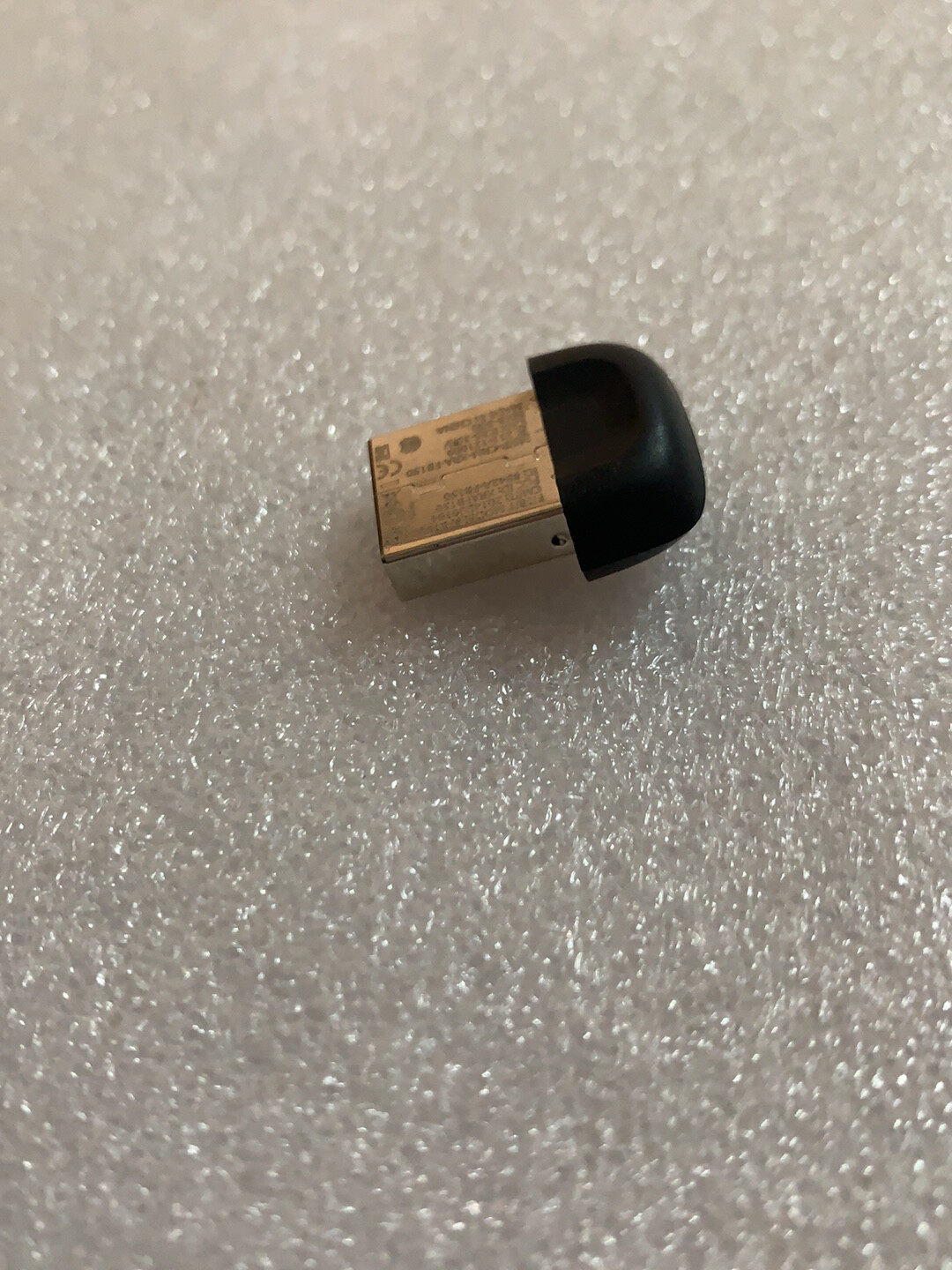
Fitbit USB Bluetooth BT4.0 Wireless synchronization encryption protects Fitbit
Product description
t USB Bluetooth BT 4.0 Wireless Sync Encryption Software Protector Adapter fb150 Fitbit USB Bluetooth BT4.0 Wireless Sync Encryption is a high-performance Bluetooth 4.0 USB receiver. It is widely used in health monitoring devices such as Fitbit smart bracelets, and can provide users with fast, stable, and encrypted wireless connections to help record and manage users' health data. Here is a detailed introduction to it: Design and appearance: Fitbit USB Bluetooth BT4.0 Wireless Sync Encryption is a black USB receiver that is compact and easy to carry around. Its appearance design is simple, without additional rigid elements, and is consistent with the common computer USB interface design. This device is made from high-quality materials, ensuring its durability, reliability and long life. Performance: Fitbit USB Bluetooth BT4.0 Wireless synchronization encryption supports the latest Bluetooth protocol, which can provide users with reliable and efficient wireless connections within the appropriate reception range. Additionally, it employs an encryption protocol to make the connection more secure and prevent data leakage and information theft. The device is highly stable and reliable, providing users with consistent connectivity in many environments. Scope of application: Fitbit USB Bluetooth BT4.0 Wireless Sync Encryption is a USB receiver widely suitable for various health monitoring devices. It can communicate stably with devices such as Fitbit smart bracelets, and can also make fast wireless connections with other devices, such as ancient laptops, desktops, etc. If you need a high-quality, secure, easy-to-use USB receiver to manage your health data, the Fitbit USB Bluetooth BT4.0 Wireless Sync Encryption is undoubtedly an excellent choice. Things to note: When using Fitbit USB Bluetooth BT4.0 wireless synchronization encryption, you need to pay attention to the following points: Please plug it into the correct USB port and make sure your device is within valid connection range with this USB receiver; Do not expose this device to excessive heat or cold; When the device is not in use, keep it in a light and dust-proof place to avoid damage while keeping it clean and dry.
Buying tips and things to try
Who is it for?
Ask which of the things in the photos come with the item. If it needs a power supply, cable or mounting kit, find out what those extras will cost.
What to ask before buying
Send the seller the model number and a photo of the connector on the equipment you already have. If size is what matters, ask for a photo with a ruler alongside the item.
How to check it when it arrives
When it arrives, check the pieces against the listing photos. Try the familiar buttons or moving parts first. Have damaged electrical equipment checked before use.
Community
Open-source projects
A handy tip
Take one photo with all the small parts laid out. It comes in handy when something goes into a drawer or you need to ask about a missing piece.
Things to try
- Try the item on the shelf before fixing it in place. Leave room for plugs and cables.
- Save the model and accessory photos in a home inventory such as HomeBox, so the manual or replacement parts are easier to find later.