

Product description
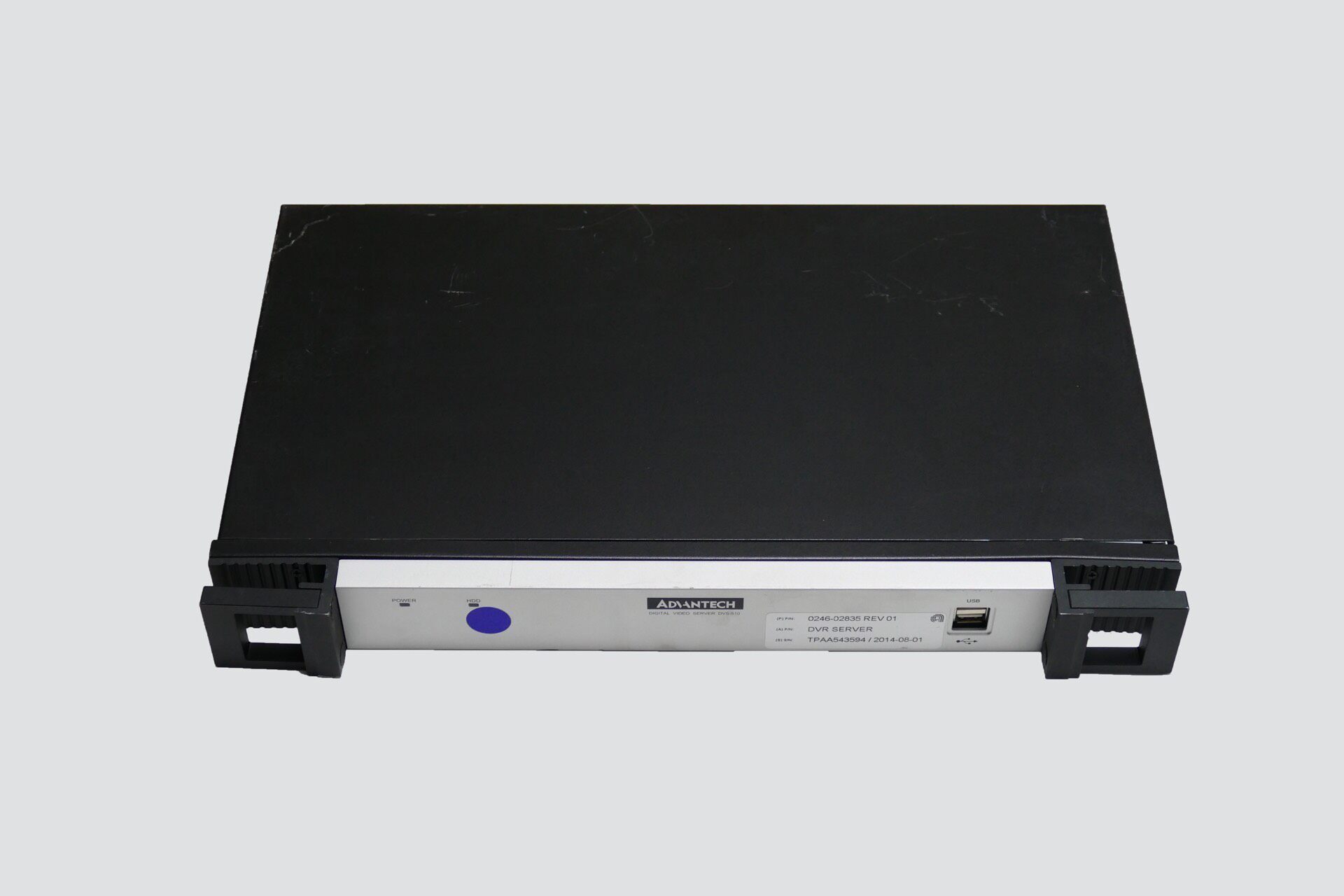
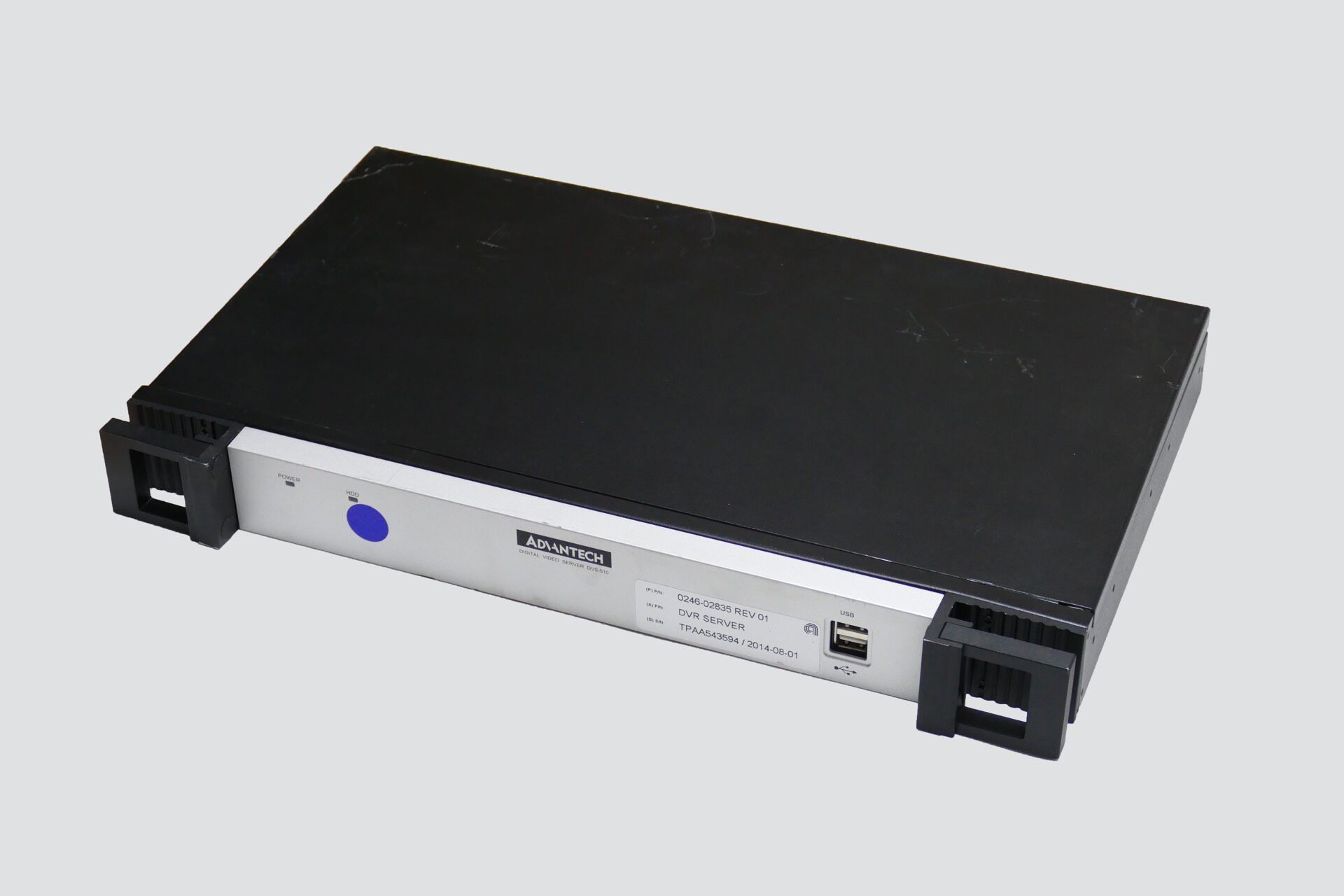
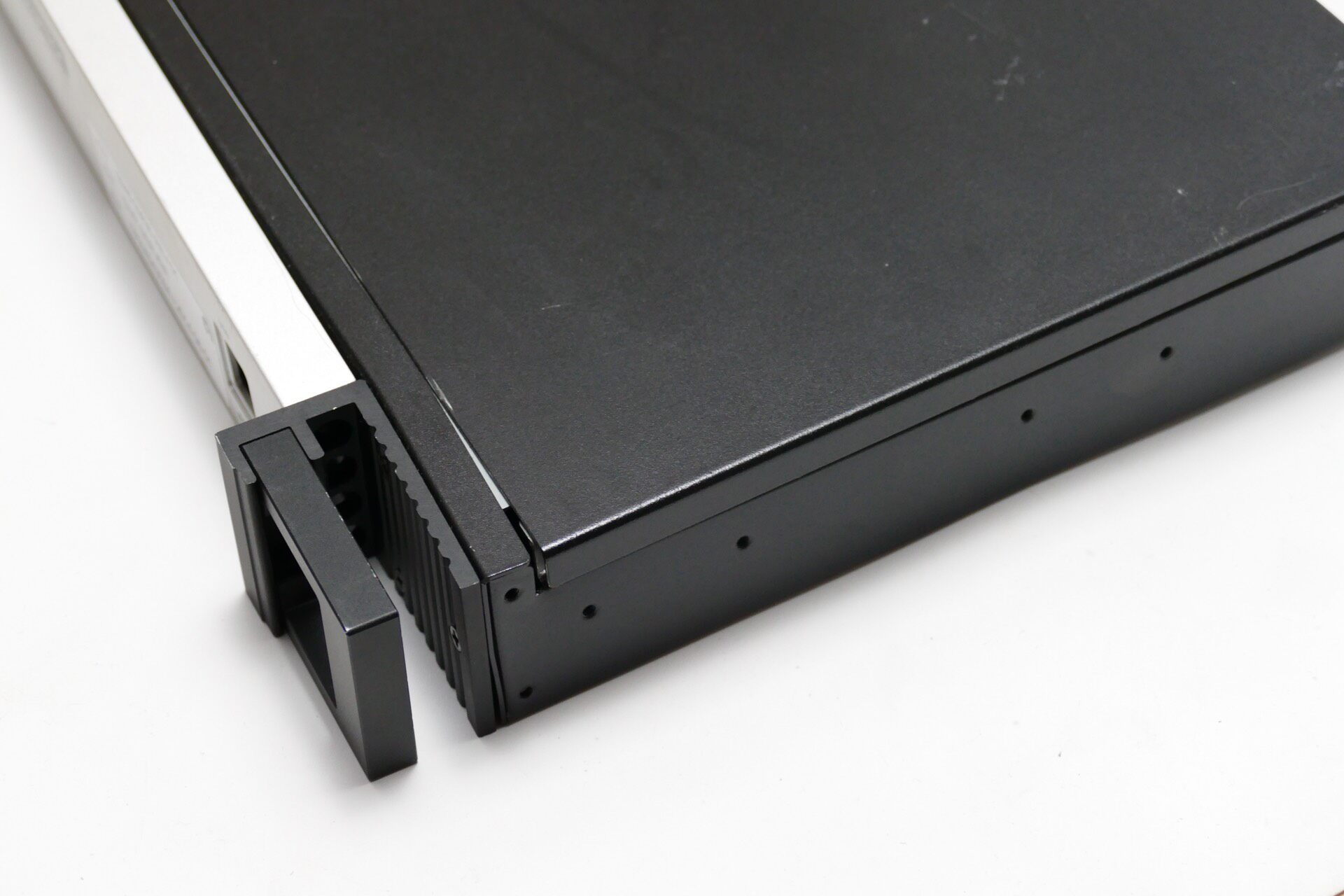
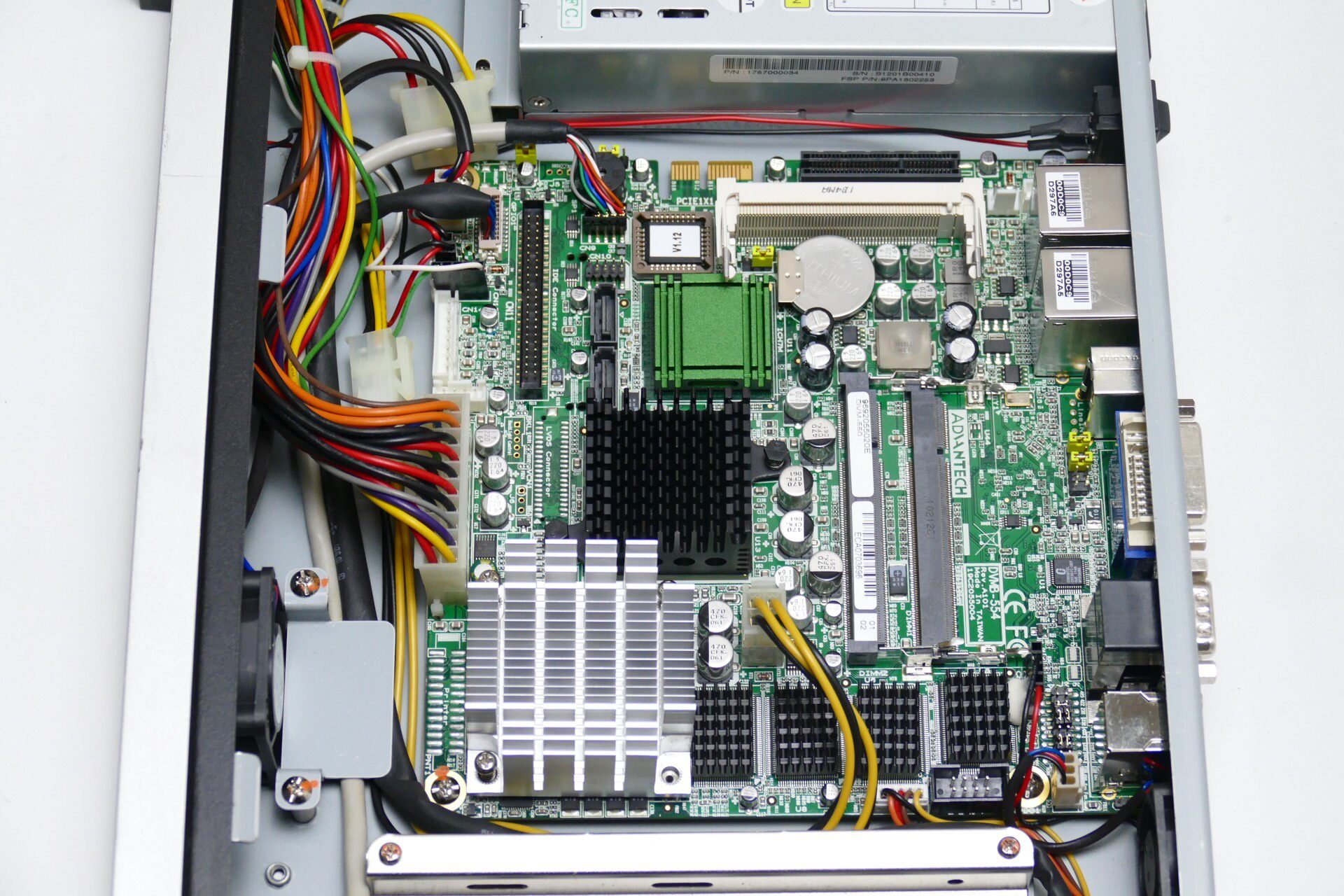
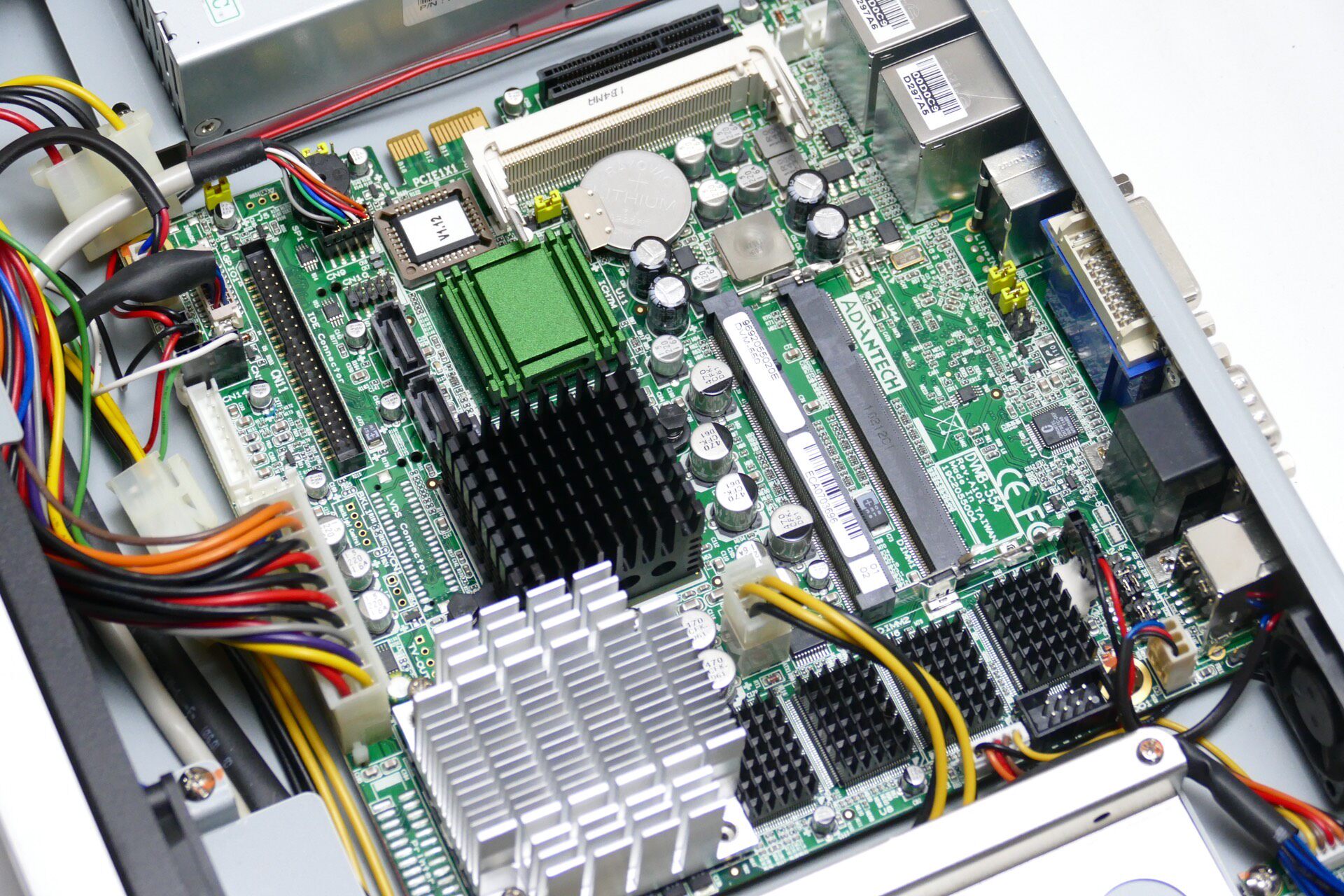
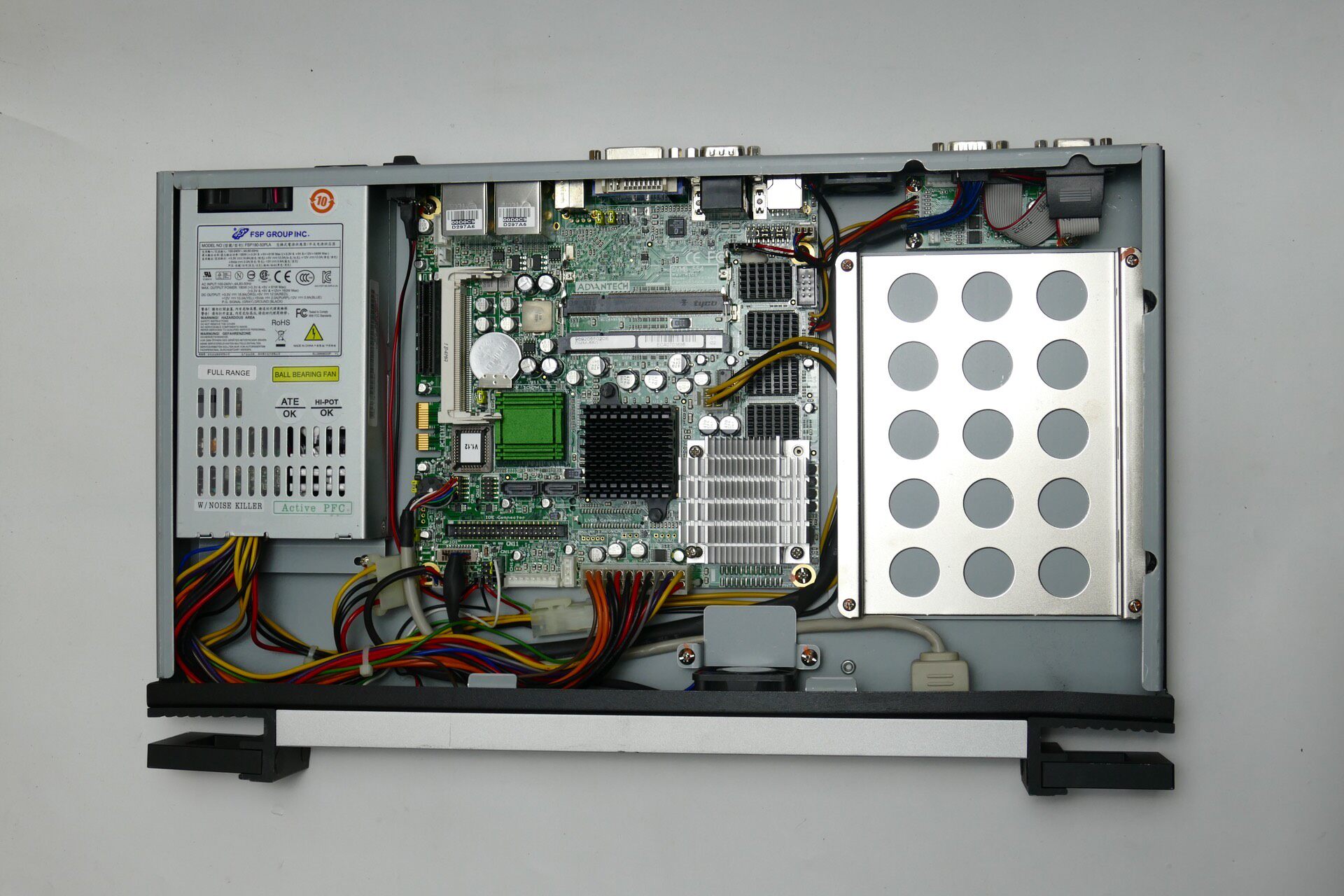
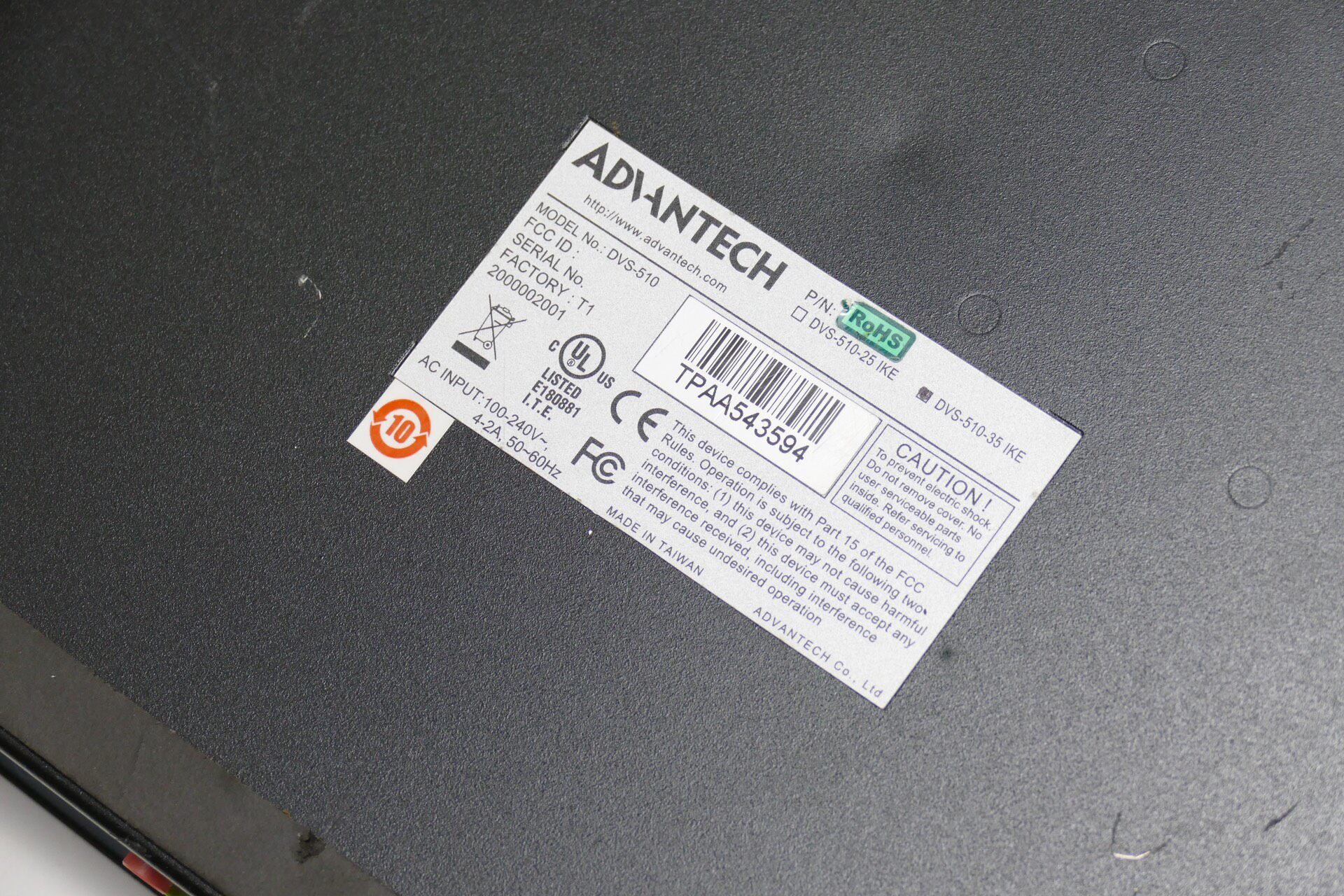
台 议价出,正常通电,主板内不含内存等其他配件,图片上有的就有,没有其它东西。 2⃣️_2蓝_面门_6层中 5bey5oql5Ye65Lu35qC8c2Z6MyB4IDE4LjQ4MzQxMjMyMjI3NDg477yM5a6i5Ye6c2Z6MyB4IDE2LjU4NzY3NzcyNTExODQ4
Buying tips and things to try
Who is it for?
Ask which of the things in the photos come with the item. If it needs a power supply, cable or mounting kit, find out what those extras will cost.
What to ask before buying
How to check it when it arrives
When it arrives, check the pieces against the listing photos. Try the familiar buttons or moving parts first. Have damaged electrical equipment checked before use.
Community
Open-source projects
A handy tip
Take one photo with all the small parts laid out. It comes in handy when something goes into a drawer or you need to ask about a missing piece.
Things to try
- Try the item on the shelf before fixing it in place. Leave room for plugs and cables.
- Save the model and accessory photos in a home inventory such as HomeBox, so the manual or replacement parts are easier to find later.