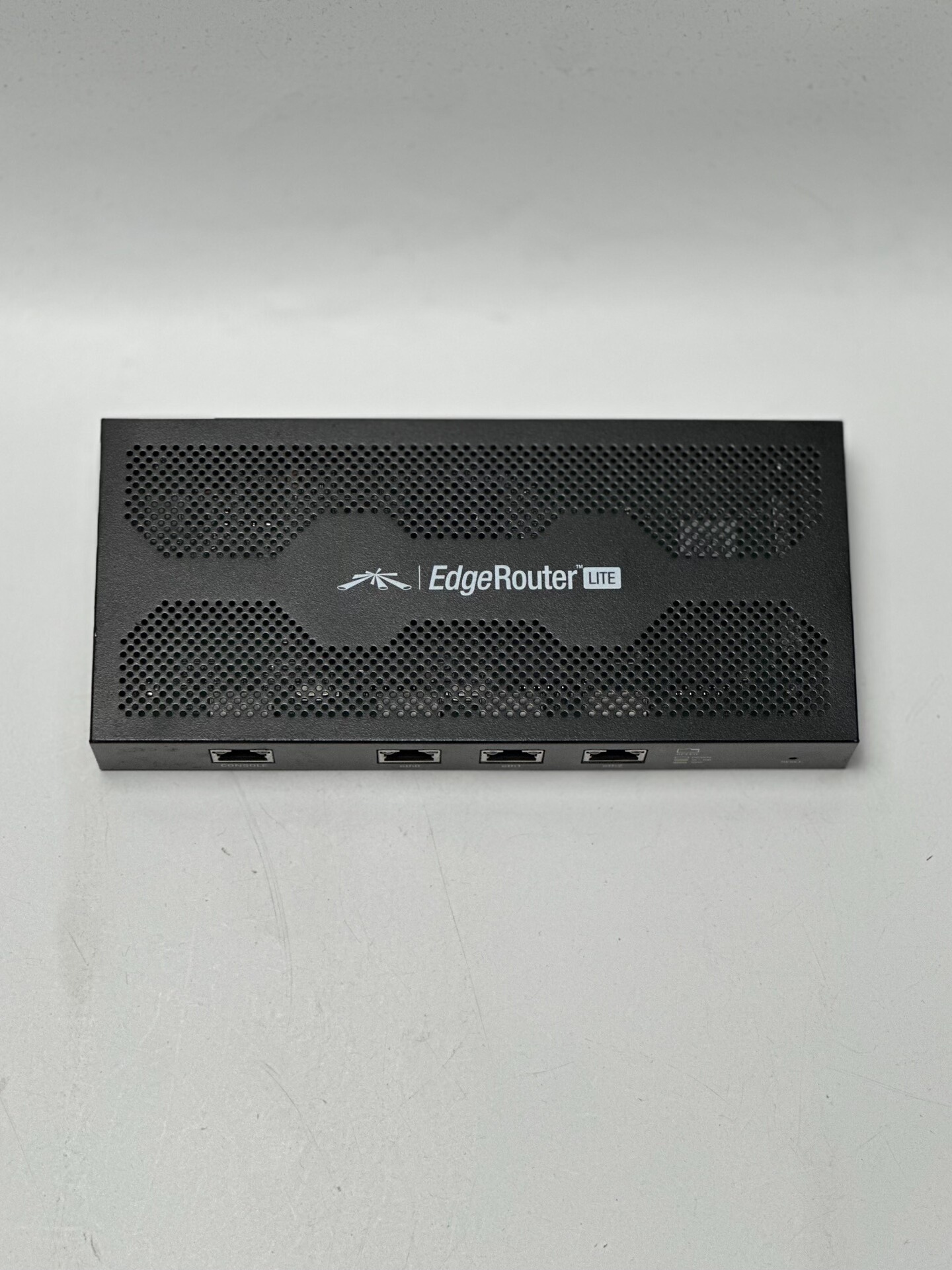
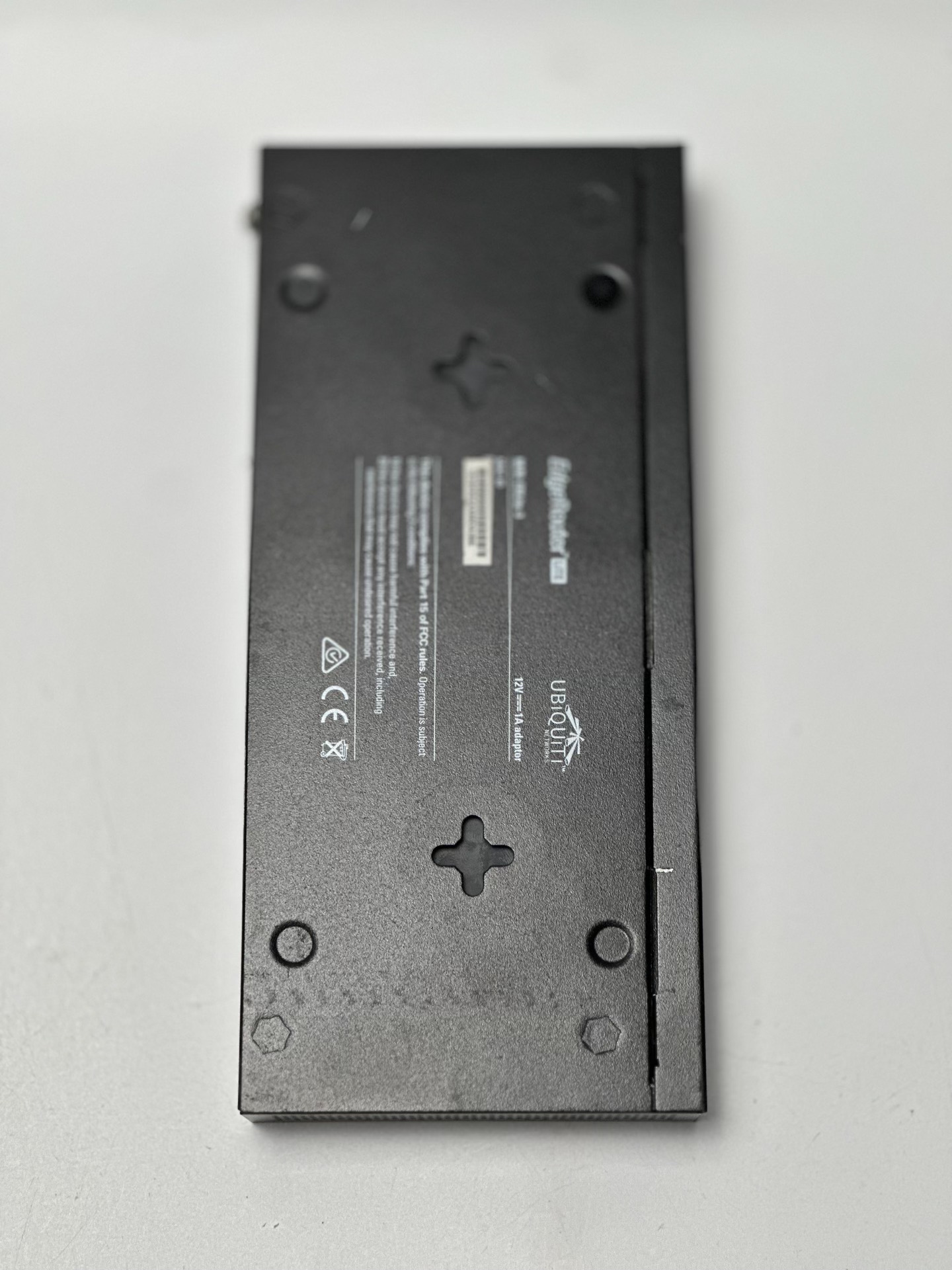
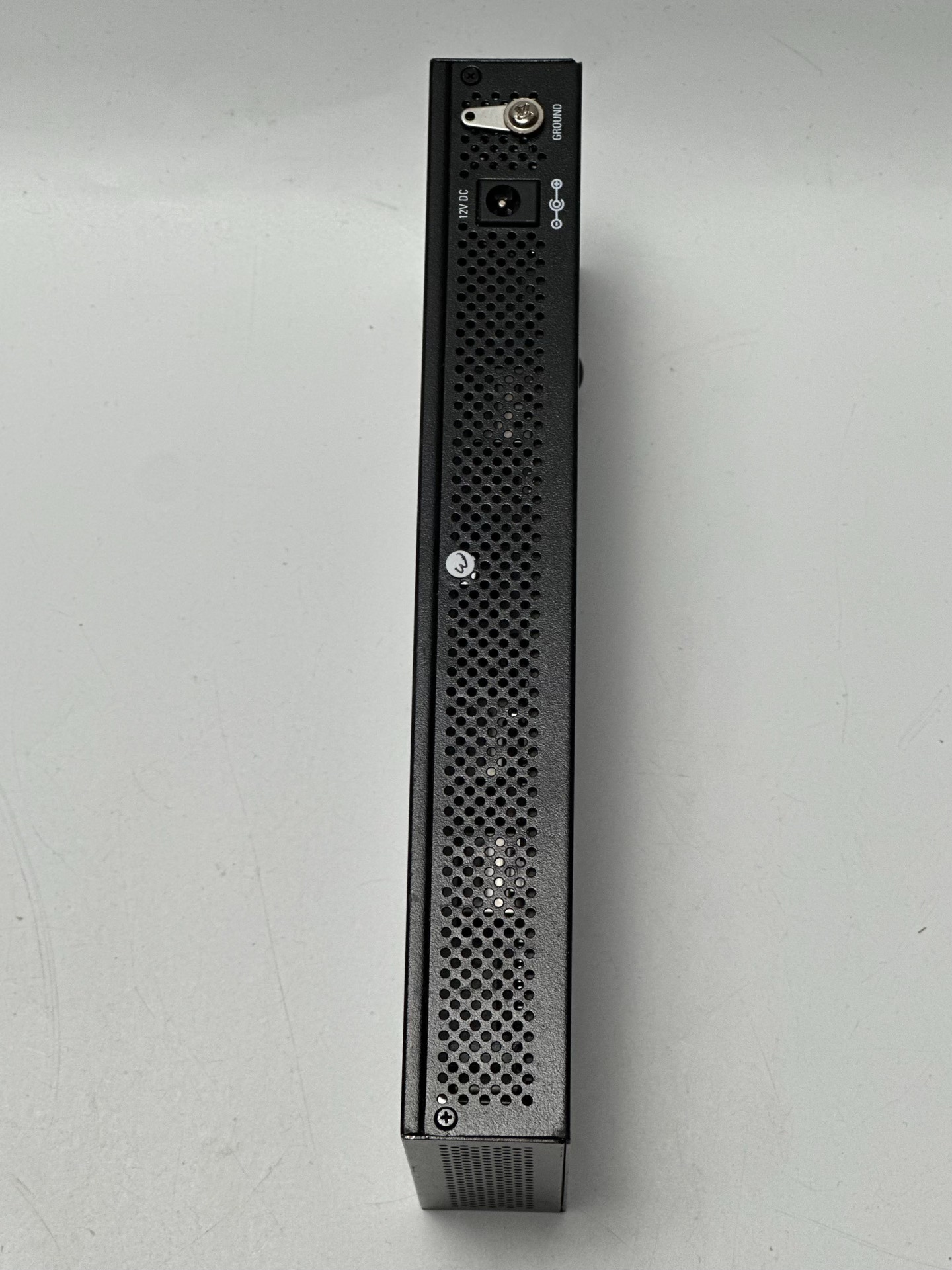
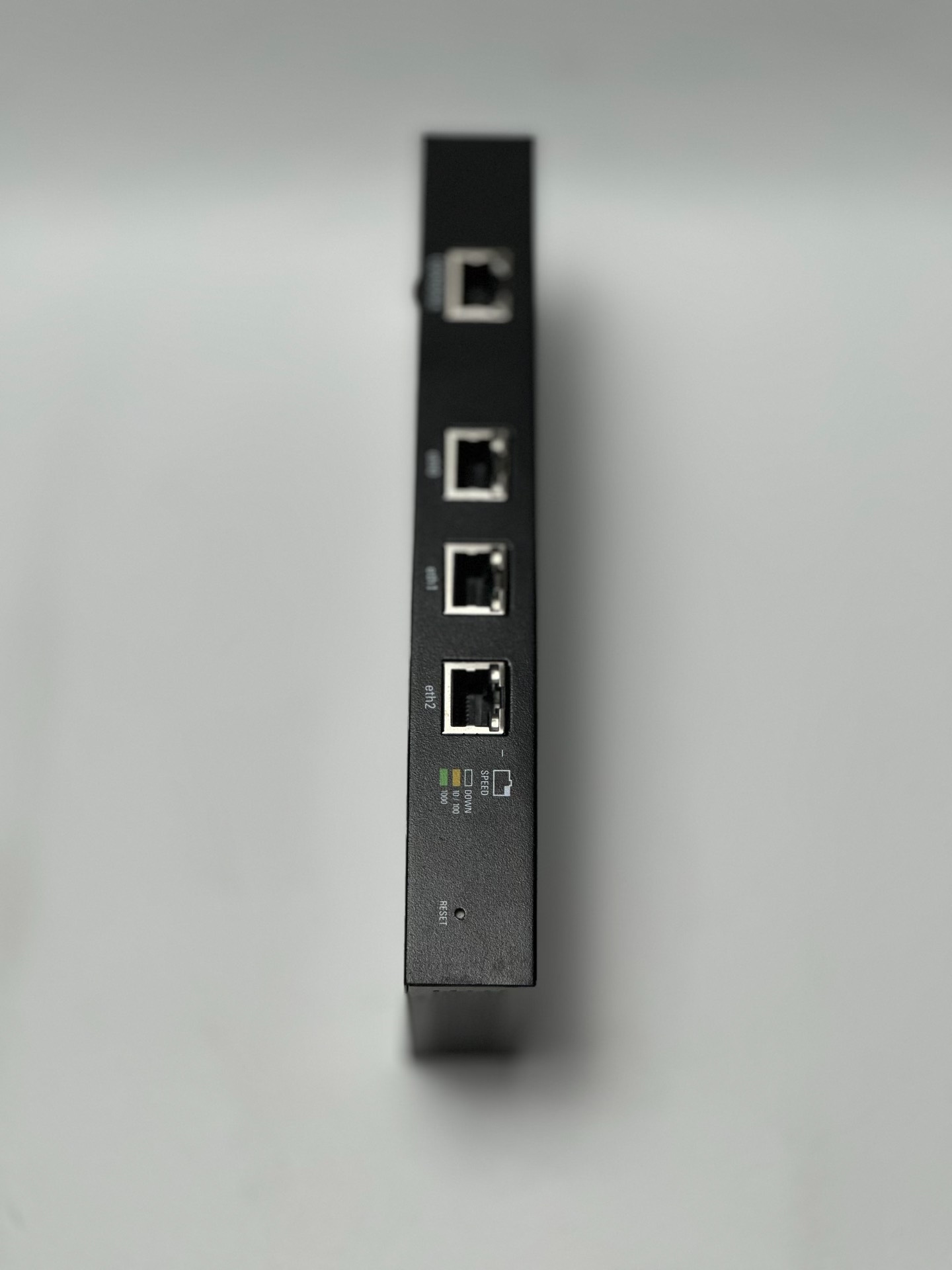
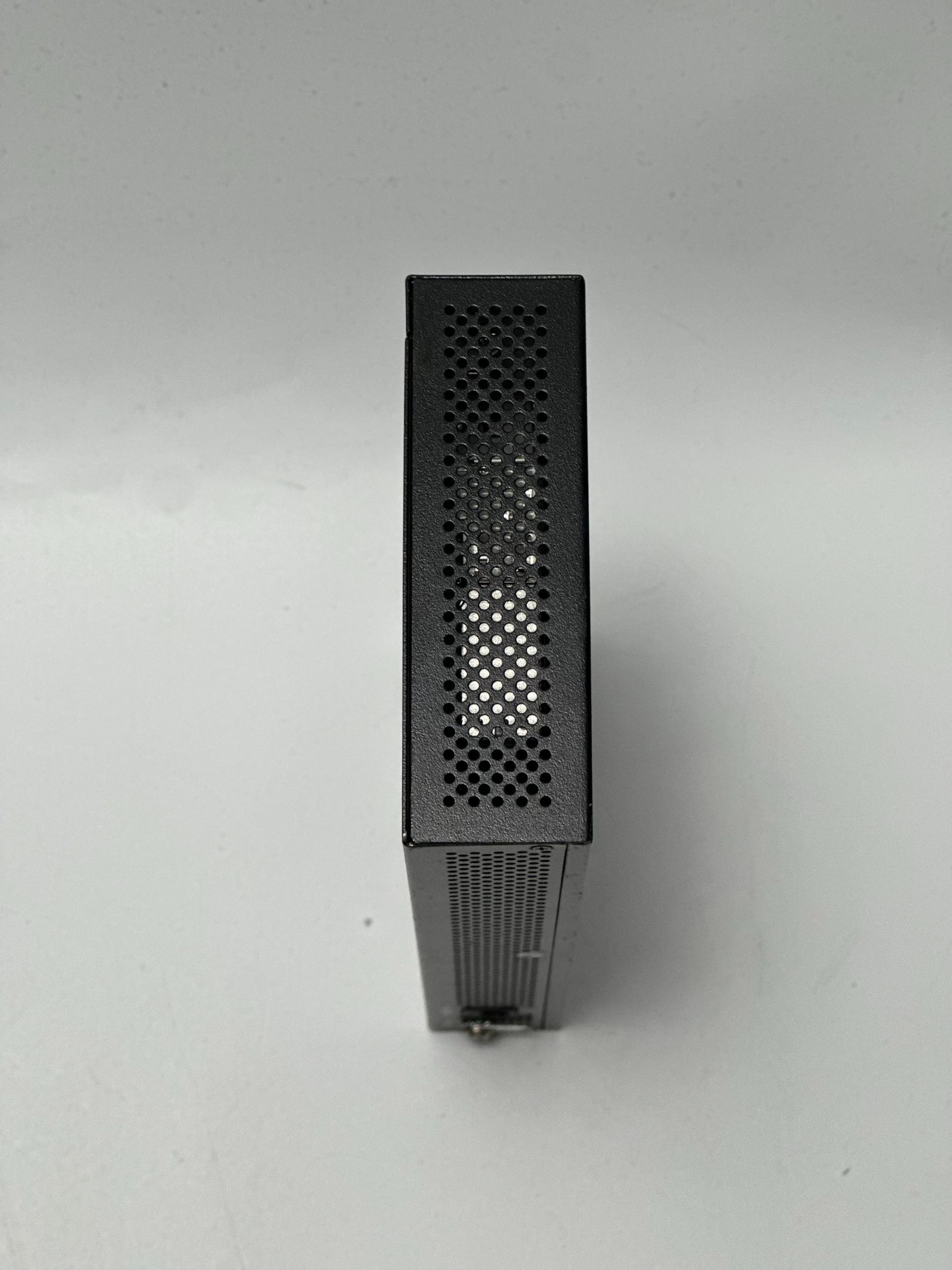
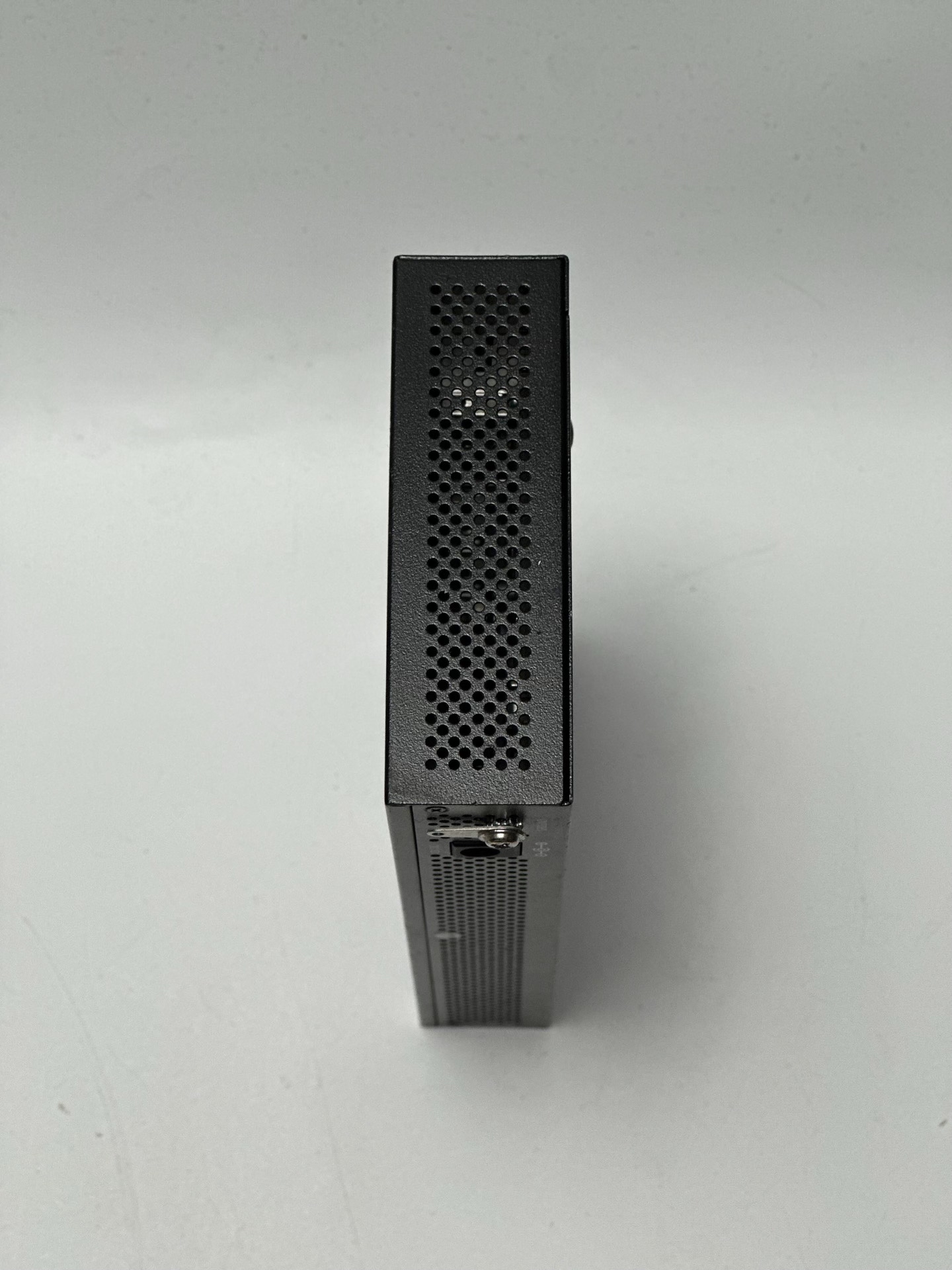
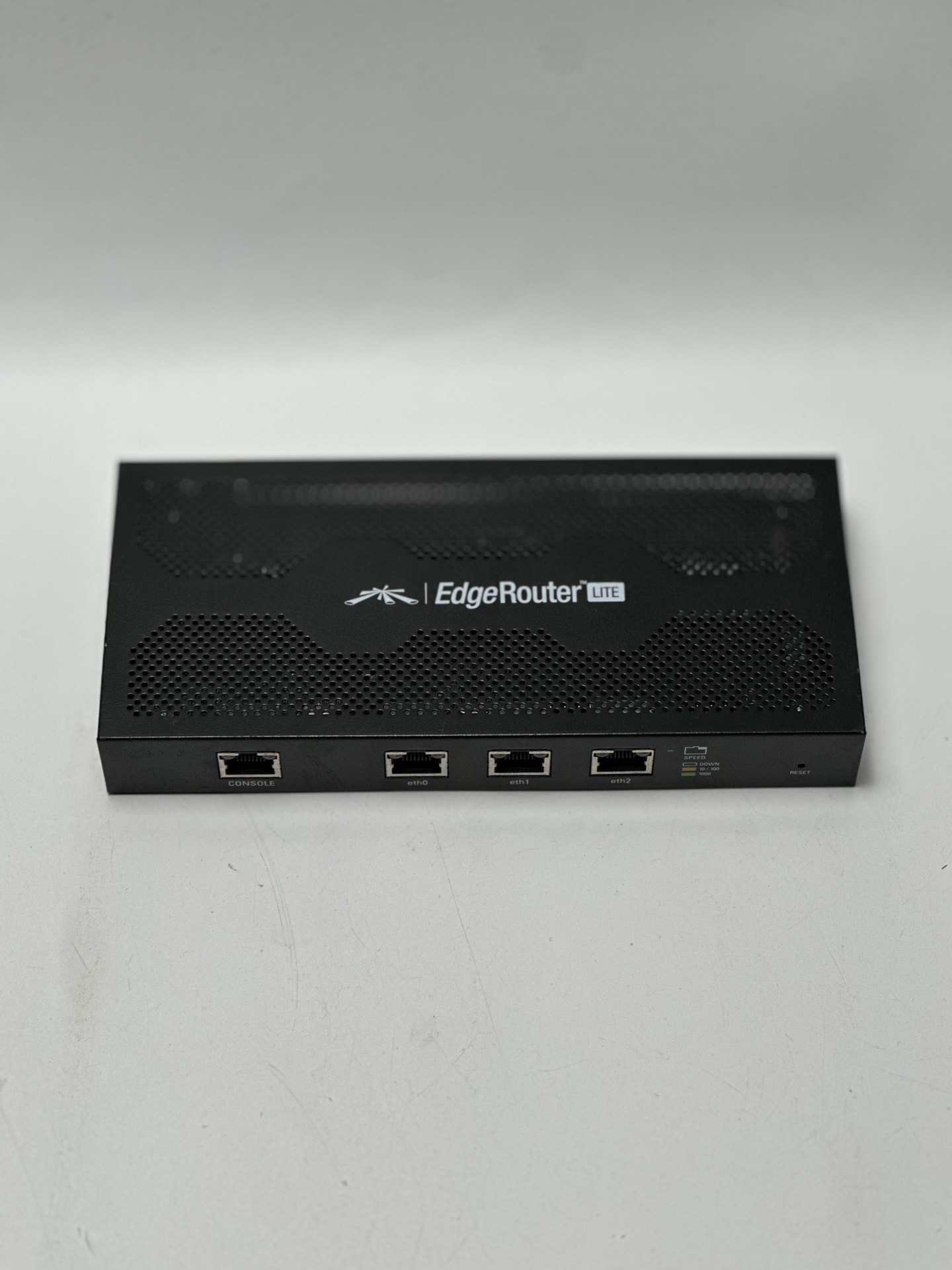
UBiQUiTi优倍快ERLite-3路由器EdgeRout
CN¥110Sold
Product description
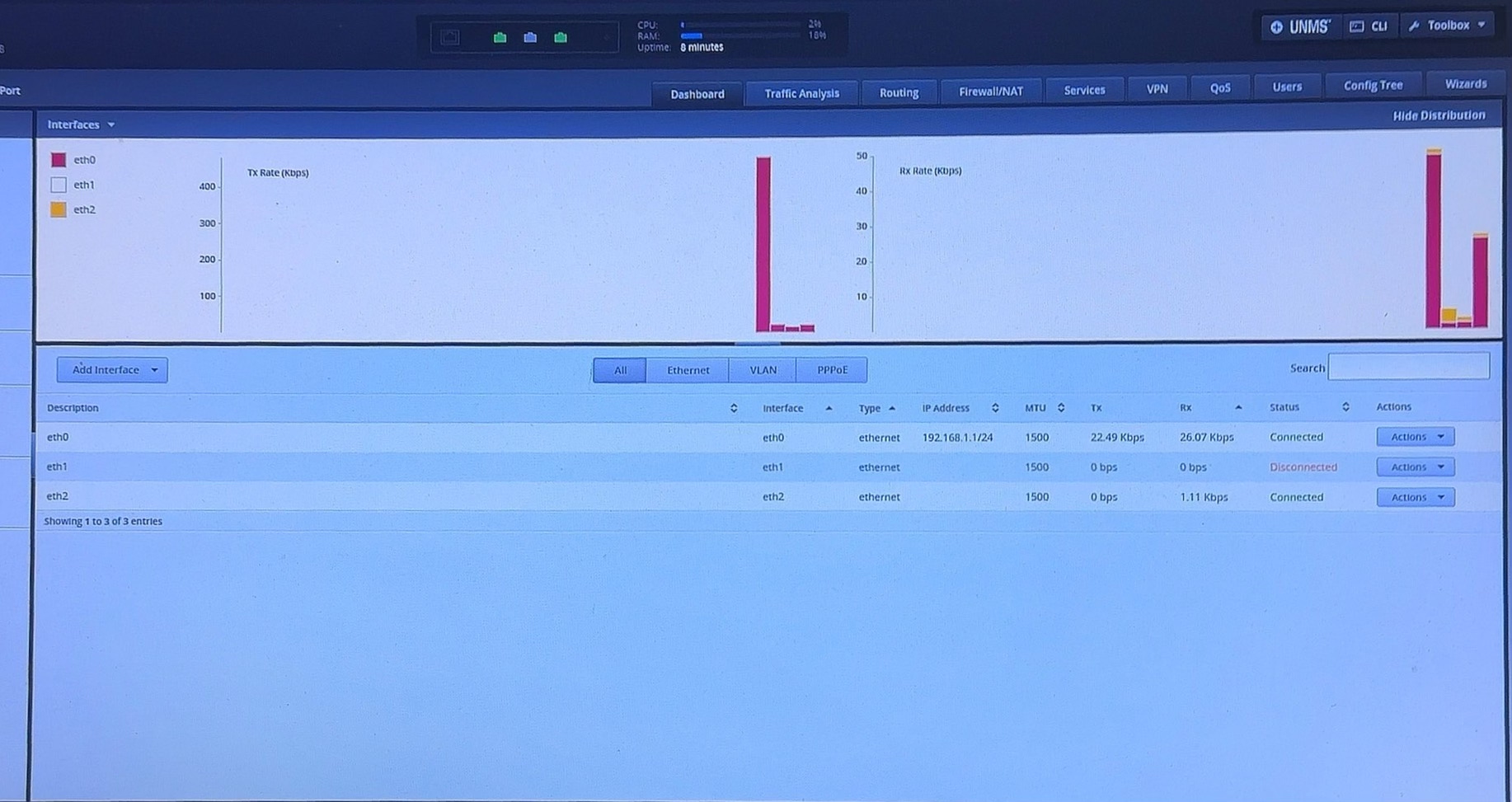
er LITE 功能测试正常后发出,成色85新左右,有数量 送后配电源一个,测试好每个端口 2️⃣_面蓝
Buying tips and things to try
Who is it for?
Will you just use the internet at home, or also run a second connection or a work VPN? A gigabit socket tells you the speed of the socket. Ask how fast the router runs with the features you need turned on.
What to ask before buying
How to check it when it arrives
Get one computer online before switching everyone over. Unplug the internet cable and plug it back in to see whether the router reconnects. Save the settings and check them again after a restart.
Community
A handy tip
Take a photo of the old router’s internet settings. Keep it handy so you can plug it back in if setup takes longer than expected.
Things to try
- Test the new router behind the old one with a single computer. Give the two routers different local network ranges.
- Run a speed test with your VPN on and off to see what the difference means in day-to-day use.