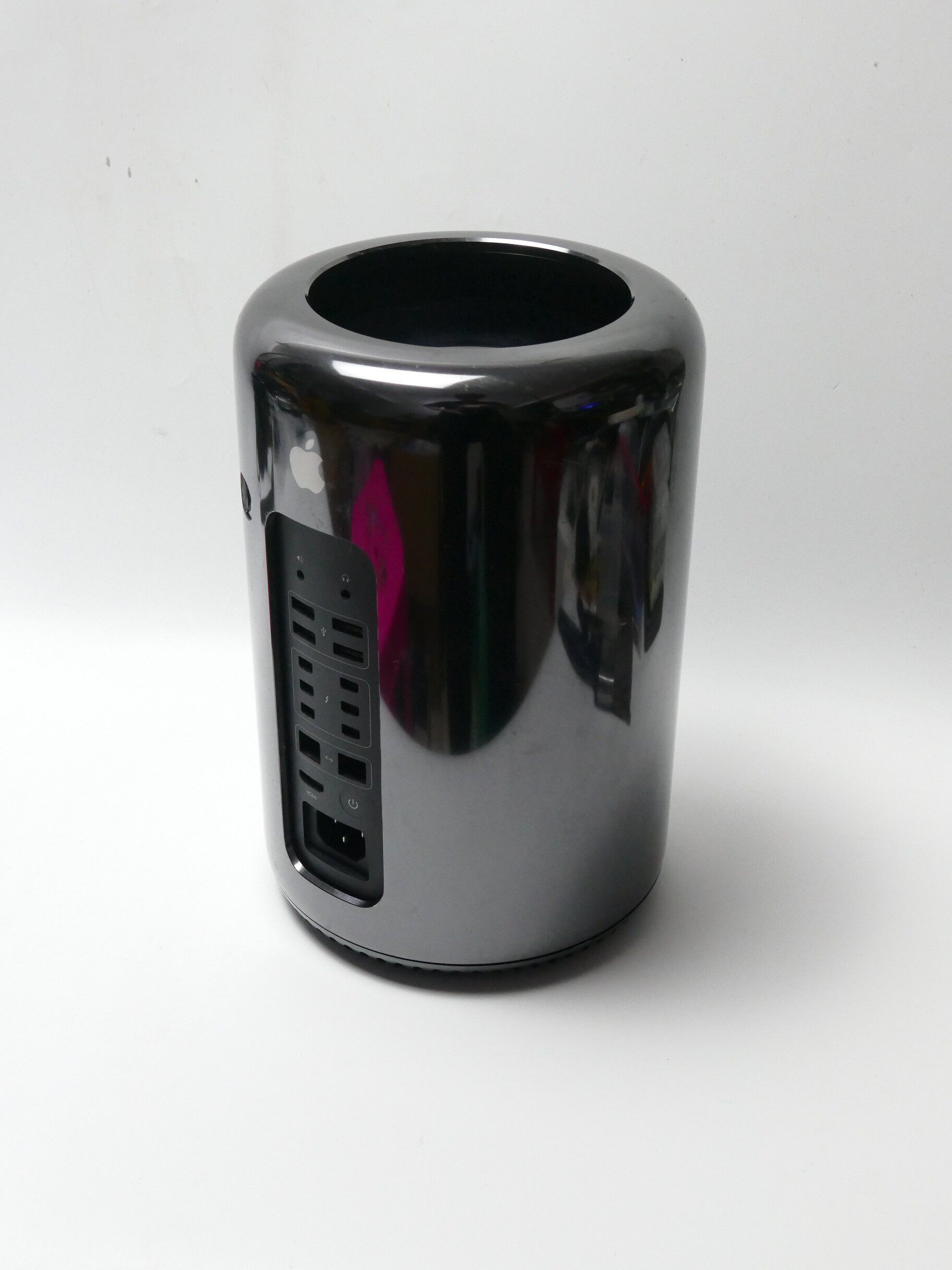
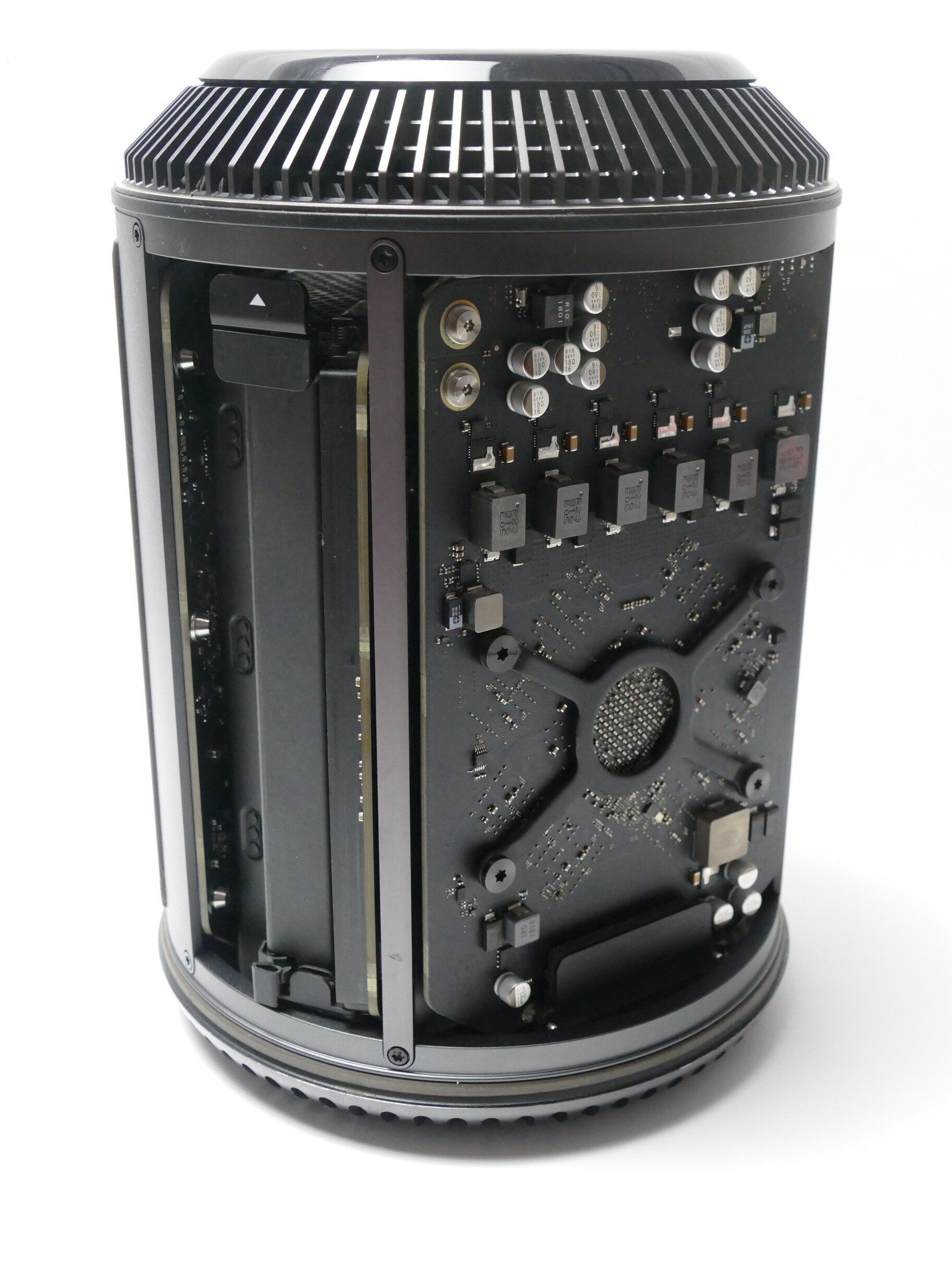
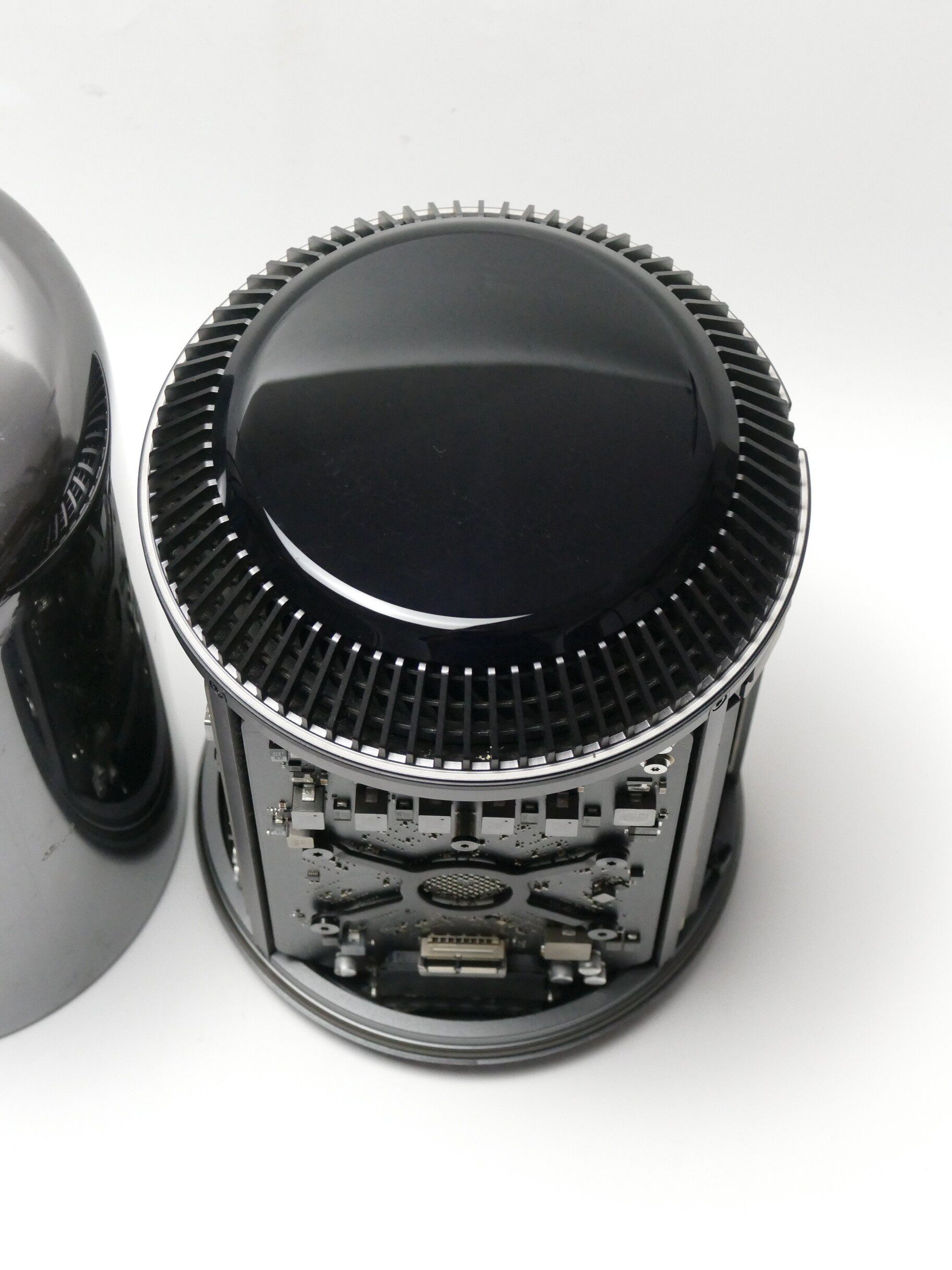
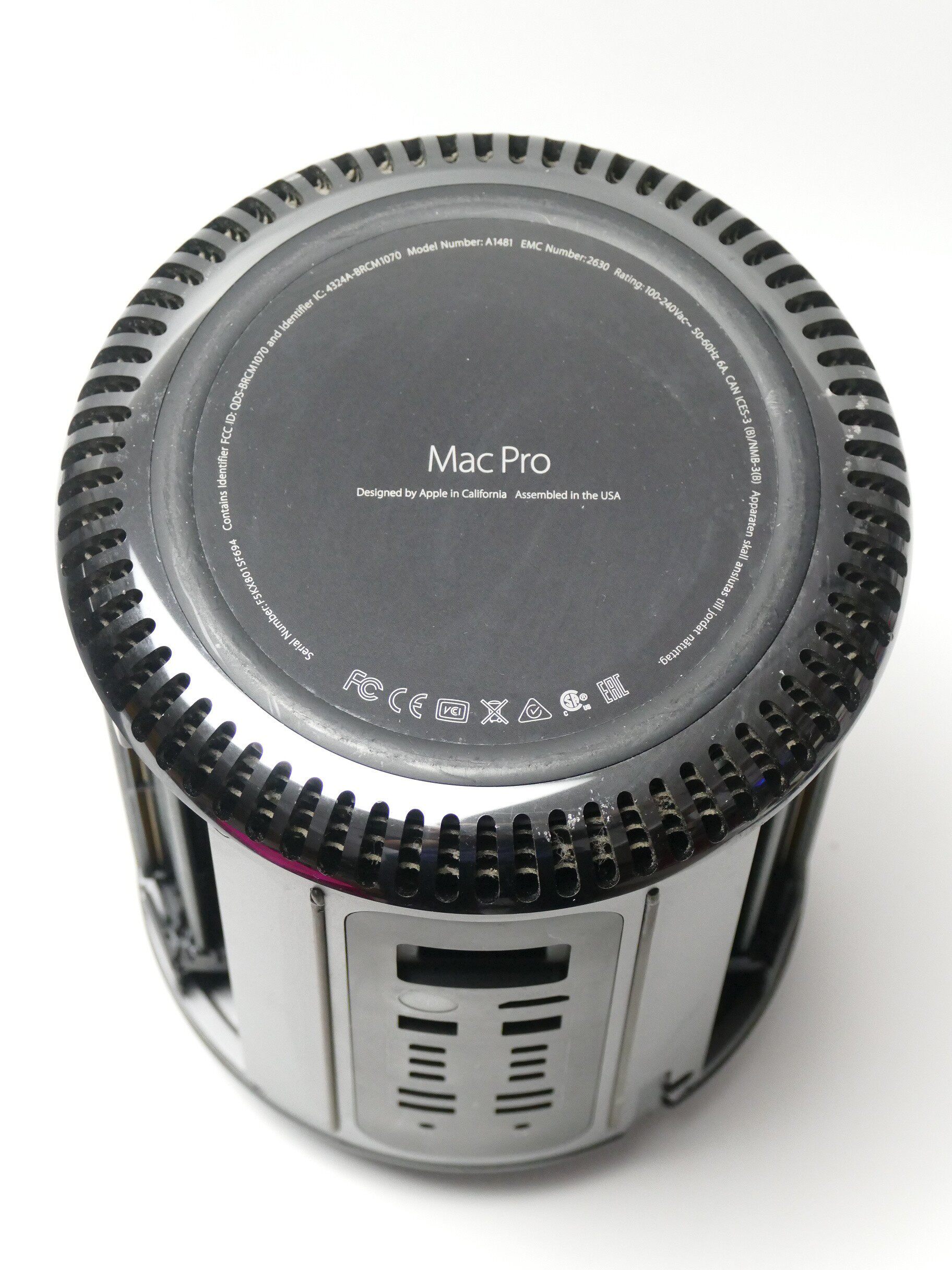
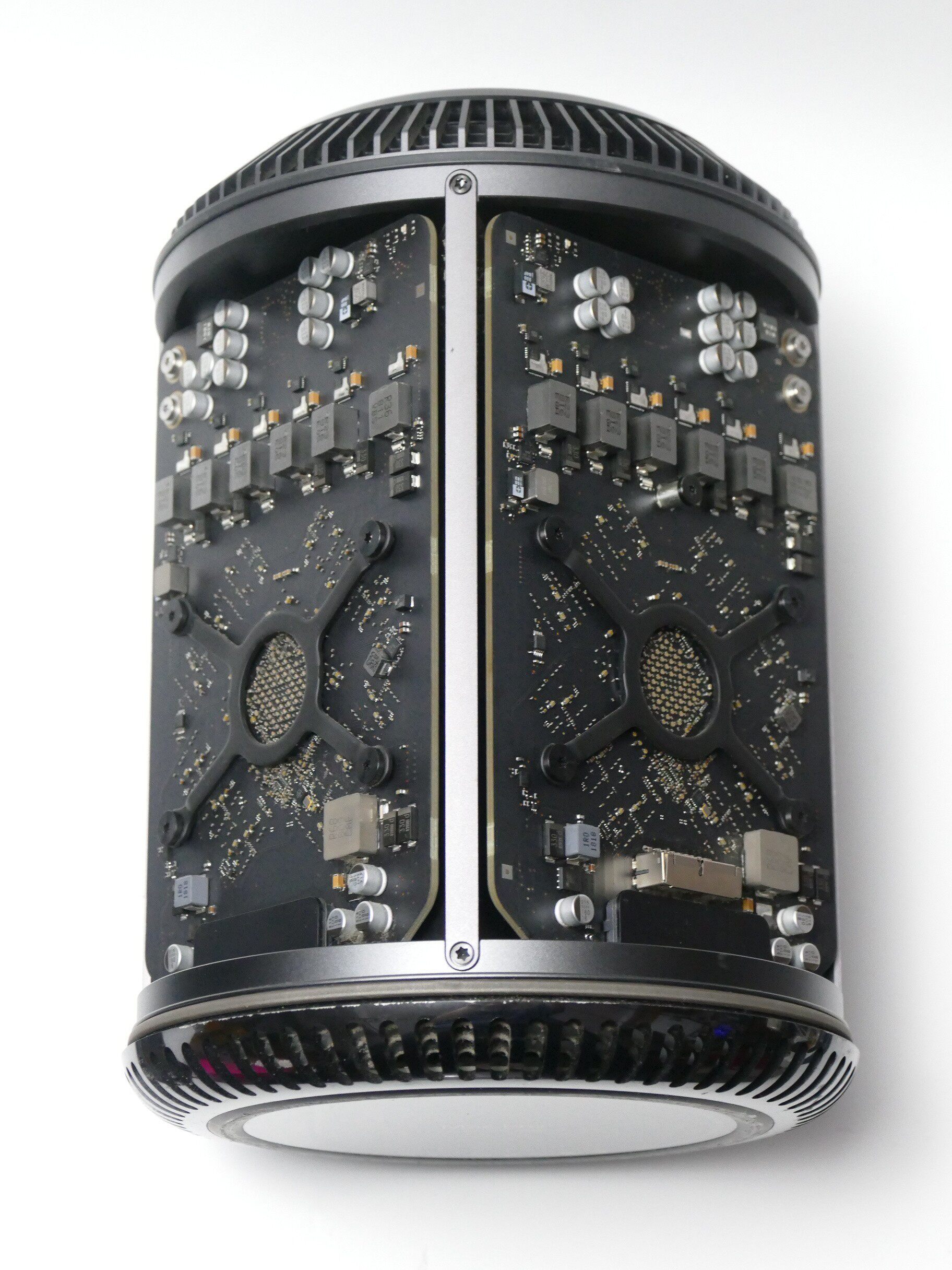
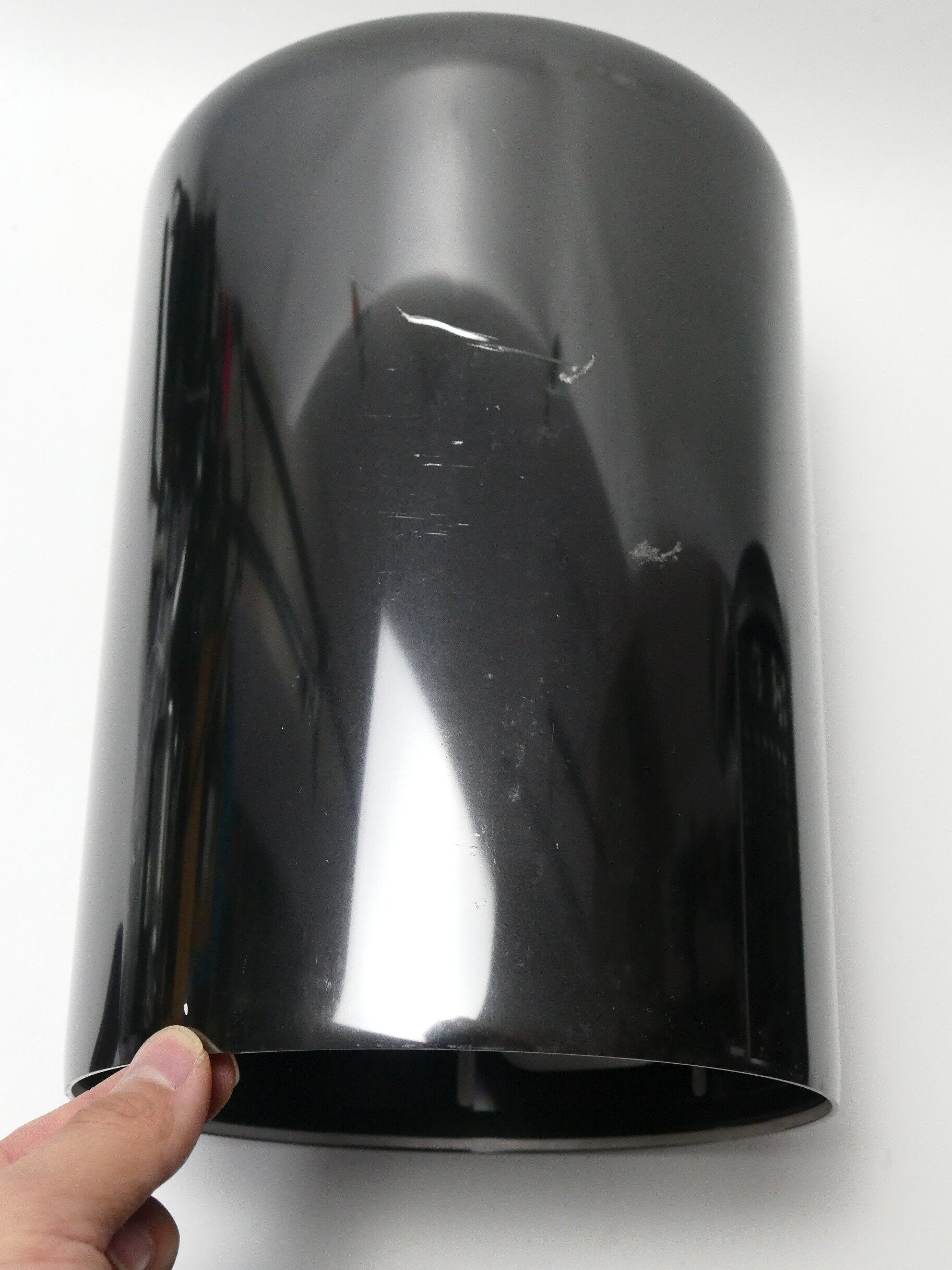
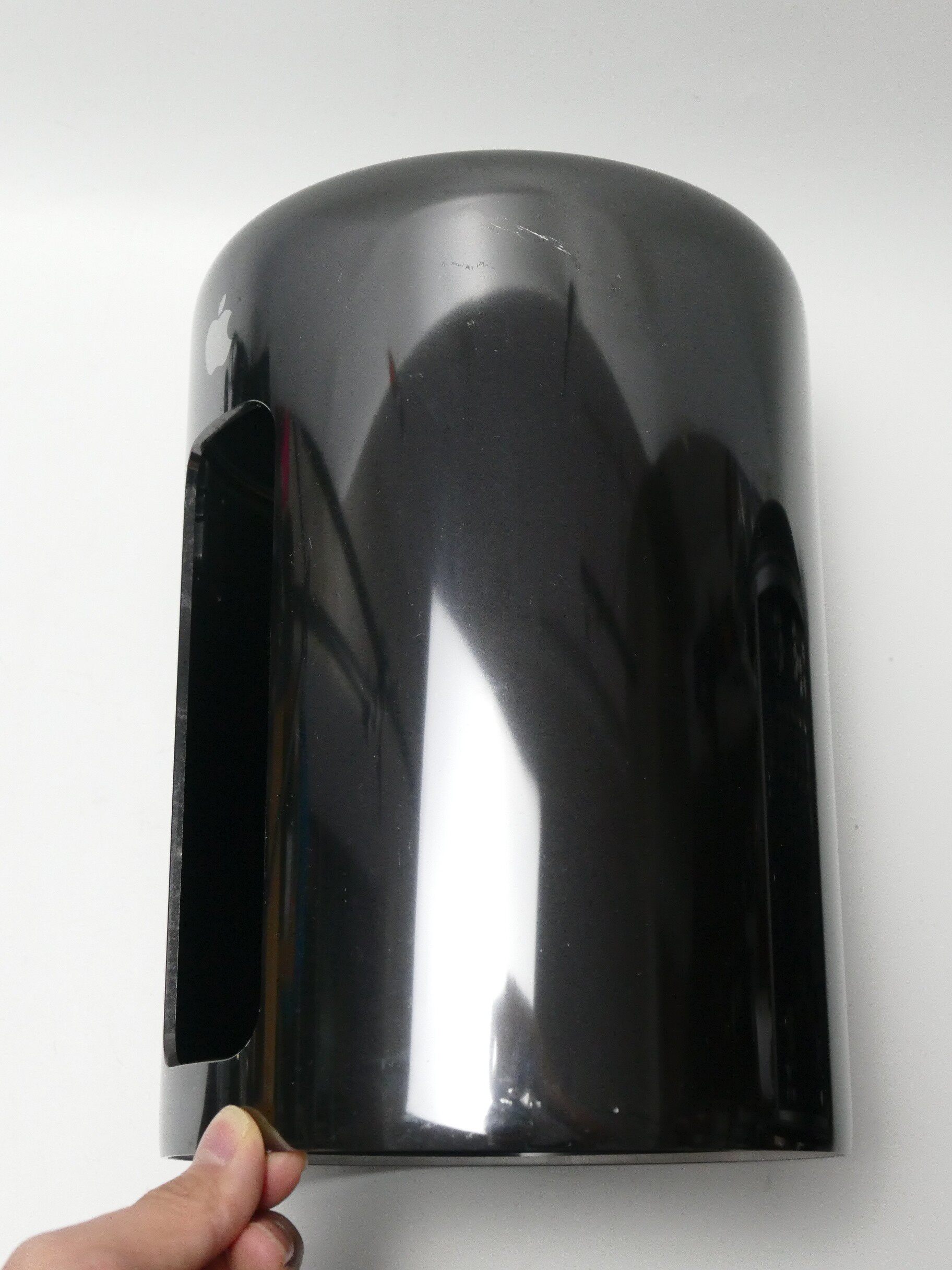
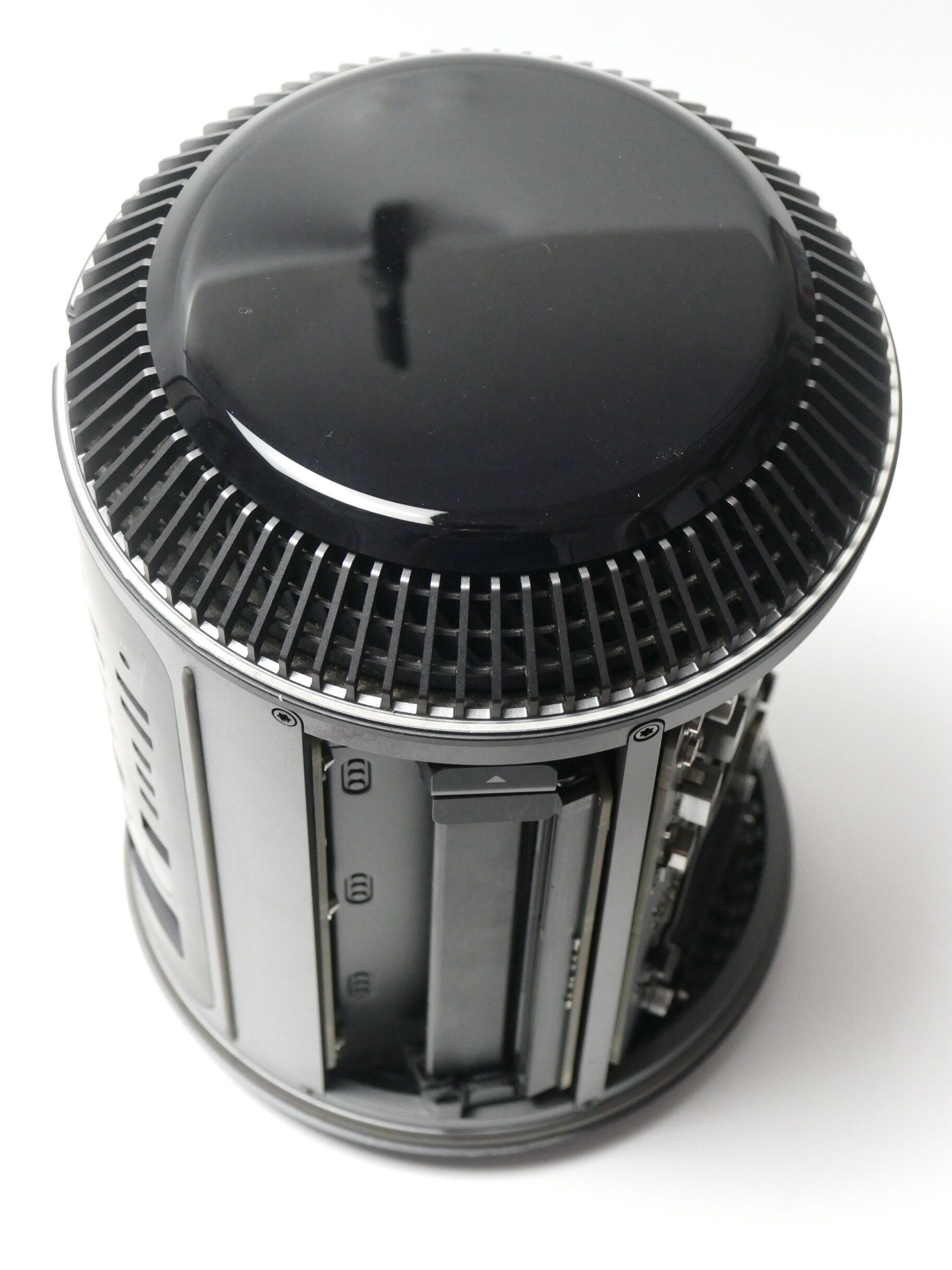
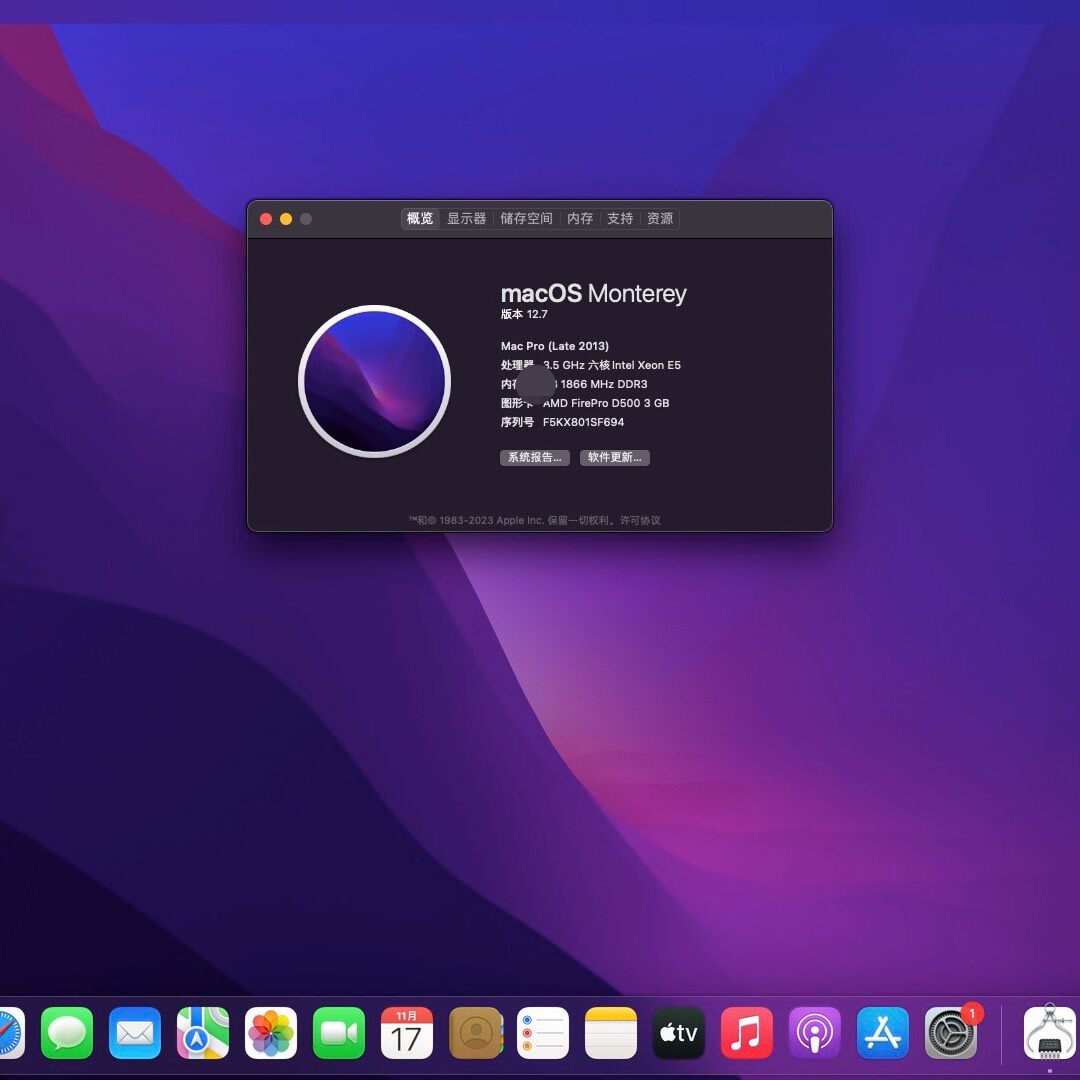
Mac Pro A1481工作站D500无内存 无硬盘 3G
CN¥999Available
Product photos
Buying reviews and ideas
Use and value
Identify the item as a drive, enclosure, backplane or caddy first. Consider power, noise, wear information and the cost of missing accessories together.
Compatibility
Check the protocol, connector, bay size, sector format and host limits. SATA, SAS and NVMe are different, and an adapter may not pass health data through.
Condition checks
For a directly accessible drive, begin with read-only detection and a health snapshot. Identify the correct drive and secure a backup before any format or write test.
Community
Open-source projects
Practical insight
A trend is more useful than a screenshot. Save a baseline so later checks can reveal whether error counters are rising.
Things to try
- Use smartmontools on a supported drive to capture a health baseline.
- Label backup disks separately and rehearse a restore into a test folder.