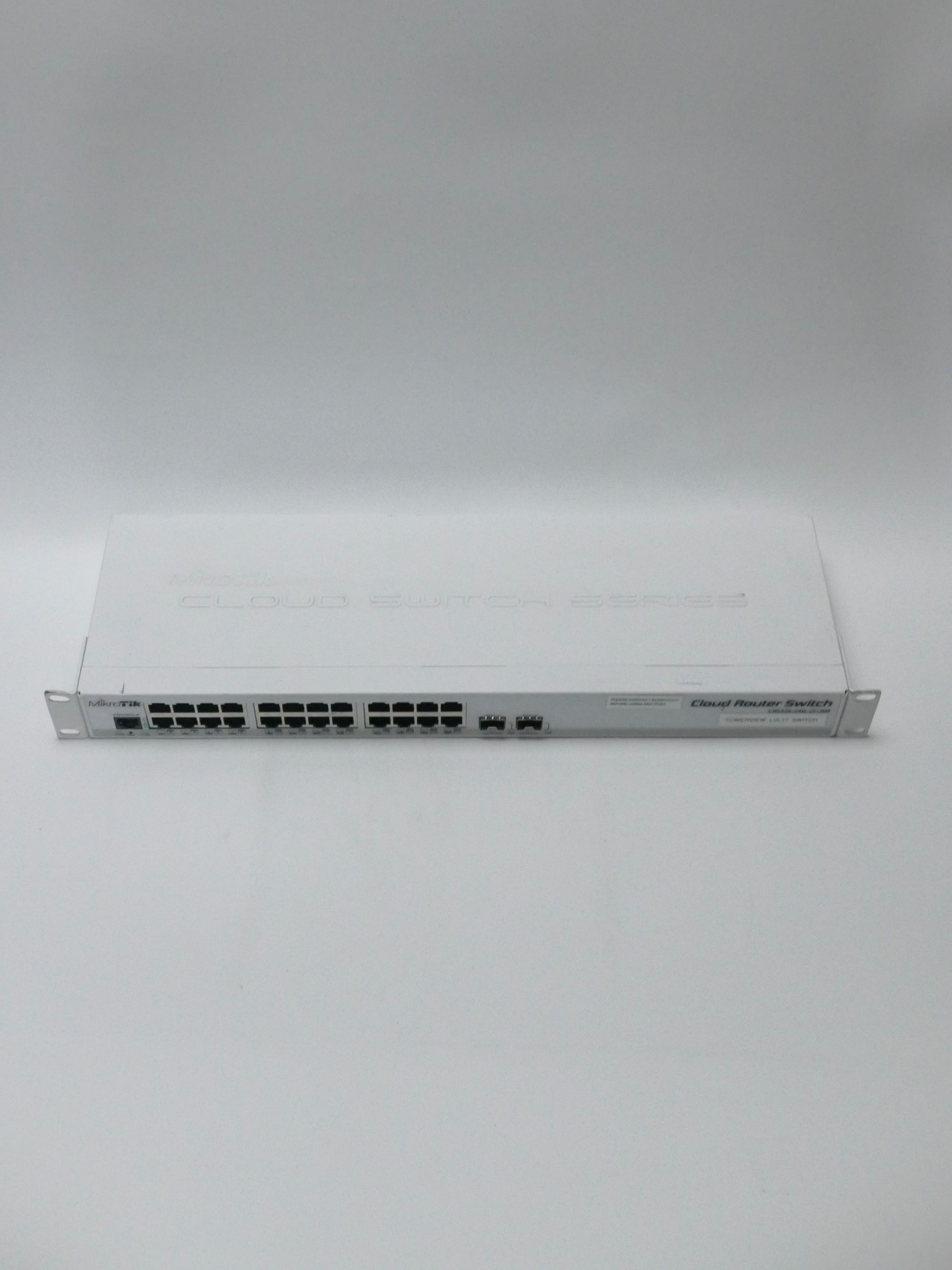
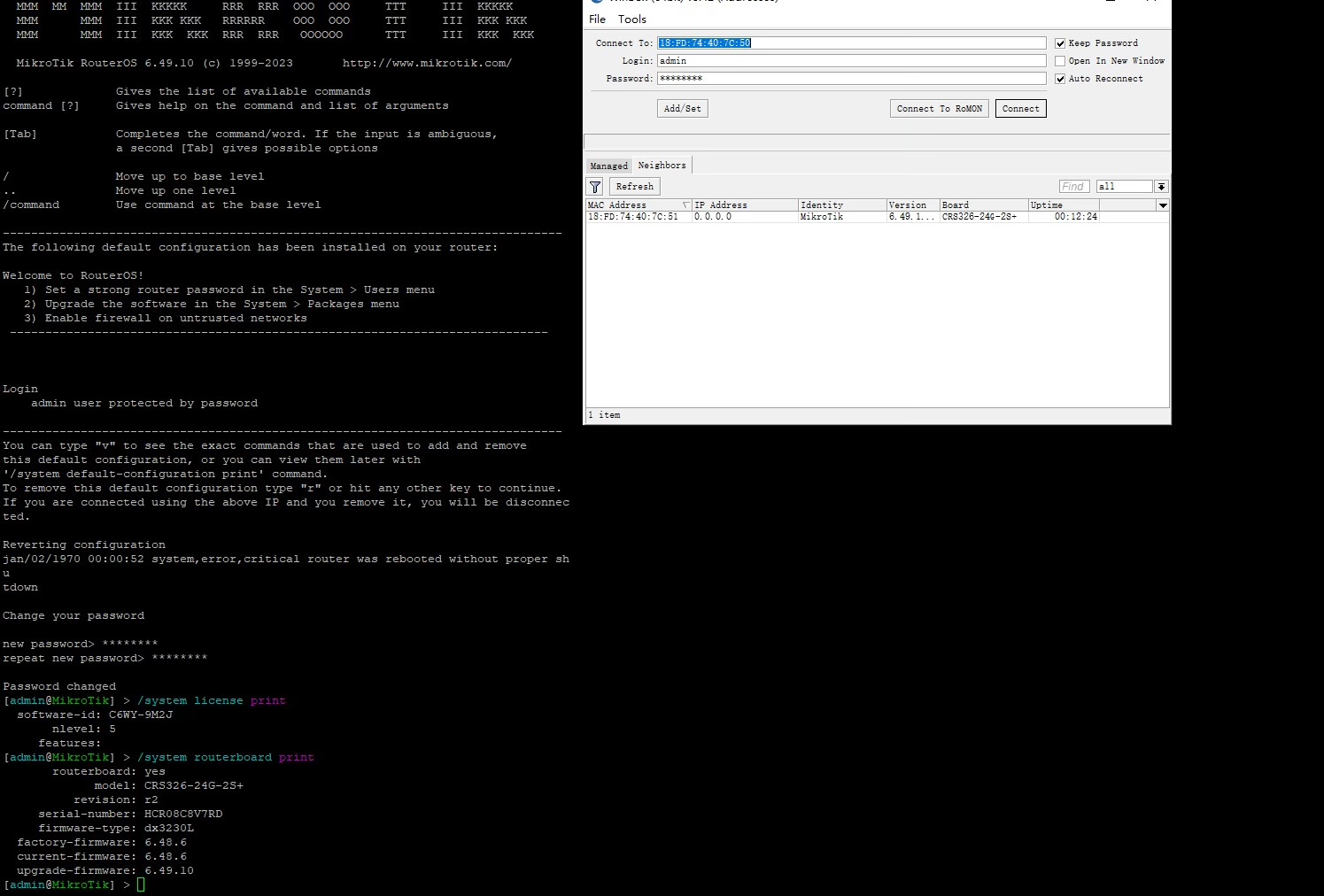
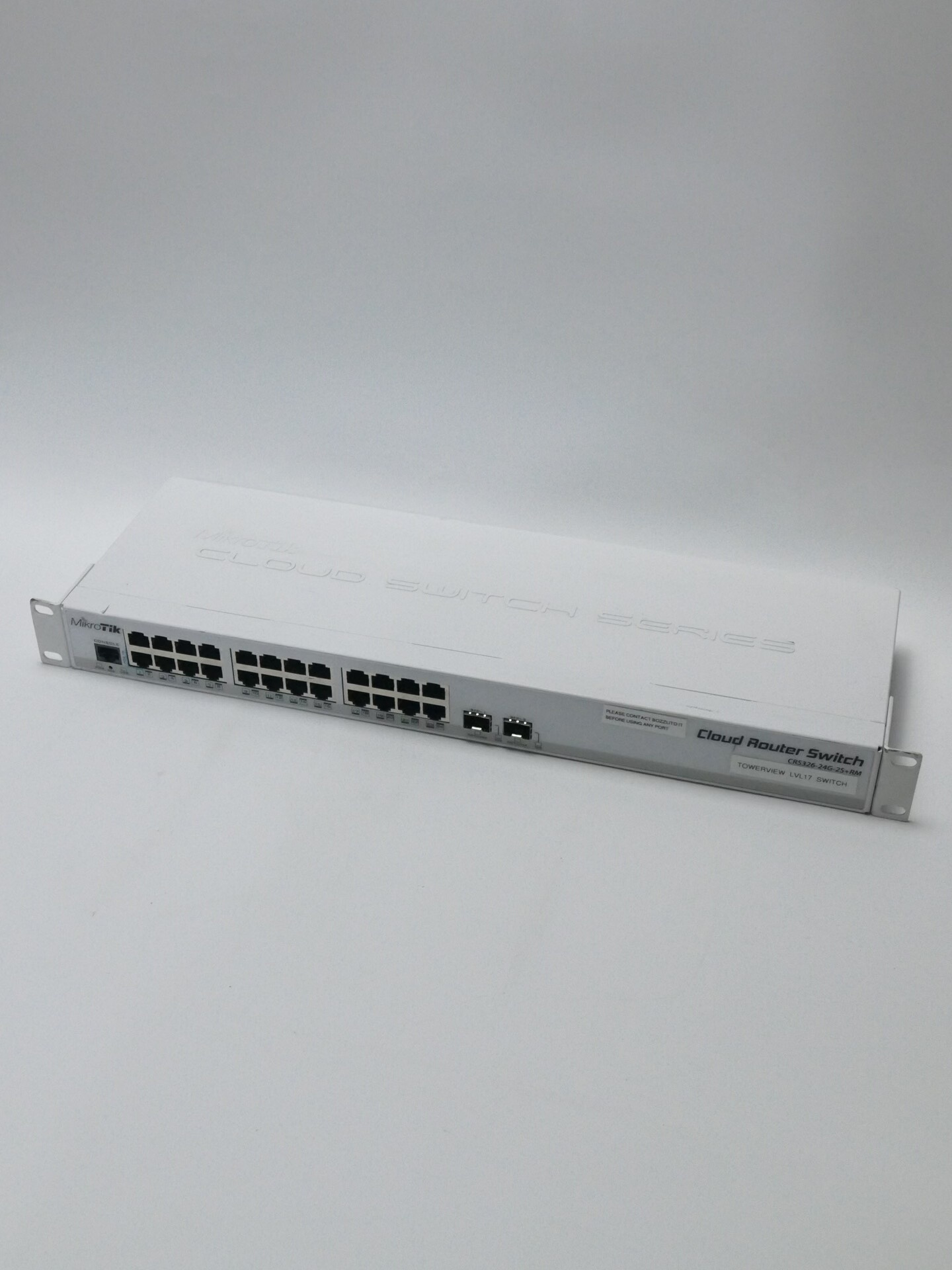
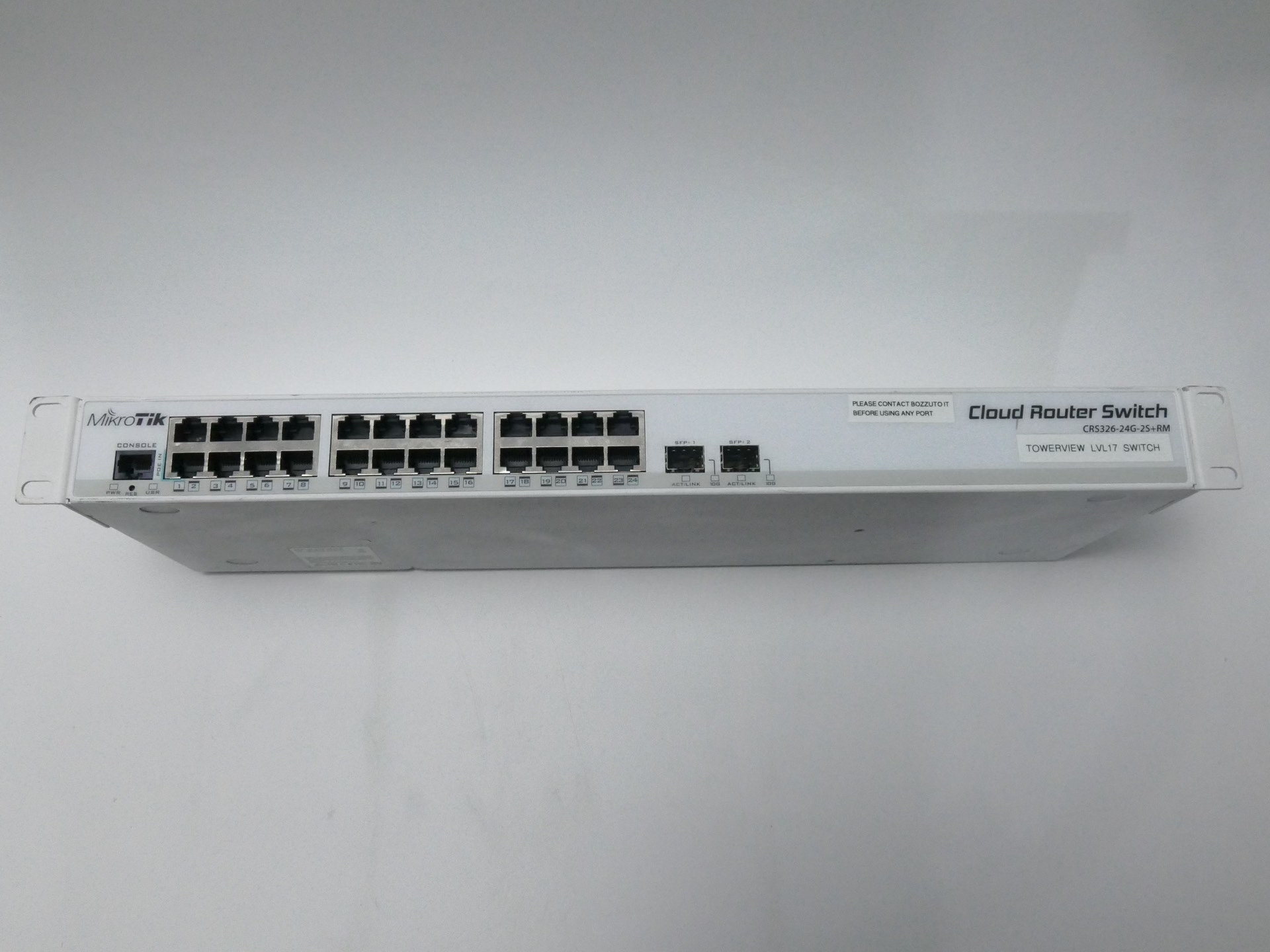
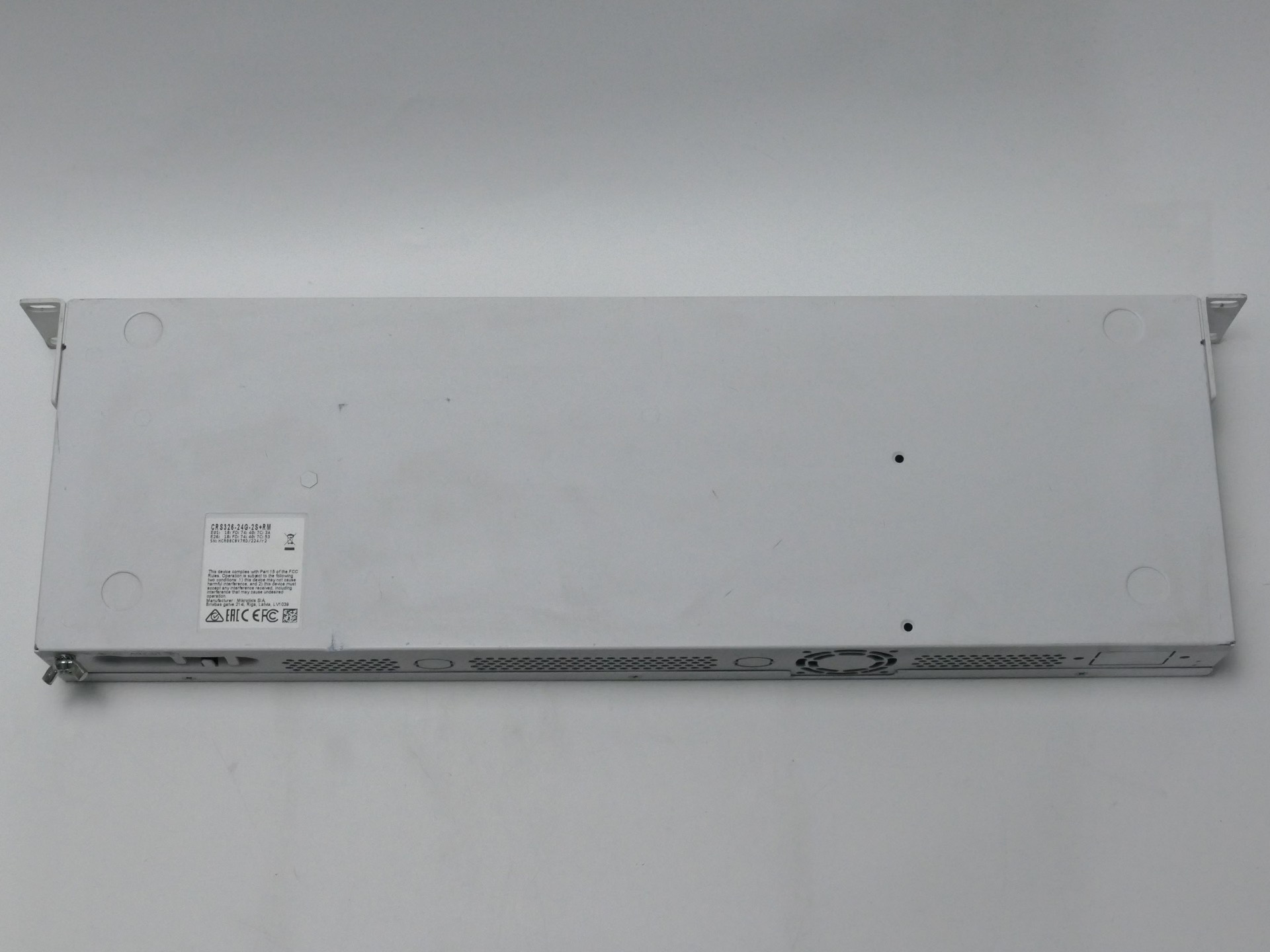
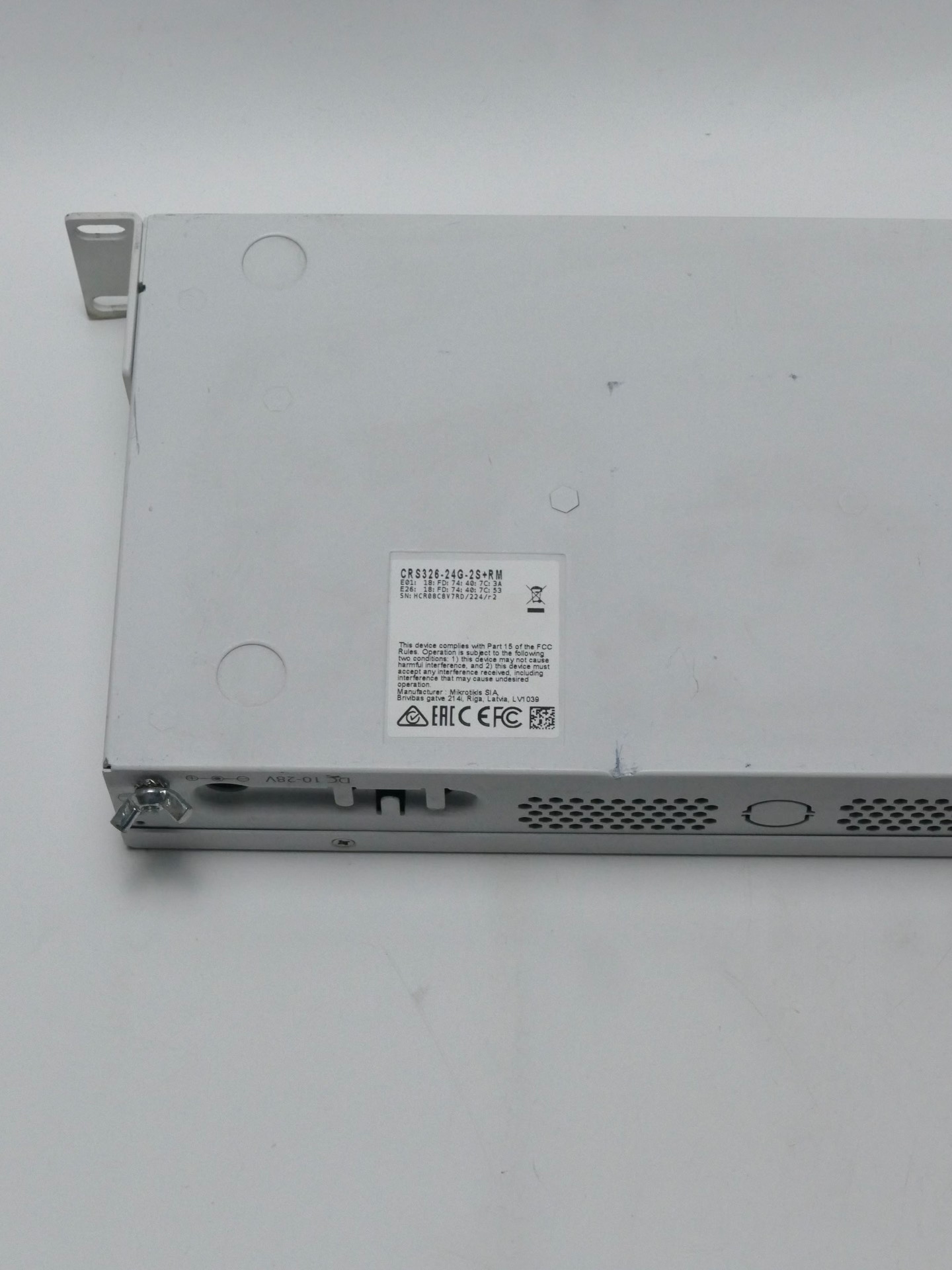
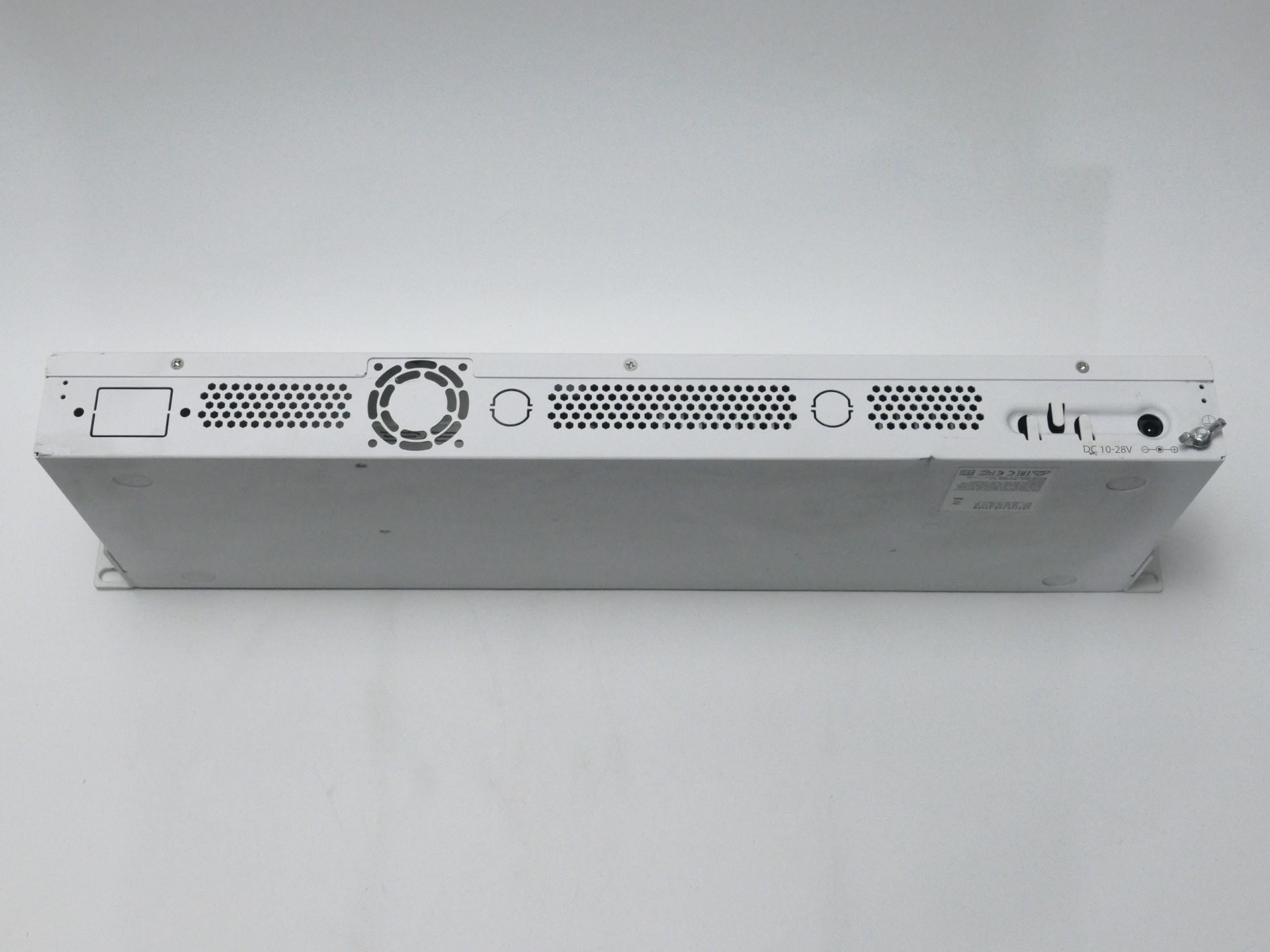
MikroTik CRS326-24G-2S+RM路由器交换
CN¥1,000Sold
Product description
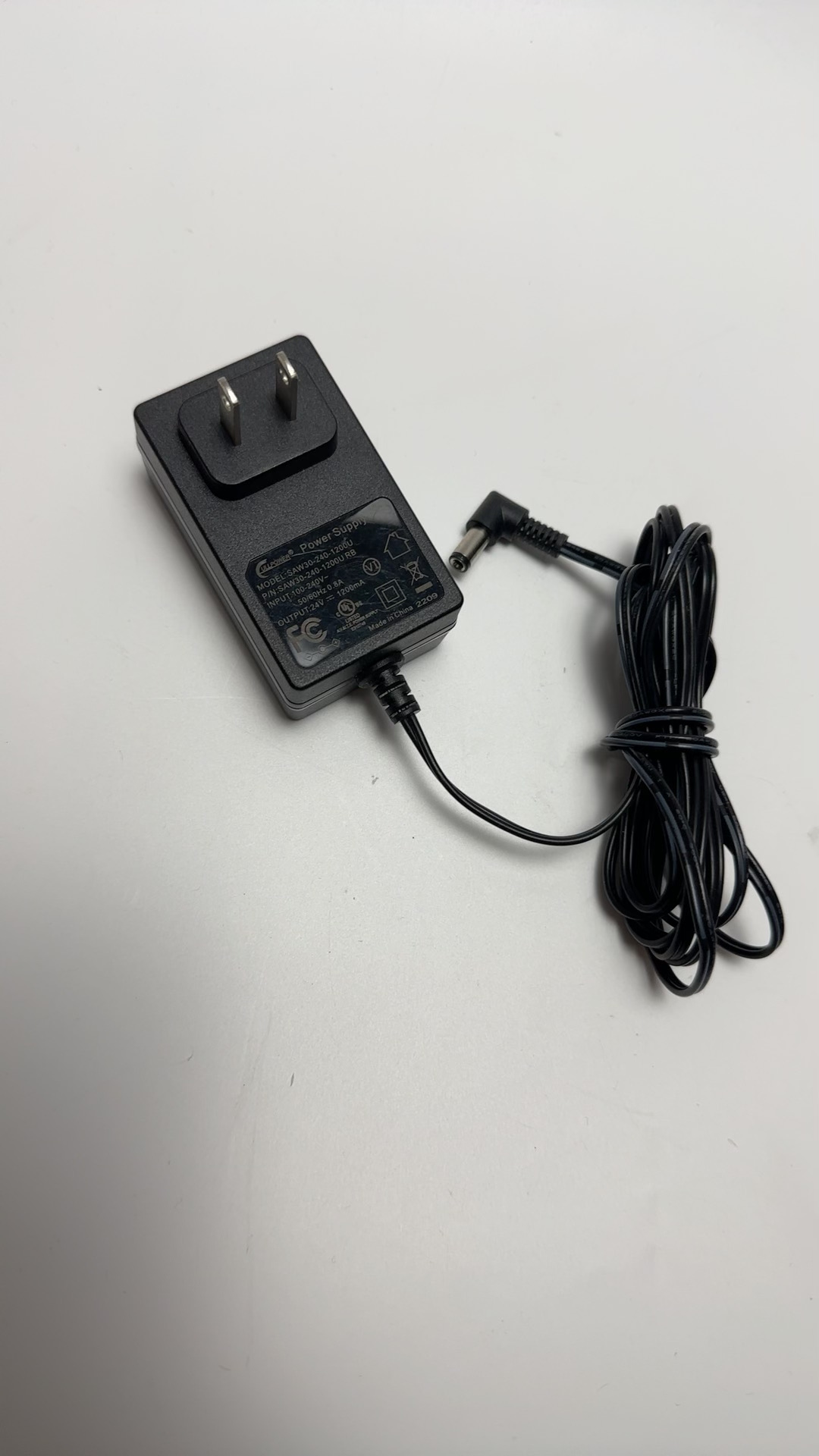
机 赠送一个24v电源,功能测试正常,会配置的来,无技术支持 2️⃣_2面门蓝
Buying tips and things to try
Who is it for?
Need a few more sockets for the TV, a PC and a NAS? A gigabit switch is usually enough. Look for PoE if a camera needs power from its network cable. If the switch will sit near your desk, ask how loud the fan is.
What to ask before buying
How to check it when it arrives
Take a cable you know works and try each port you plan to use. Check the speed shown on the computer. On a managed switch, log in, change a setting and restart to see whether it sticks.
Community
A handy tip
Put a label at both ends of each cable. “Living room” is a lot easier to trace than one more identical blue cable.
Things to try
- Plug the PC and NAS into the switch and copy a large video to see how steady the speed is.
- If the switch supports VLANs, try putting the cameras on their own network. LibreNMS can show which ports are in use.