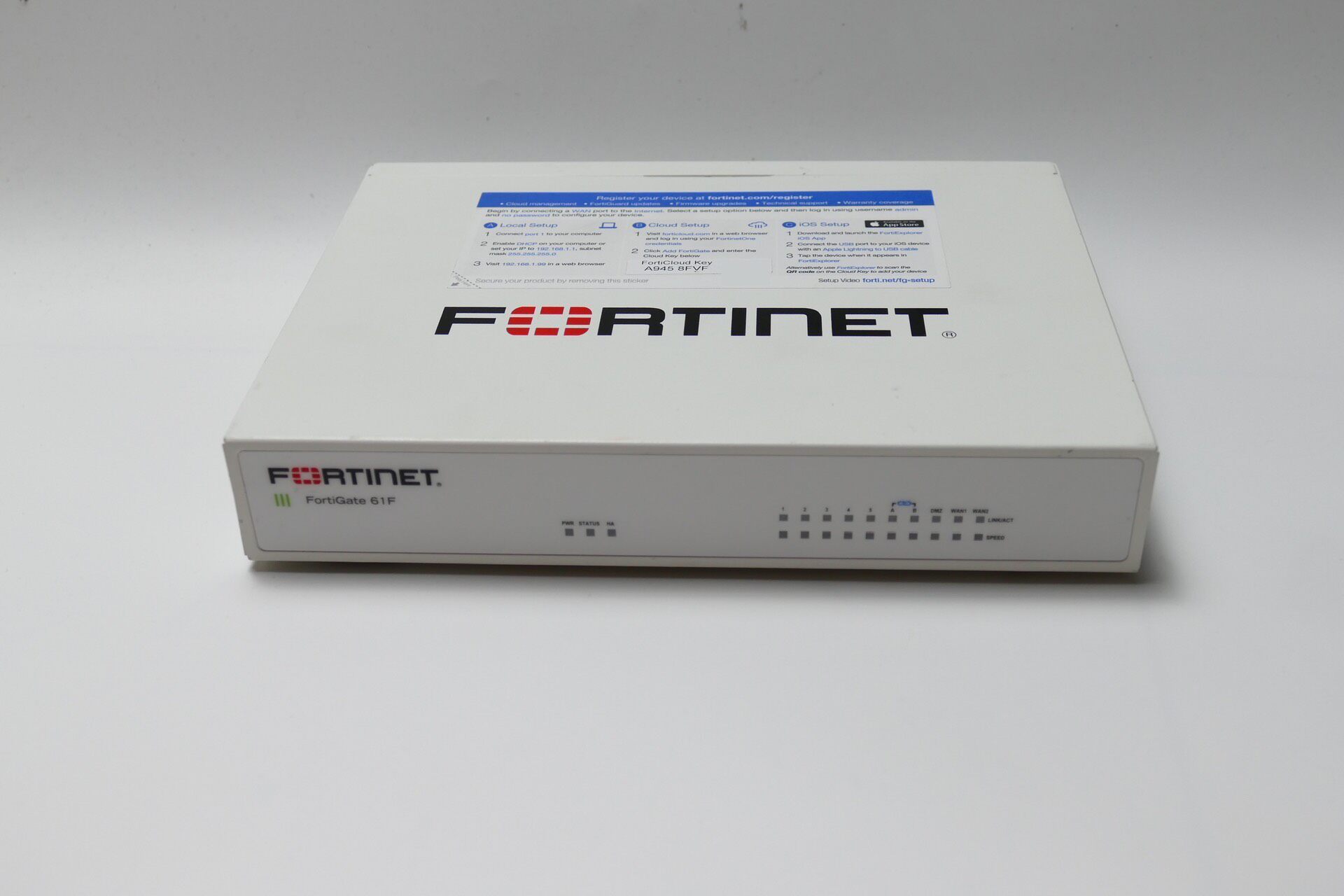
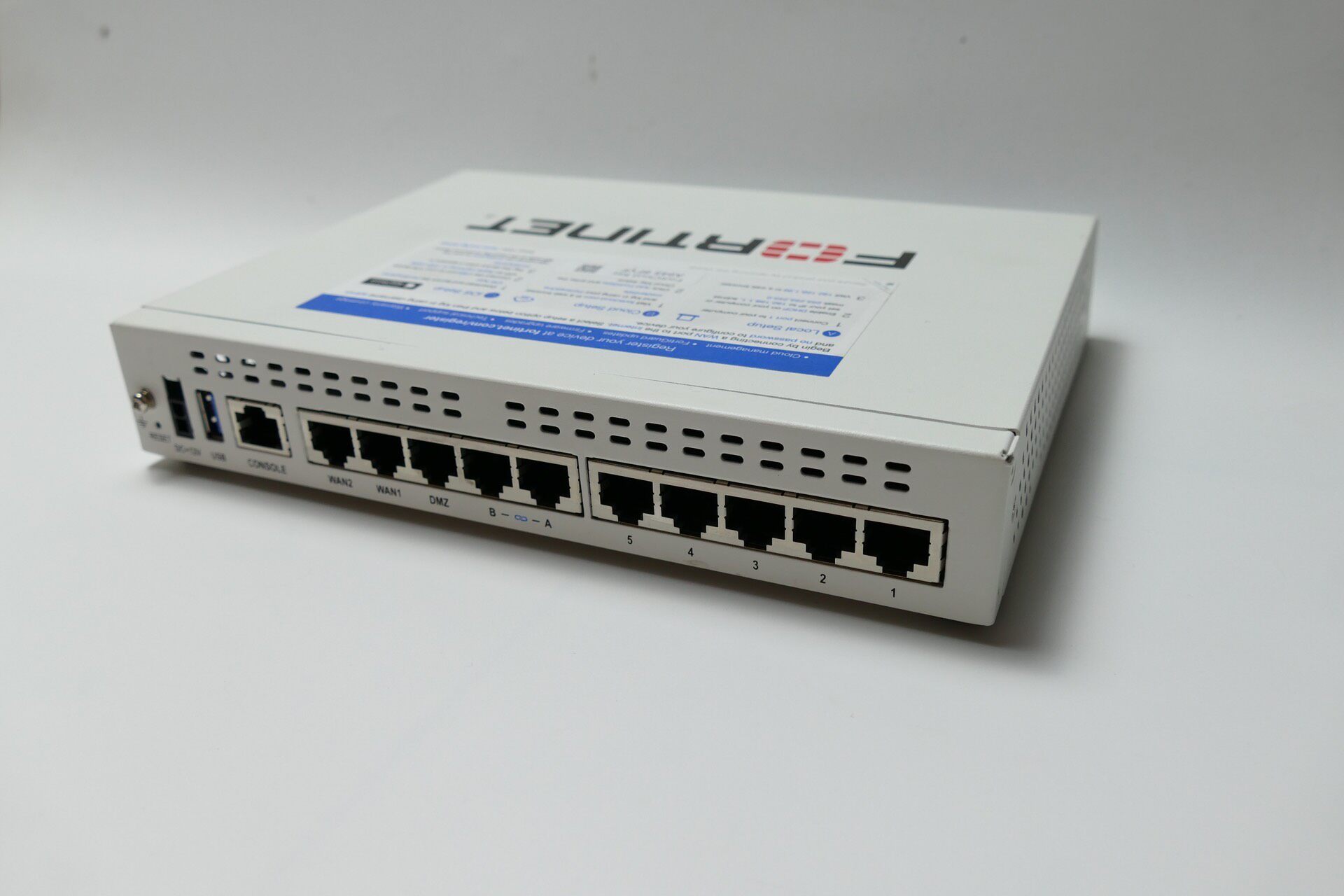
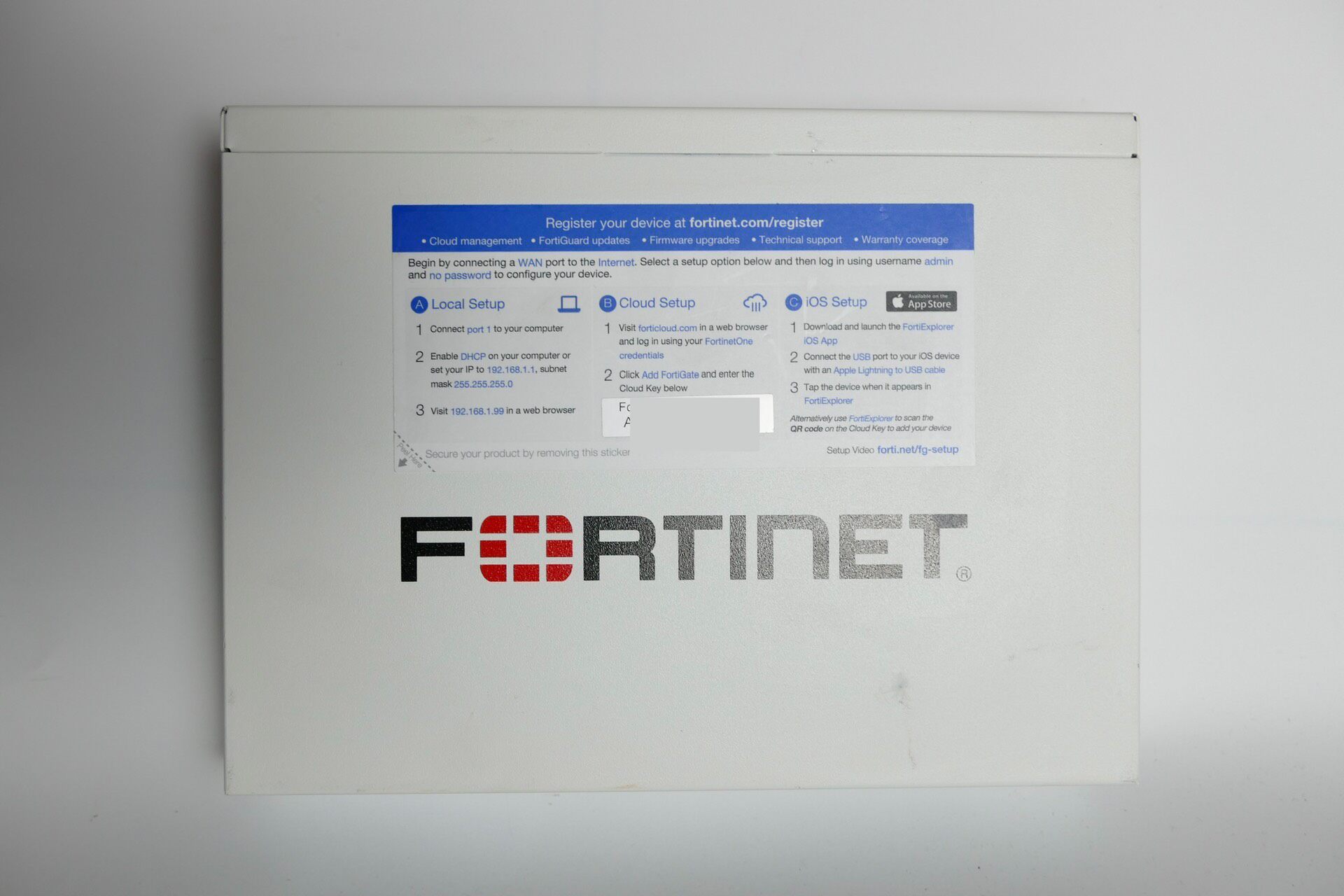
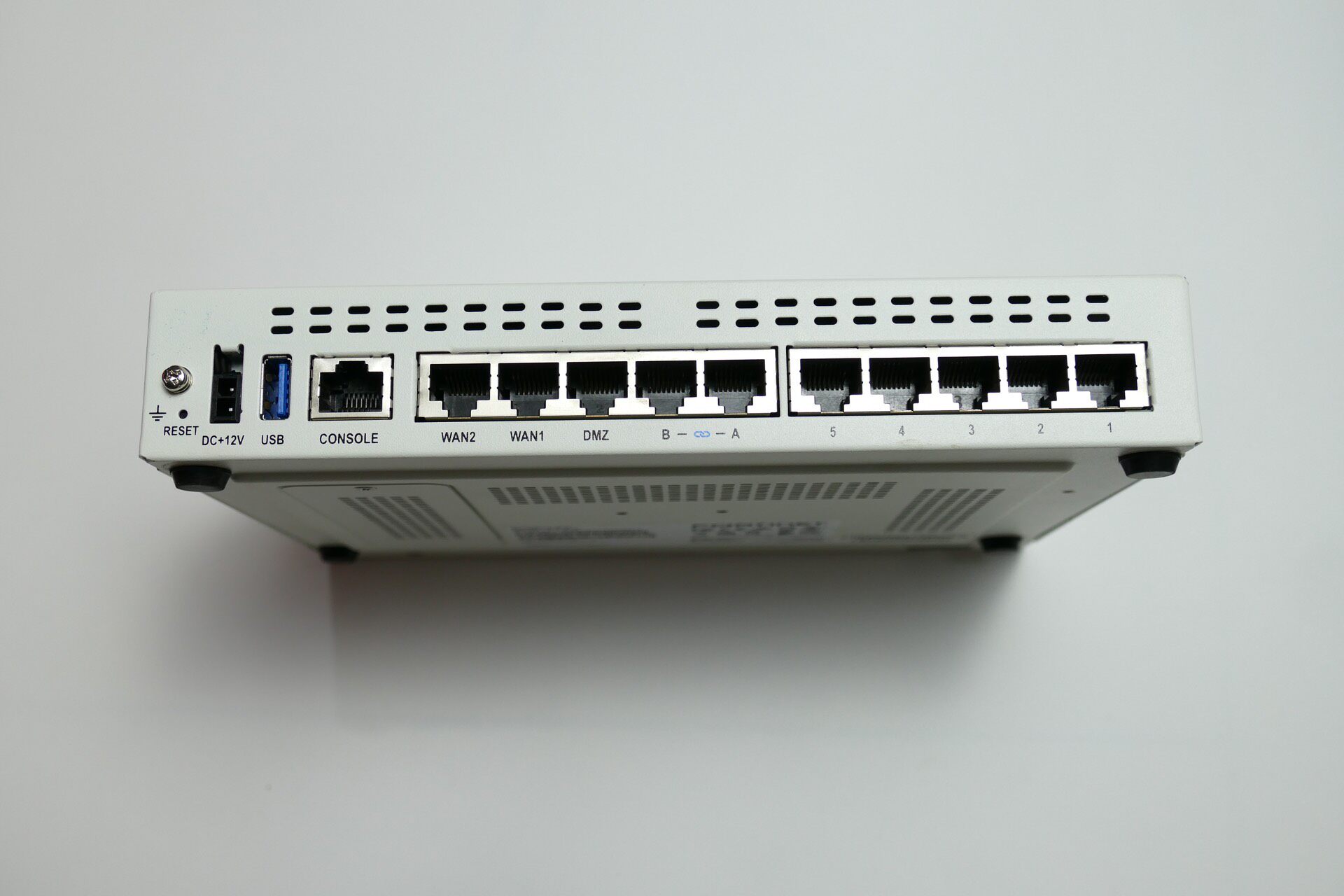
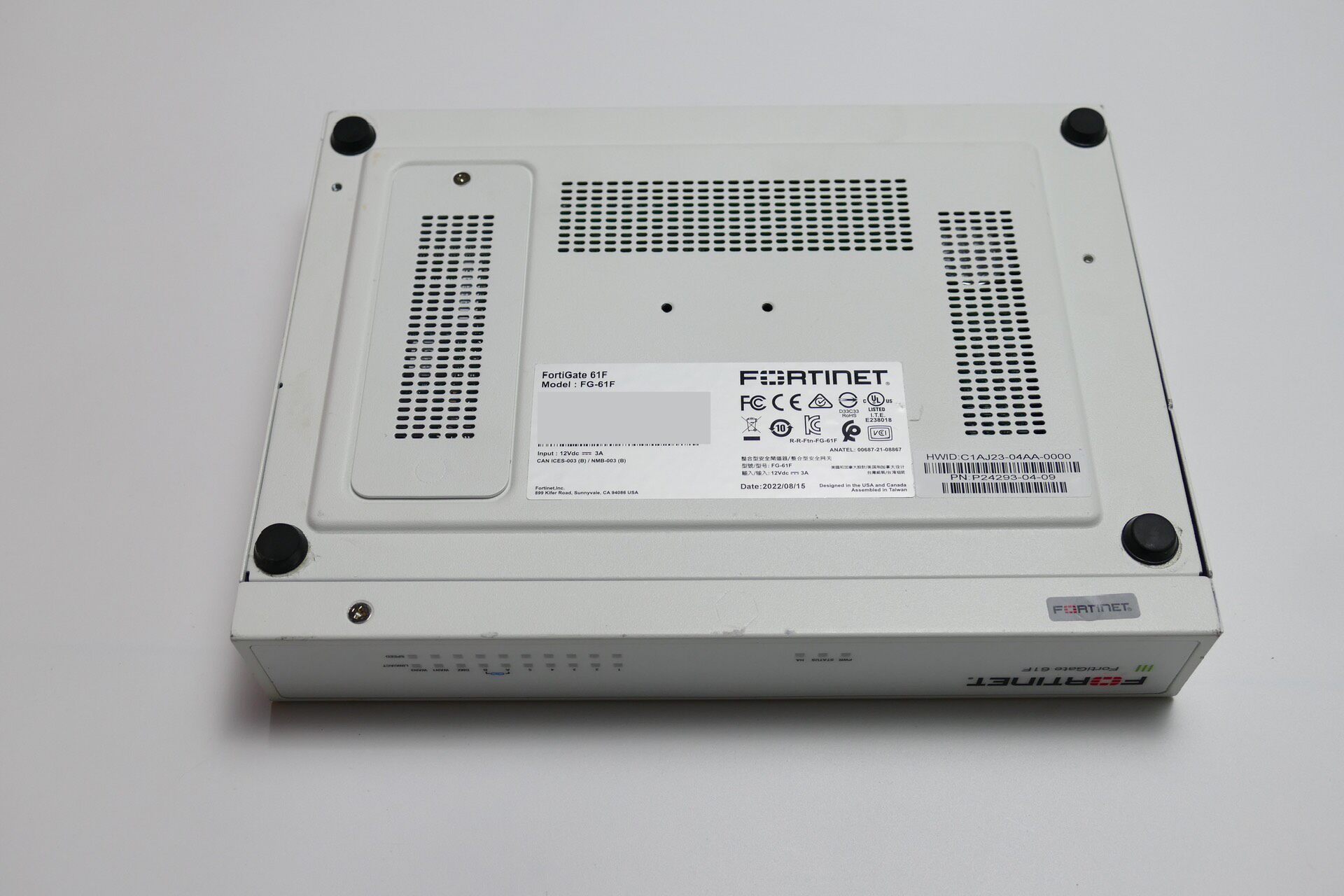
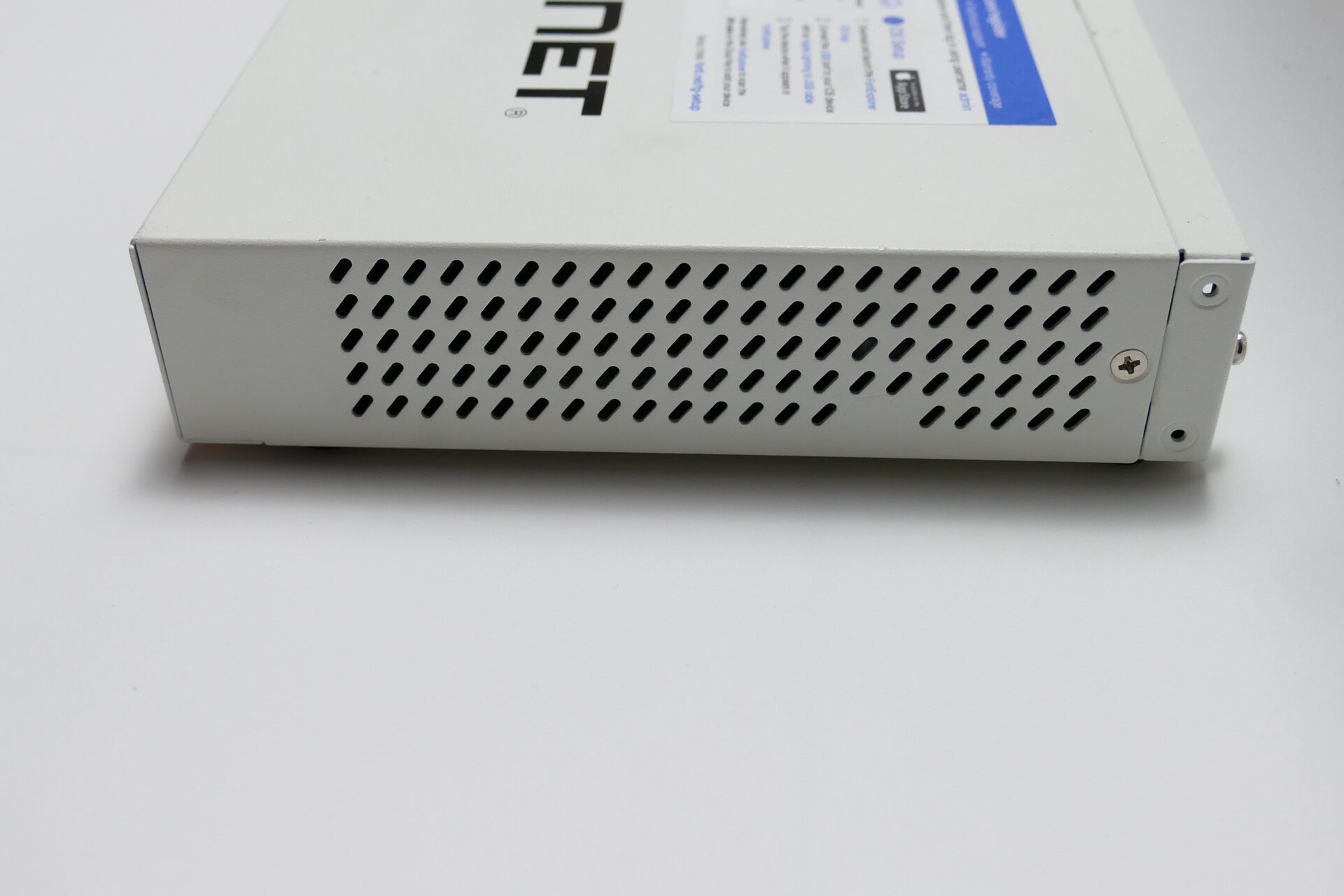
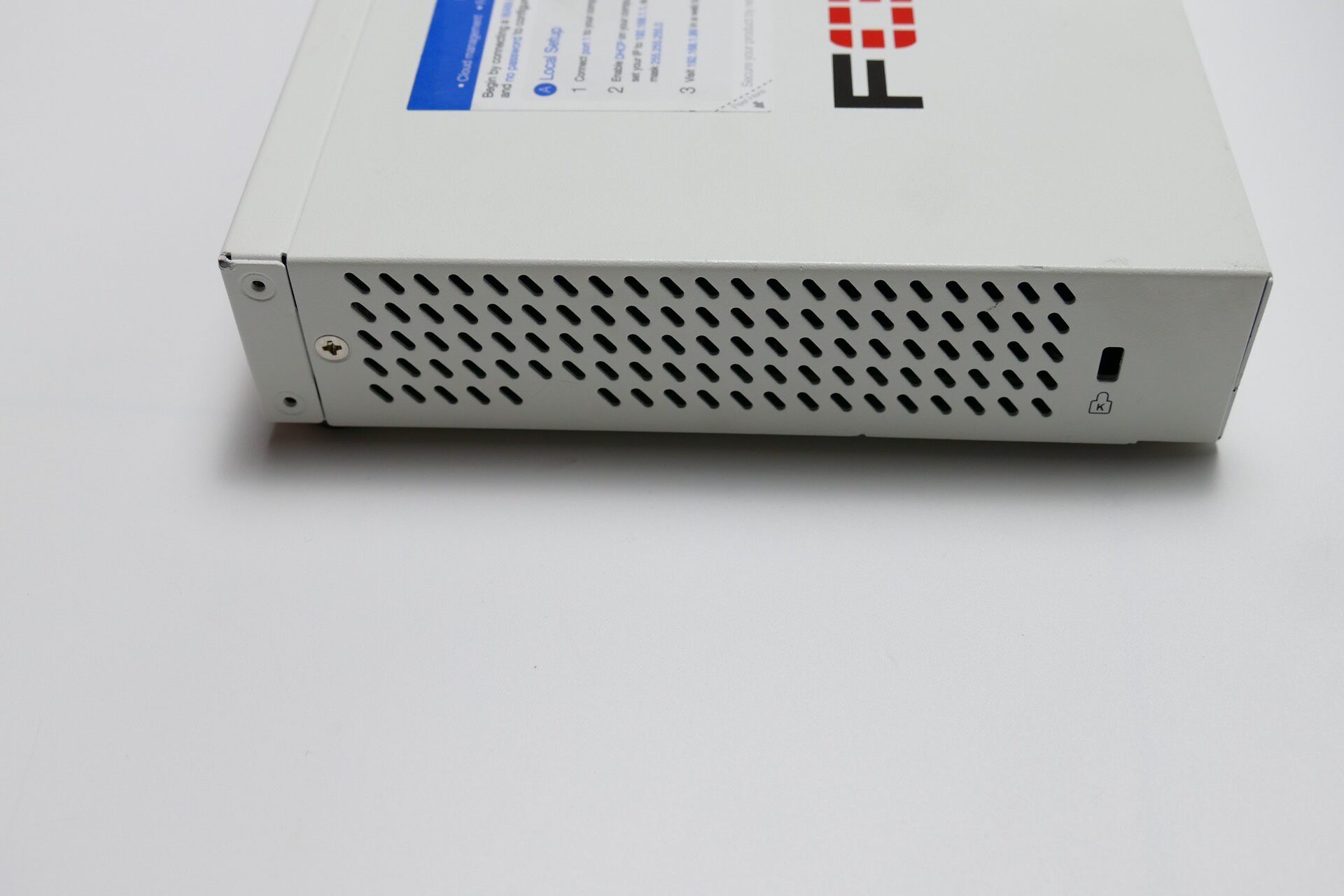
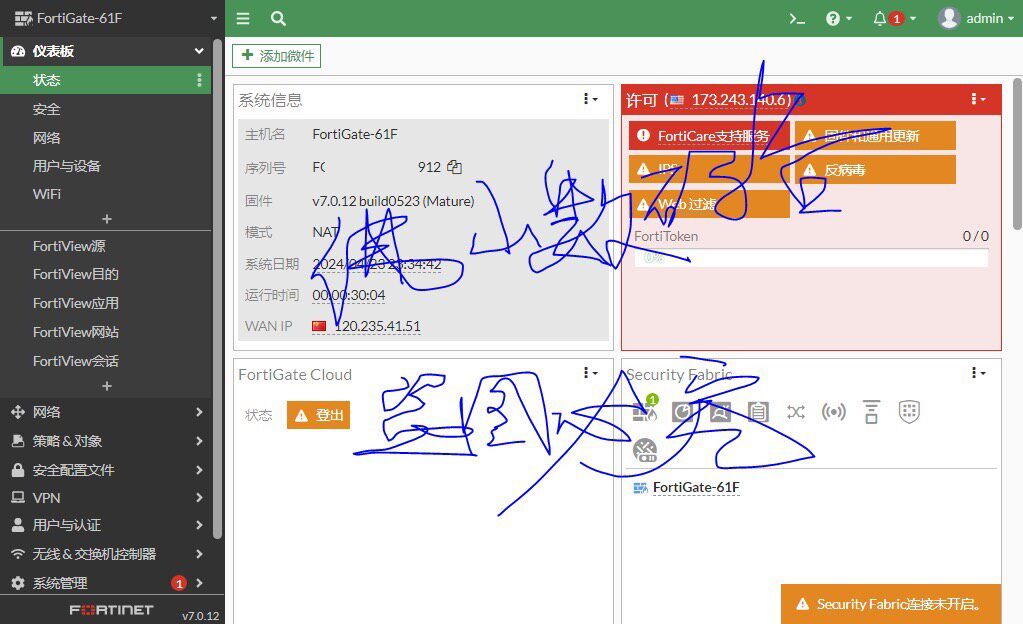
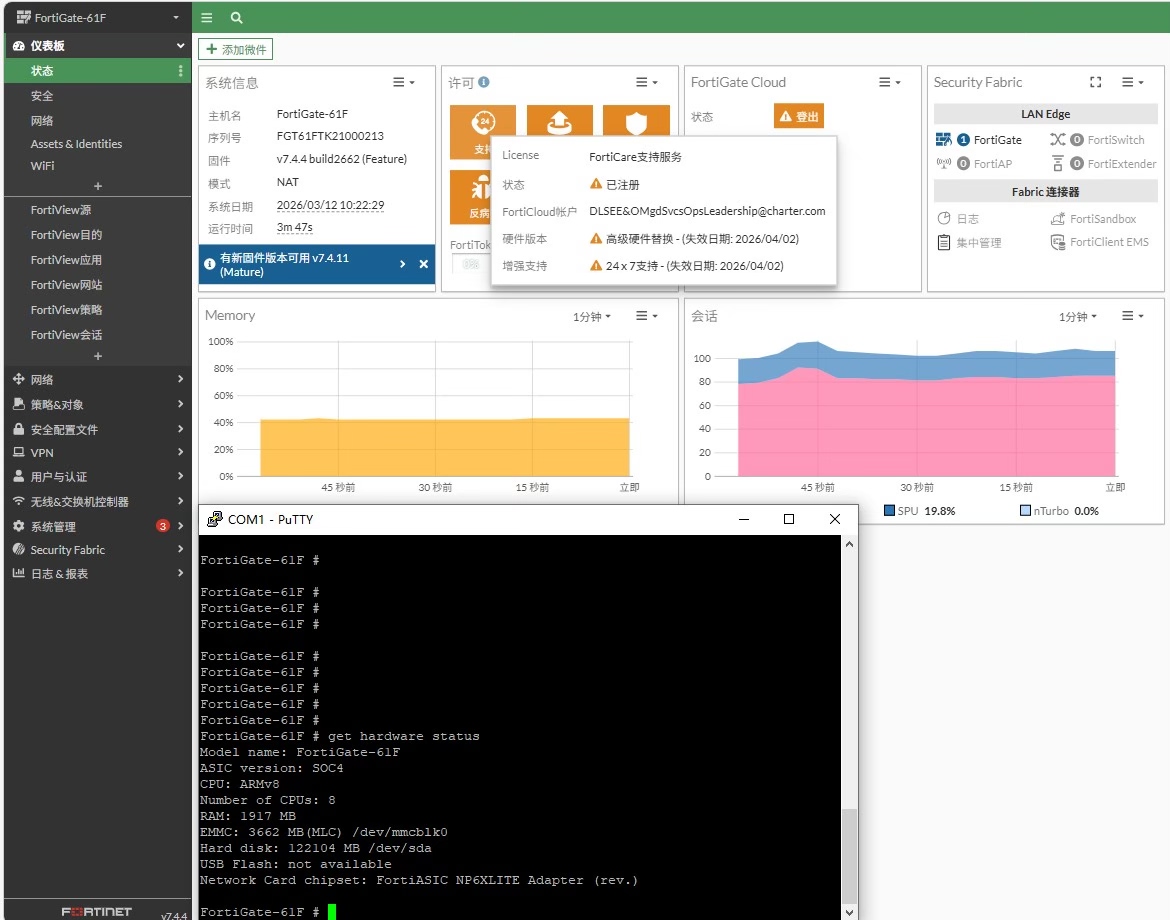
Fortinet飞塔FG-61F企业级防火墙FortiGat
Descrição do produto
e SD-WAN 8核CPU架构ARMv8 RAM:1917MB EMMC:3742MB MLC 控制端口:USB 接口 ×1 控制 (RJ45) 接口 ×1 网络端口:2个 GE RJ45 广域网 / DMZ 接口,7个 GE RJ45 内部接口,2个GE RJ45 FortiLink 接口 防火墙:1Gbps IPS:1.4Gbps NGFW:1Gbps 威胁防护:700Mbps 安全SD-WAN,7个内部接口、2个WAN接口、1个DMZ接口、128G板载SSD储存、最大管理Fortip总数30/隧道10 配件:无,(需要自己准备电源)
Guia de compra e ideias
Uso e escolha
Will you just use the internet at home, or also run a second connection or a work VPN? A gigabit socket tells you the speed of the socket. Ask how fast the router runs with the features you need turned on.
O que perguntar antes de comprar
Check how your internet provider connects, especially if you need a PPPoE login. Ask about IPv6, fiber modules or SIM cards when you need them, and check which features require a license.
Verificação do estado
Get one computer online before switching everyone over. Unplug the internet cable and plug it back in to see whether the router reconnects. Save the settings and check them again after a restart.
Comunidade
Dica prática
Take a photo of the old router’s internet settings. Keep it handy so you can plug it back in if setup takes longer than expected.
Ideias para testar
- Test the new router behind the old one with a single computer. Give the two routers different local network ranges.
- Run a speed test with your VPN on and off to see what the difference means in day-to-day use.