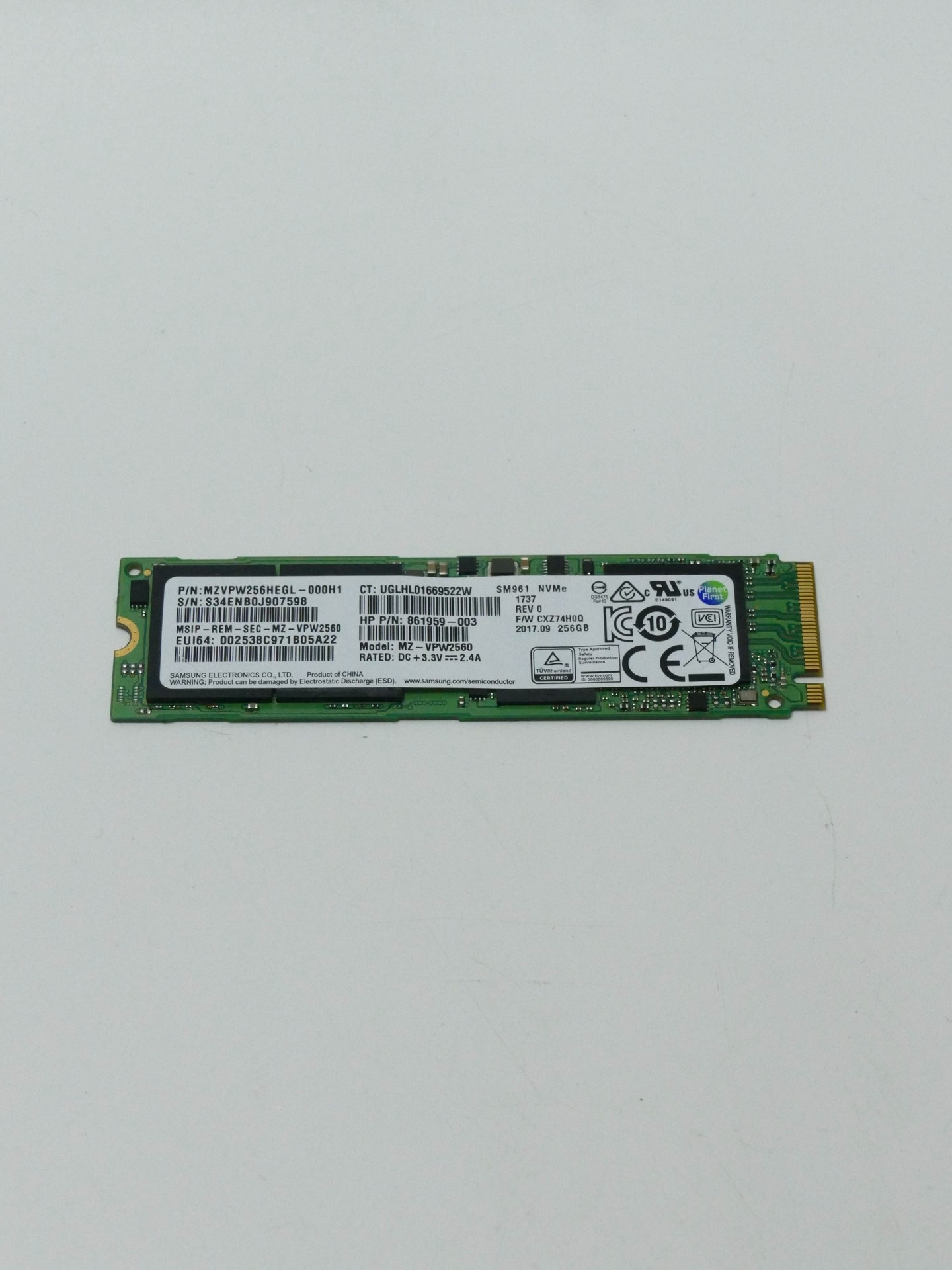
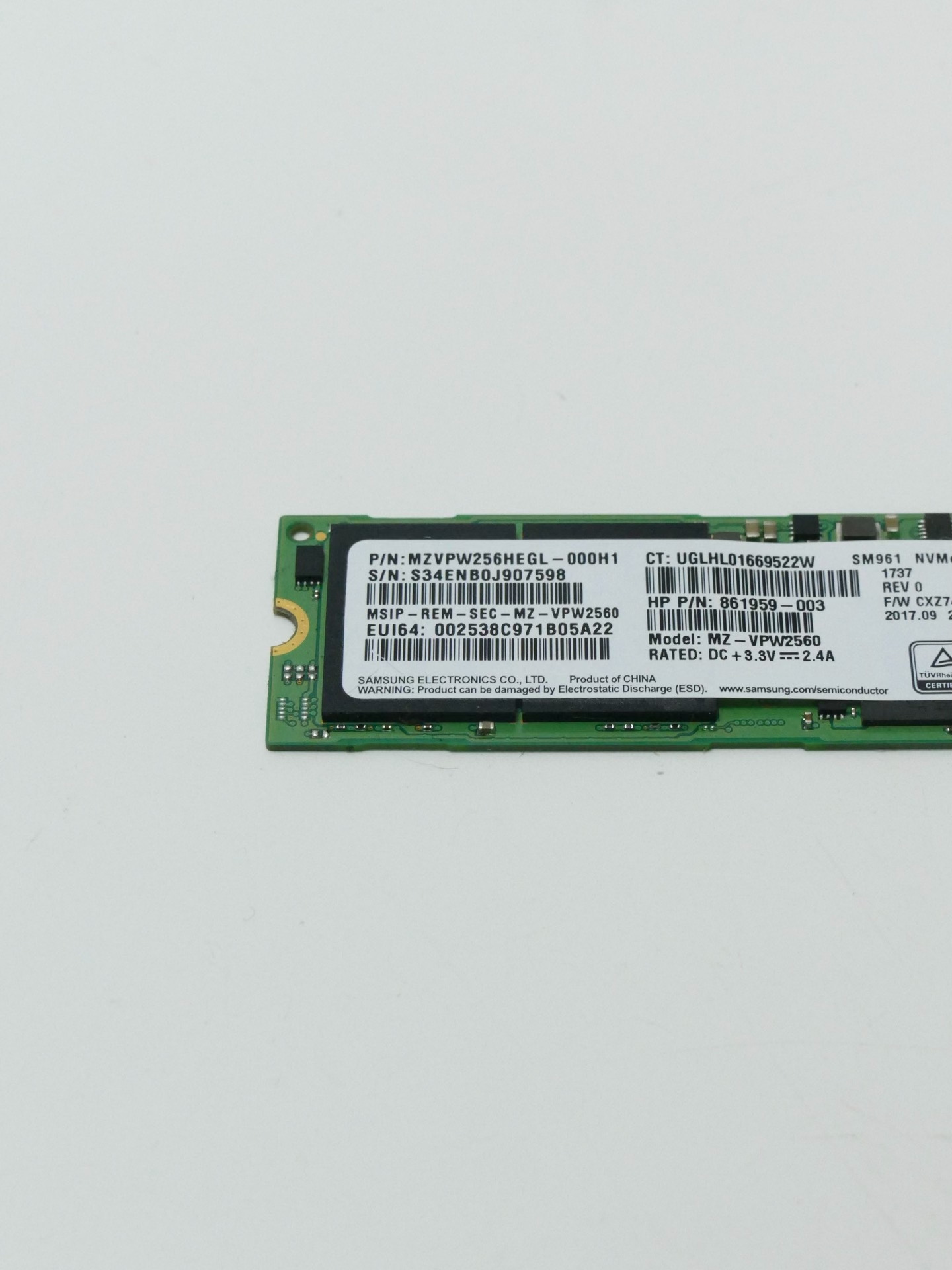
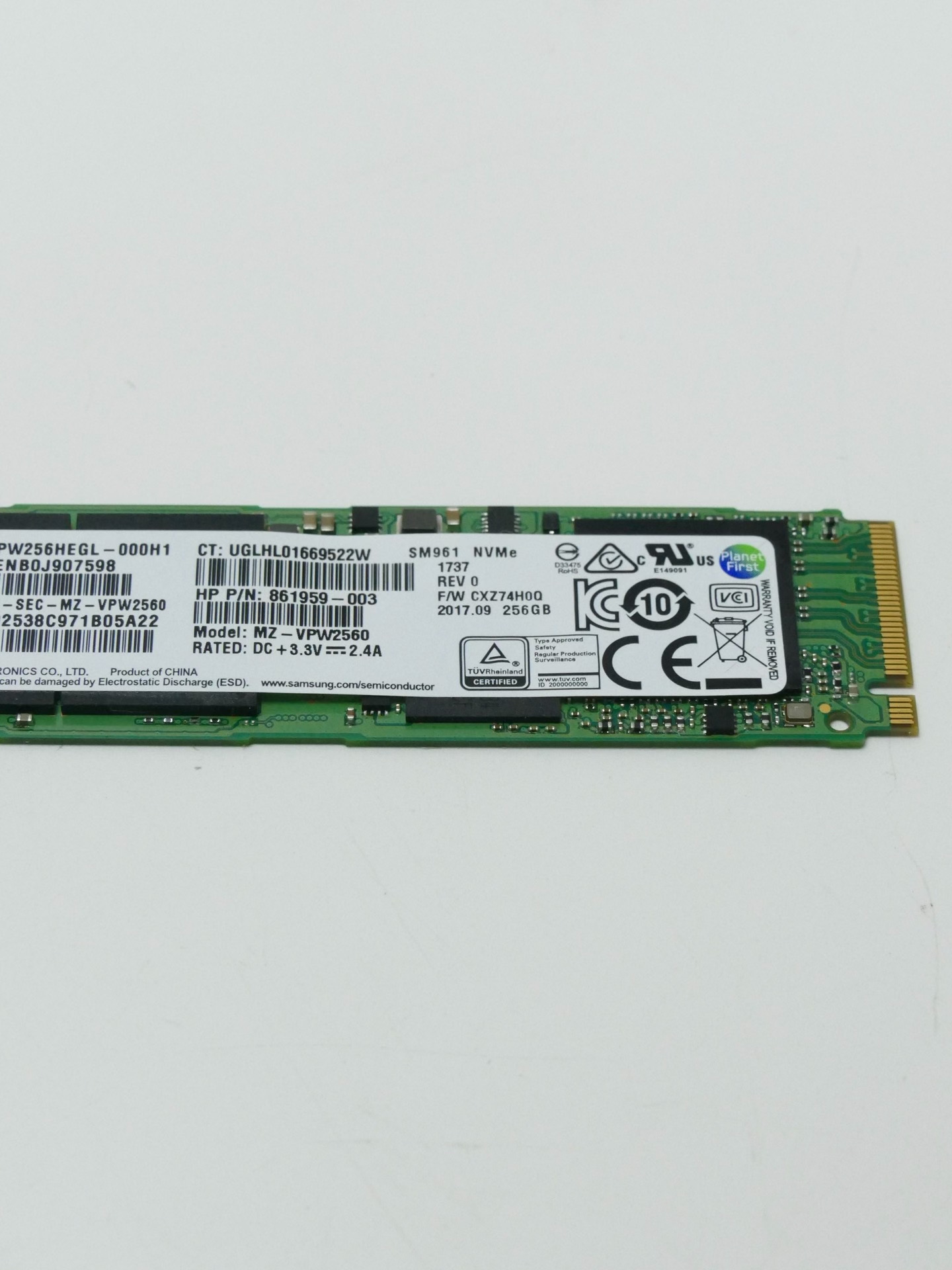
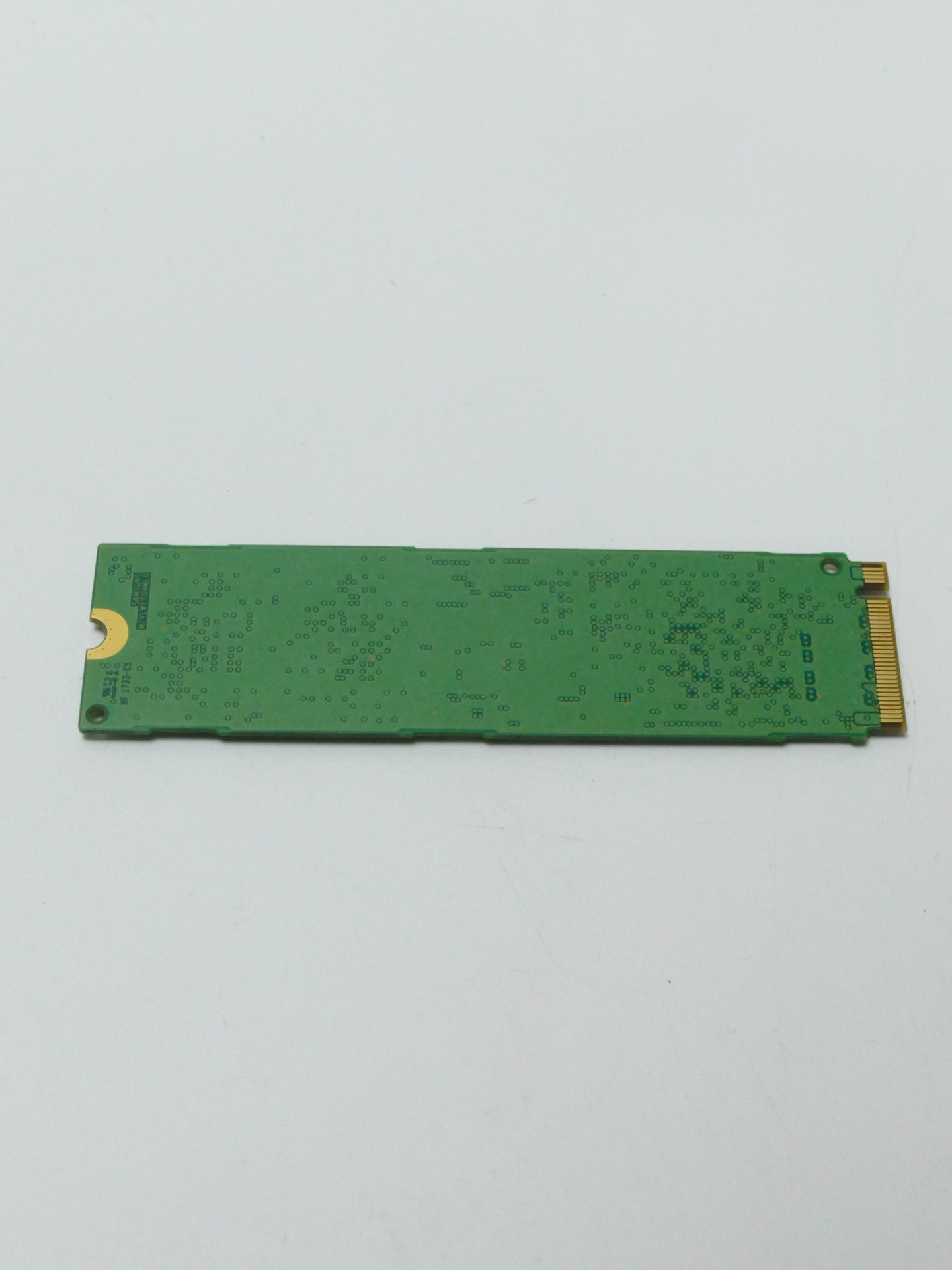
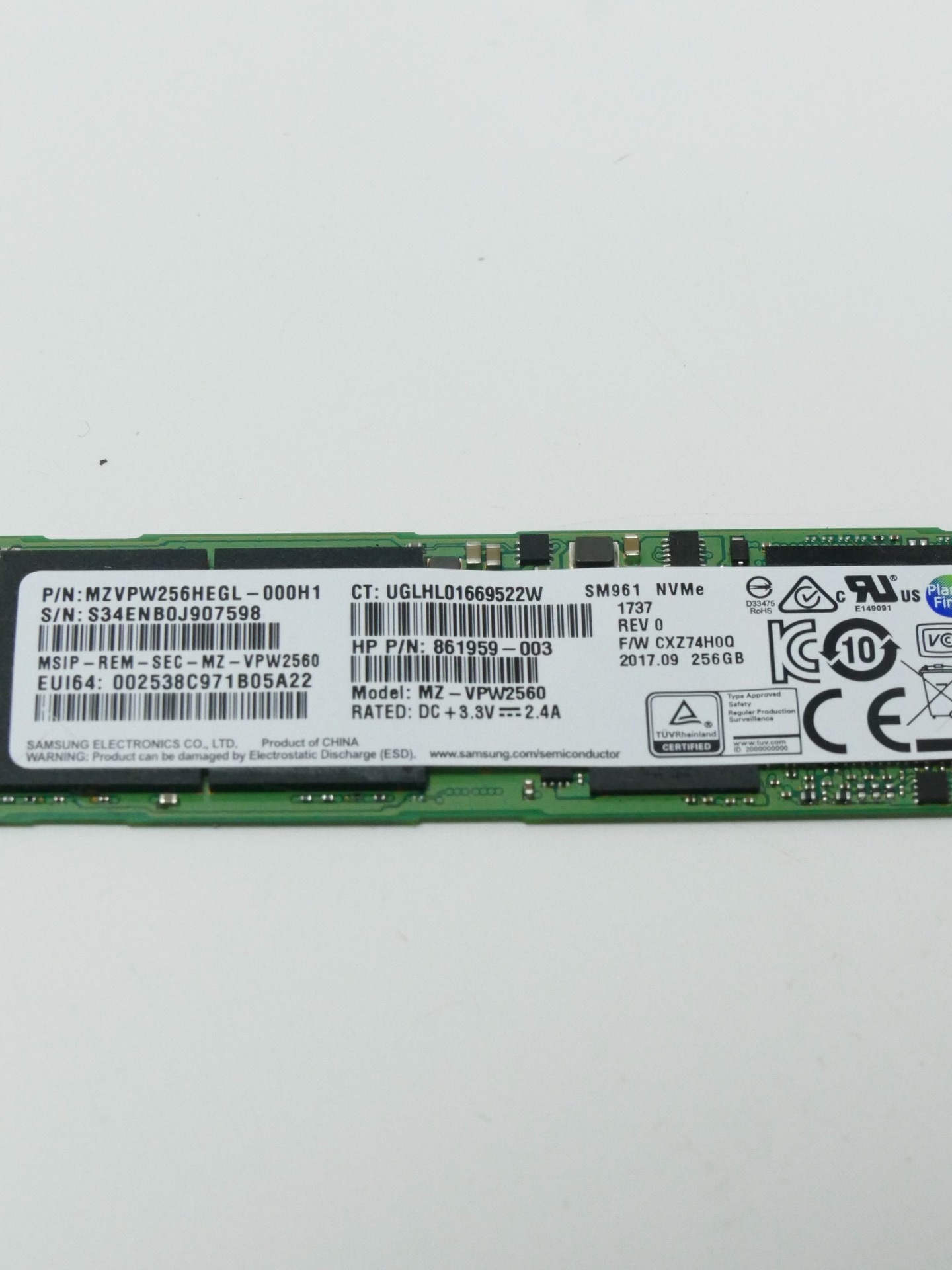
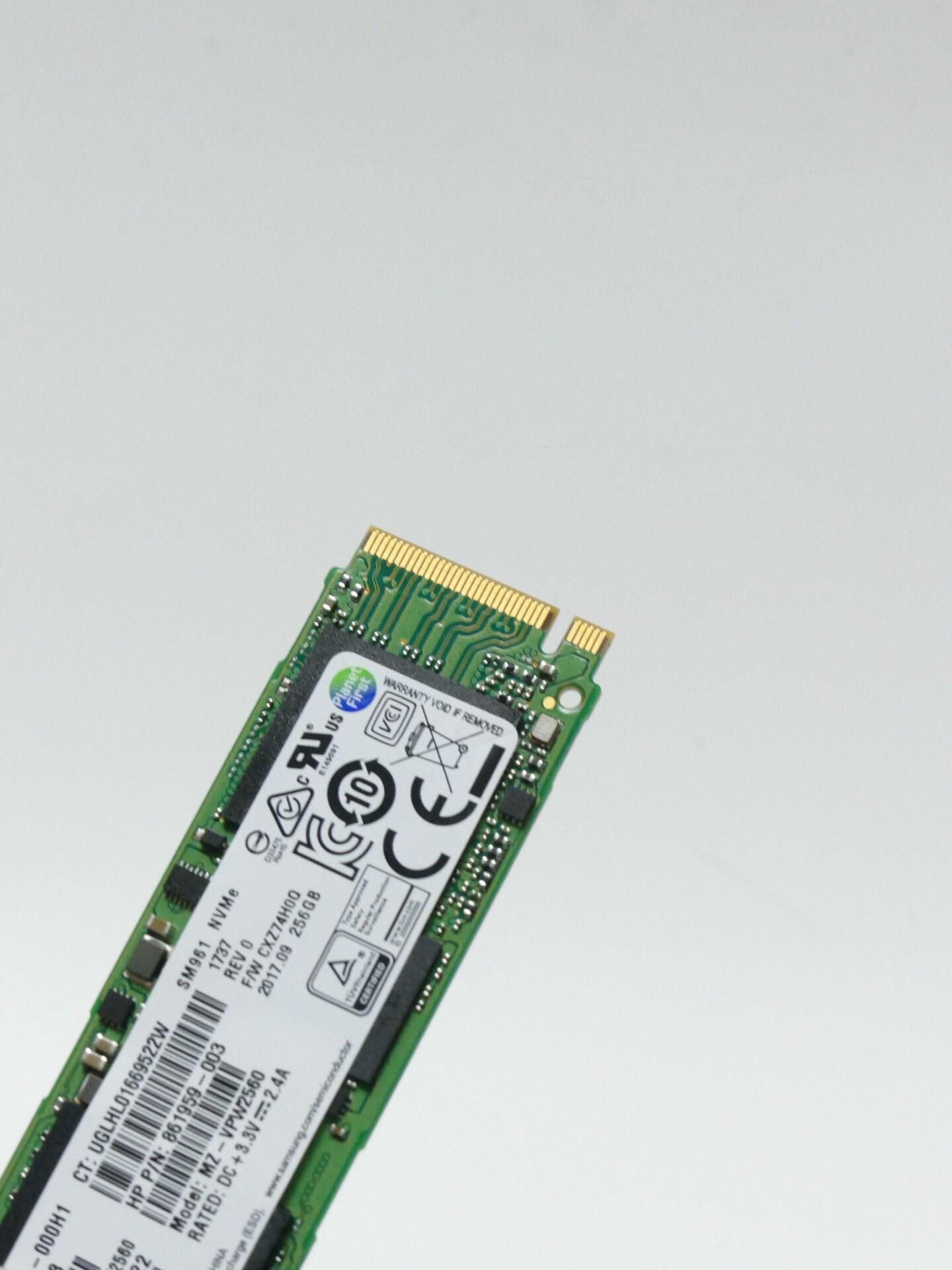
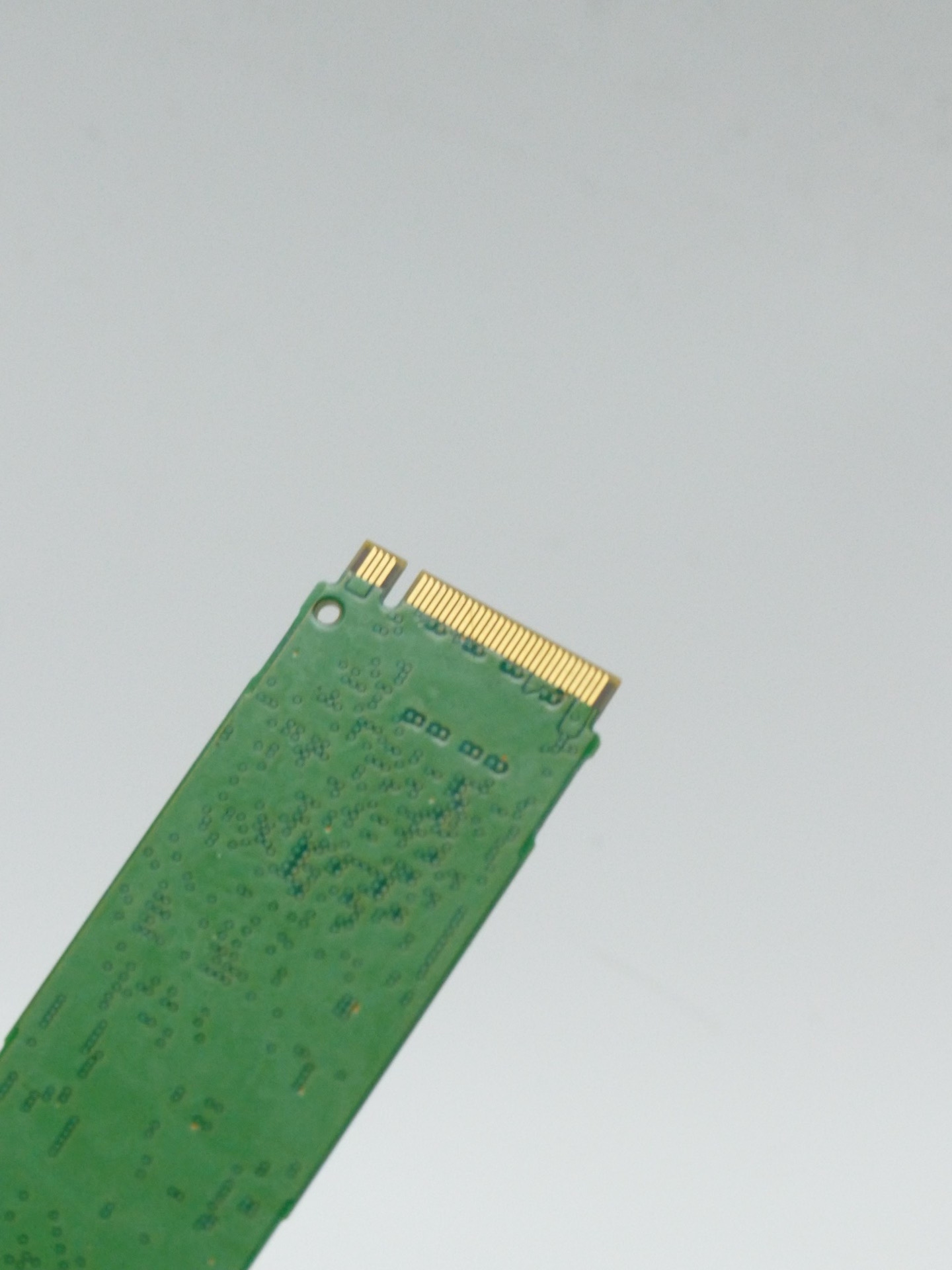
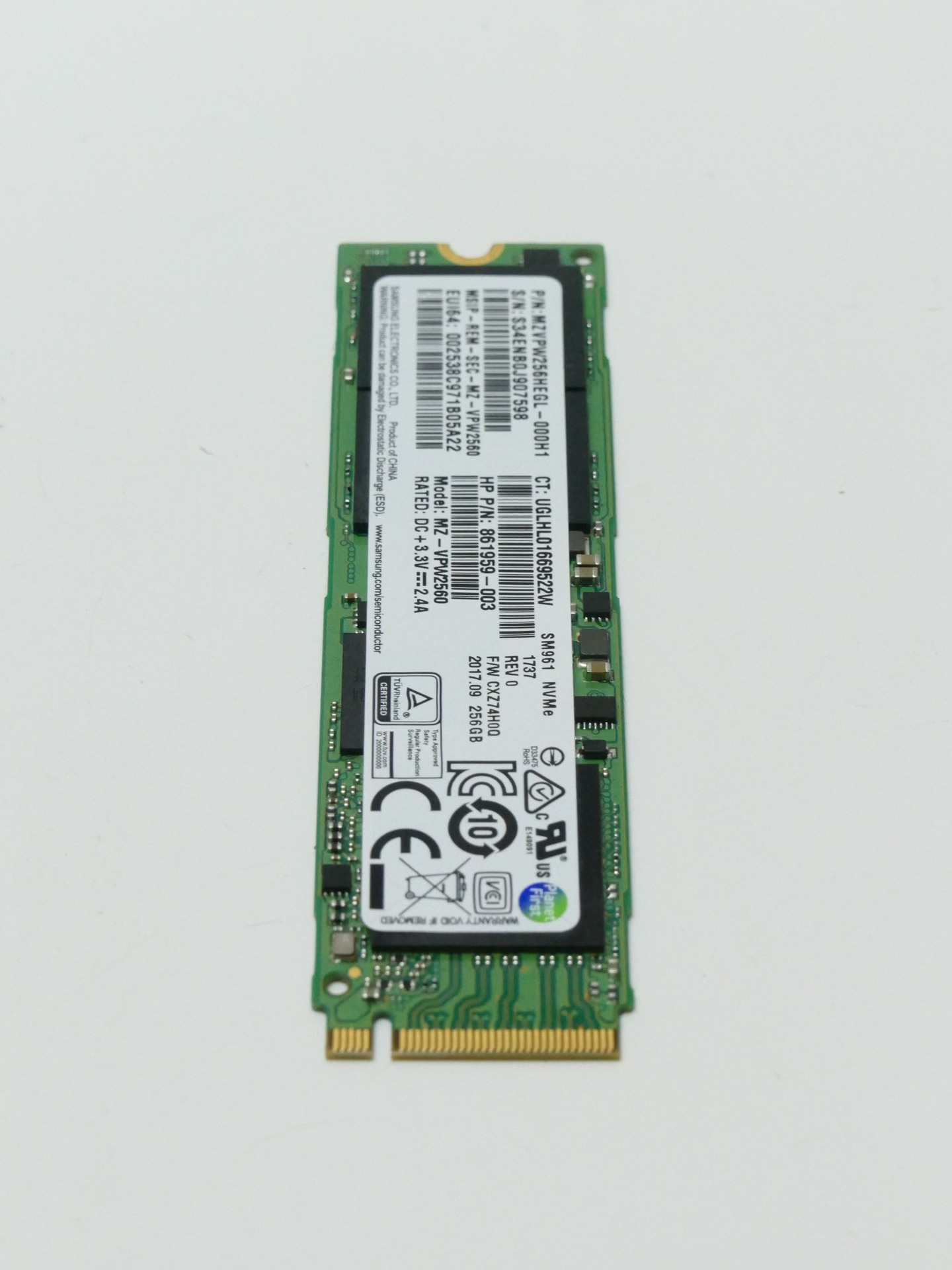
三星256G NVME固态硬盘SM961 MZ-VPW256
CN¥196Terjual
Deskripsi produk
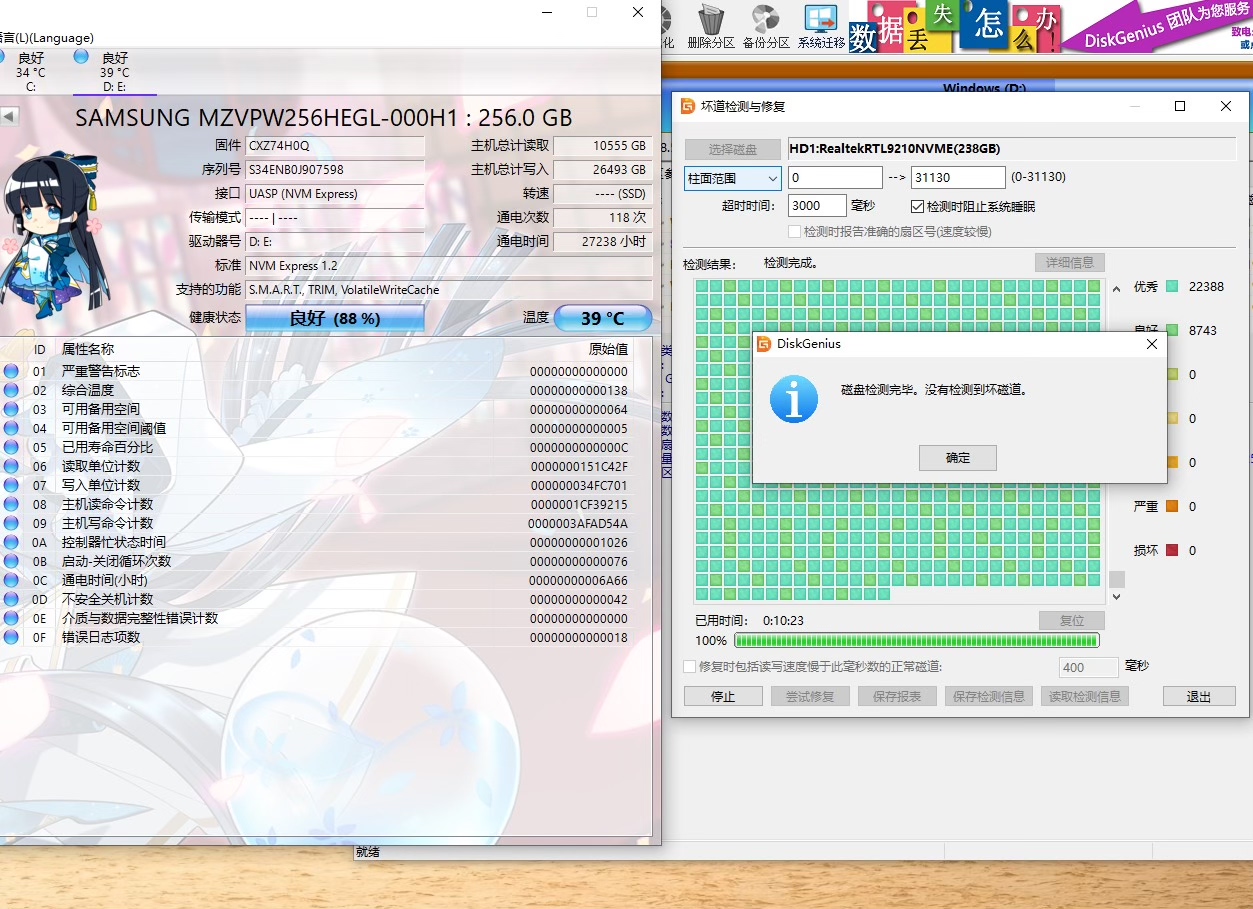
P/N:MZVPW256HEGL 无坏道,健康度88%,功能正常 成色如图所示,序列号S34ENBOJ907598 2️⃣_Y
Ulasan pembelian dan ide
Kegunaan dan pilihan
Need more space or another drive for a NAS? Check whether the listing includes the drive or just the enclosure or tray. For a used drive, ask for a screenshot of its health report.
Pertanyaan sebelum membeli
Pemeriksaan kondisi
Start by making sure the computer can see the drive. Check the health report and try reading some files. Before a format or write test, check that you have picked the right drive and backed up anything you need.
Komunitas
Proyek sumber terbuka
Tip praktis
Keep the first health report. If reads slow down or errors turn up later, you can check whether anything has changed.
Ide untuk dicoba
- Use smartmontools to check hours and errors on a drive it supports.
- Back up a small folder with Restic, restore it somewhere else and open a few of the files.