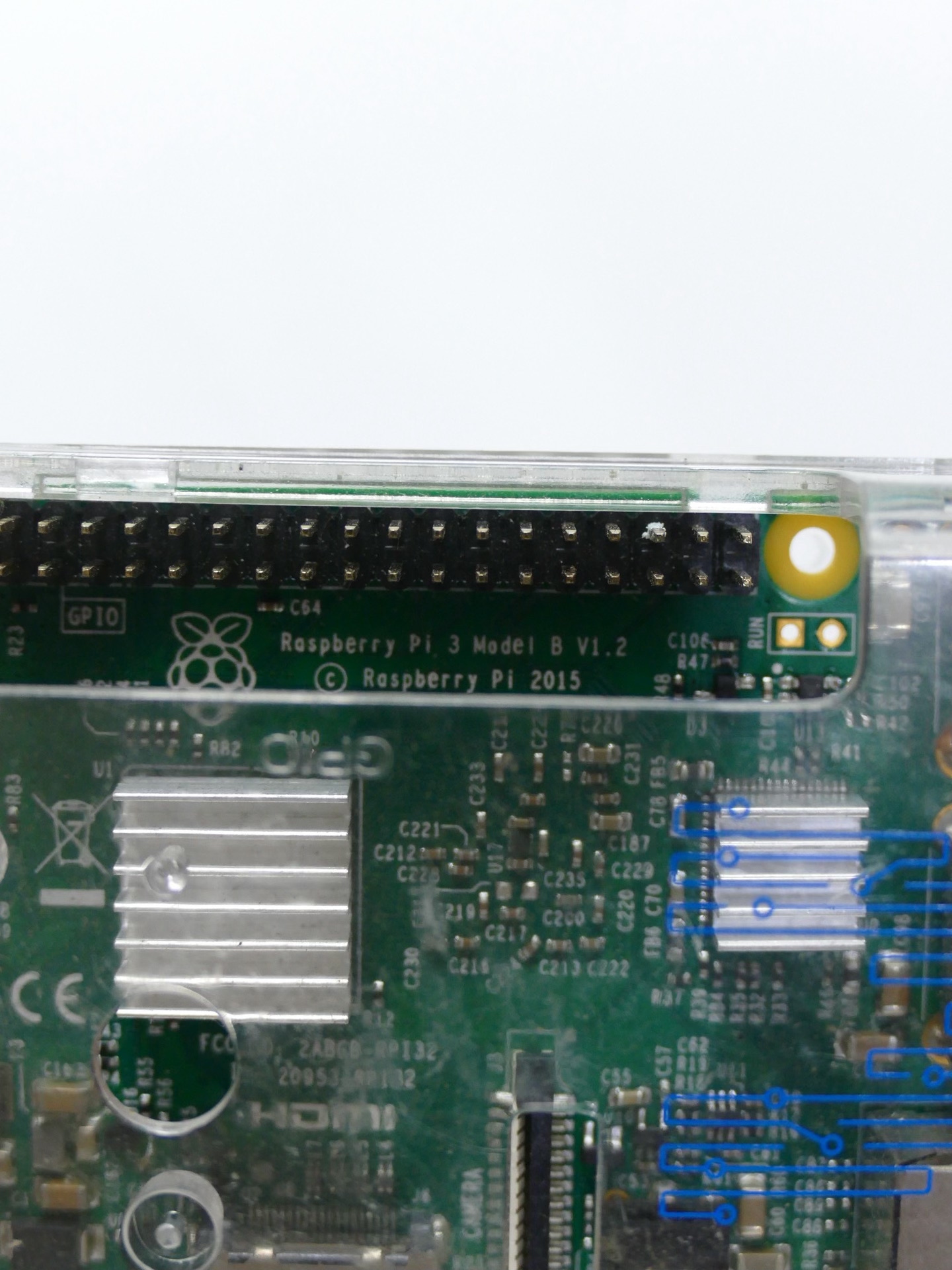
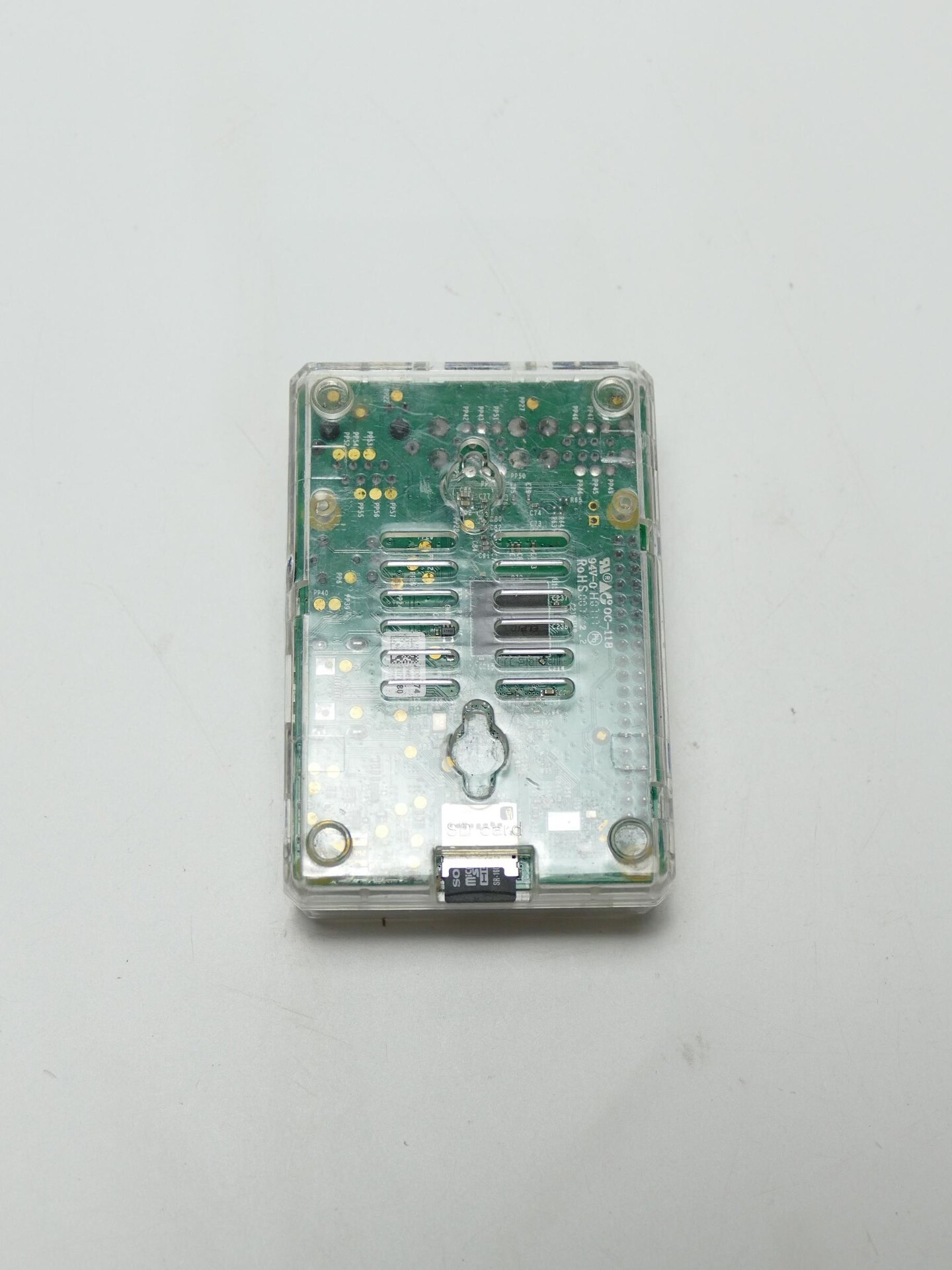
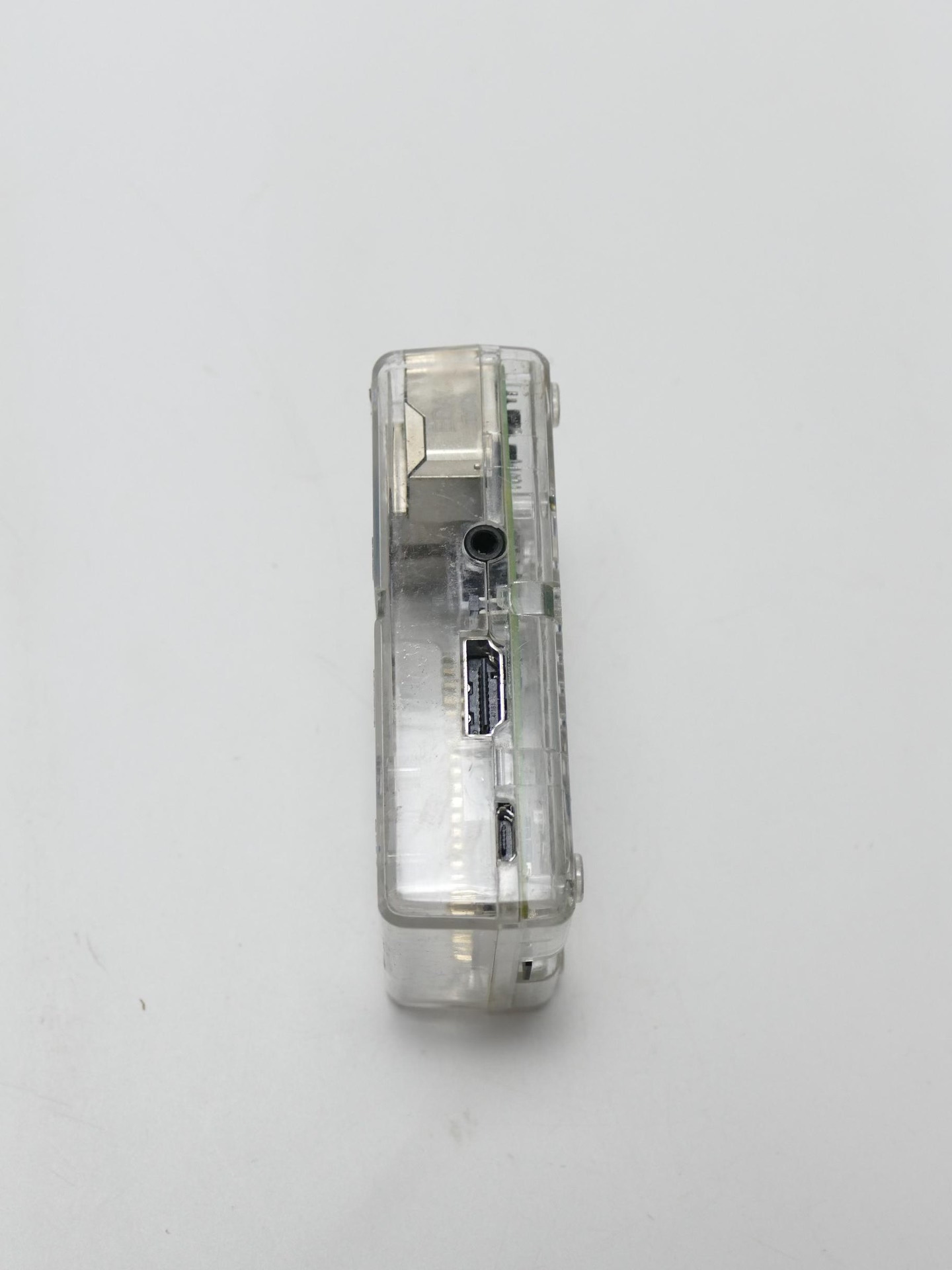
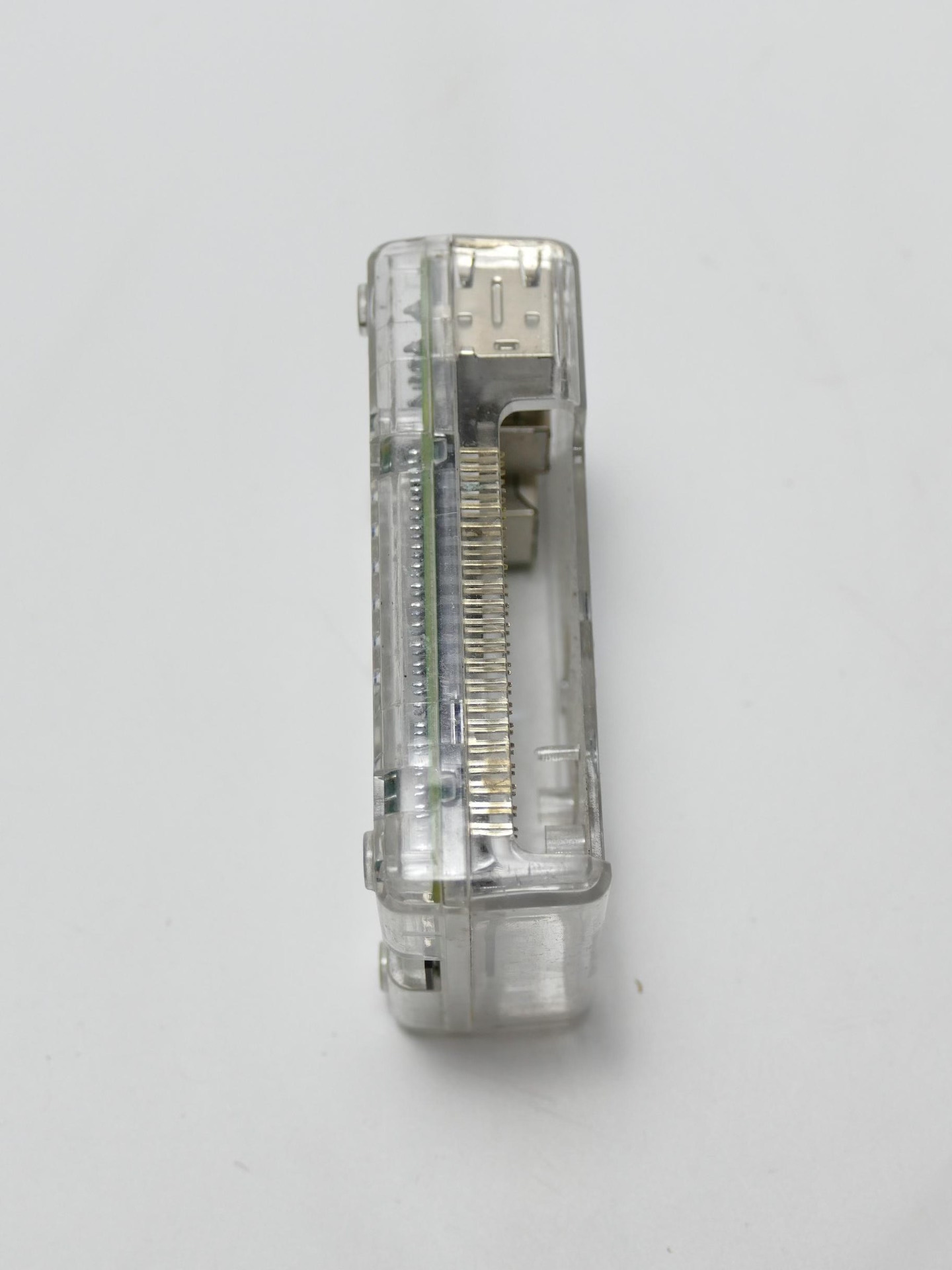
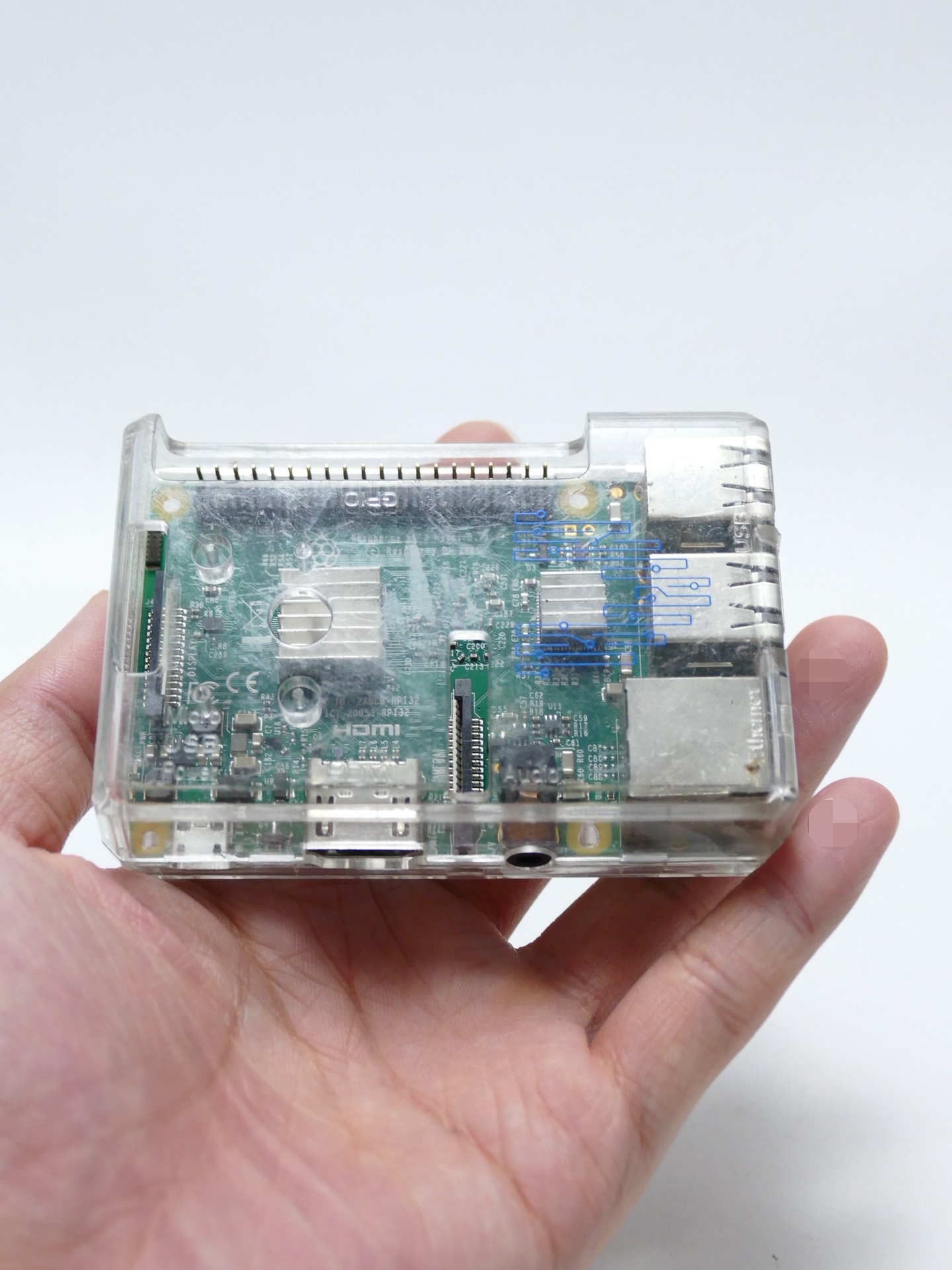
Raspberry Pi 3B树莓派
CN¥188Sold
Product description
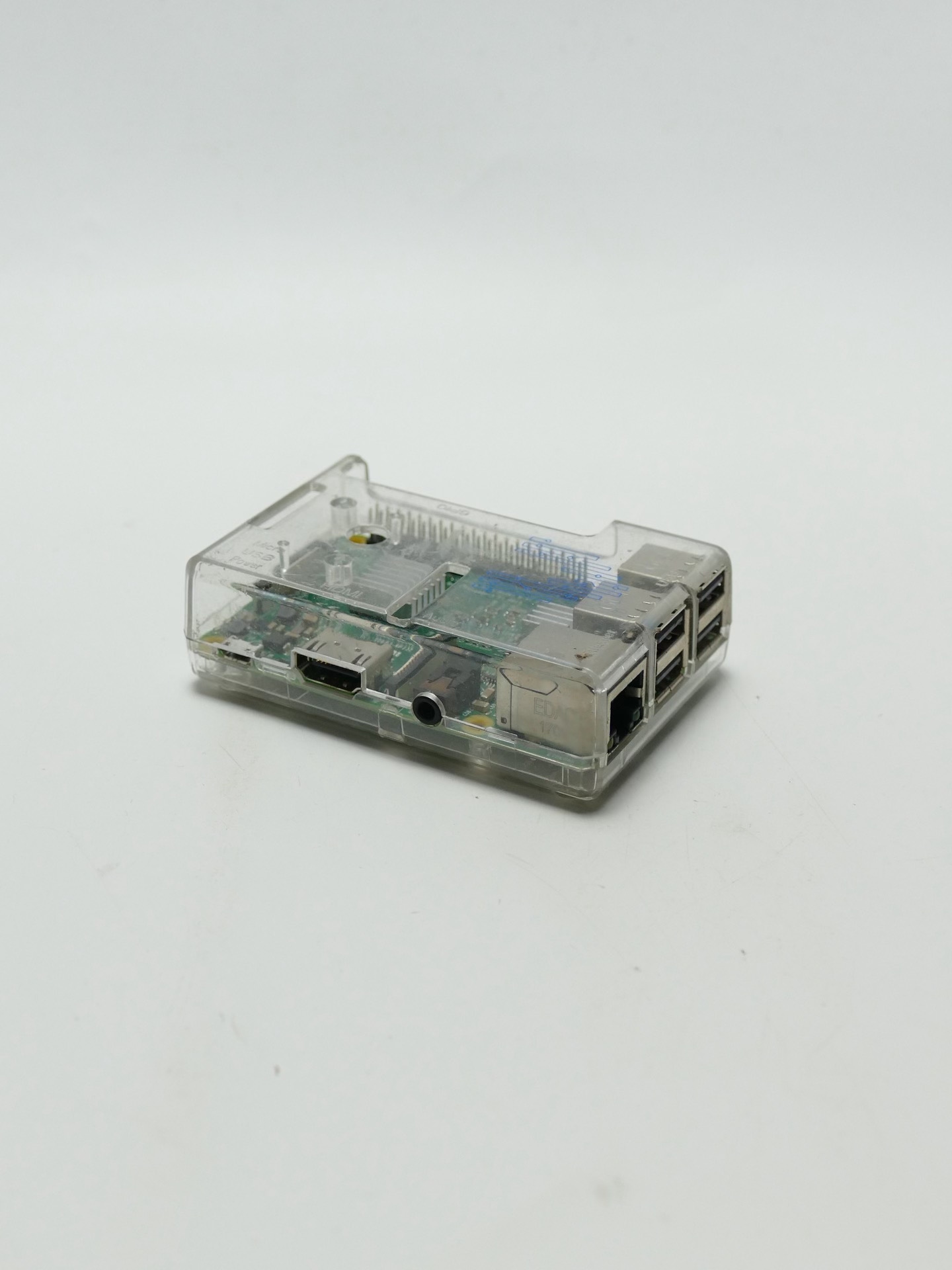
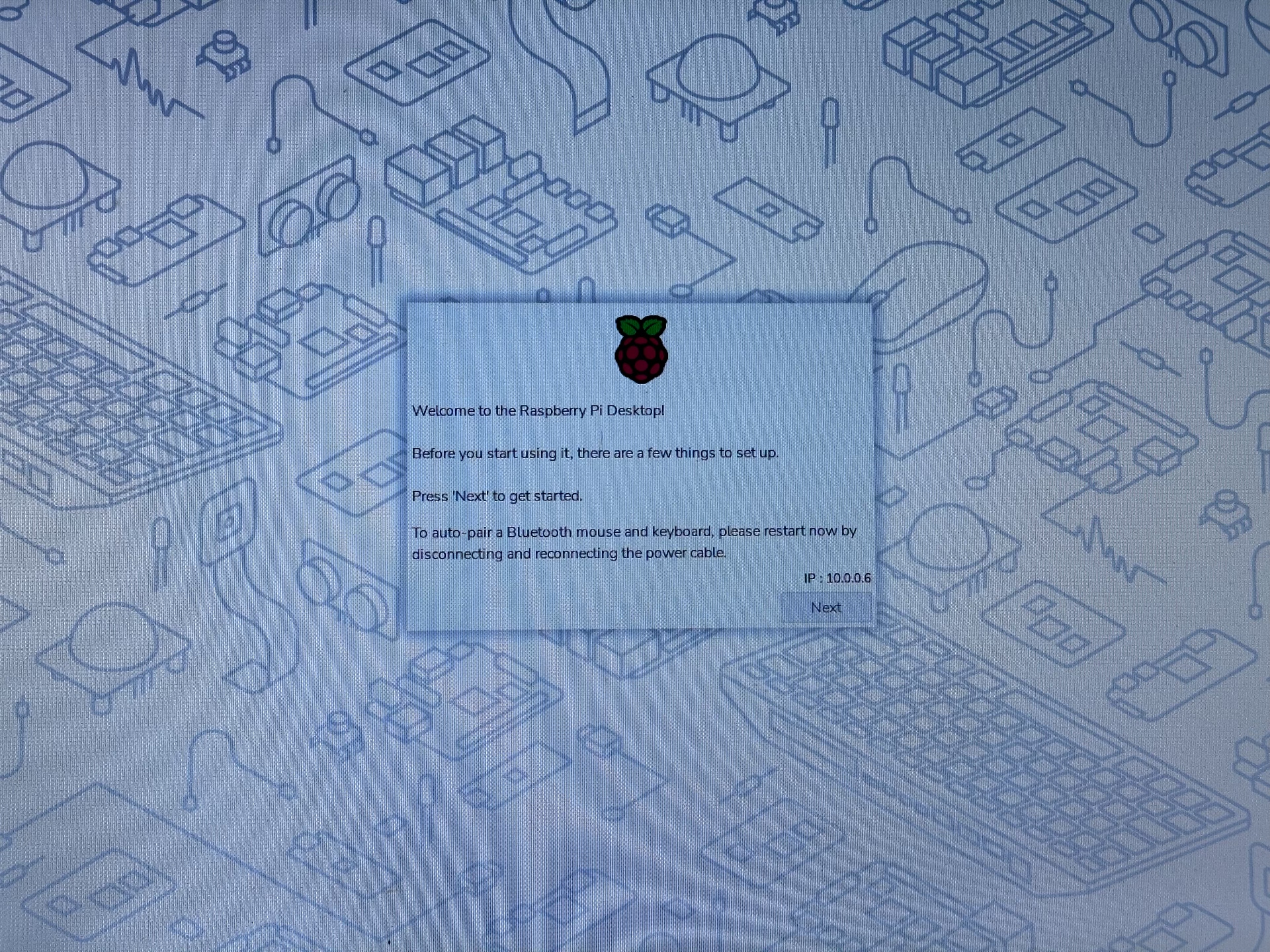
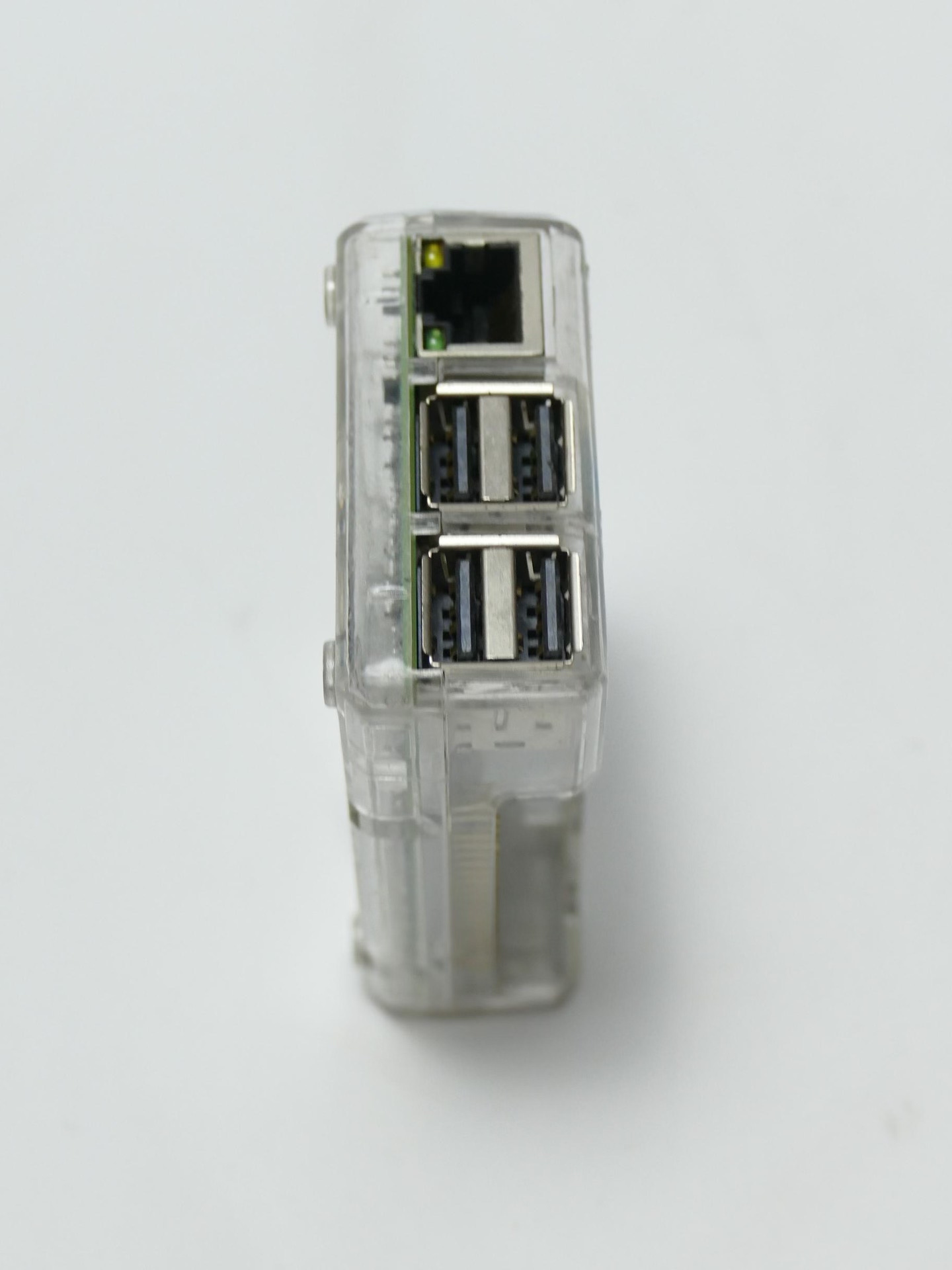
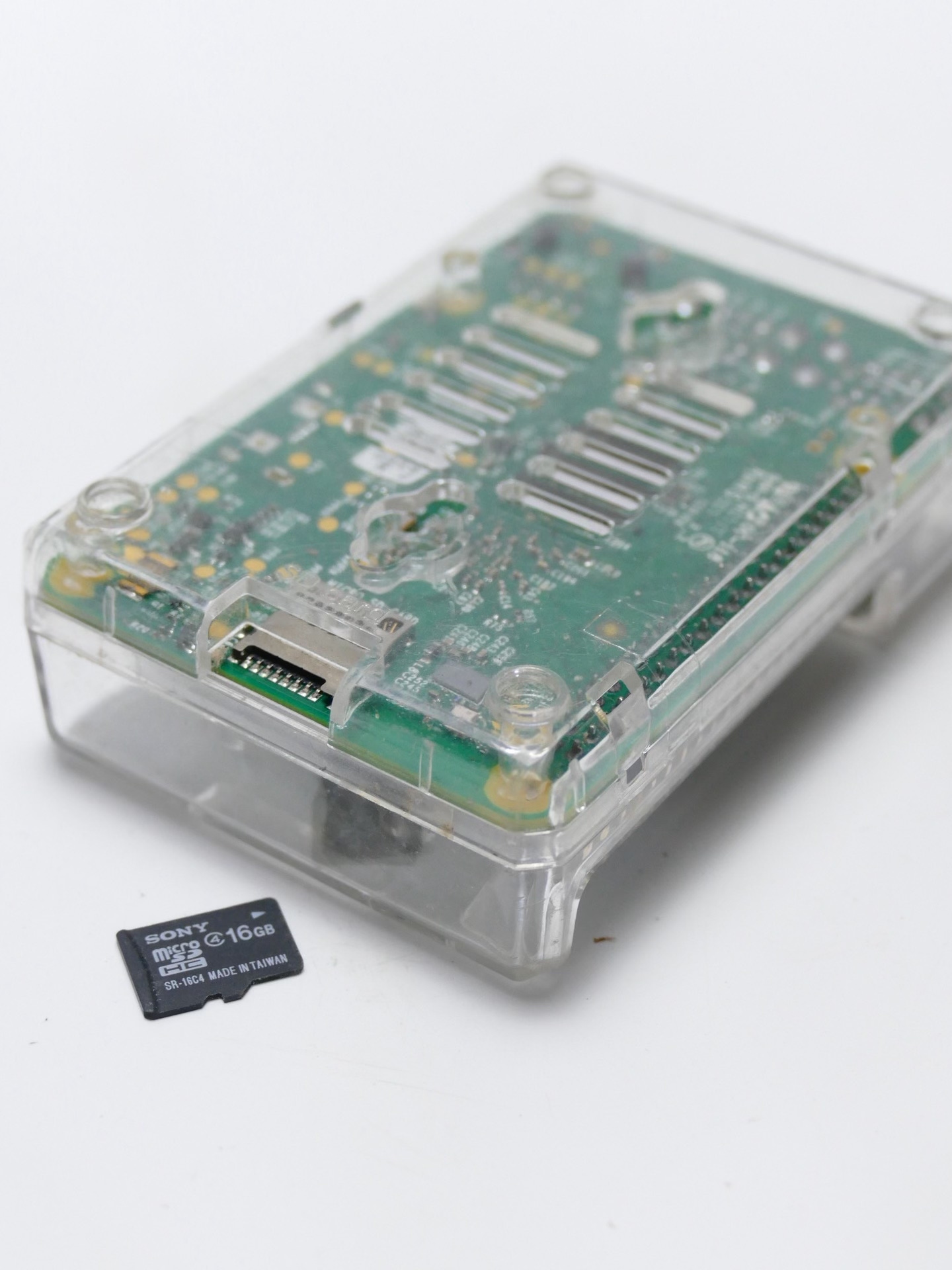
功能正常,成色如图,带一个外壳,一个16G内存卡 不含其它额外配件,需要自己准备充电器 无法提供技术支持,功能已测试正常,装好了新的64位系统 2️⃣_蓝
Buying tips and things to try
Who is it for?
Ask which of the things in the photos come with the item. If it needs a power supply, cable or mounting kit, find out what those extras will cost.
What to ask before buying
Send the seller the model number and a photo of the connector on the equipment you already have. If size is what matters, ask for a photo with a ruler alongside the item.
How to check it when it arrives
When it arrives, check the pieces against the listing photos. Try the familiar buttons or moving parts first. Have damaged electrical equipment checked before use.
Community
Open-source projects
A handy tip
Take one photo with all the small parts laid out. It comes in handy when something goes into a drawer or you need to ask about a missing piece.
Things to try
- Try the item on the shelf before fixing it in place. Leave room for plugs and cables.
- Save the model and accessory photos in a home inventory such as HomeBox, so the manual or replacement parts are easier to find later.