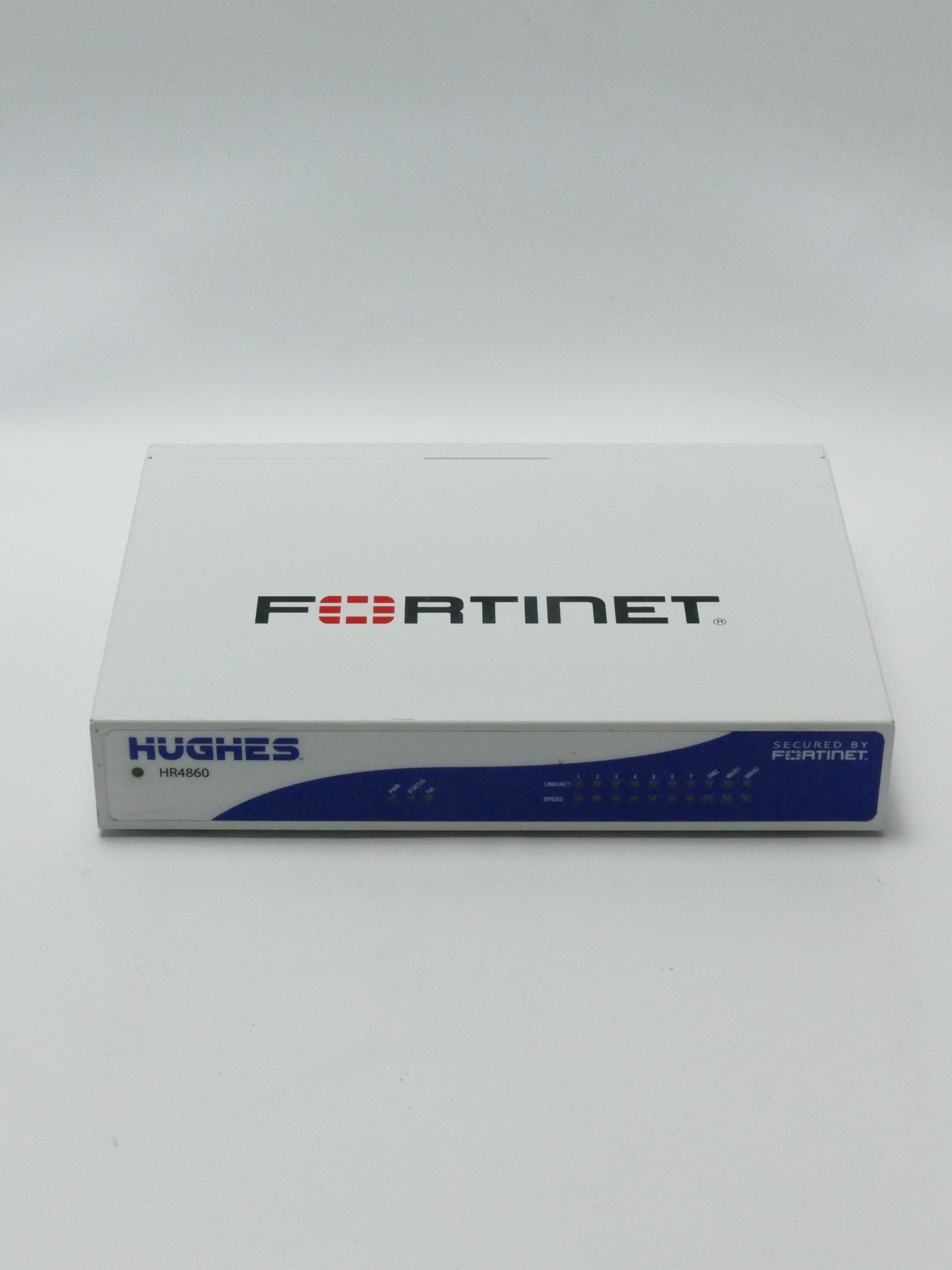
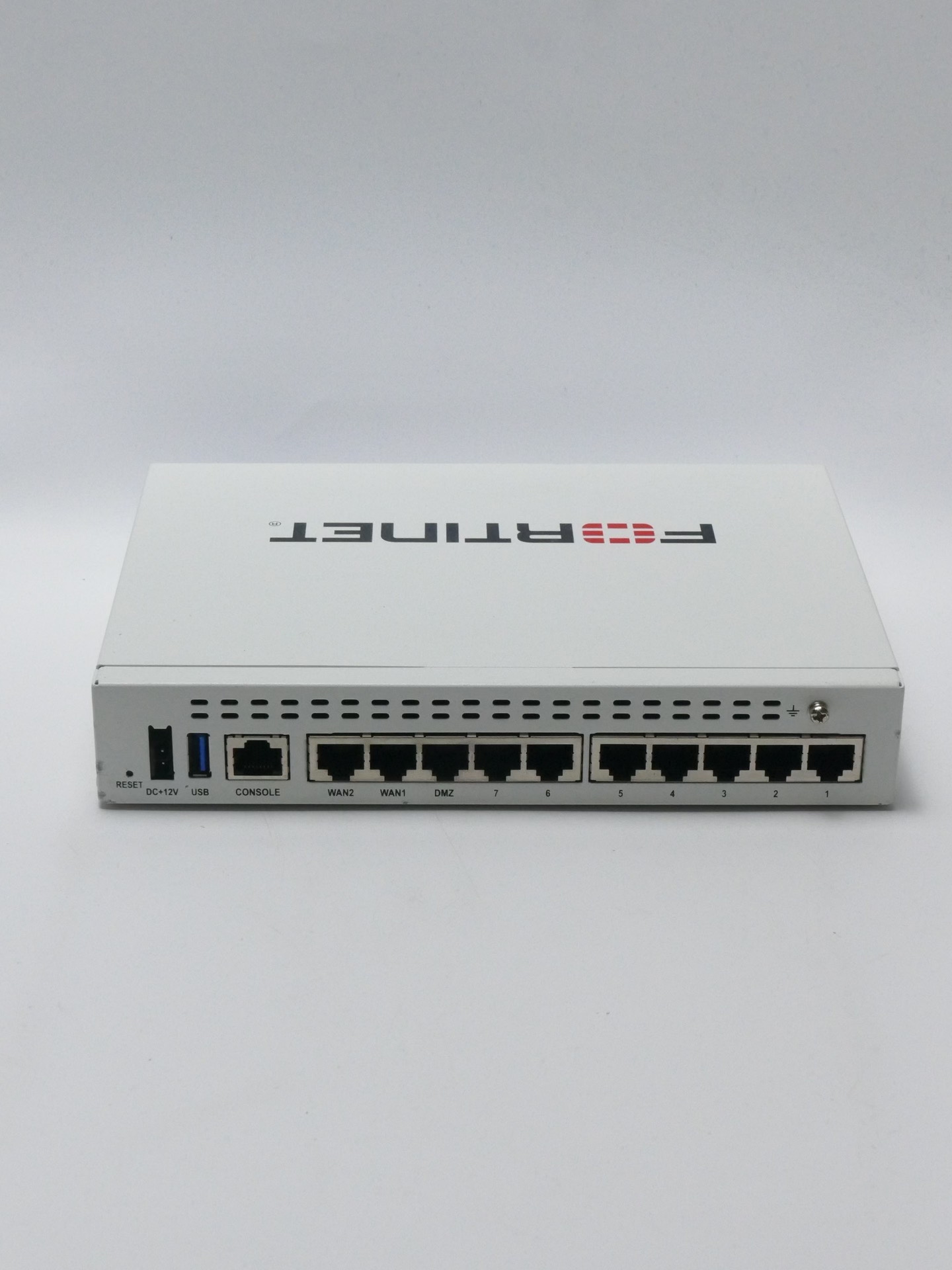
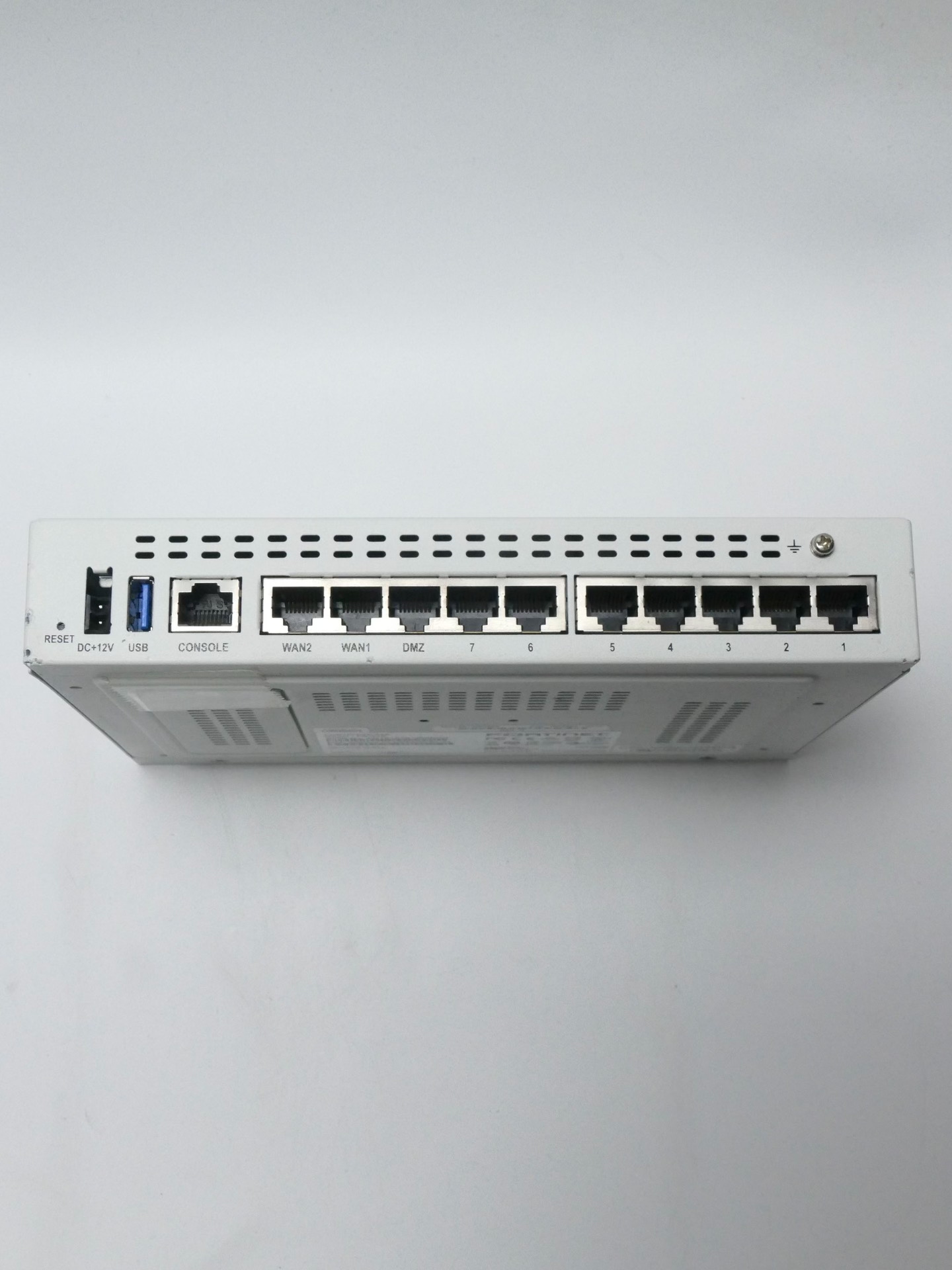
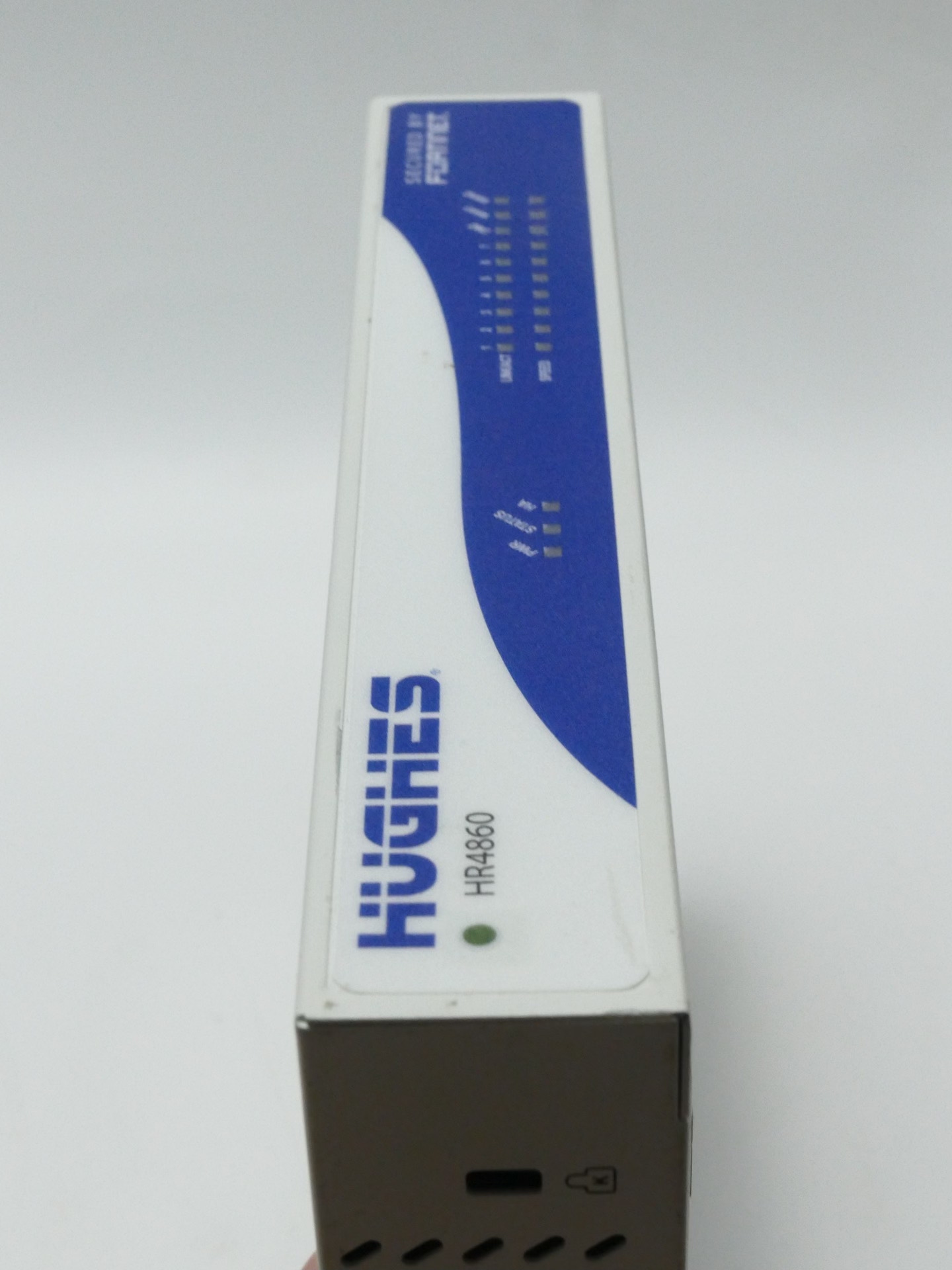
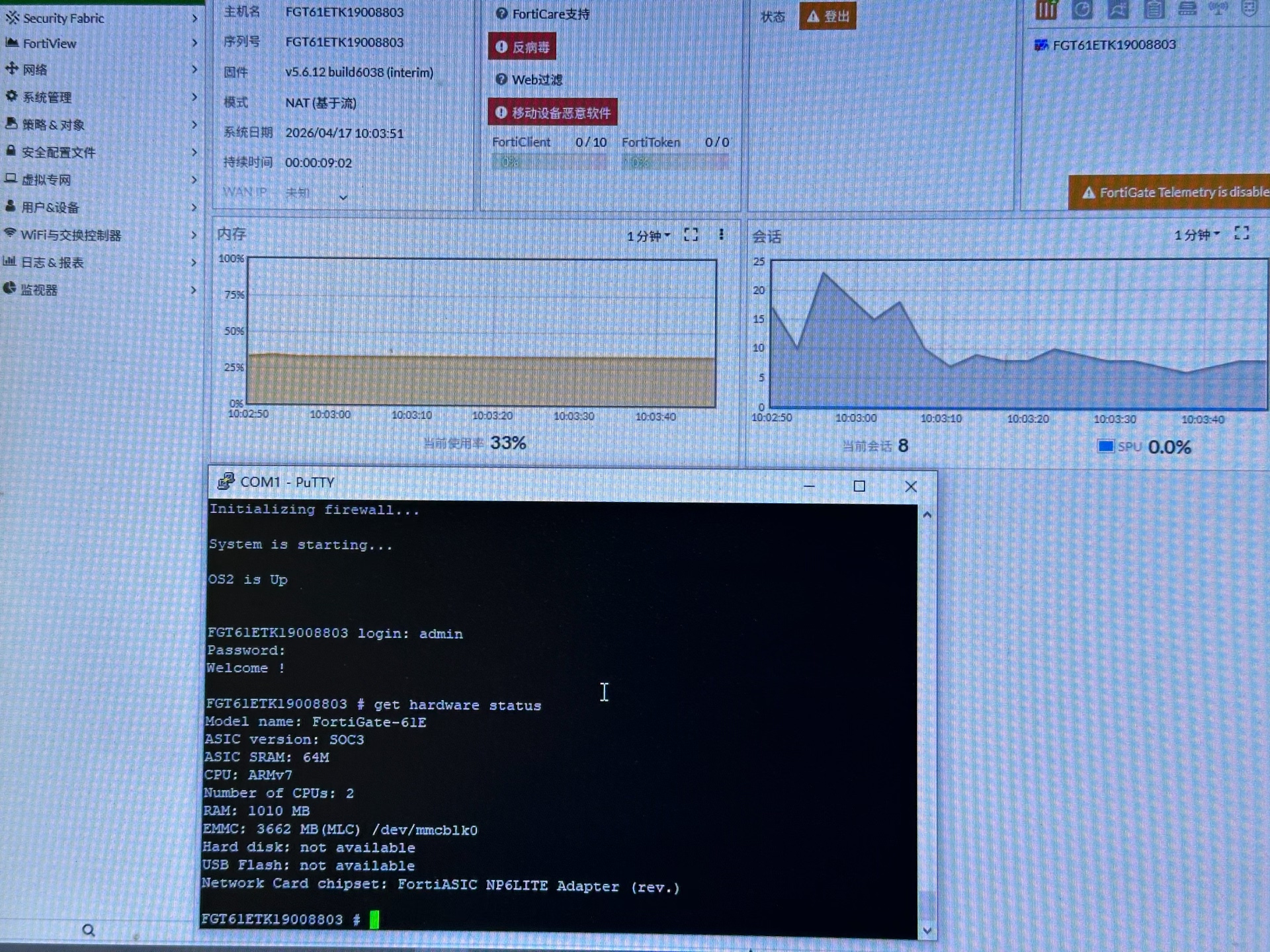
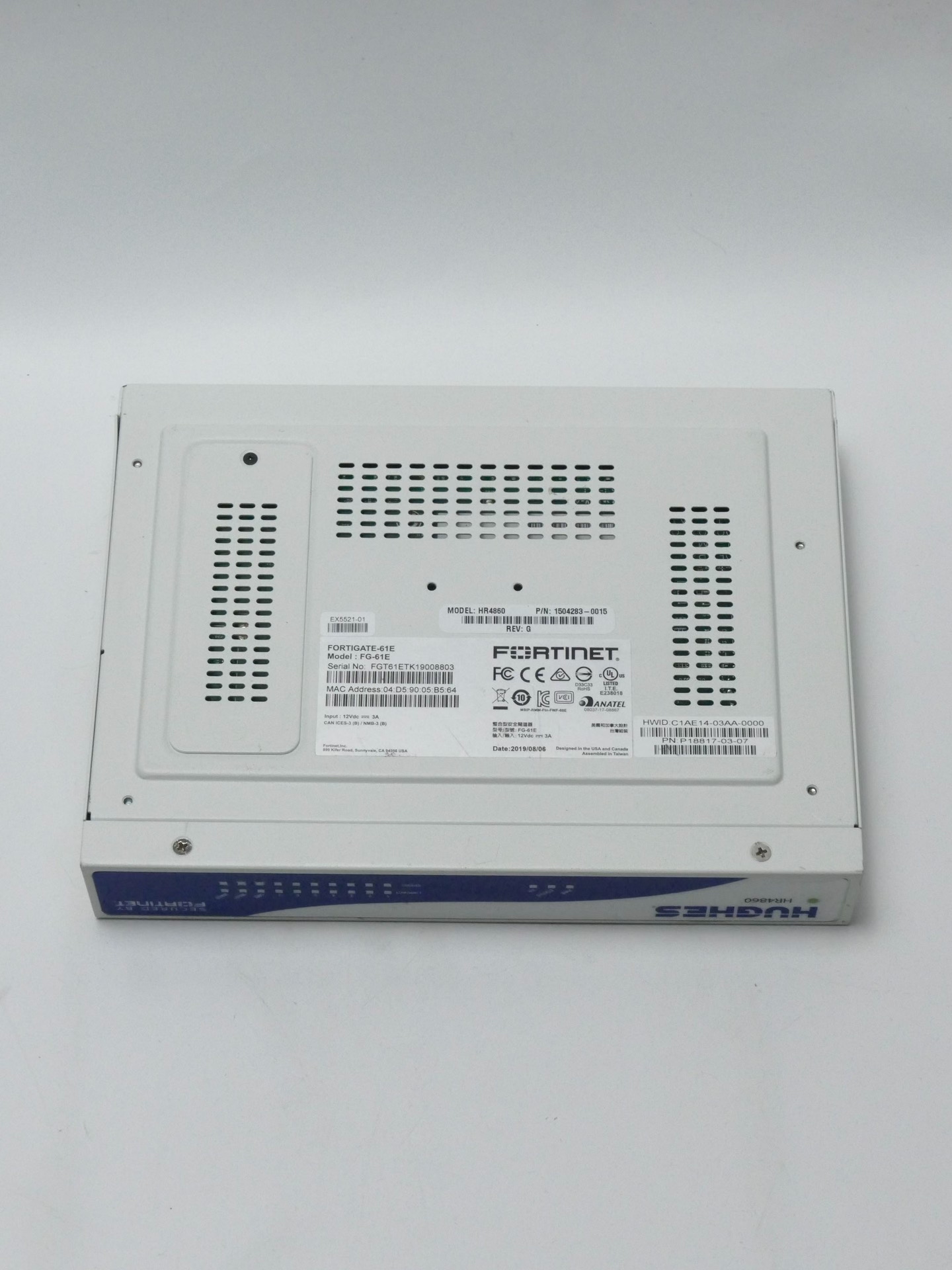
飞塔FG-61E防火墙 无硬盘 小瑕疵
CN¥180판매 완료
상품 설명
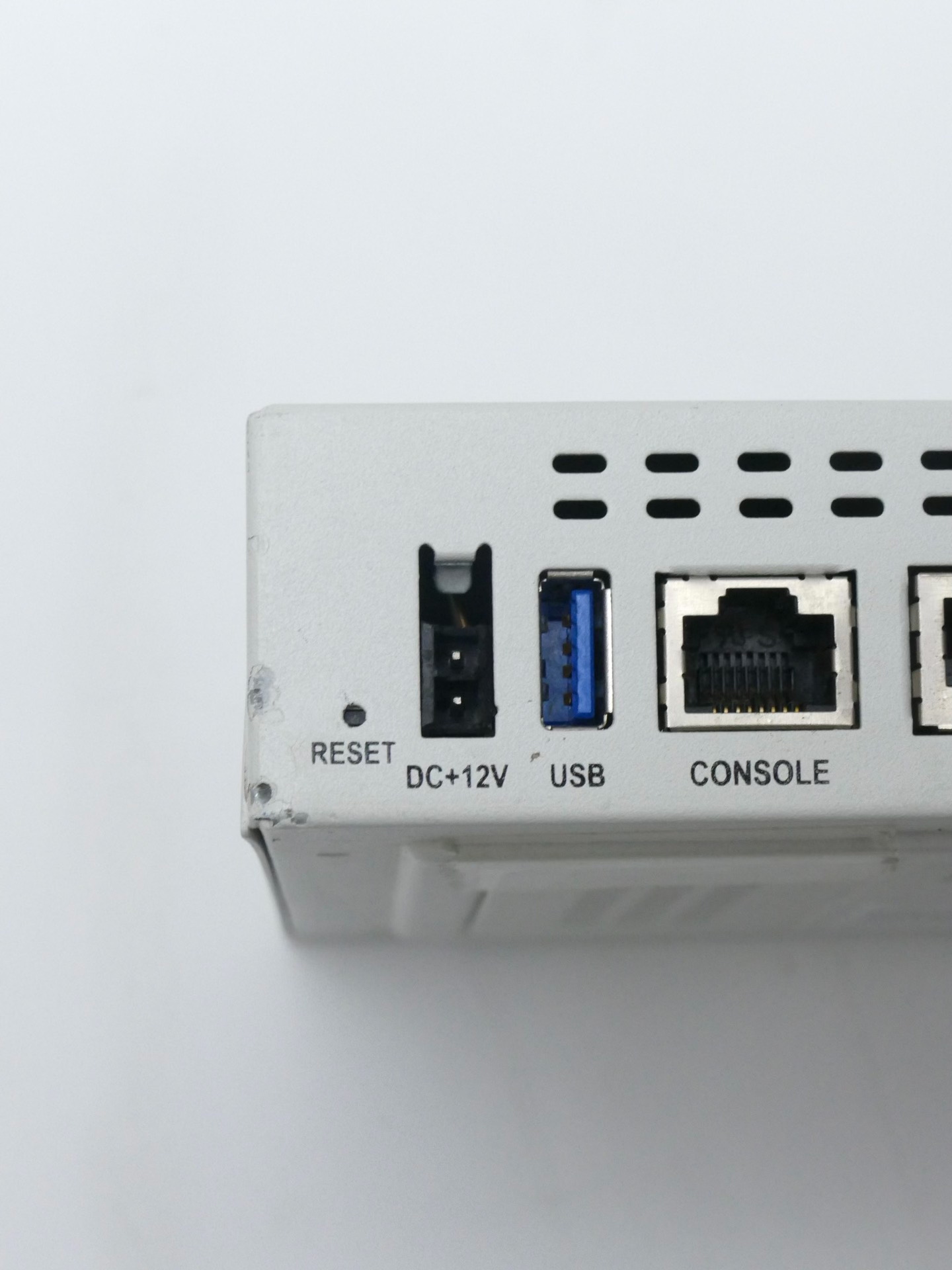
电源接口破胶,没有硬盘,当60E卖,特价款,2019年产 功能测试都正常,不会其它配件,裸机出 2️⃣_Y蓝_2层
구매 평가와 활용법
용도와 선택
Need more space or another drive for a NAS? Check whether the listing includes the drive or just the enclosure or tray. For a used drive, ask for a screenshot of its health report.
구매 전에 물어볼 것
수령 후 점검
Start by making sure the computer can see the drive. Check the health report and try reading some files. Before a format or write test, check that you have picked the right drive and backed up anything you need.
오픈 소스
사용 팁
Keep the first health report. If reads slow down or errors turn up later, you can check whether anything has changed.
활용 아이디어
- Use smartmontools to check hours and errors on a drive it supports.
- Back up a small folder with Restic, restore it somewhere else and open a few of the files.