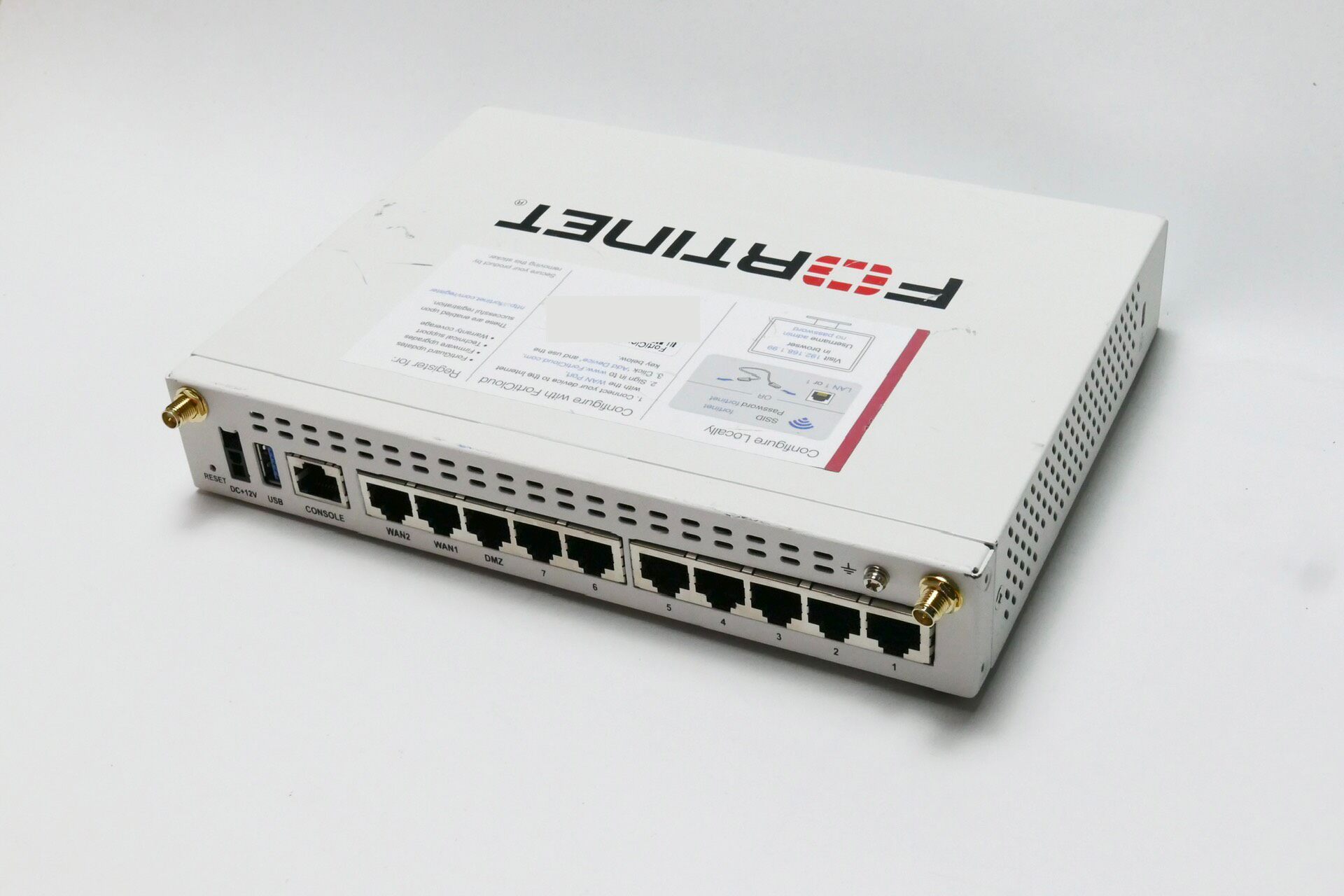
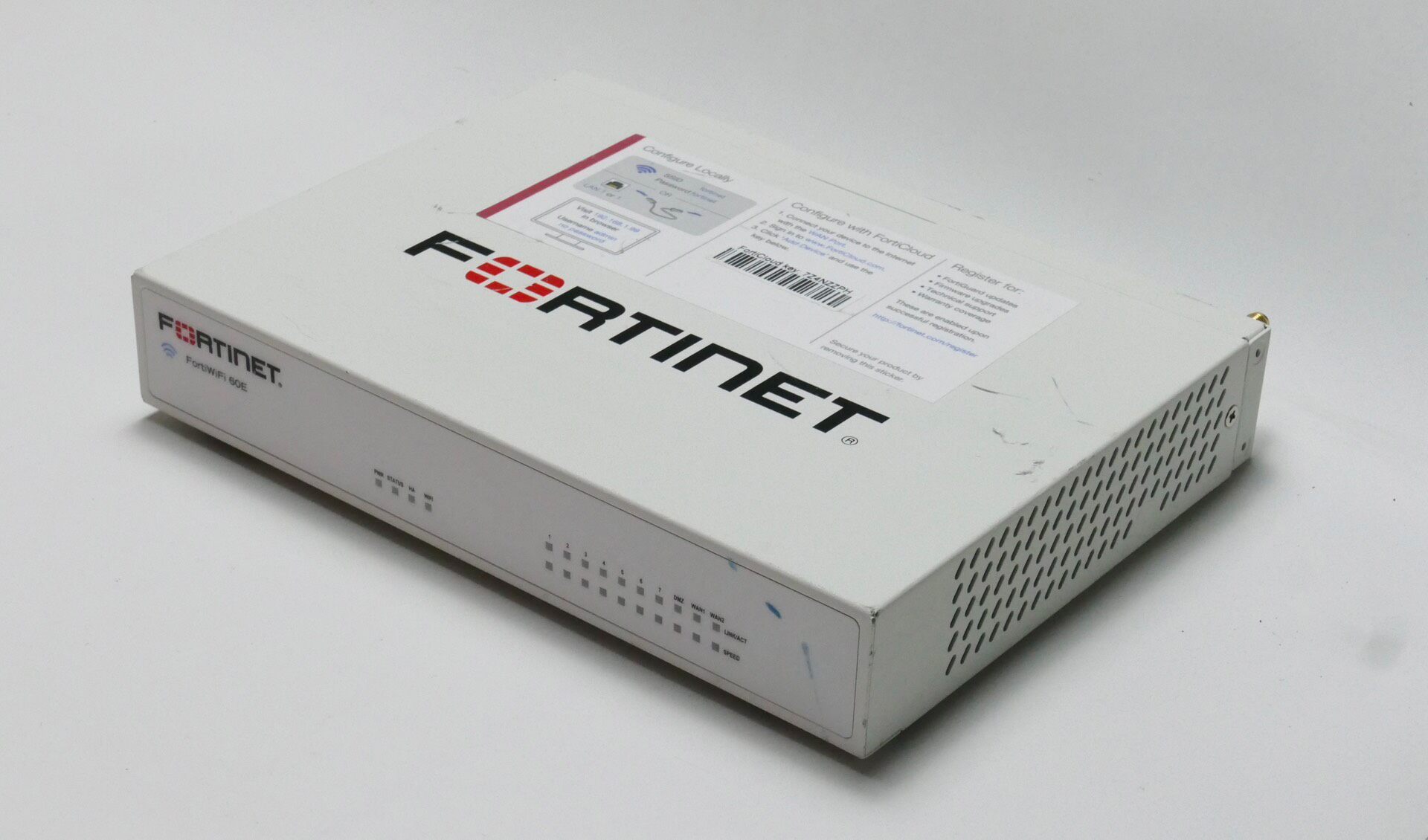
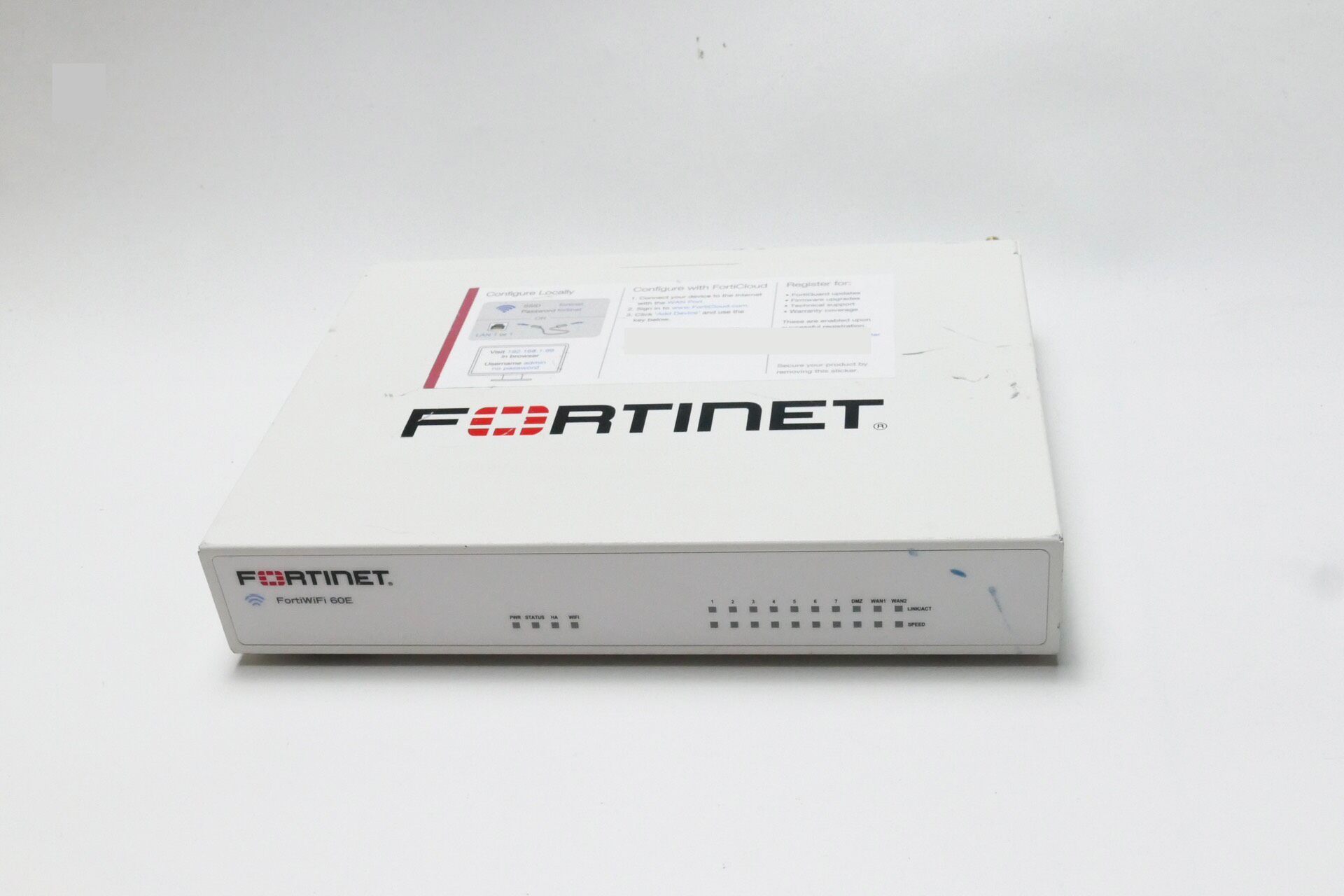
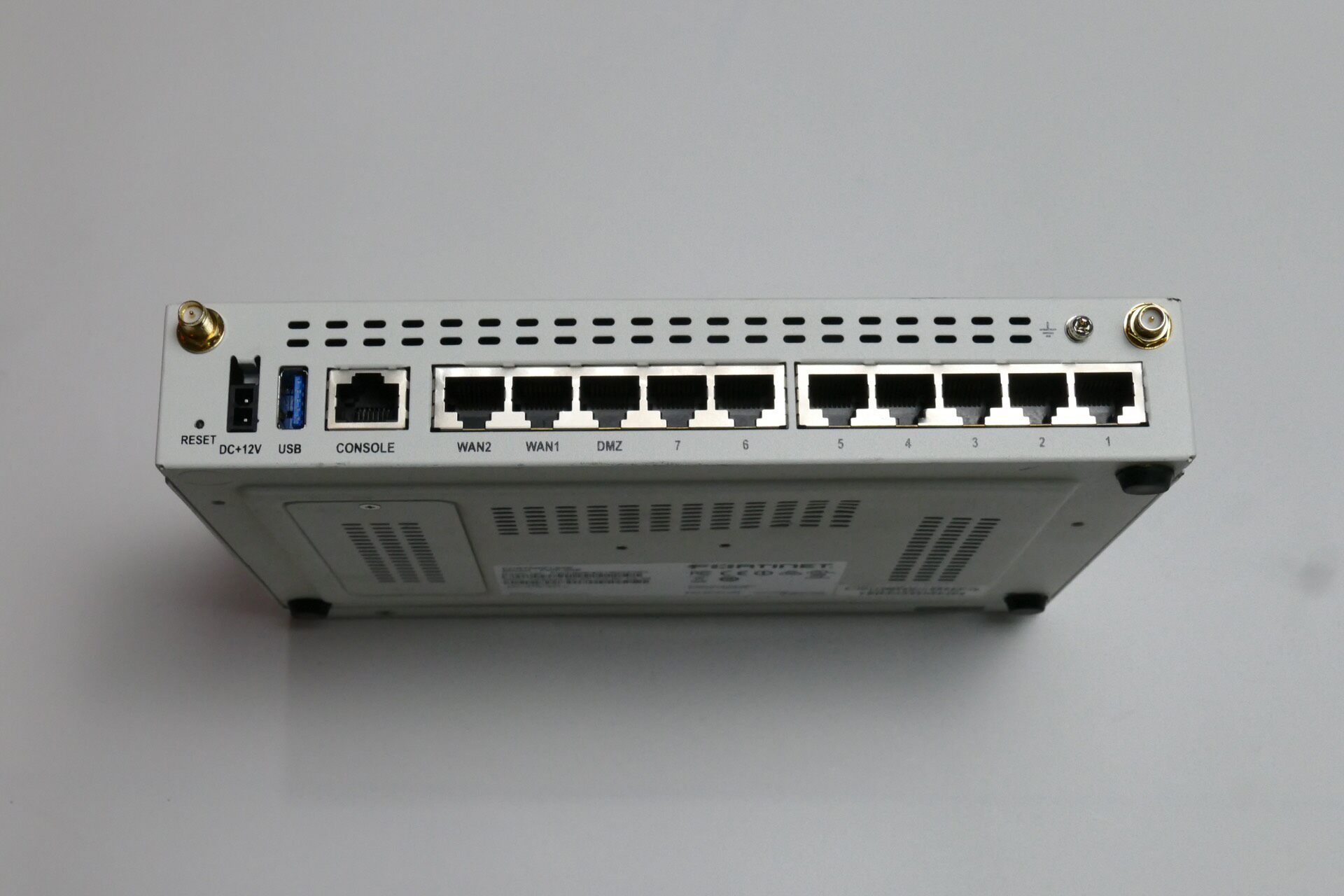
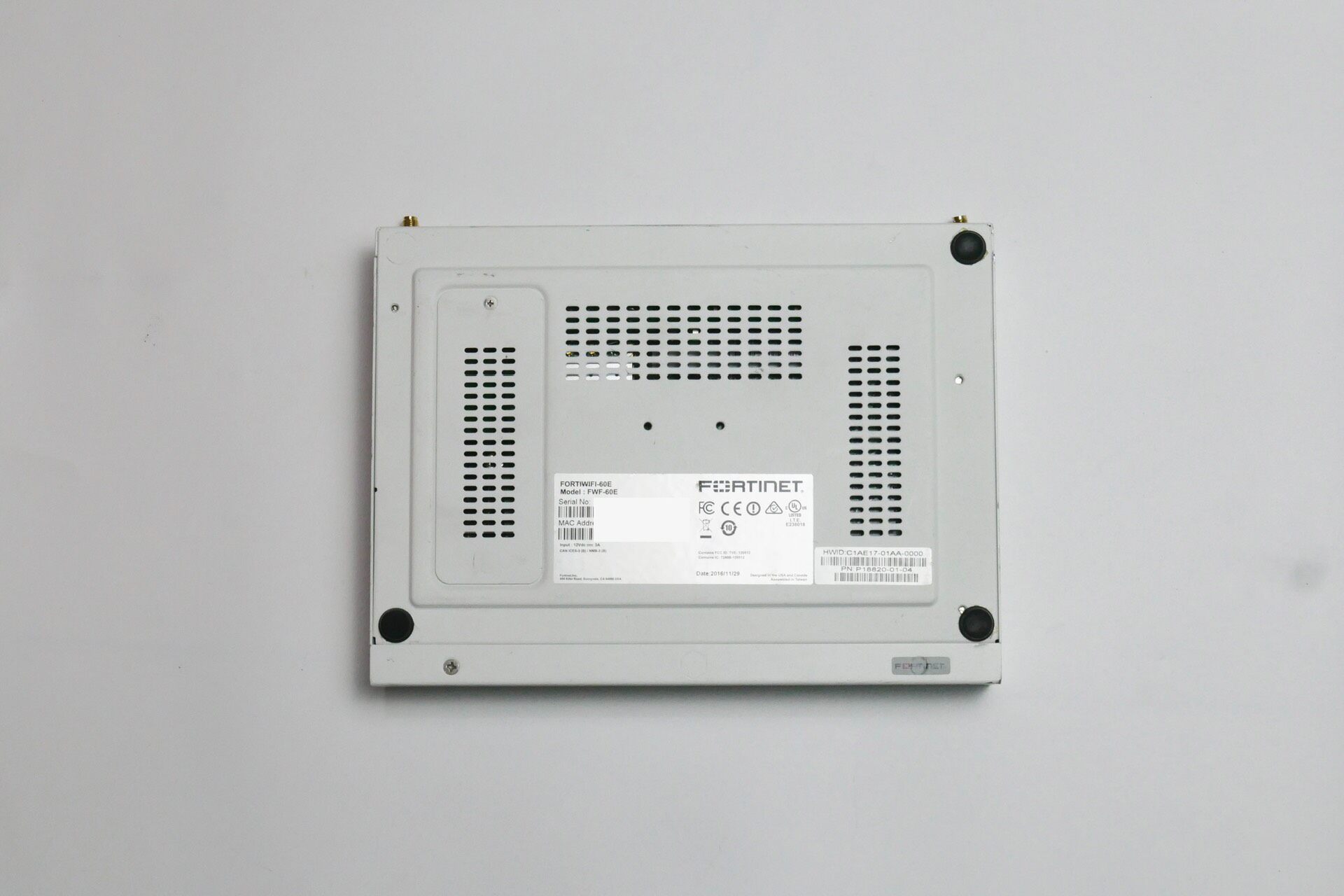
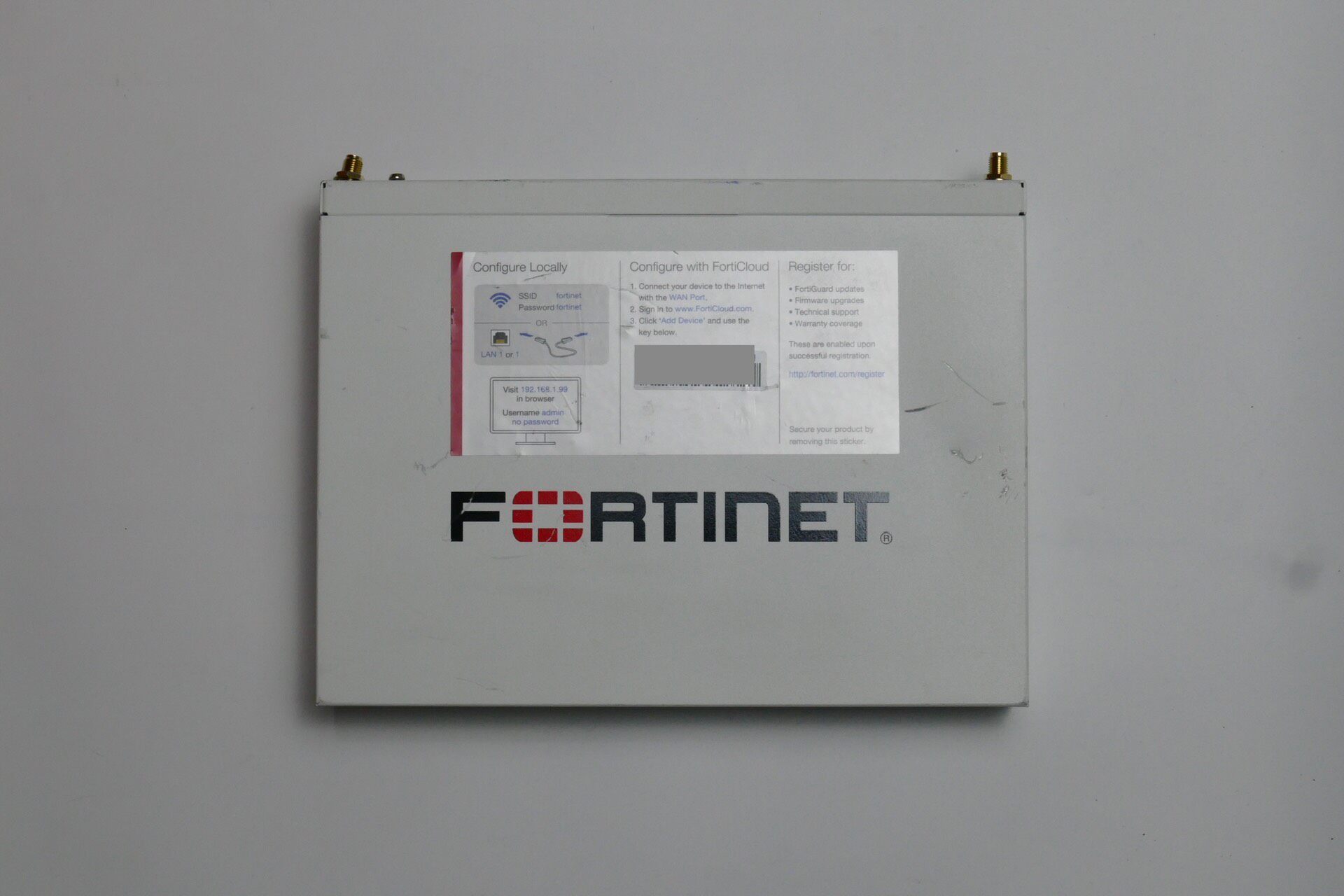
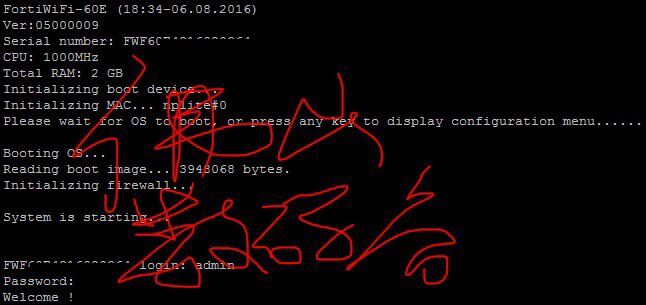
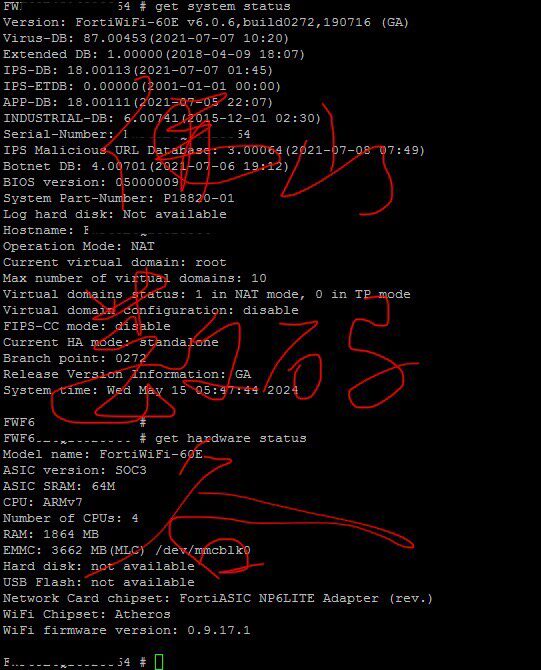
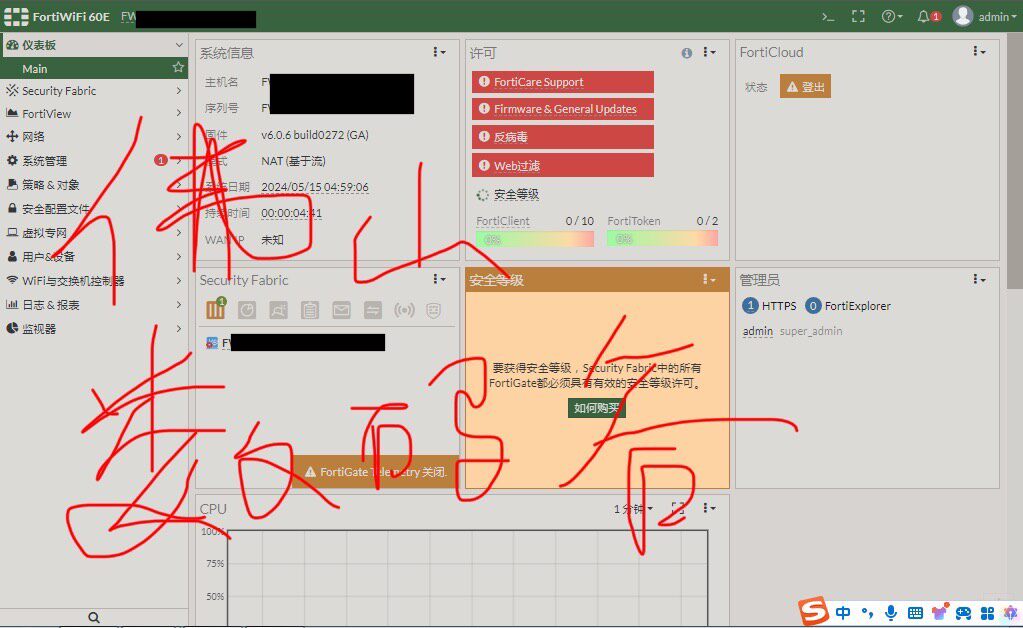
Fortinet飞塔FWF-60E企业级防火墙FortiWi
Artikelbeschreibung
fi-60E SD-WAN无线802.11a/b/g/n/ac 4核CPU频率1000MHz Total RAM 2GB SOC3 64M ARMv7架构 1864MB RAM EMMC 3662MB MLC颗粒 10个GE RJ45 接口(包括7个内部接口, 2个广域网接口,一个DMZ接口) 。无线(802.11a/b/g/n/ac)管理的 FortiAP最大数量总计30/隧道10。 IPS吞吐量3Gbps、400Mbps、NGFW吞吐量250Mbps,威胁防护吞吐量200Mbps。 不含电源,后配电源+50,账号已绑定,解不了,没有天线,可以配高端路由器天线(如果需要的话请联系我可以免费送)
Kaufberatung und Ideen
Einsatz und Auswahl
Will you just use the internet at home, or also run a second connection or a work VPN? A gigabit socket tells you the speed of the socket. Ask how fast the router runs with the features you need turned on.
Kompatibilität
Check how your internet provider connects, especially if you need a PPPoE login. Ask about IPv6, fiber modules or SIM cards when you need them, and check which features require a license.
Zustandsprüfung
Get one computer online before switching everyone over. Unplug the internet cable and plug it back in to see whether the router reconnects. Save the settings and check them again after a restart.
Community
Praxistipp
Take a photo of the old router’s internet settings. Keep it handy so you can plug it back in if setup takes longer than expected.
Ideen zum Ausprobieren
- Test the new router behind the old one with a single computer. Give the two routers different local network ranges.
- Run a speed test with your VPN on and off to see what the difference means in day-to-day use.