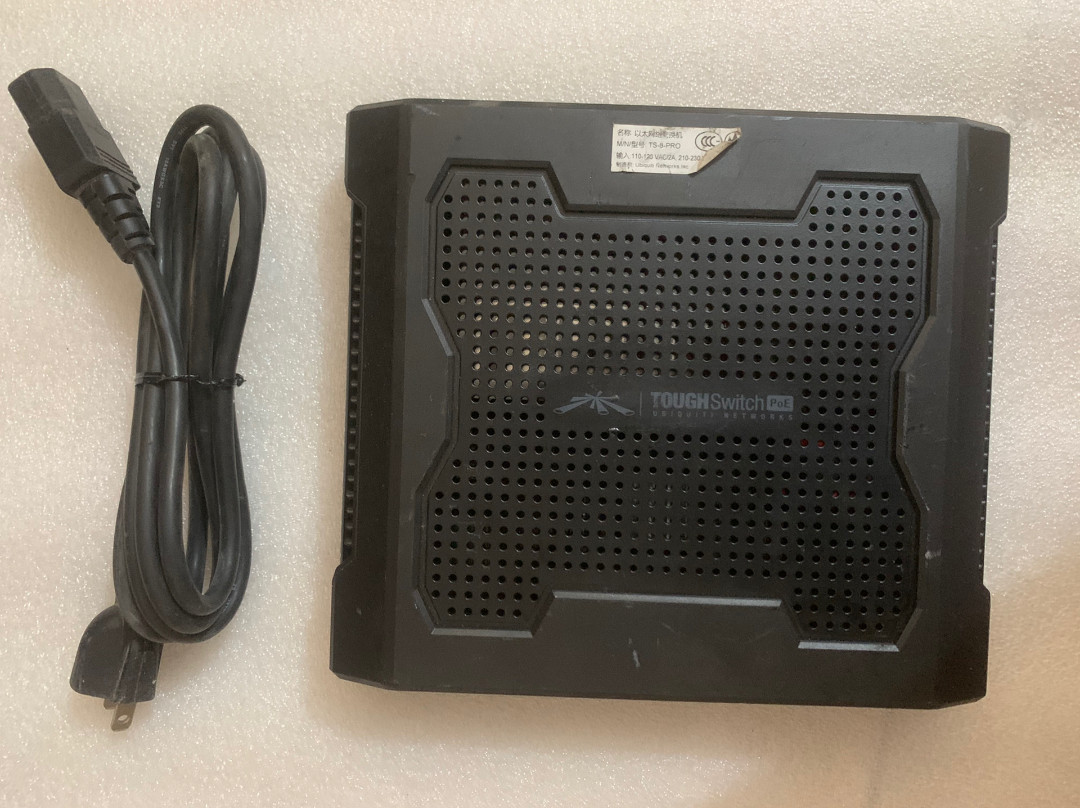
UBIQUITI Ts-8-Pro Toughswitch
Price unavailableSold
Official documentation
Ubiquiti
Buying tips and things to try
Who is it for?
Need a few more sockets for the TV, a PC and a NAS? A gigabit switch is usually enough. Look for PoE if a camera needs power from its network cable. If the switch will sit near your desk, ask how loud the fan is.
What to ask before buying
Ask for a photo of the model sticker and the front of the switch. Only some ports may supply power. If you already have a fiber module or a 10-gigabit cable, check its exact model against the switch before you buy.
How to check it when it arrives
Take a cable you know works and try each port you plan to use. Check the speed shown on the computer. On a managed switch, log in, change a setting and restart to see whether it sticks.
Community
A handy tip
Put a label at both ends of each cable. “Living room” is a lot easier to trace than one more identical blue cable.
Things to try
- Plug the PC and NAS into the switch and copy a large video to see how steady the speed is.
- If the switch supports VLANs, try putting the cameras on their own network. LibreNMS can show which ports are in use.