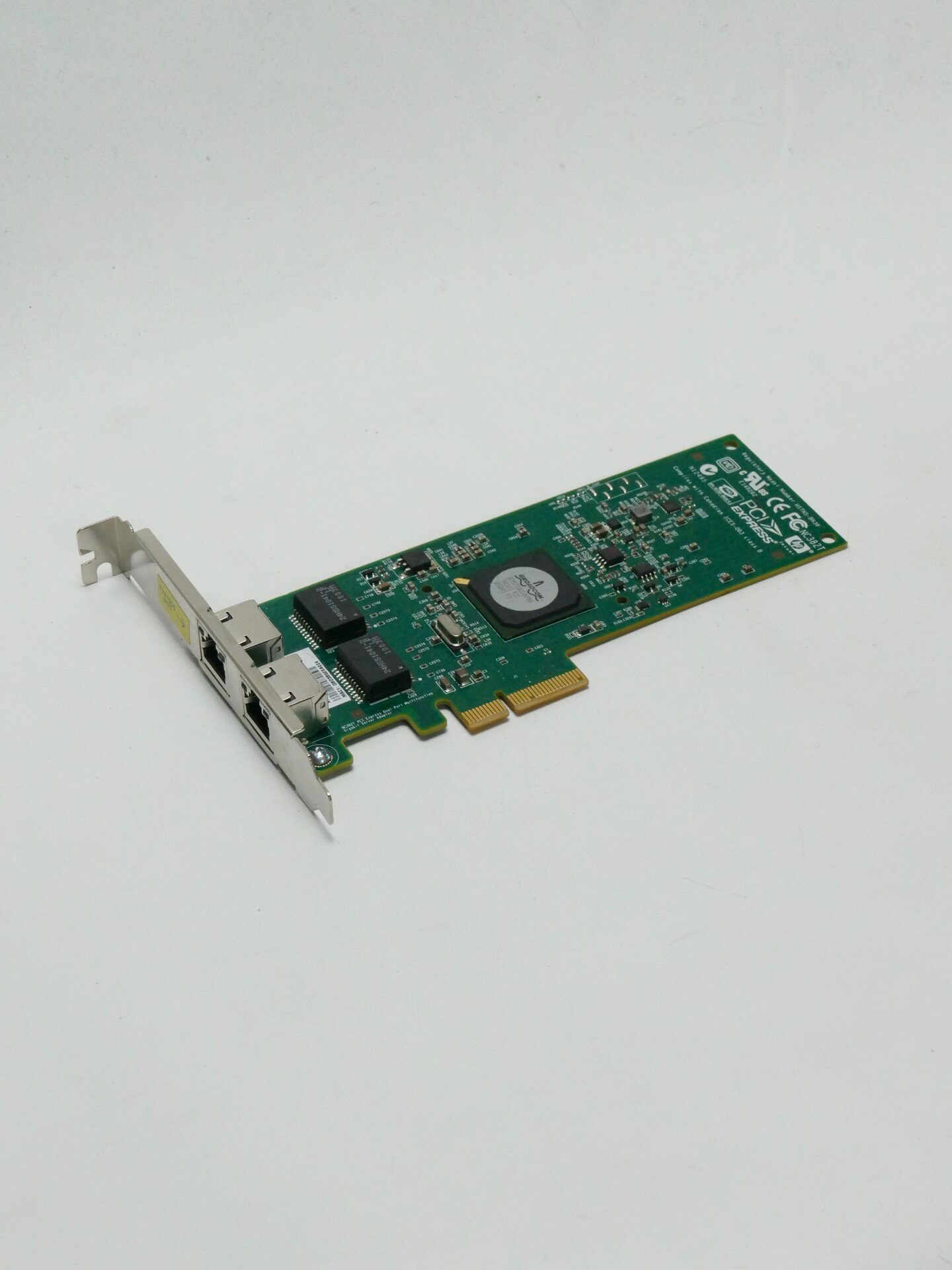
hp惠普HSTNS-BN36双口千兆网卡NC382T BCM
Harga tidak tercantumTerjual
Ulasan pembelian dan ide
Kegunaan dan pilihan
A network card can add sockets to a PC or speed up copies to your NAS. For a specialist expansion card, check whether your computer and the software you use support that exact card.
Pertanyaan sebelum membeli
Ask for a clear photo of the sticker, the edge connector and the metal mounting bracket. Slim PCs often need a low-profile bracket. Use the full part number to look up a driver for your operating system.
Pemeriksaan kondisi
Fit the card and start the computer to see whether it shows up. On a network card, try the ports one at a time. Once the link light comes on, copy a file and see whether the speed holds up.
Komunitas
Proyek sumber terbuka
Tip praktis
Several cards can use the same chip. Keep a photo of both sides and the full part number to make finding a driver or bracket easier later.
Ide untuk dicoba
- Use the same cable and file when comparing your old network card with the replacement.
- On a dual-port card, try iPerf3 on one port first, then on both at the same time.