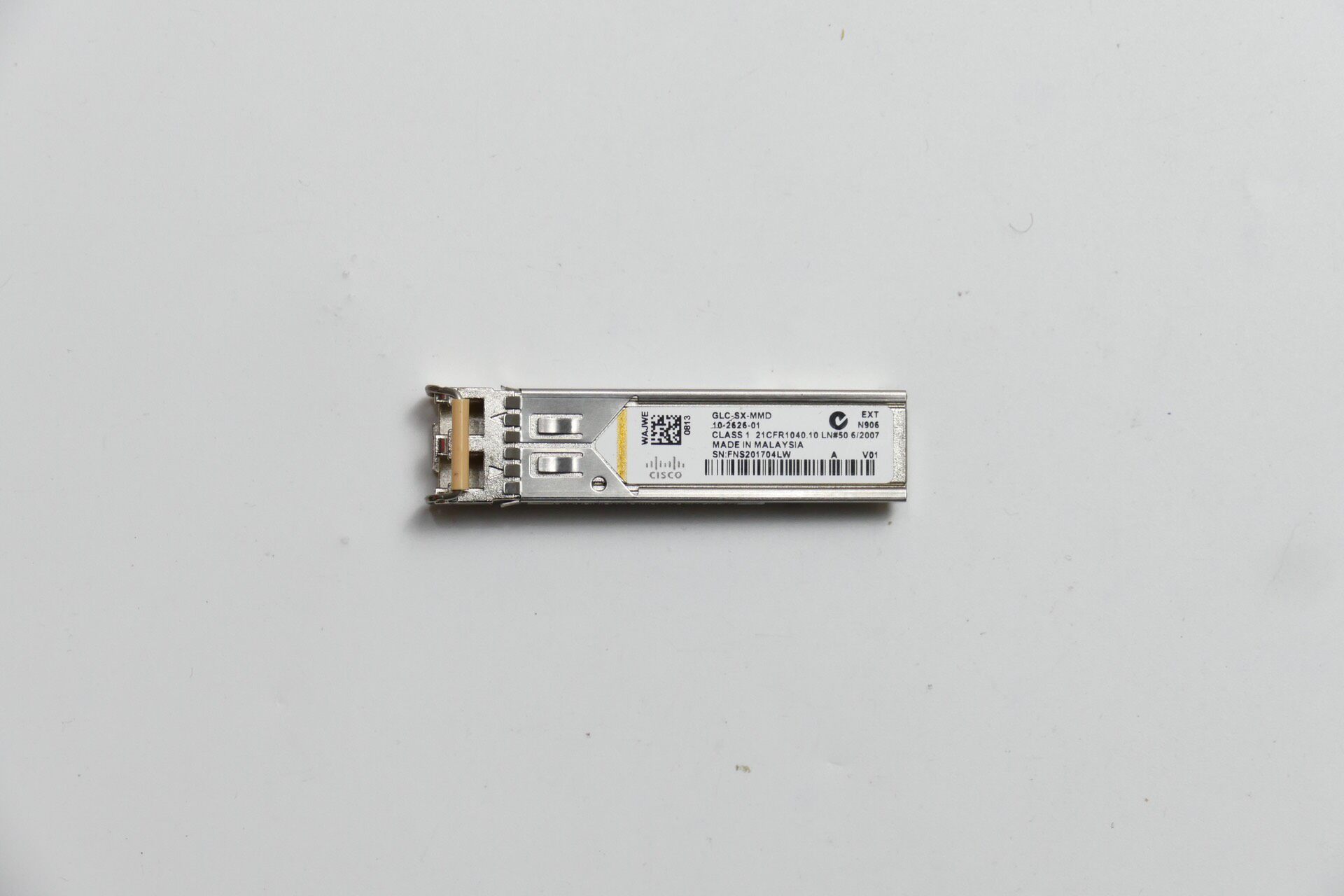
CISCO Cisco GLC-SX-MMD multi-mode fiber optic module 10-2626
Price unavailableSold
Official documentation
Cisco
Buying tips and things to try
Who is it for?
Looking for a spare? Take a photo of the label on the original part. The board in the listing may need a base and a controller to run. Work out what you already have and what you would still need to buy.
What to ask before buying
Send the full part number to the seller and ask whether the base, terminals and cables are included. One letter in the model name can change which software it needs. Check the manufacturer’s manual.
How to check it when it arrives
Look for bent pins or rusty terminals before plugging anything in. Find the wiring diagram from the label and have someone familiar with the equipment do the powered checks.
Community
Open-source projects
A handy tip
Ask for a photo of the back and the connectors as well as the front. Those views help you spot a missing base.
Things to try
- Take photos of the labels and matching parts. Send them next time you need a spare.
- Try a temperature dashboard in Node-RED with made-up readings. You can check that the chart and alerts are easy to read before connecting anything.