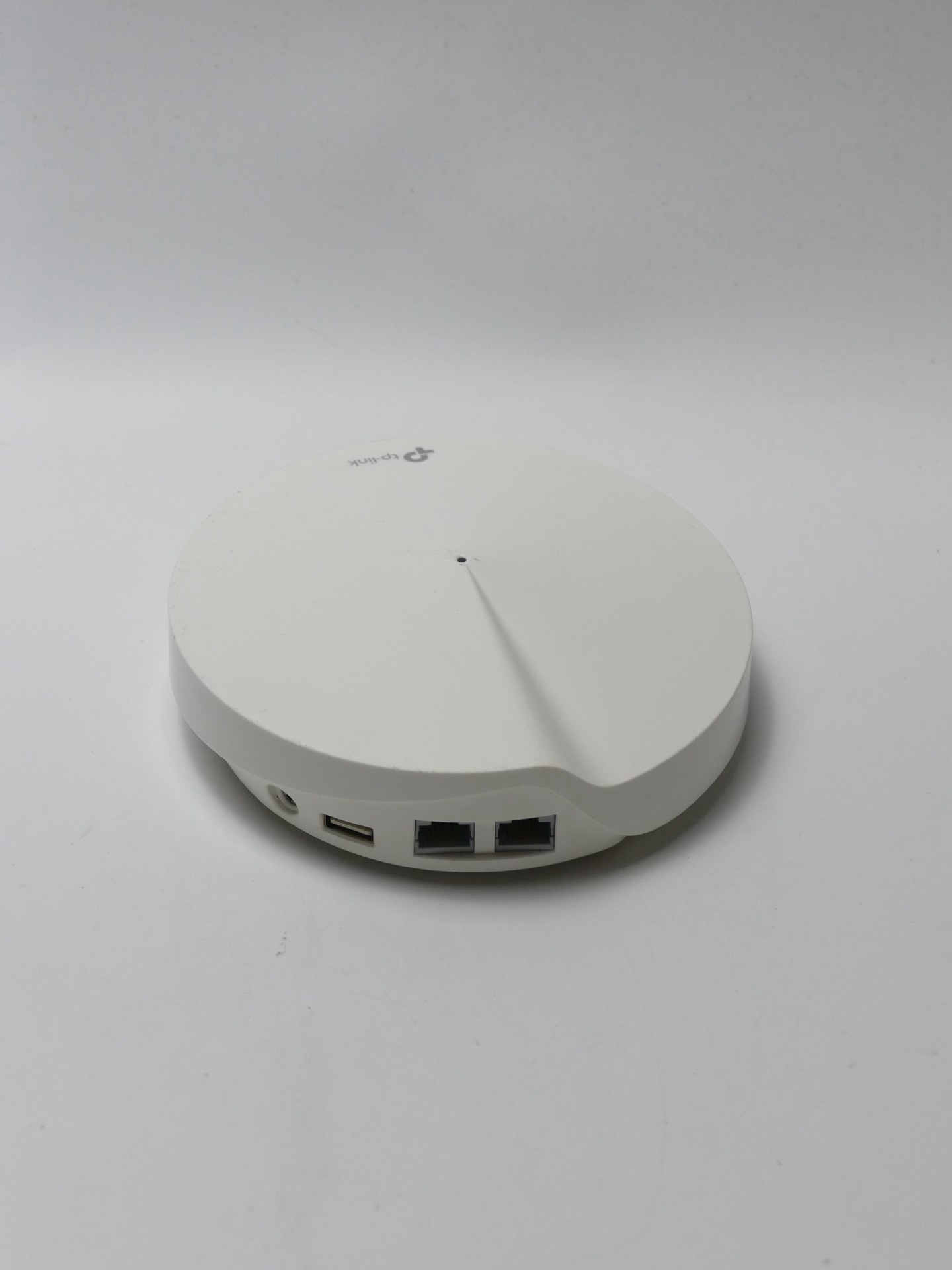
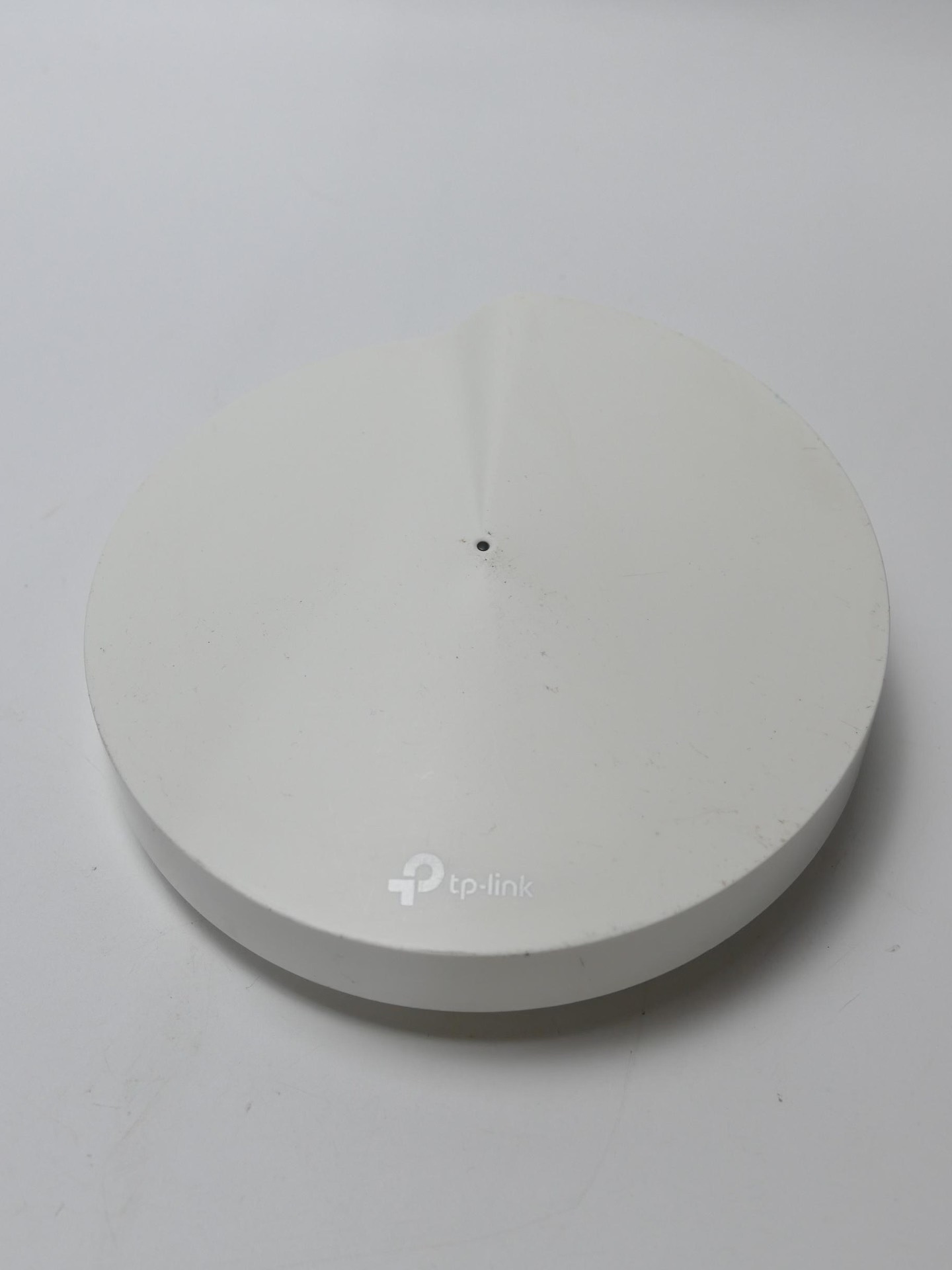
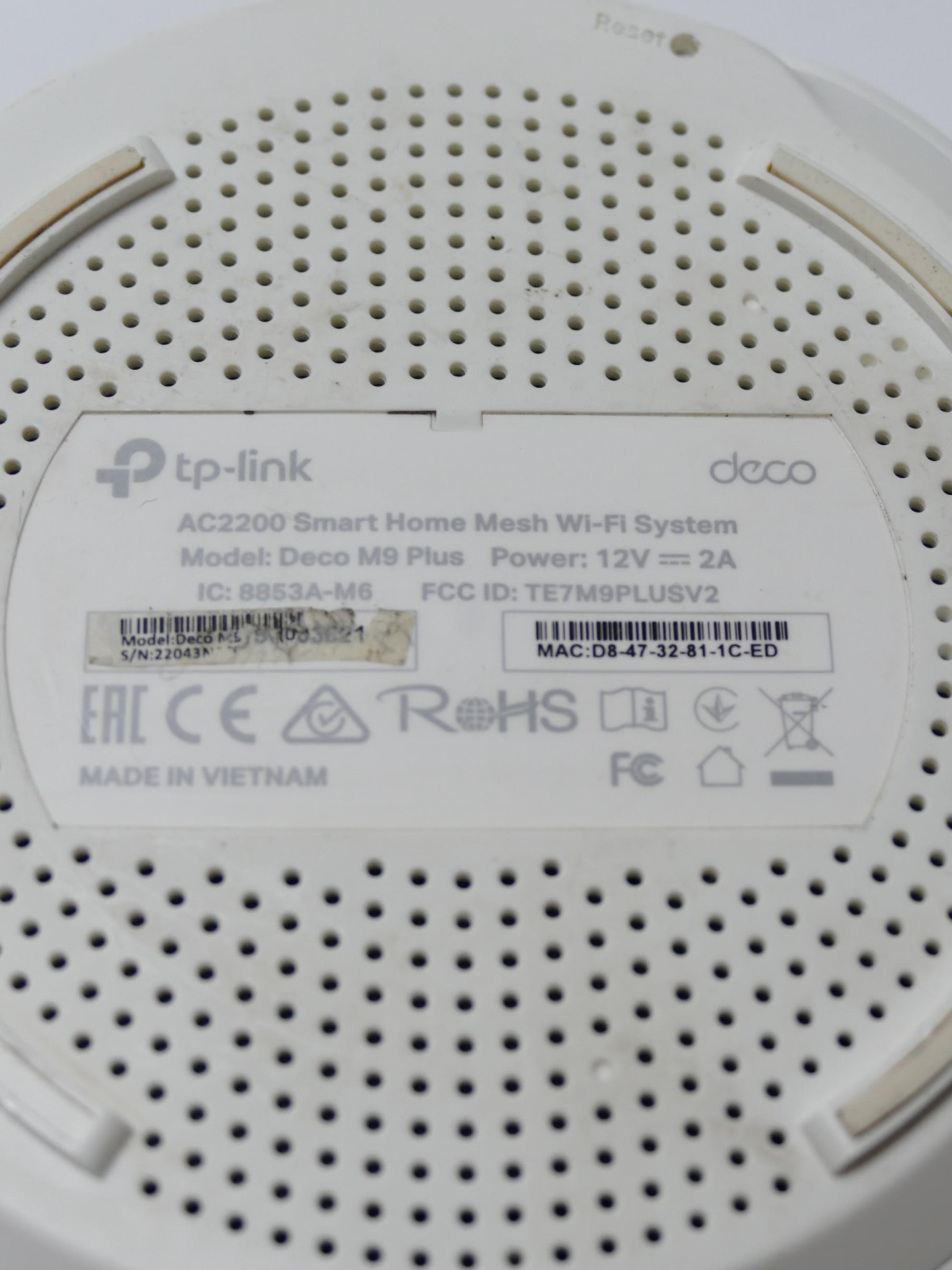
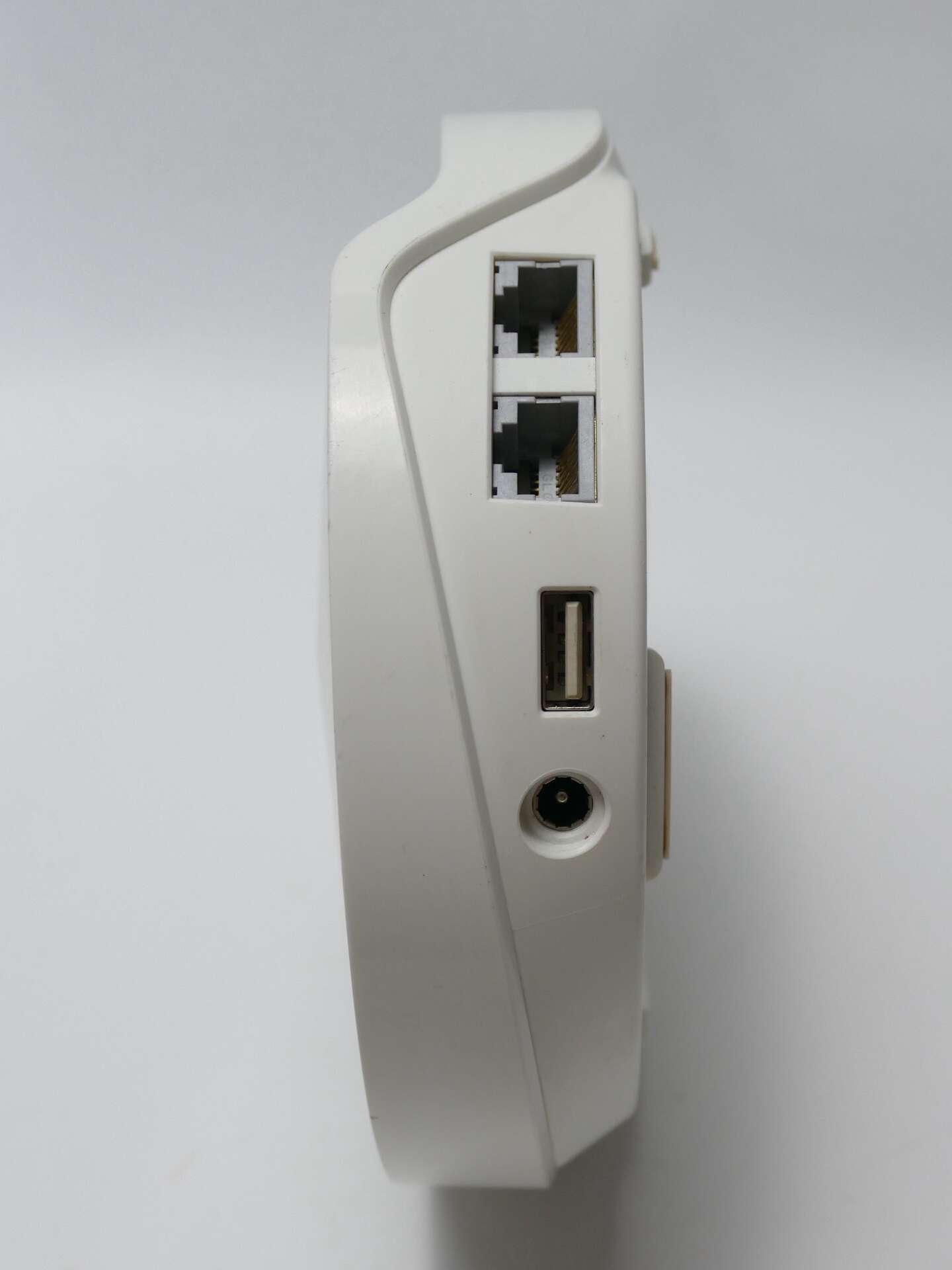
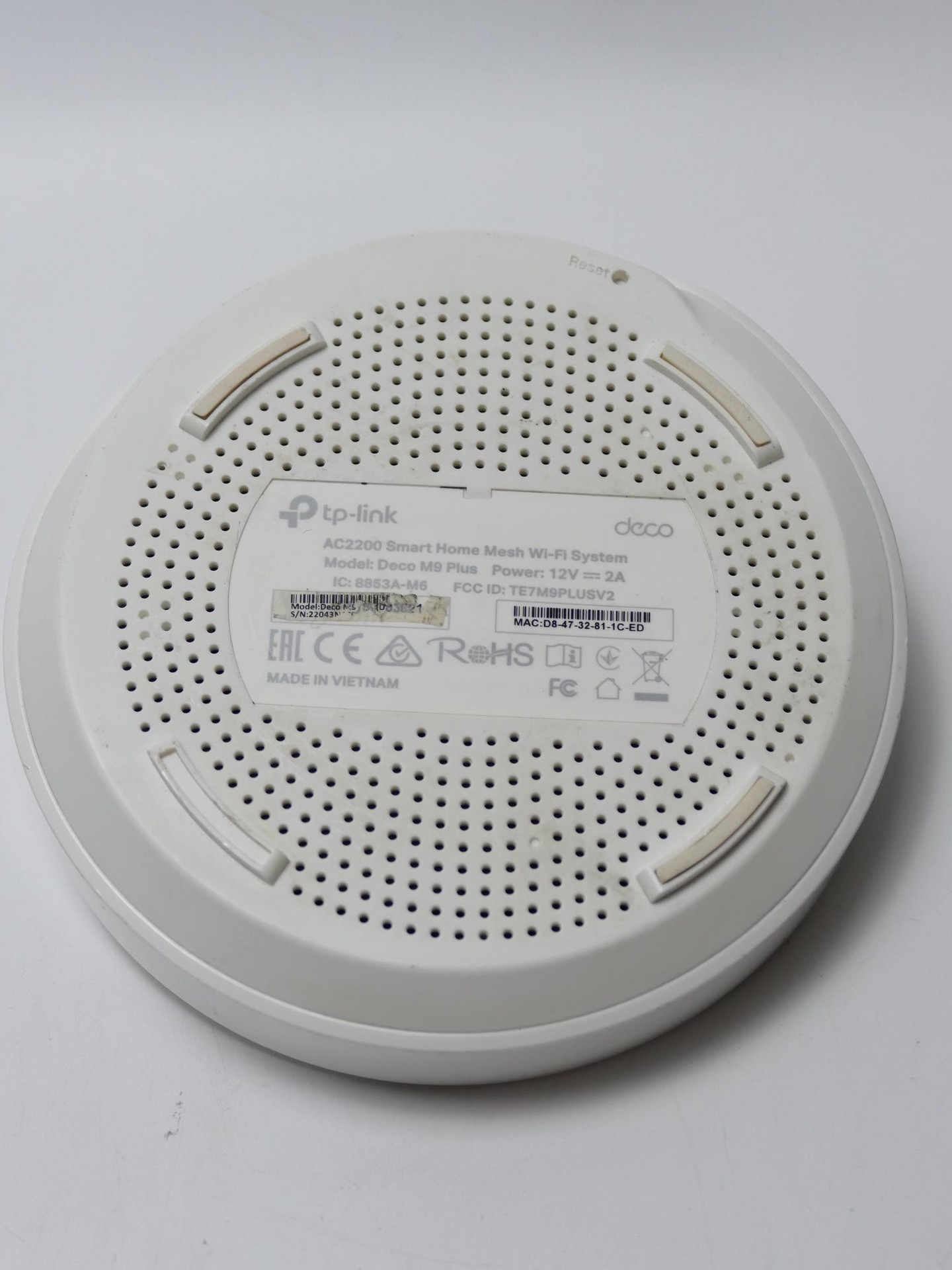
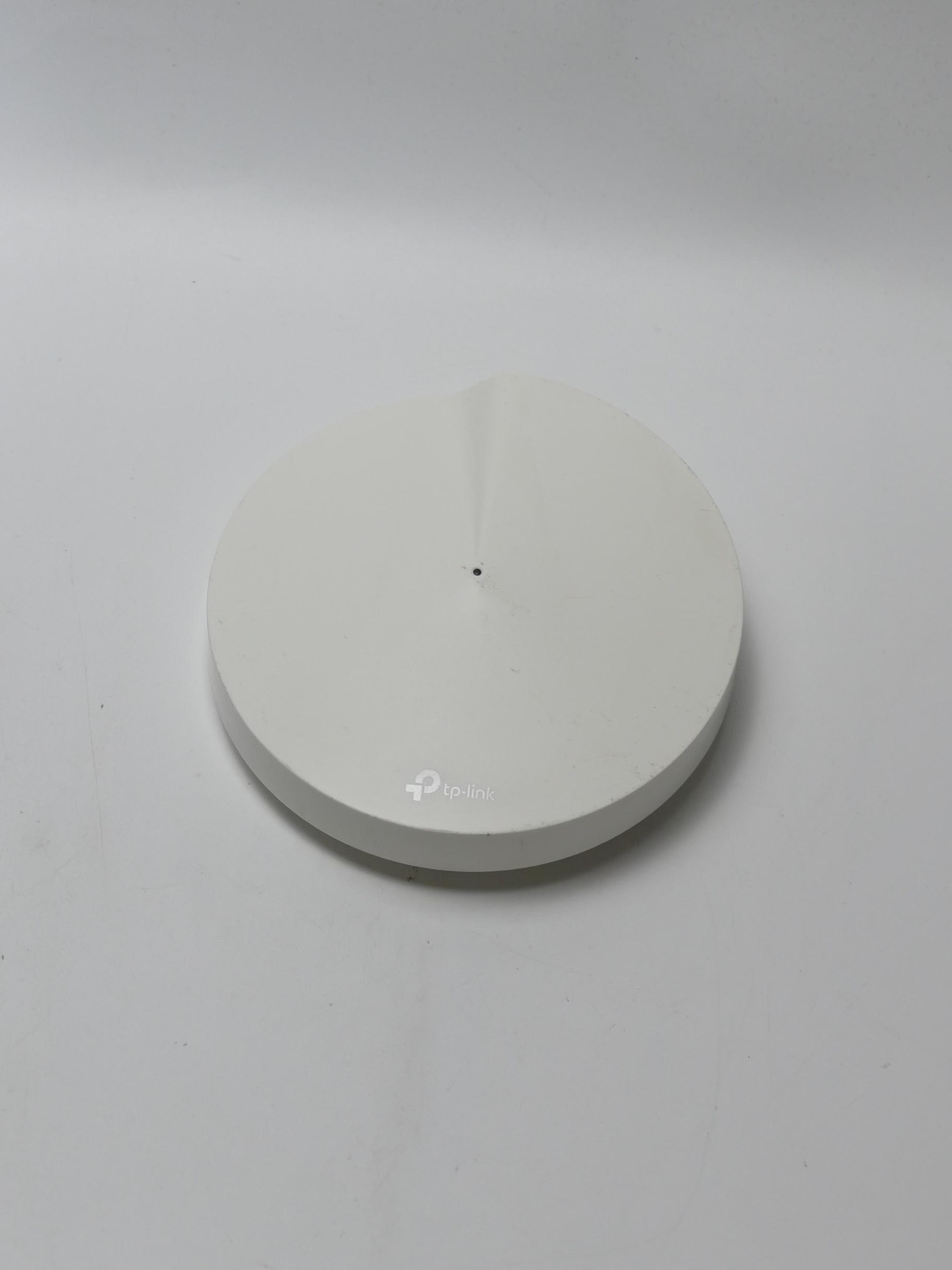
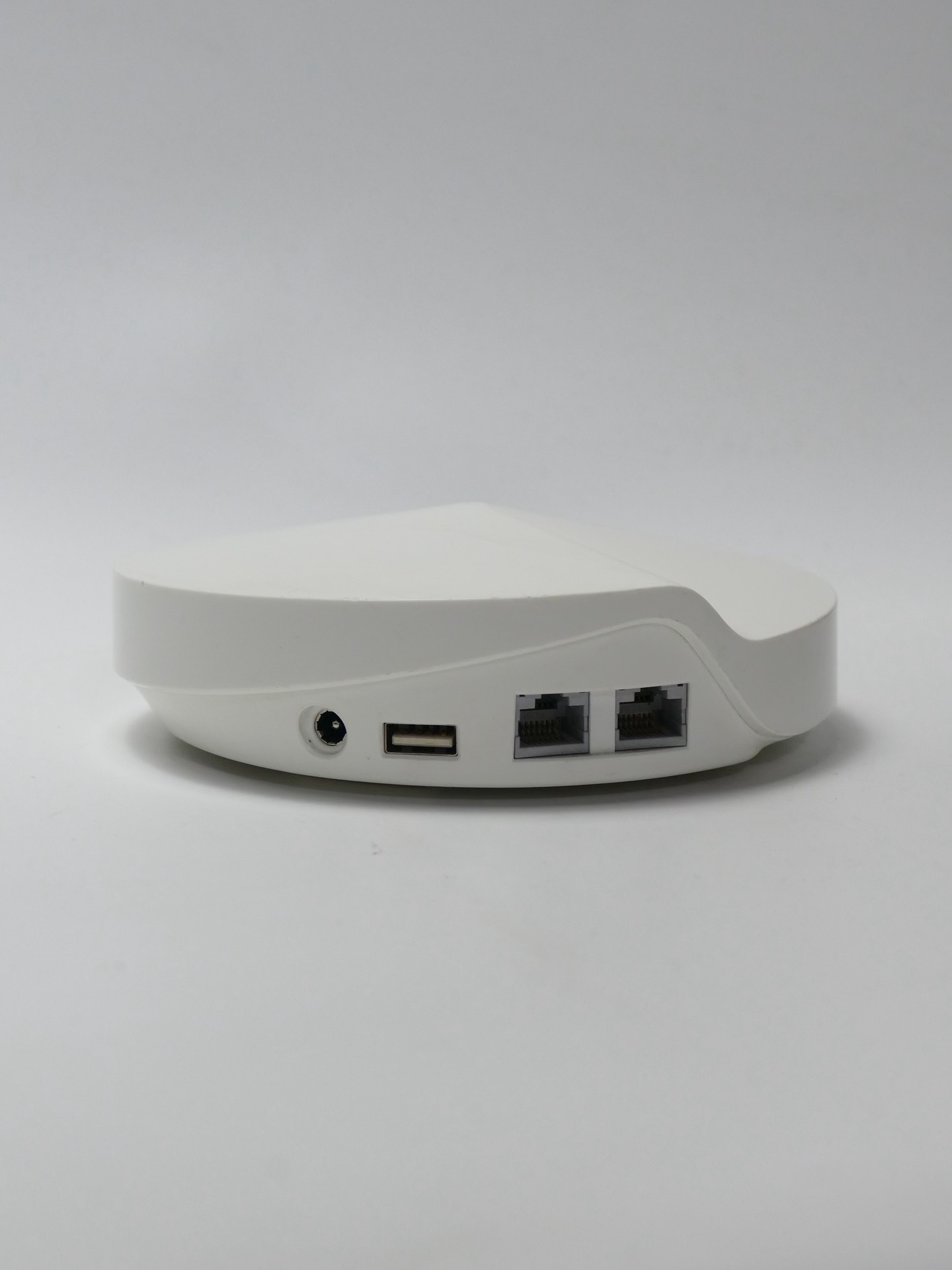
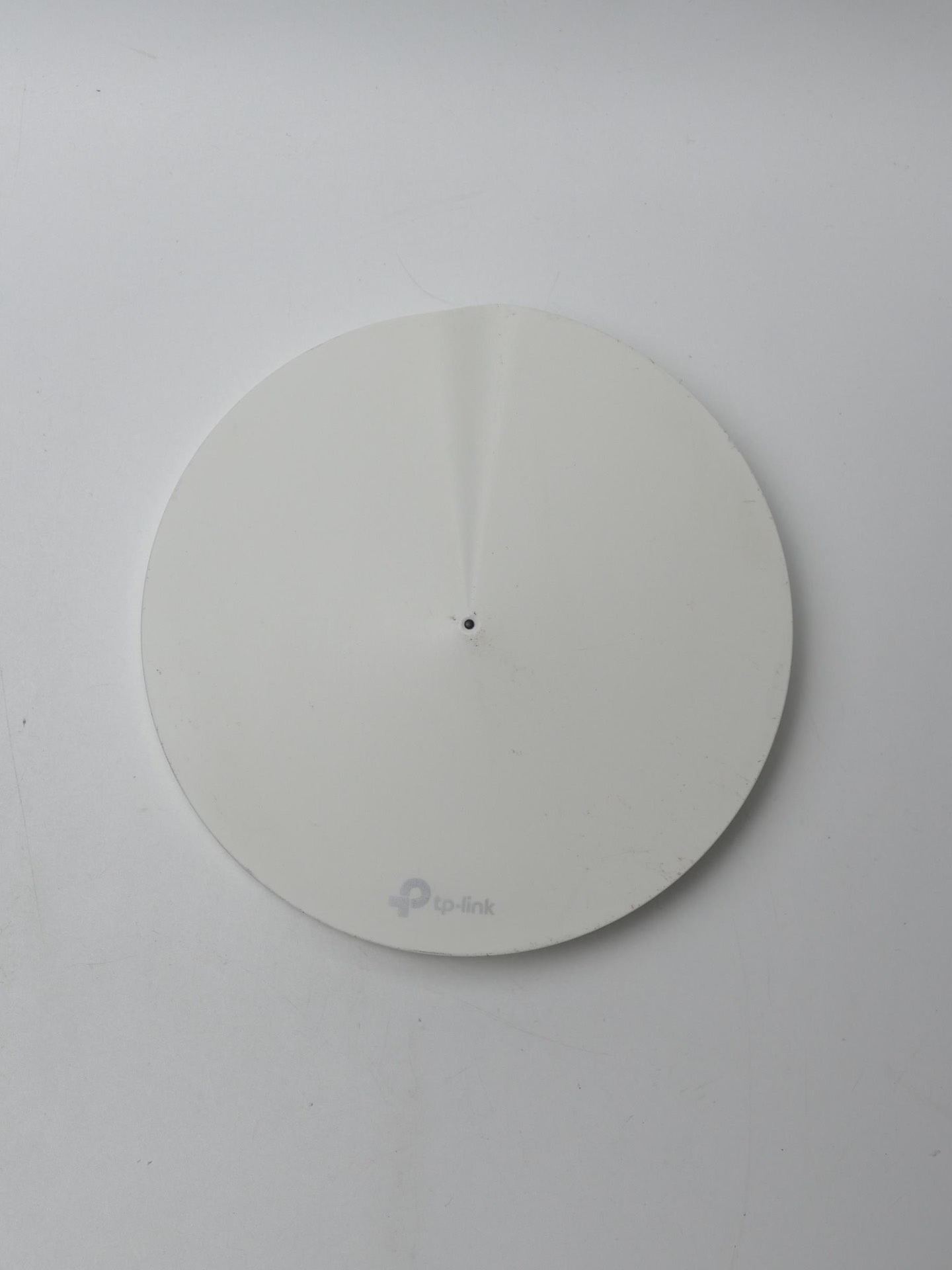
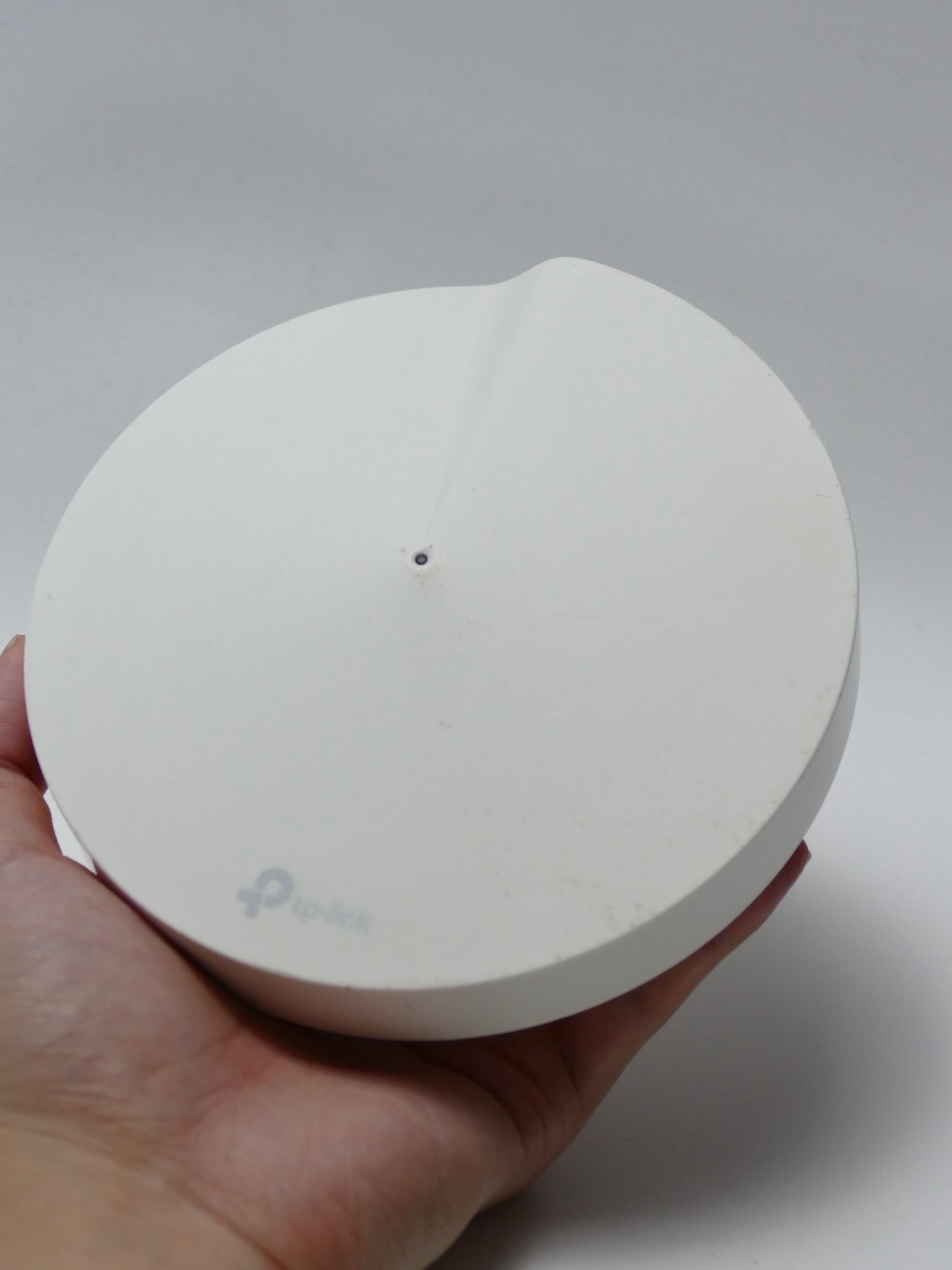
tp-link Deco M9 Plus mesh路由器
118 CN¥Verkauft
Artikelbeschreibung
不带电源,成色如图,功能包好,会配置的来 2⃣️_Y蓝_4层_中
Kaufberatung und Ideen
Einsatz und Auswahl
Will you just use the internet at home, or also run a second connection or a work VPN? A gigabit socket tells you the speed of the socket. Ask how fast the router runs with the features you need turned on.
Kompatibilität
Check how your internet provider connects, especially if you need a PPPoE login. Ask about IPv6, fiber modules or SIM cards when you need them, and check which features require a license.
Zustandsprüfung
Get one computer online before switching everyone over. Unplug the internet cable and plug it back in to see whether the router reconnects. Save the settings and check them again after a restart.
Community
Praxistipp
Take a photo of the old router’s internet settings. Keep it handy so you can plug it back in if setup takes longer than expected.
Ideen zum Ausprobieren
- Test the new router behind the old one with a single computer. Give the two routers different local network ranges.
- Run a speed test with your VPN on and off to see what the difference means in day-to-day use.