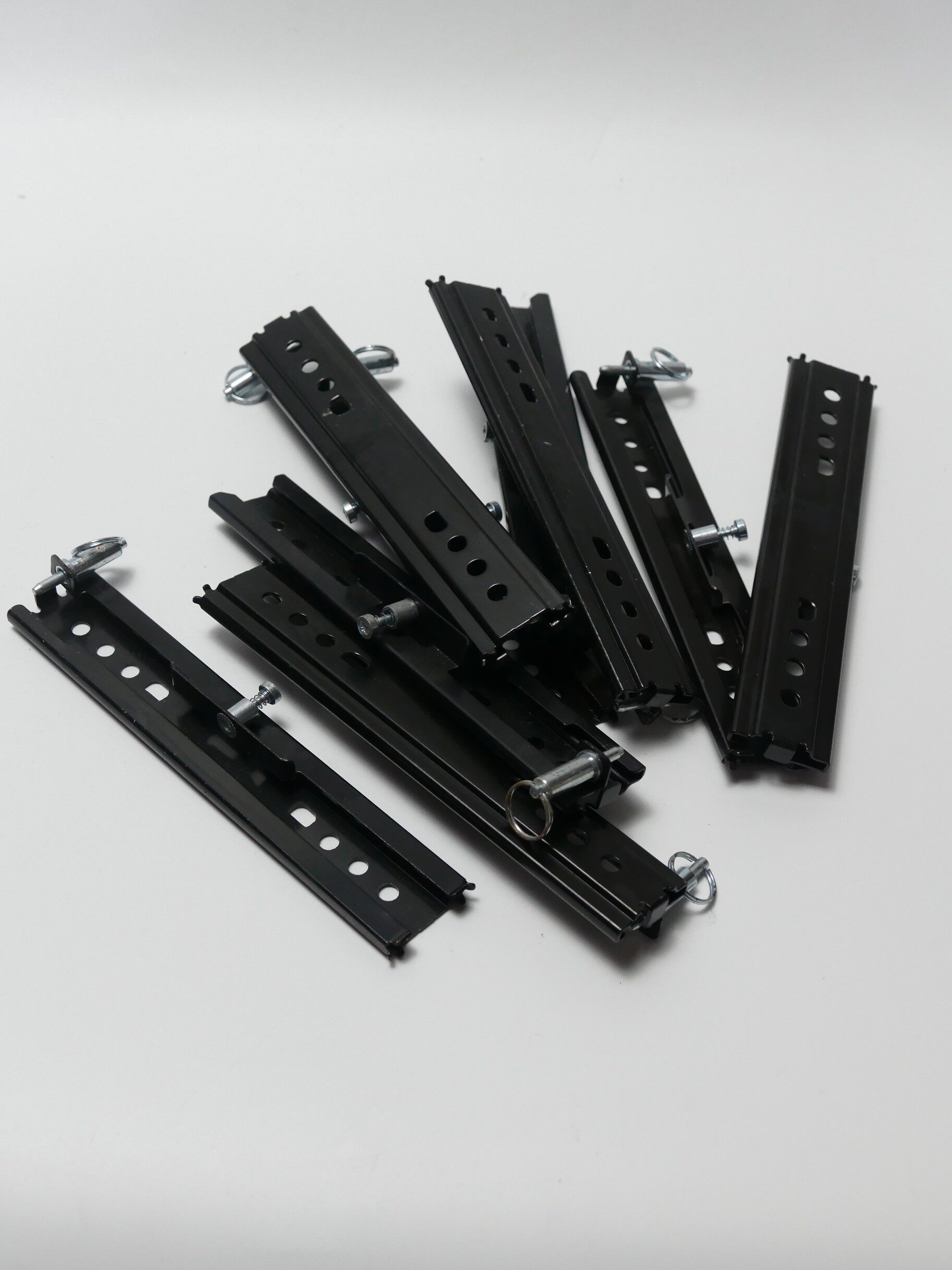
Aruba 5系6系列 AP背板拆机支架
CN¥18판매 중
상품 사진
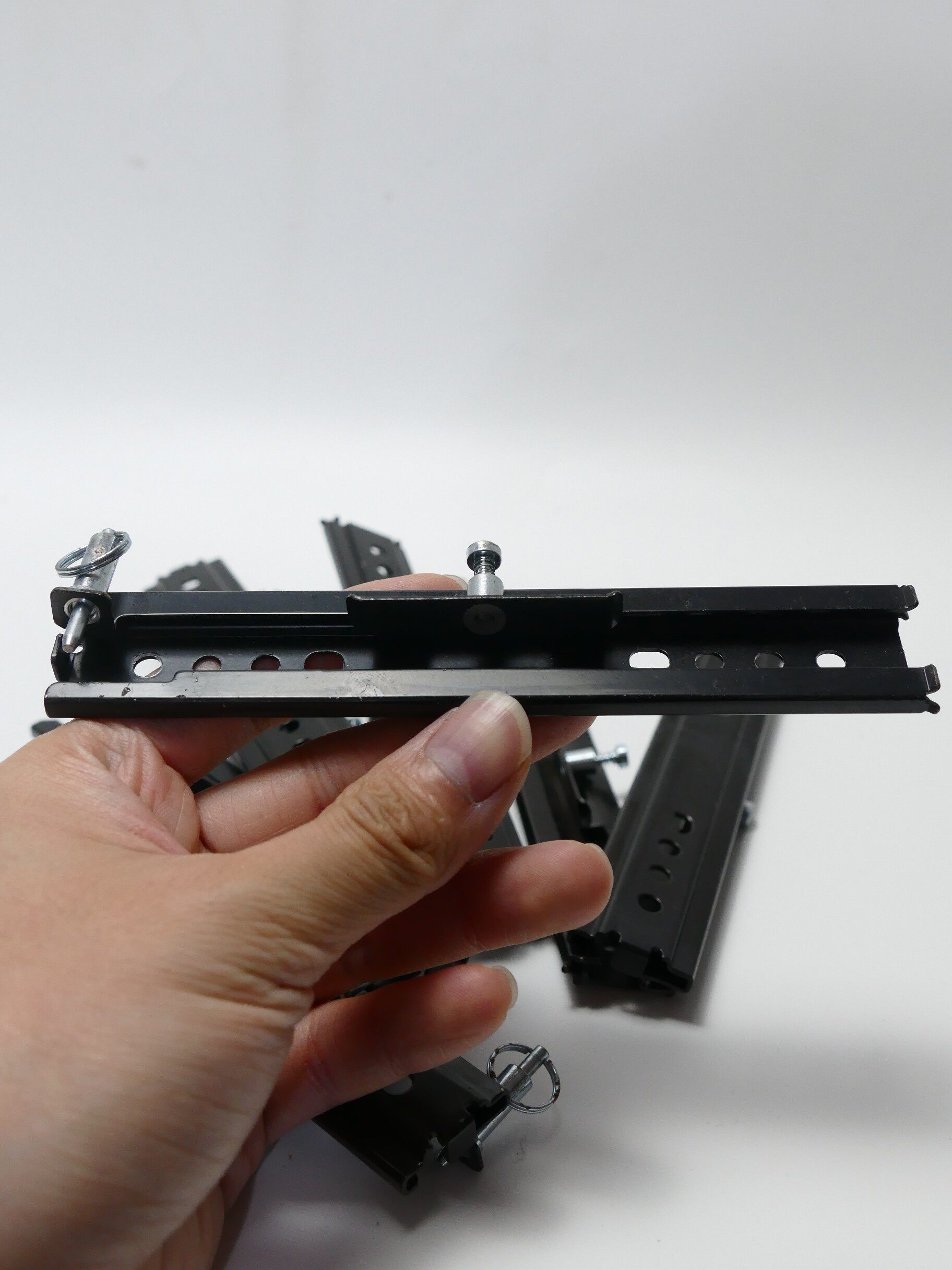
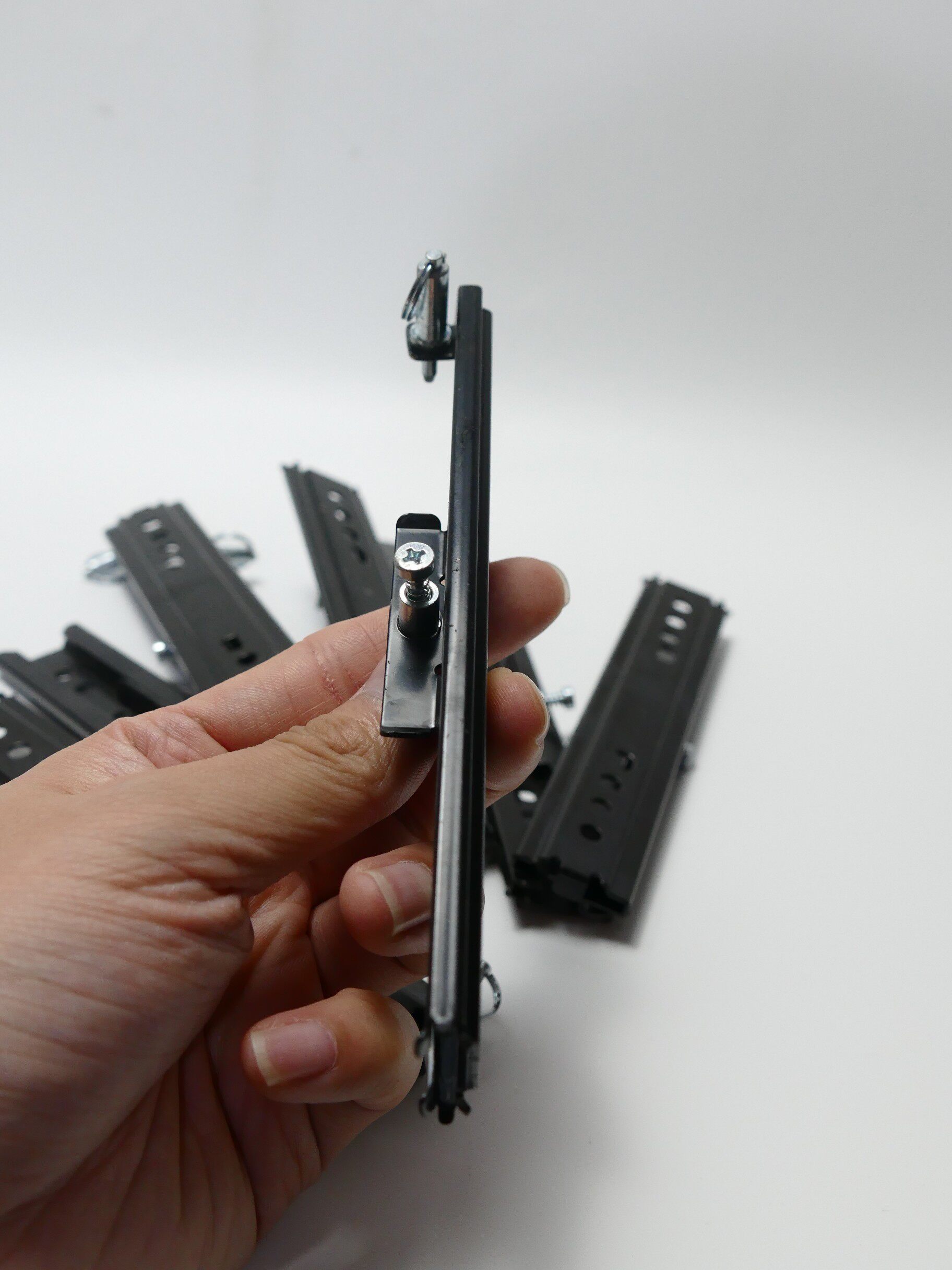
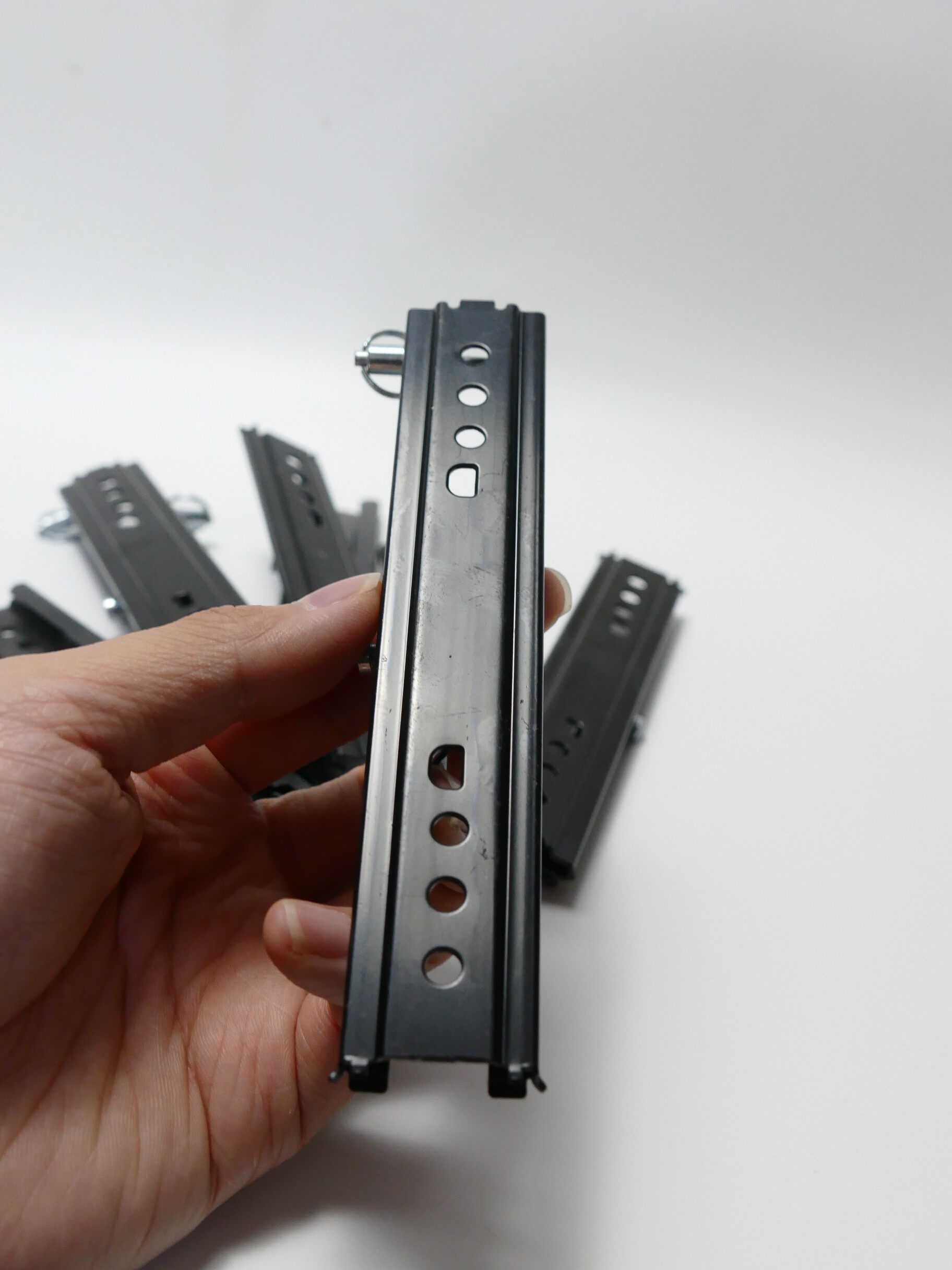
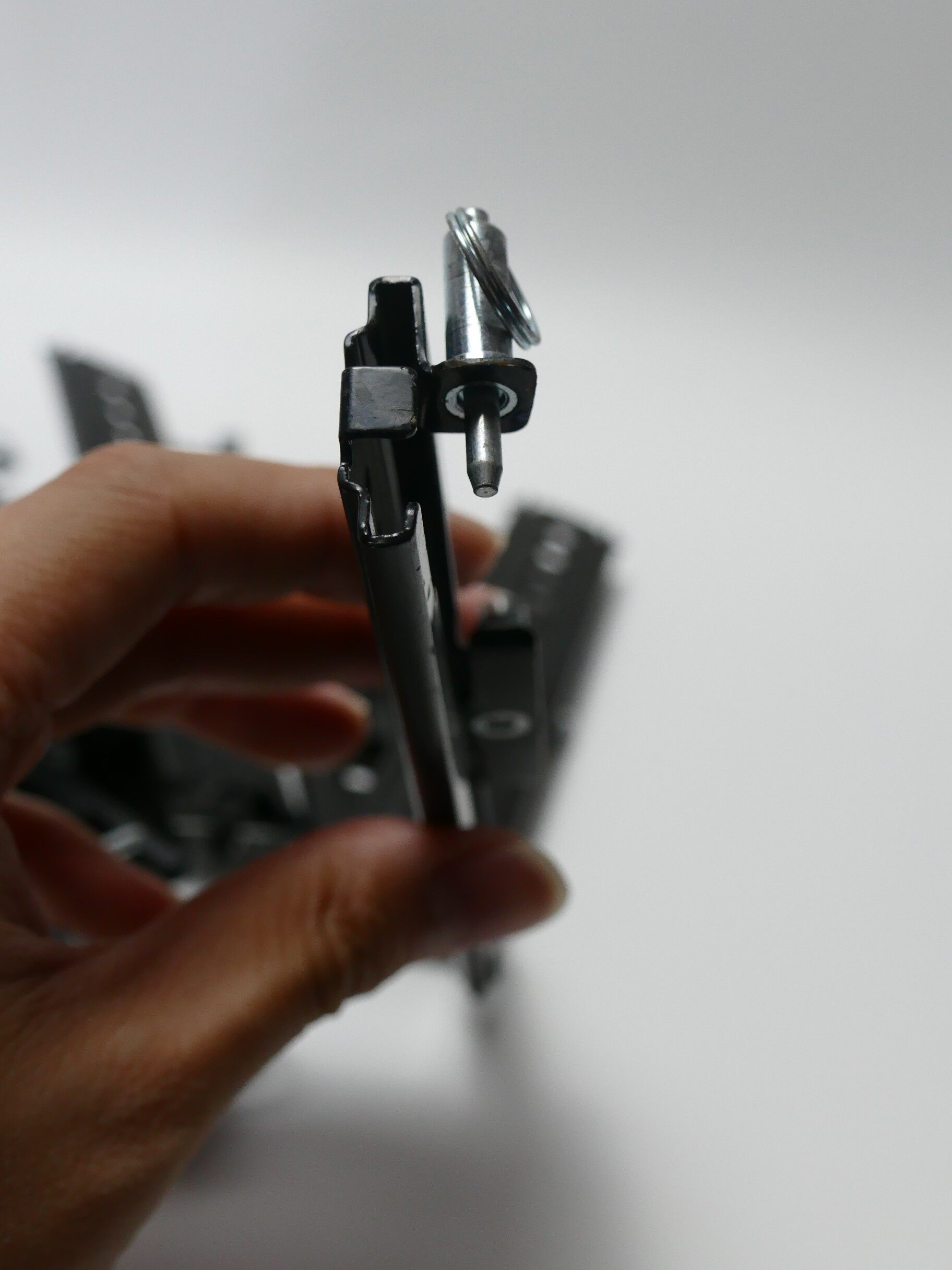
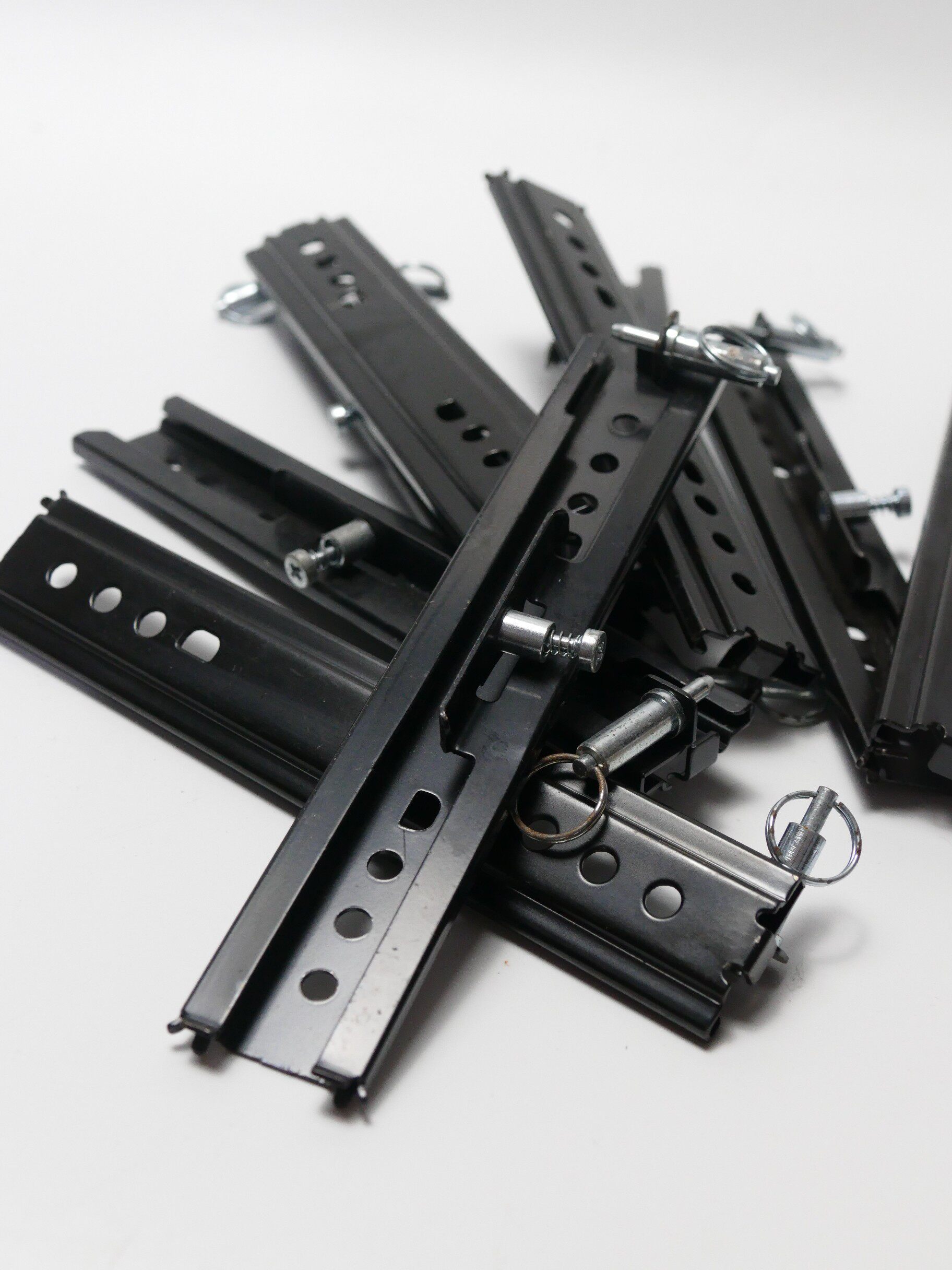
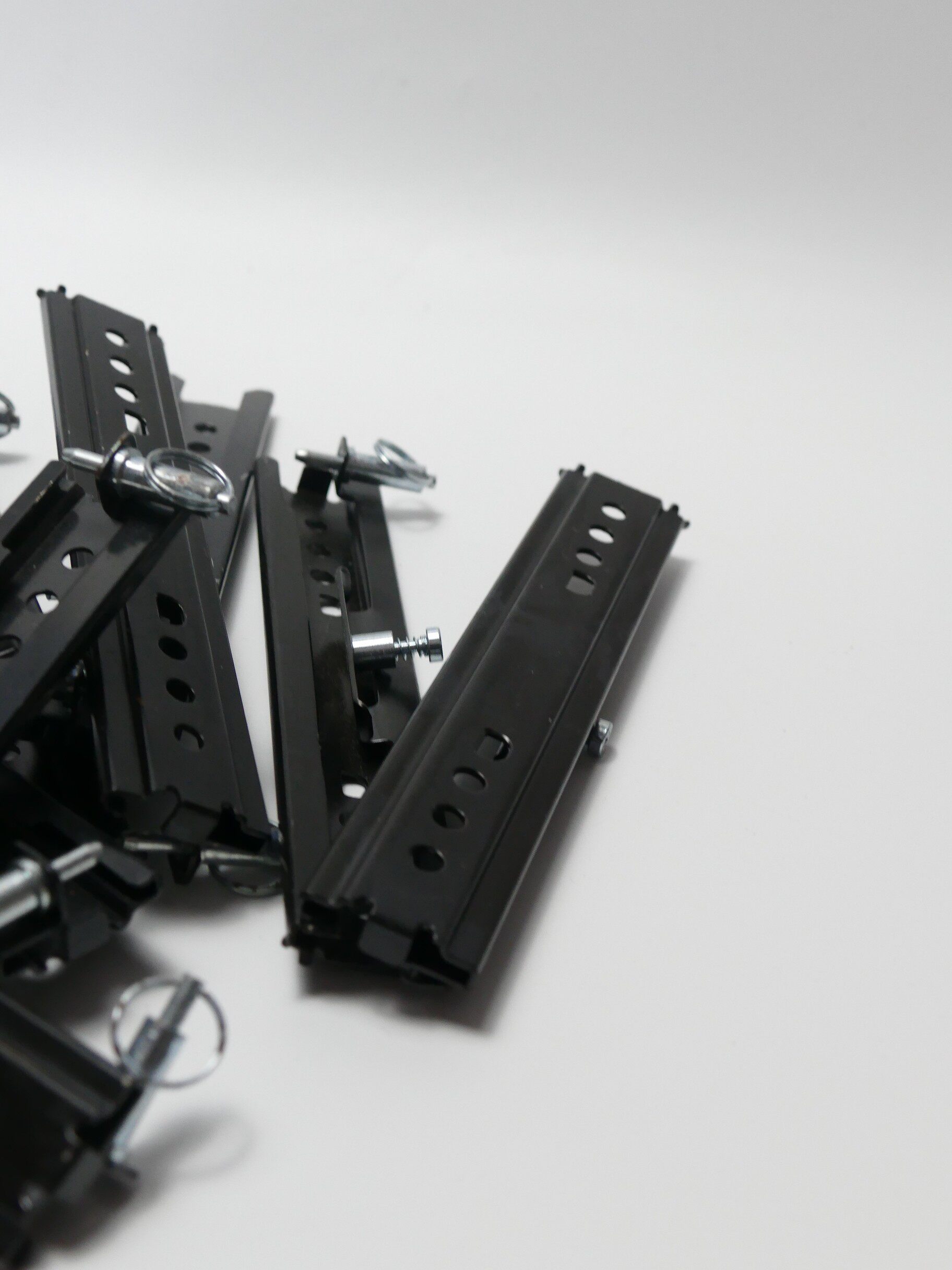
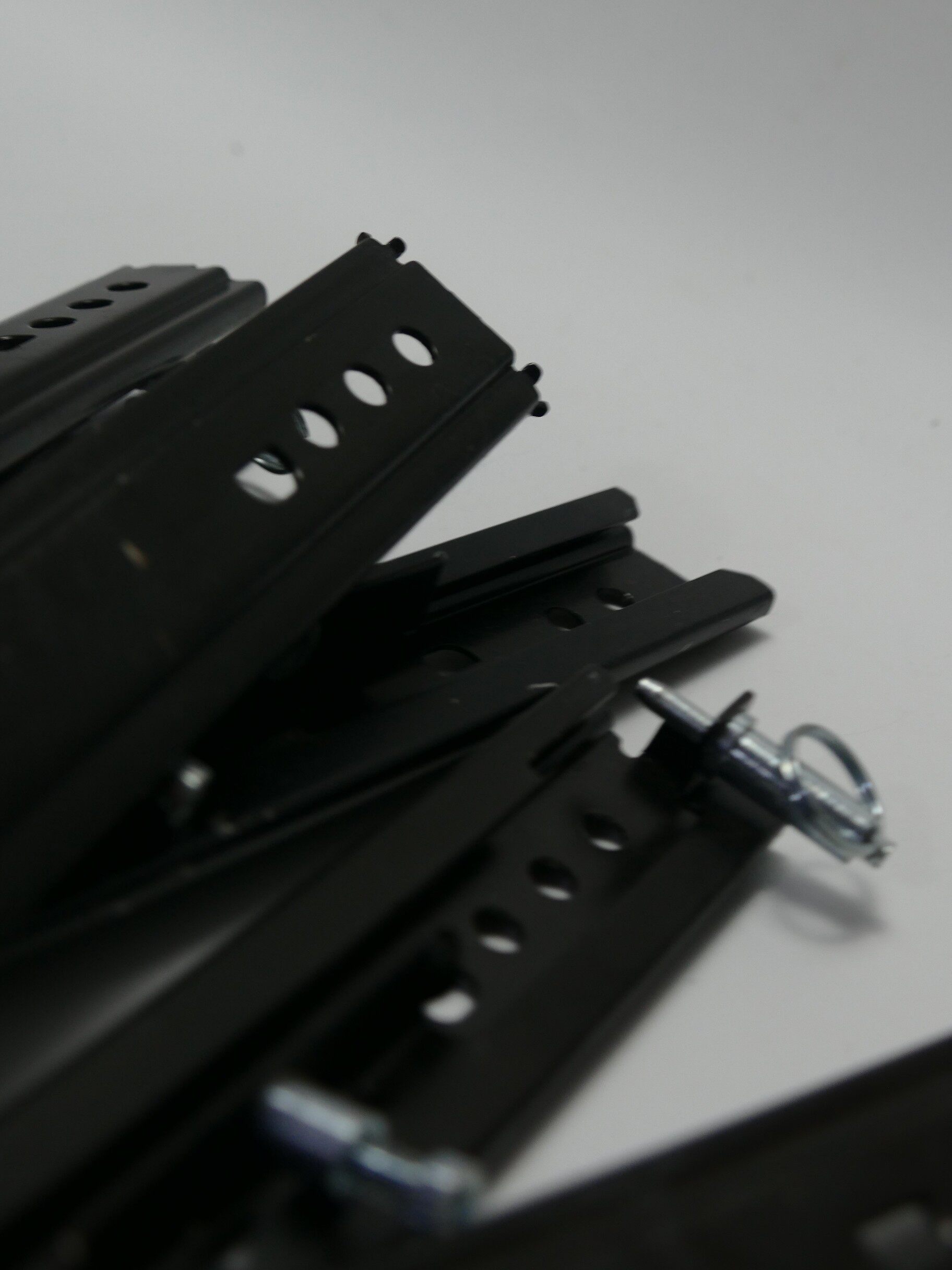
구매 평가와 활용법
용도와 선택
Identify the item as a drive, enclosure, backplane or caddy first. Consider power, noise, wear information and the cost of missing accessories together.
사양과 호환성
Check the protocol, connector, bay size, sector format and host limits. SATA, SAS and NVMe are different, and an adapter may not pass health data through.
수령 후 점검
For a directly accessible drive, begin with read-only detection and a health snapshot. Identify the correct drive and secure a backup before any format or write test.
오픈 소스
사용 팁
A trend is more useful than a screenshot. Save a baseline so later checks can reveal whether error counters are rising.
활용 아이디어
- Use smartmontools on a supported drive to capture a health baseline.
- Label backup disks separately and rehearse a restore into a test folder.