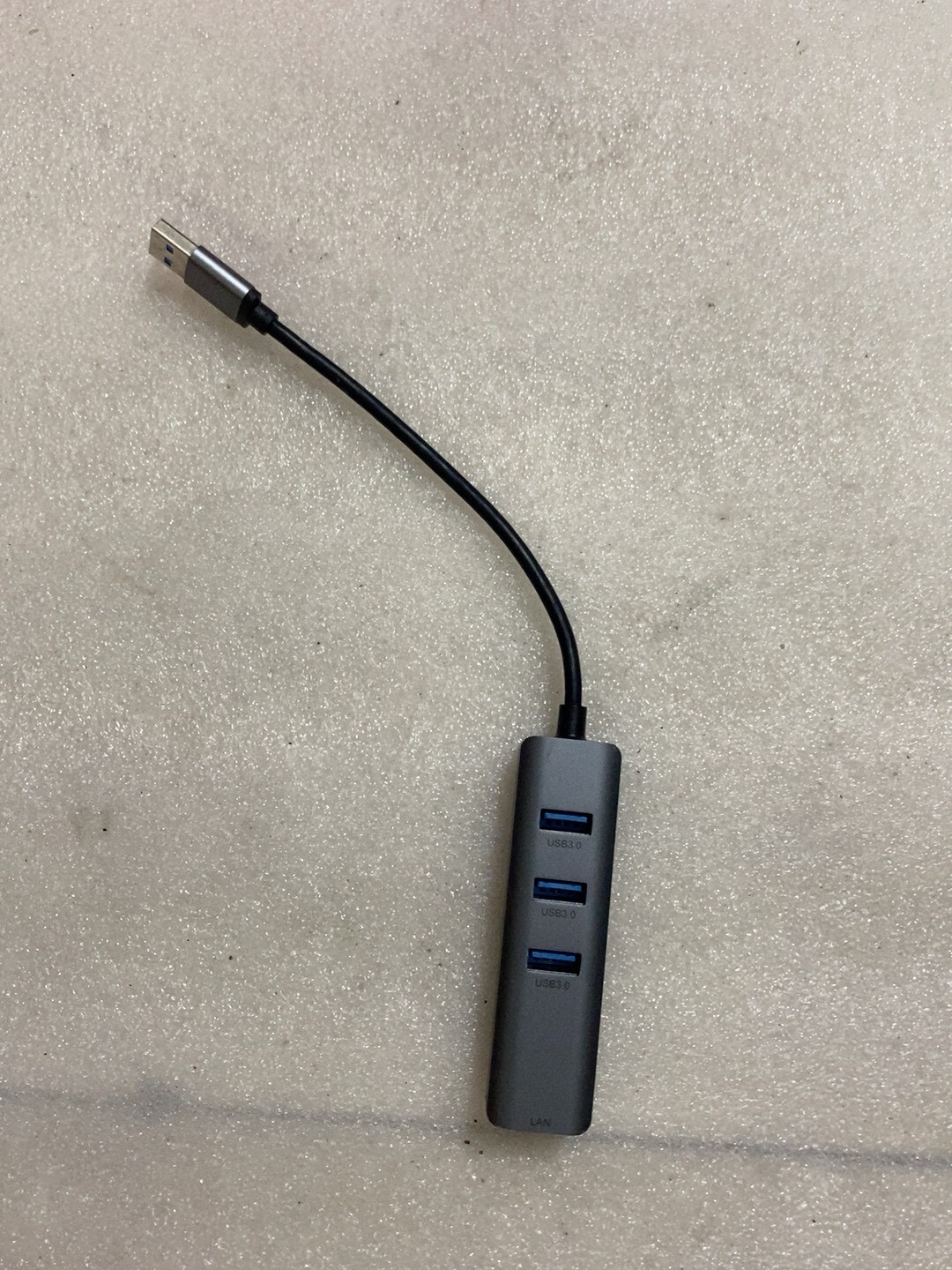
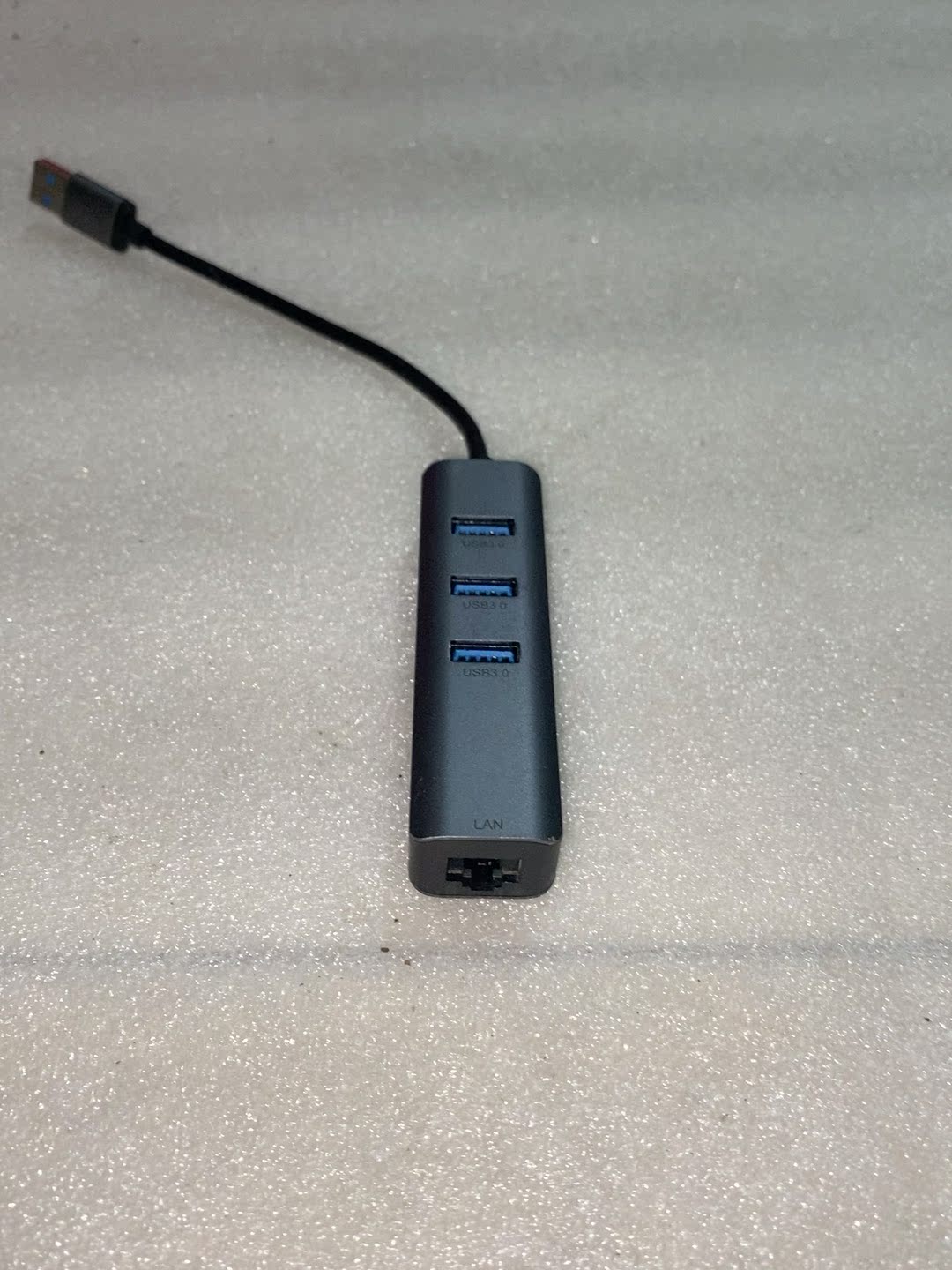
usb3.0扩展器转换接头多口typec笔记本电脑拓展坞多功
CN¥79Terjual
Foto barang
Ulasan pembelian dan ide
Kegunaan dan pilihan
Choose memory, expansion and cooling around your workload. Power, noise and accessory cost can matter more in everyday use than the headline performance.
Kompatibilitas
For a system, check power, operating-system support and expansion limits. For a component, verify slot, power, dimensions and drivers. Look up OEM parts by number.
Pemeriksaan kondisi
Start cold and check hardware detection, audio and display ports, and temperatures under a typical workload. Note errors or unusual fan noise and repeat after a restart.
Komunitas
Proyek sumber terbuka
Tip praktis
Keep idle and load observations separate. A quiet idle does not tell you what a fan sounds like during a short burst of work.
Ide untuk dicoba
- Check case clearance and cable routes before assembly and keep a slot diagram.
- Compare two configurations under the same settings with Phoronix Test Suite.