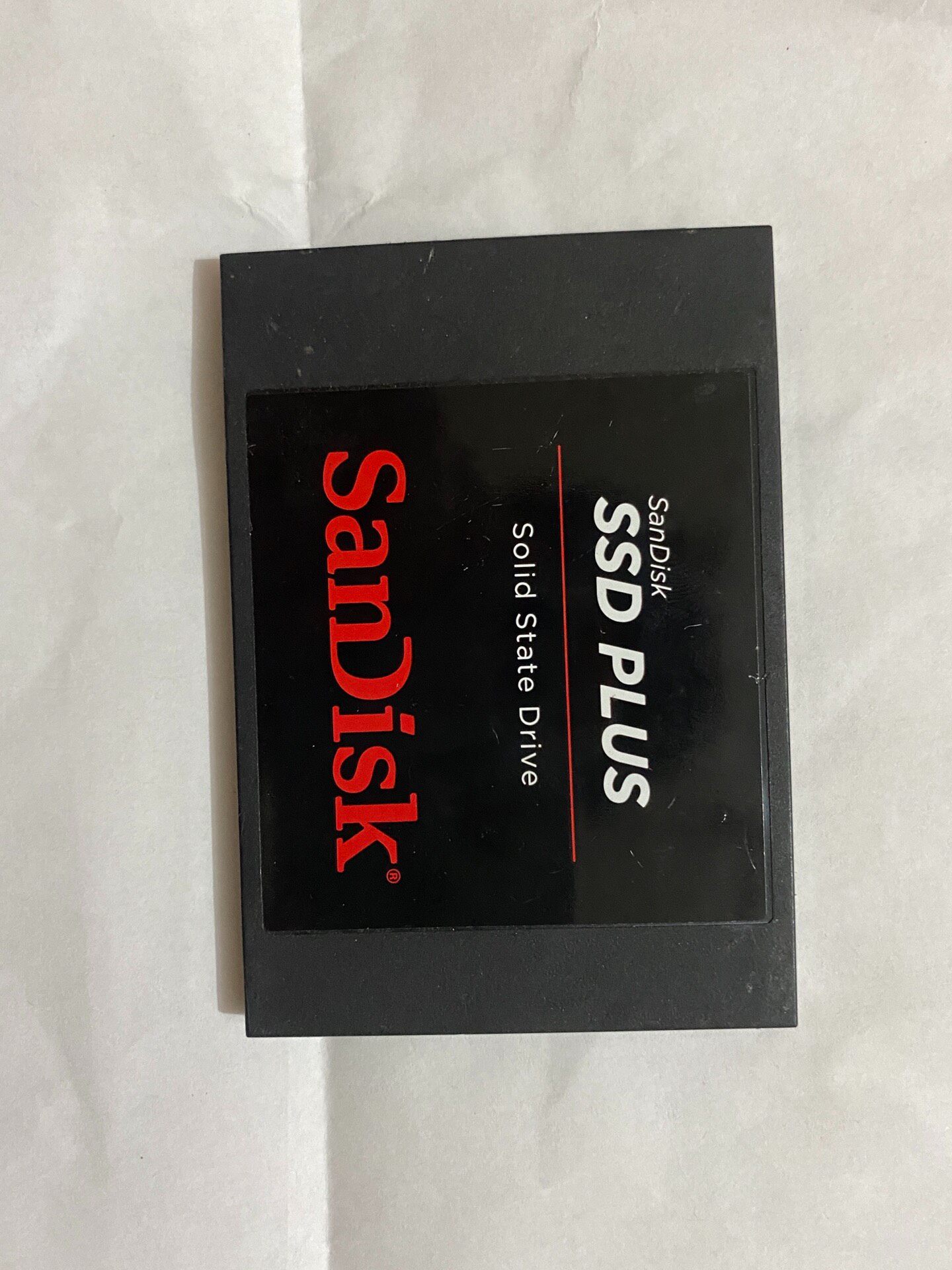
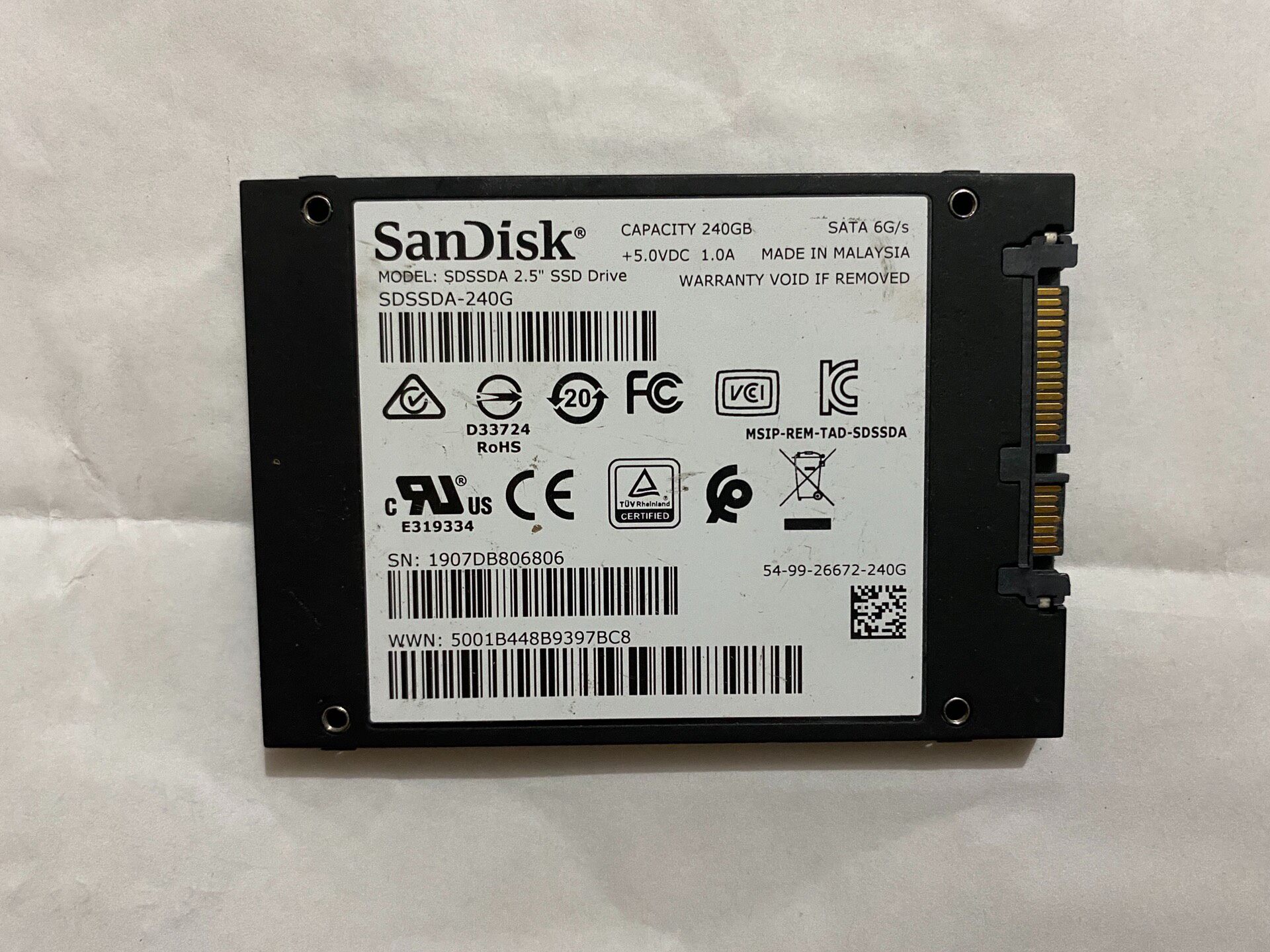
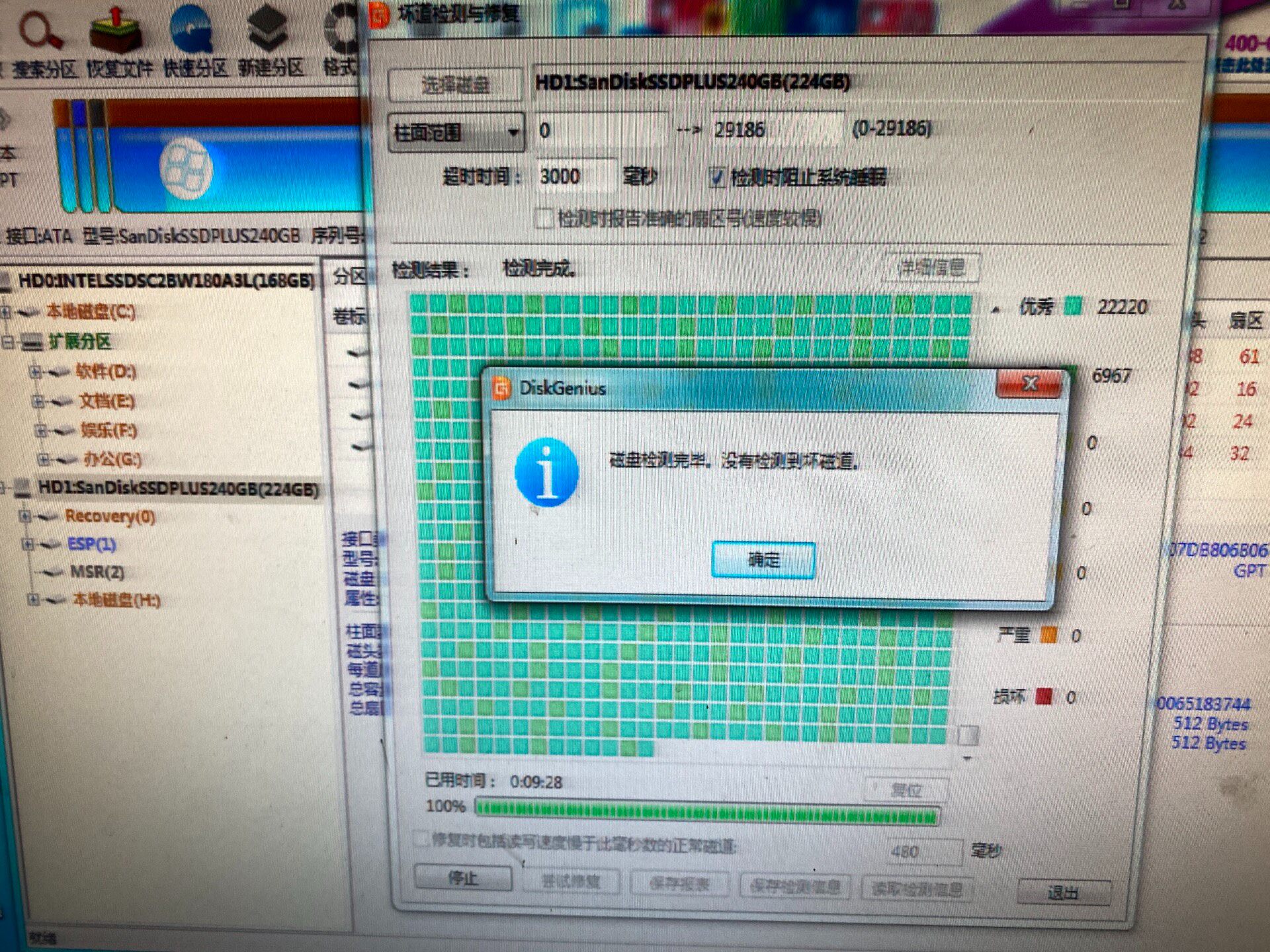
闪迪240g固态硬盘笔记本台式机高速ssd固态硬盘
CN¥100판매 완료
구매 평가와 활용법
용도와 선택
Need more space or another drive for a NAS? Check whether the listing includes the drive or just the enclosure or tray. For a used drive, ask for a screenshot of its health report.
사양과 호환성
Look up what your PC or NAS accepts. A SAS drive usually will not work on a home PC’s SATA port. Two M.2 SSDs can look alike and still use different protocols. Check the drive size if you are buying an enclosure.
수령 후 점검
Start by making sure the computer can see the drive. Check the health report and try reading some files. Before a format or write test, check that you have picked the right drive and backed up anything you need.
오픈 소스
사용 팁
Keep the first health report. If reads slow down or errors turn up later, you can check whether anything has changed.
활용 아이디어
- Use smartmontools to check hours and errors on a drive it supports.
- Back up a small folder with Restic, restore it somewhere else and open a few of the files.