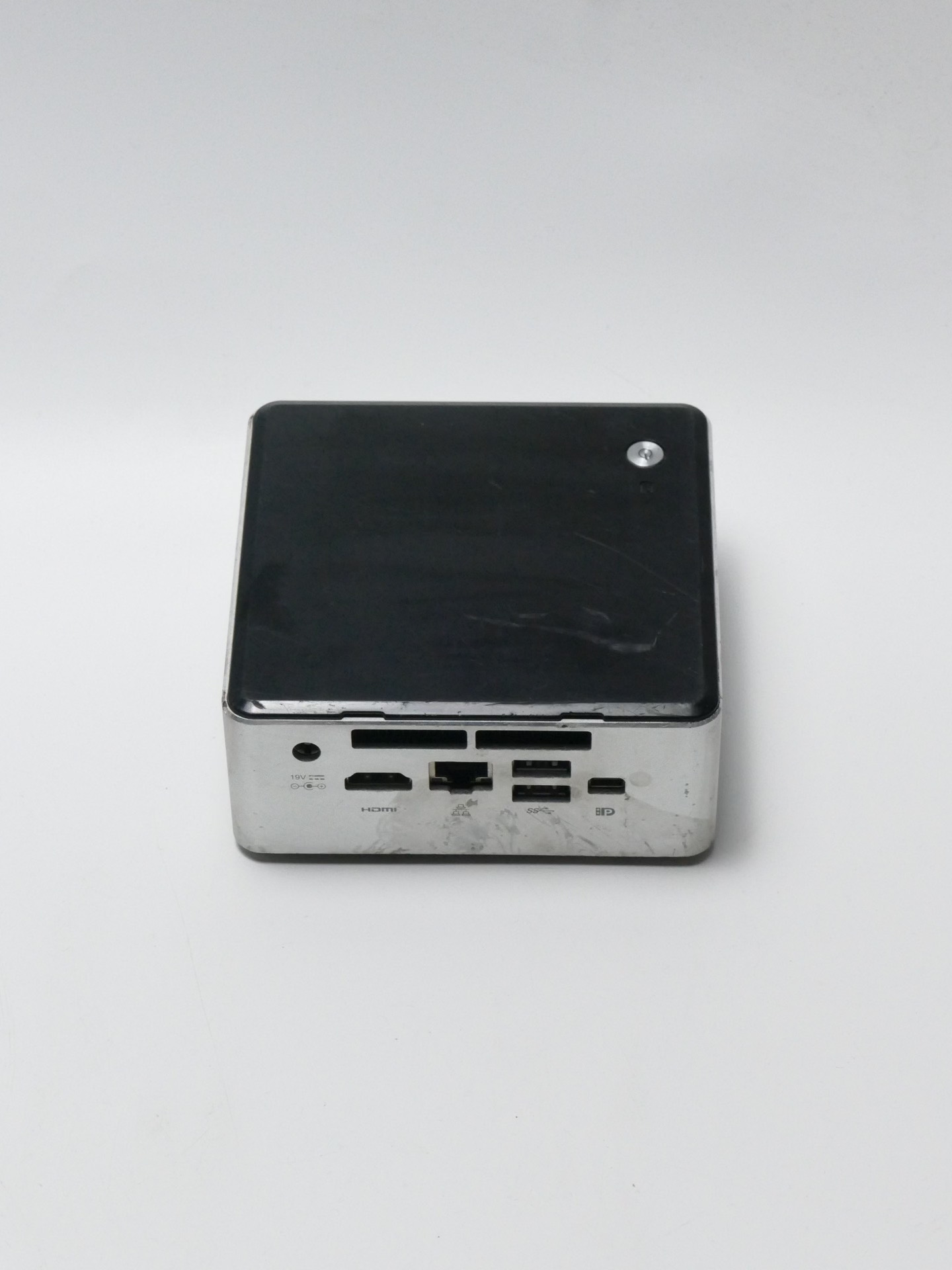
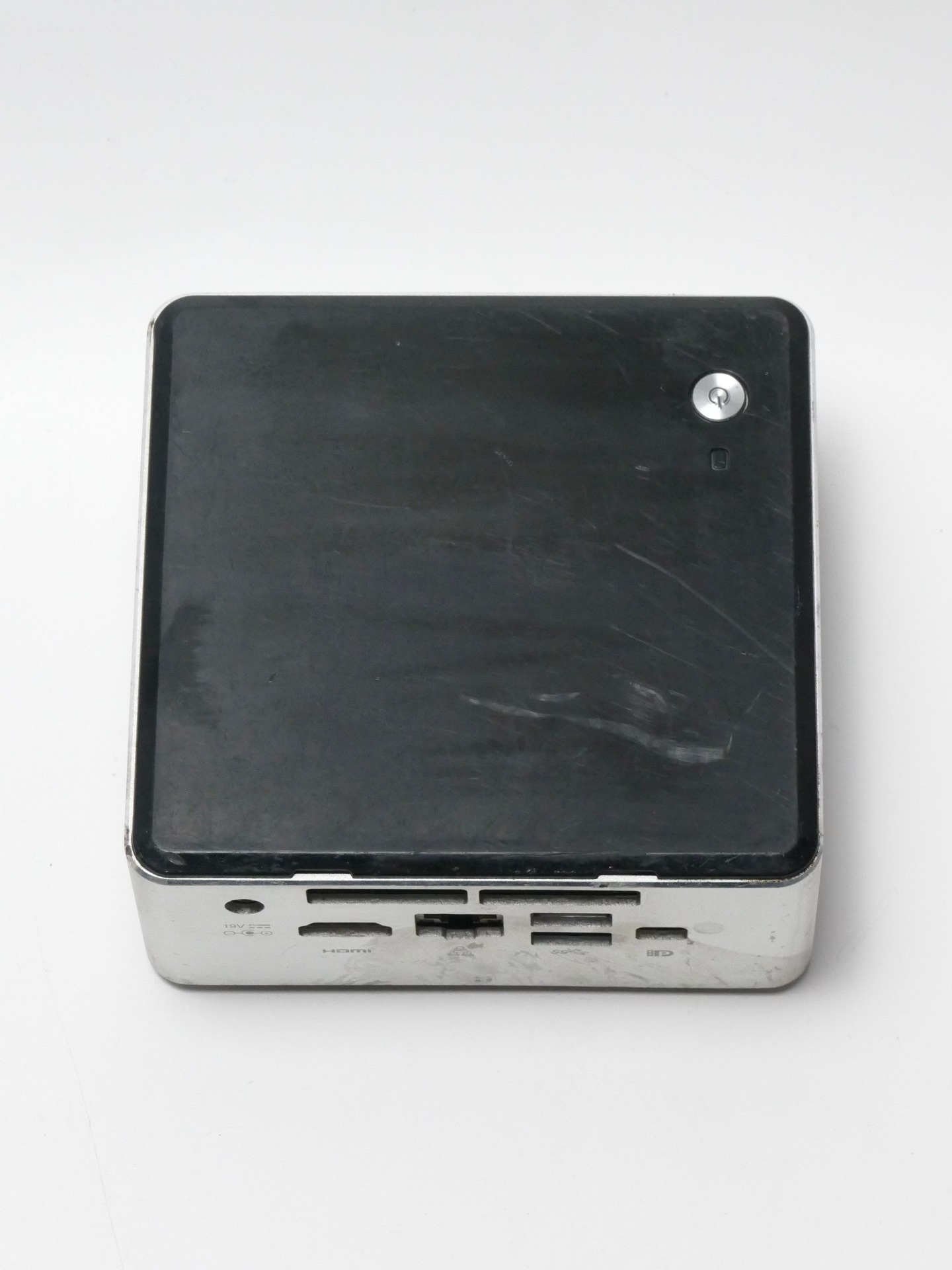
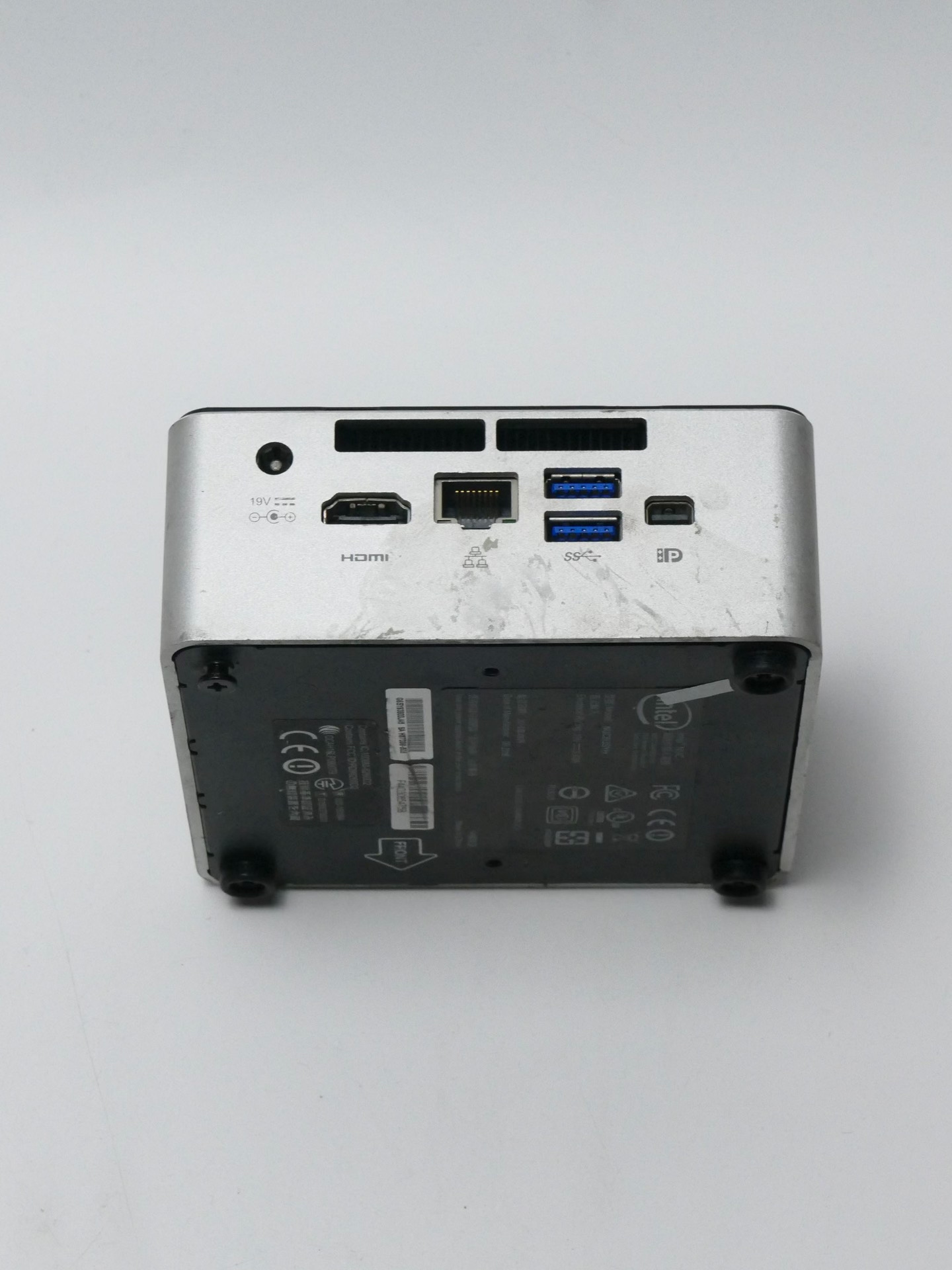
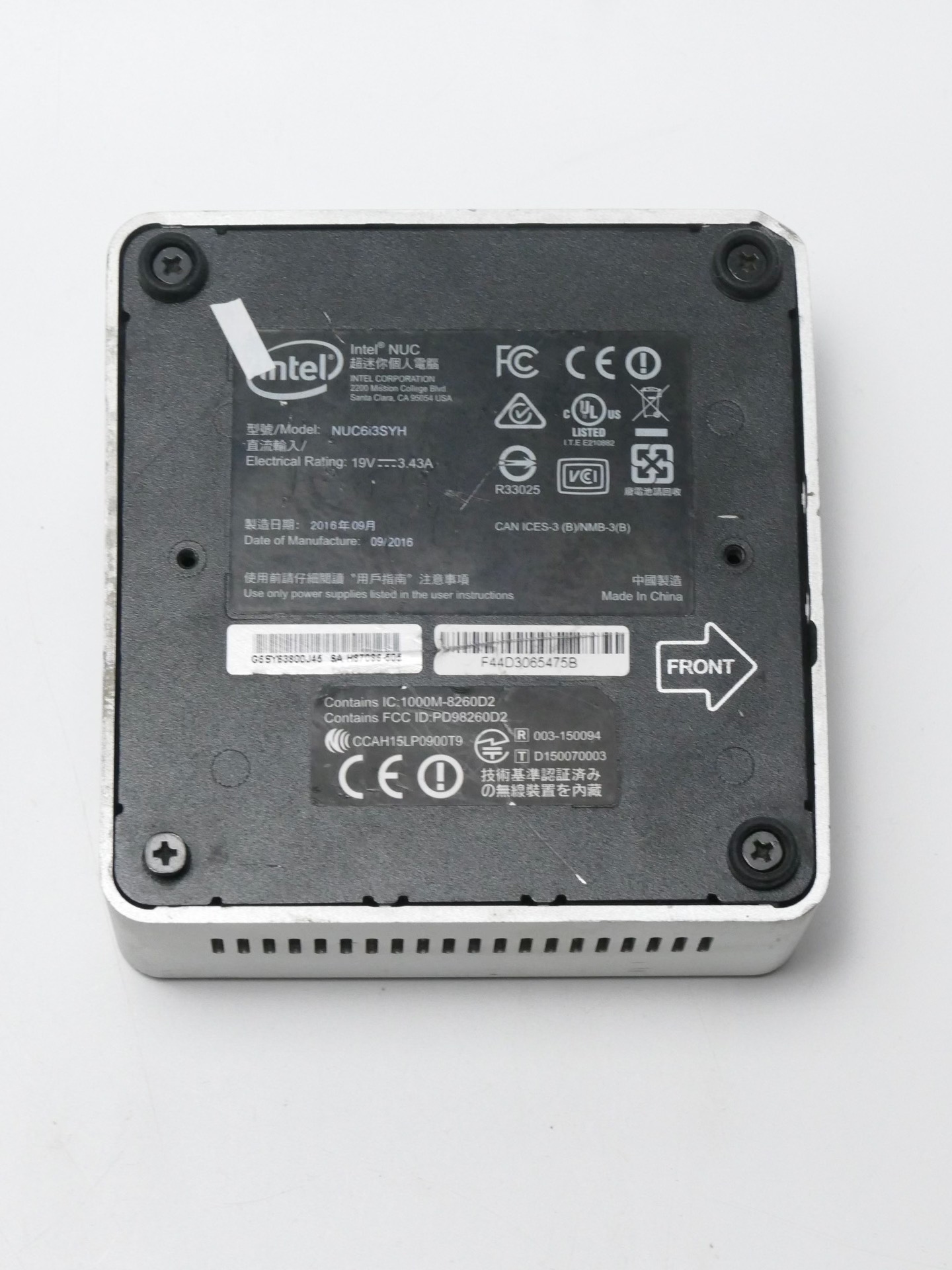
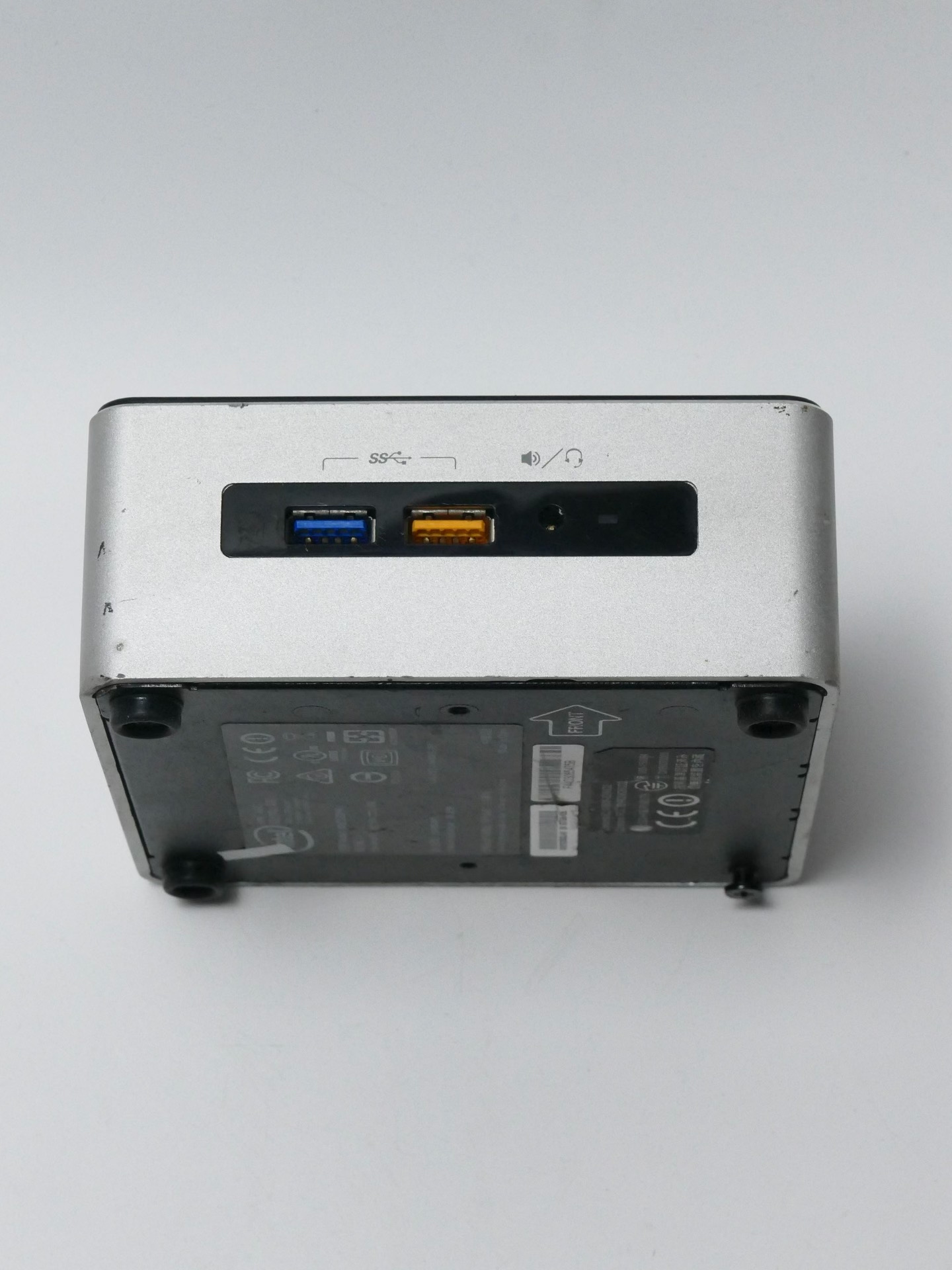
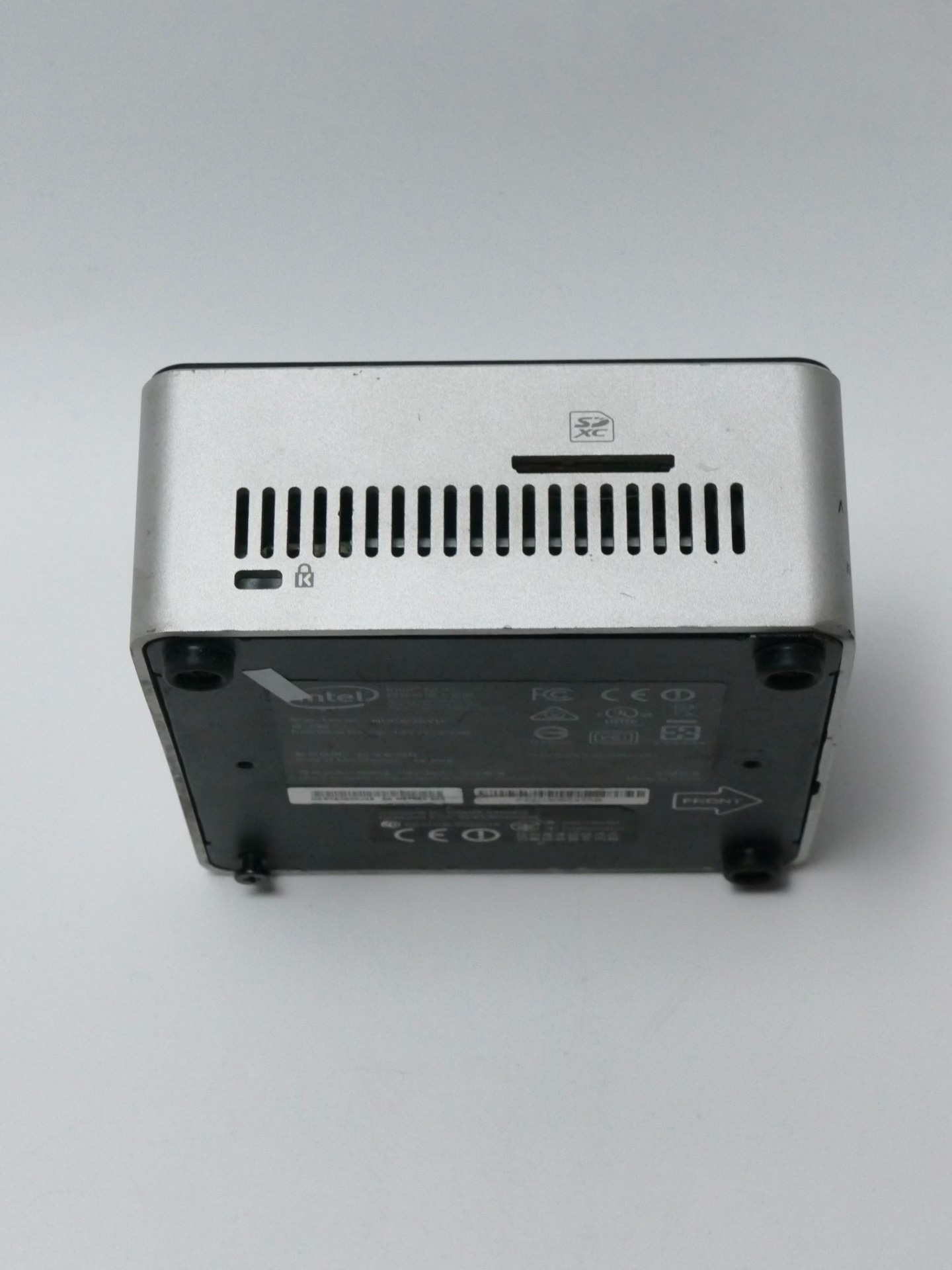
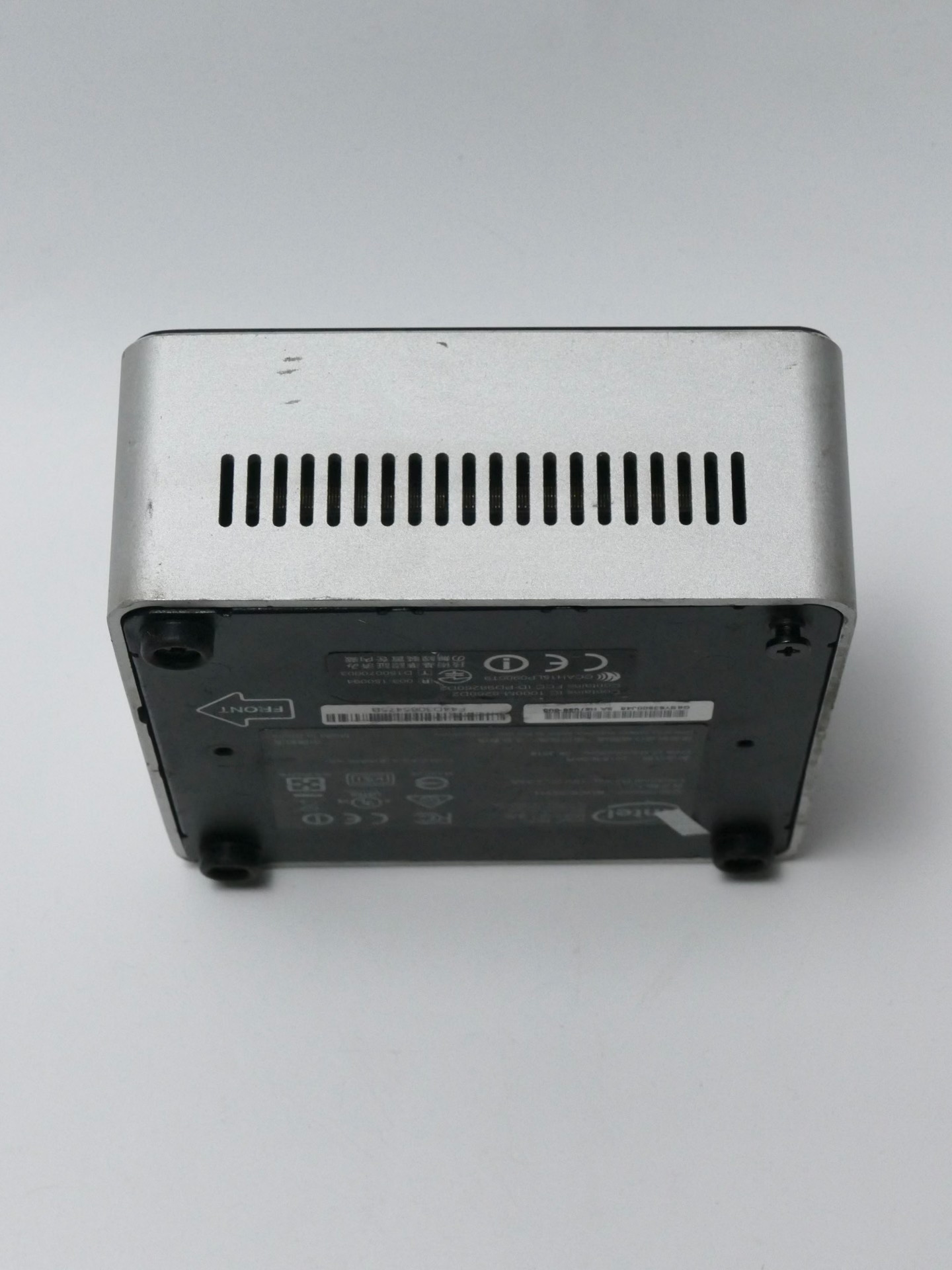
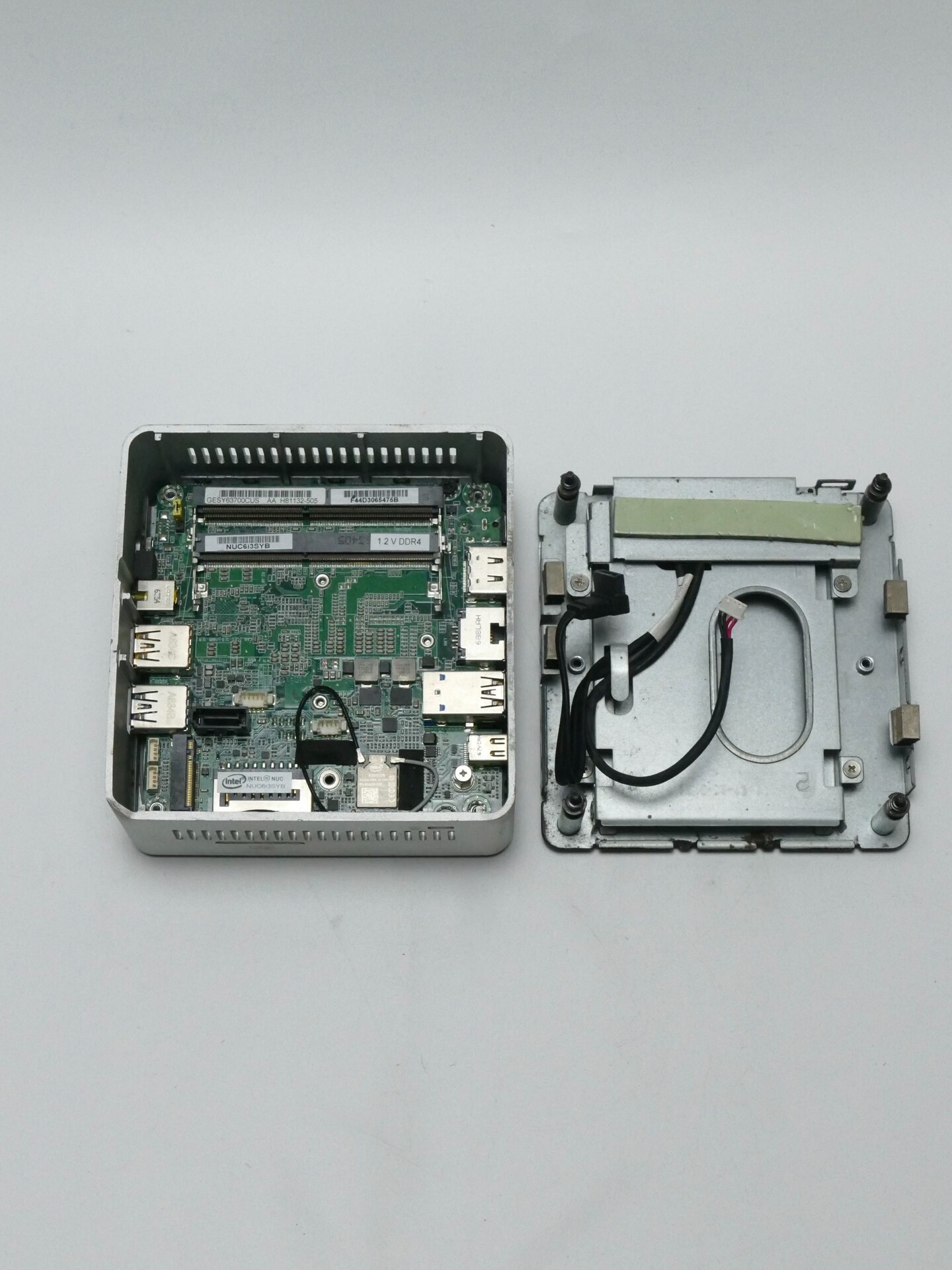
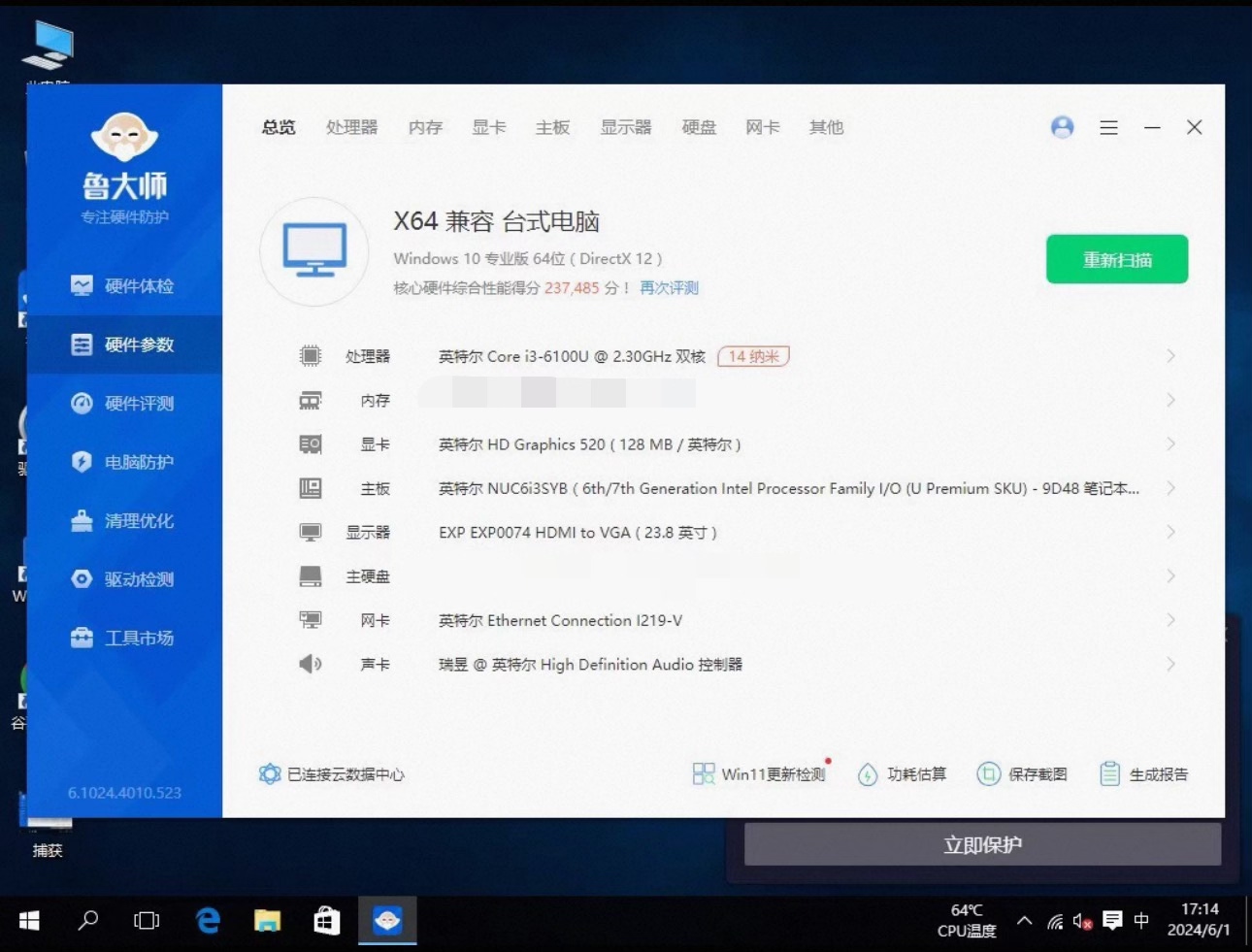
因特尔NUC6i3SYH小主机 无内存 无硬盘
Descripción del producto
注意:上层内存条插槽故障,下层正常使用 I3-6100U处理器,HD520核显,支持4K,千兆网口,支持双频WiFi蓝牙 不含内存,不含硬盘,不含电源 2️⃣_Y蓝_2层
Guía de compra e ideas
Uso y elección
Need more space or another drive for a NAS? Check whether the listing includes the drive or just the enclosure or tray. For a used drive, ask for a screenshot of its health report.
Compatibilidad
Look up what your PC or NAS accepts. A SAS drive usually will not work on a home PC’s SATA port. Two M.2 SSDs can look alike and still use different protocols. Check the drive size if you are buying an enclosure.
Revisión del estado
Start by making sure the computer can see the drive. Check the health report and try reading some files. Before a format or write test, check that you have picked the right drive and backed up anything you need.
Comunidad
Código abierto
Consejo práctico
Keep the first health report. If reads slow down or errors turn up later, you can check whether anything has changed.
Ideas para probar
- Use smartmontools to check hours and errors on a drive it supports.
- Back up a small folder with Restic, restore it somewhere else and open a few of the files.