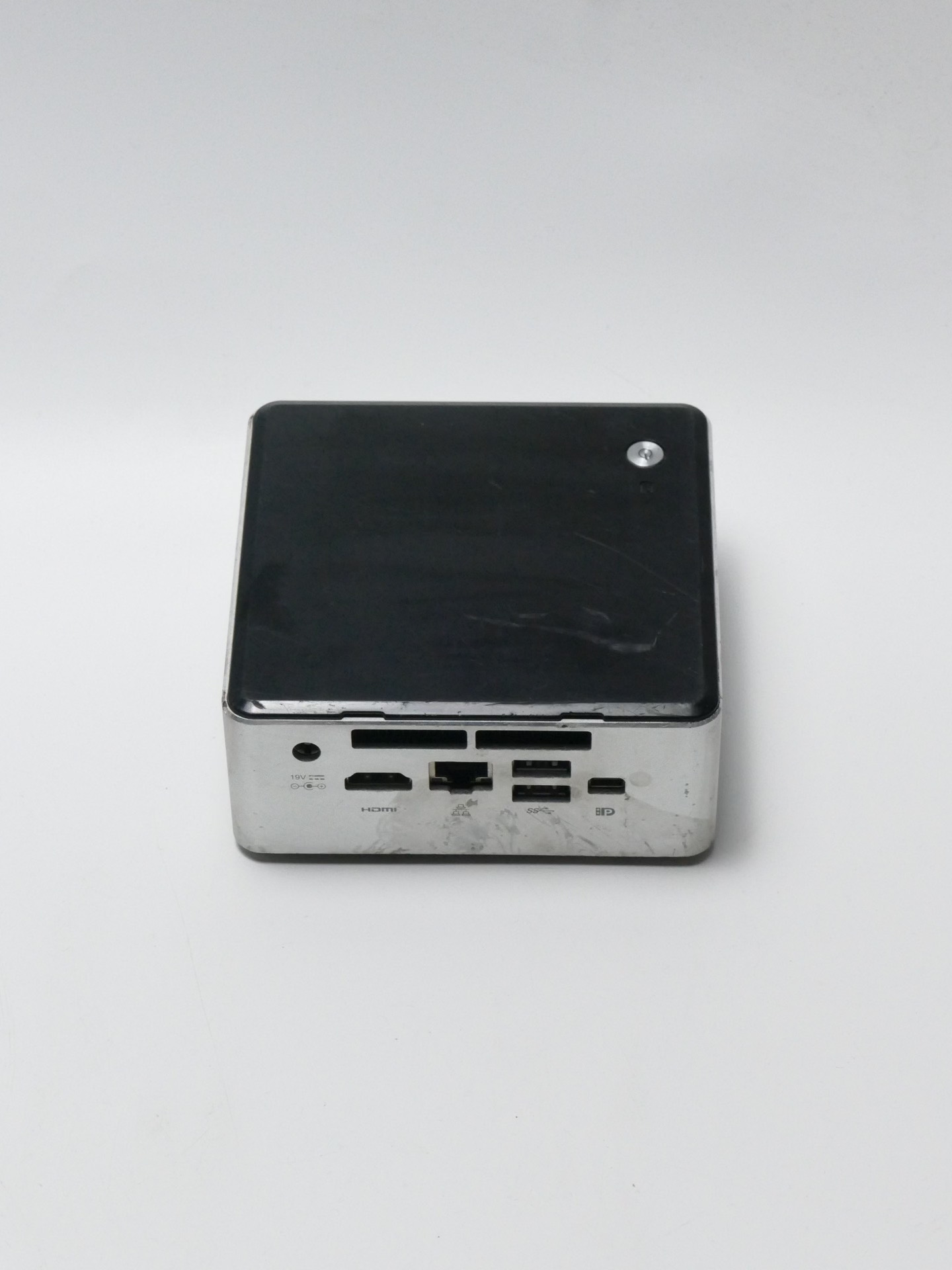
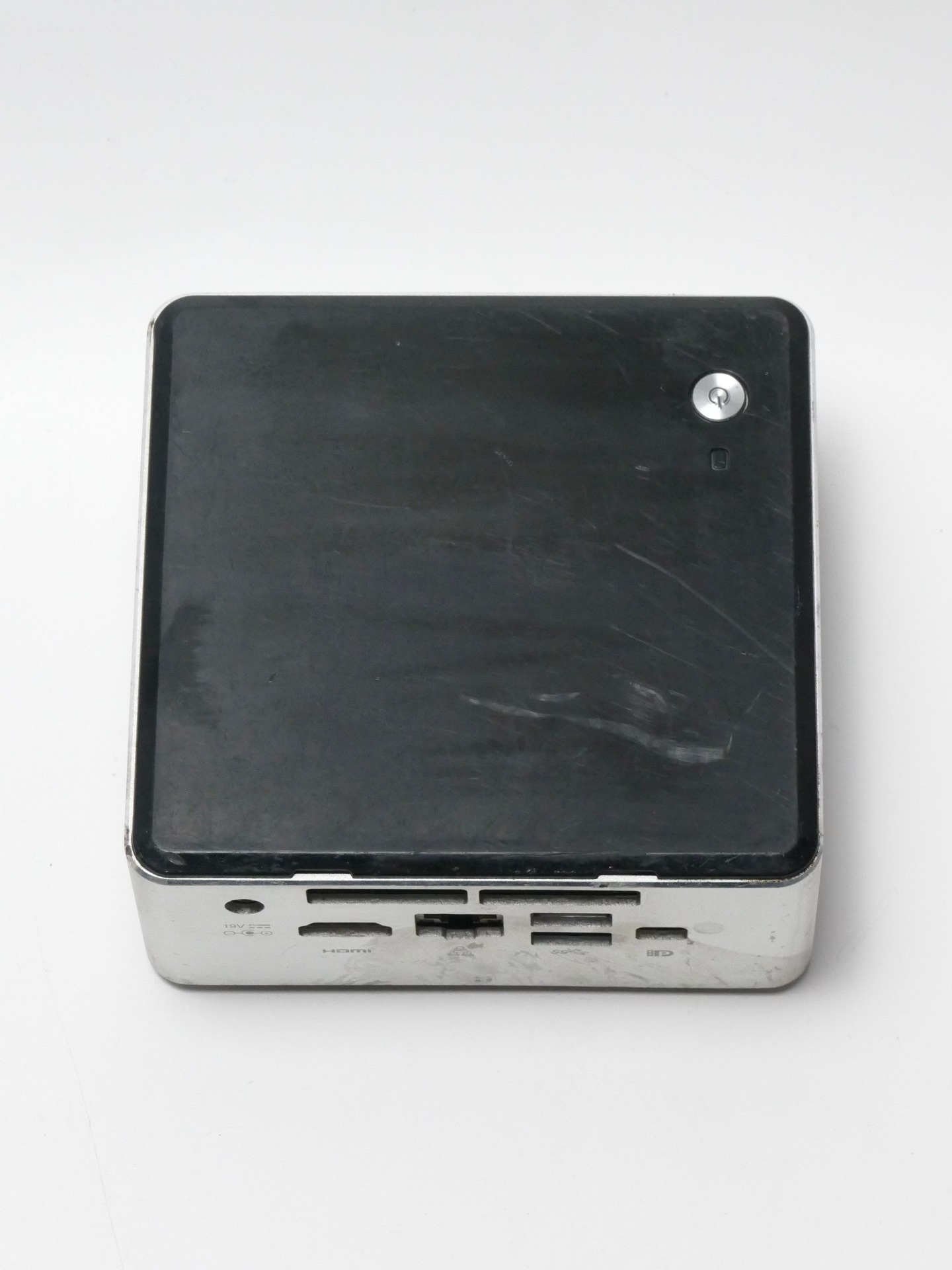
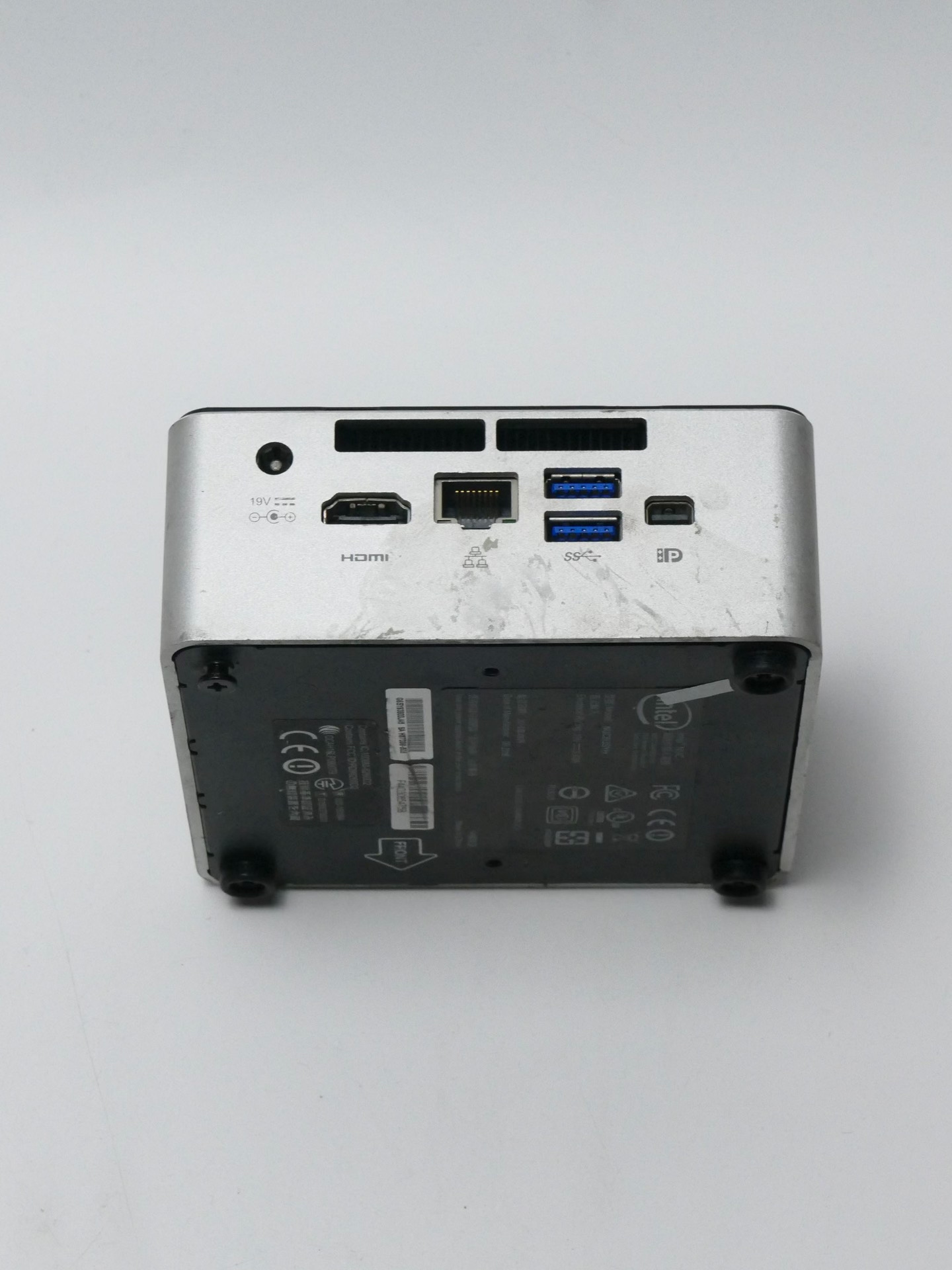
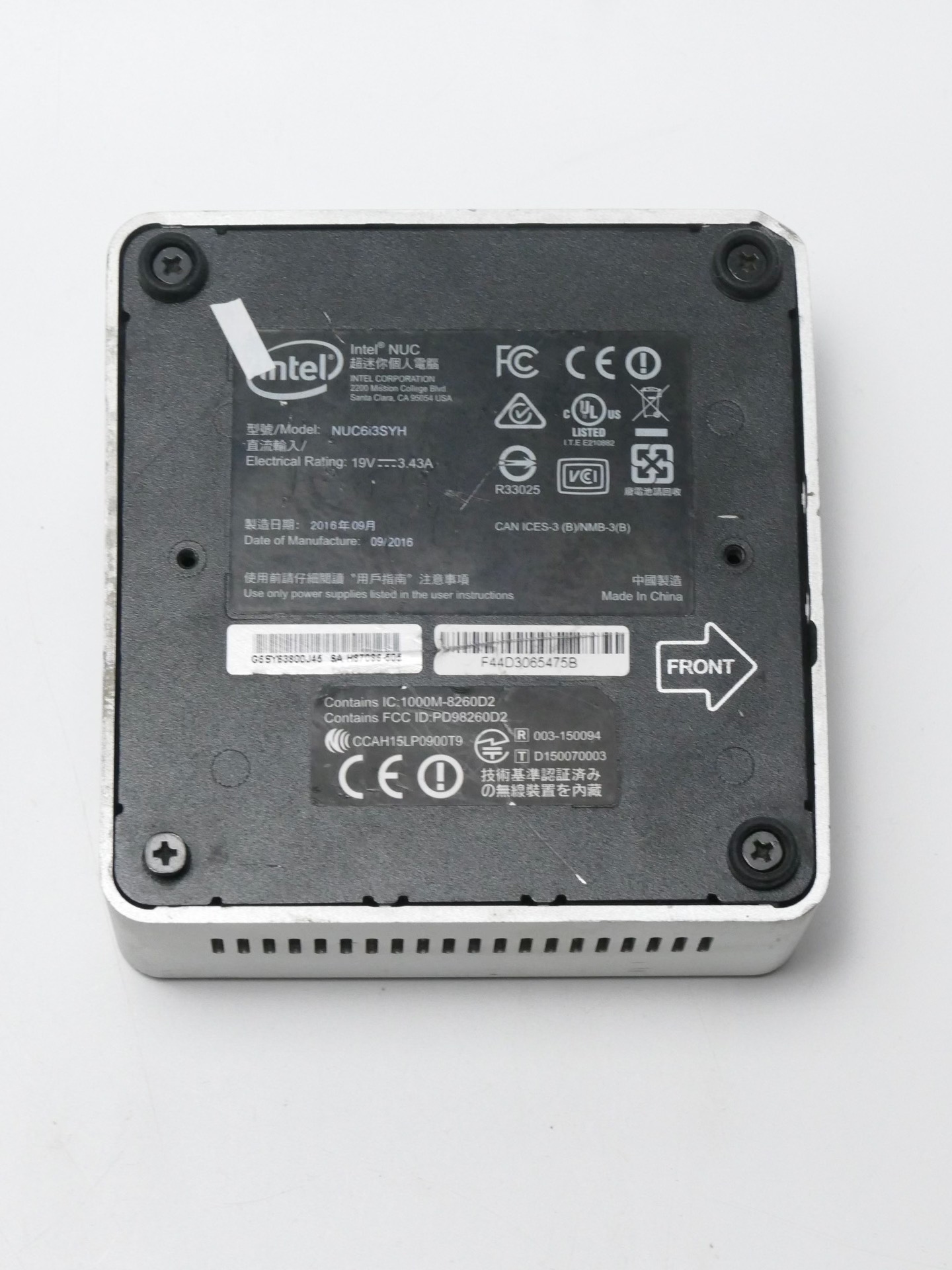
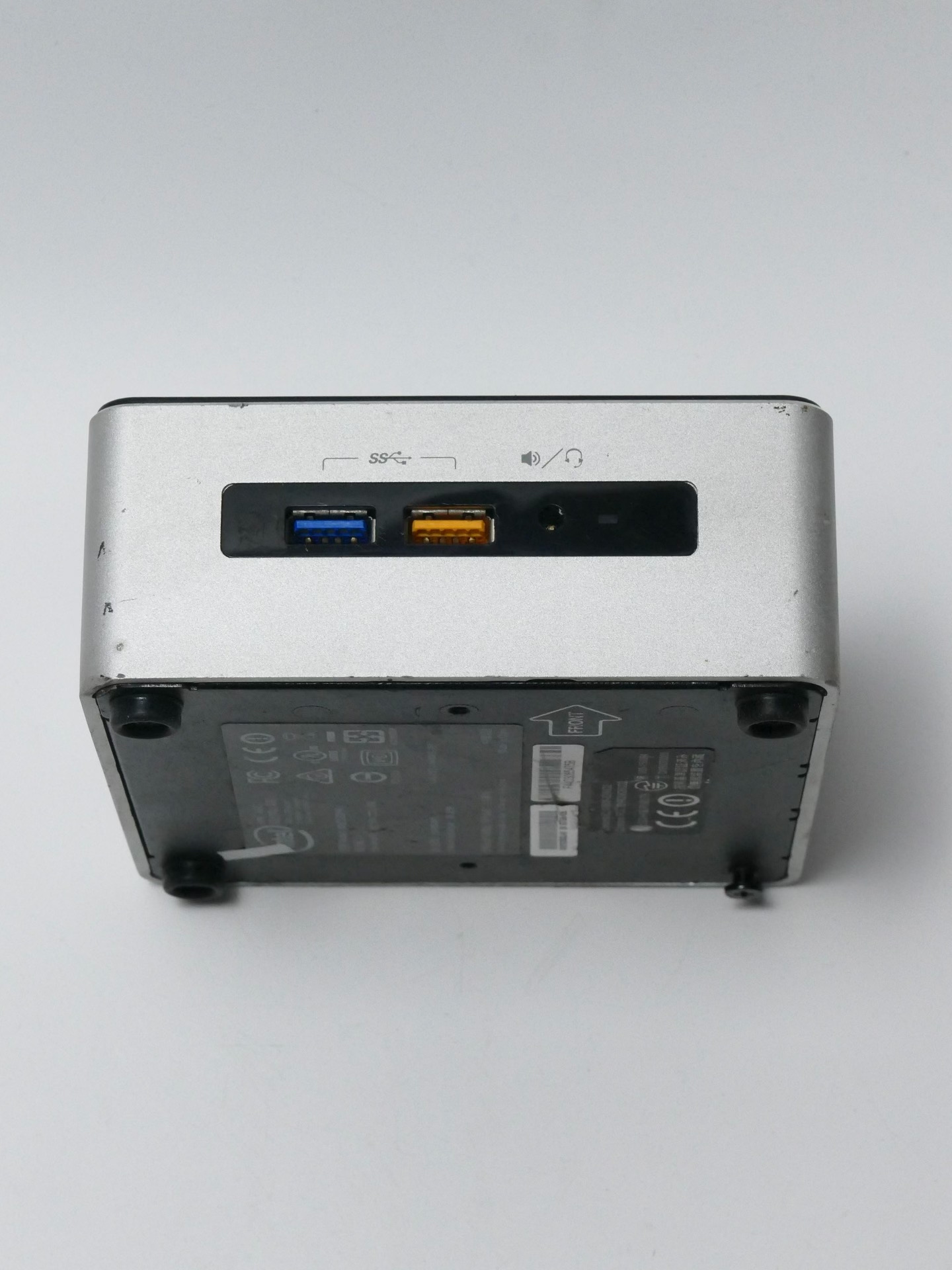
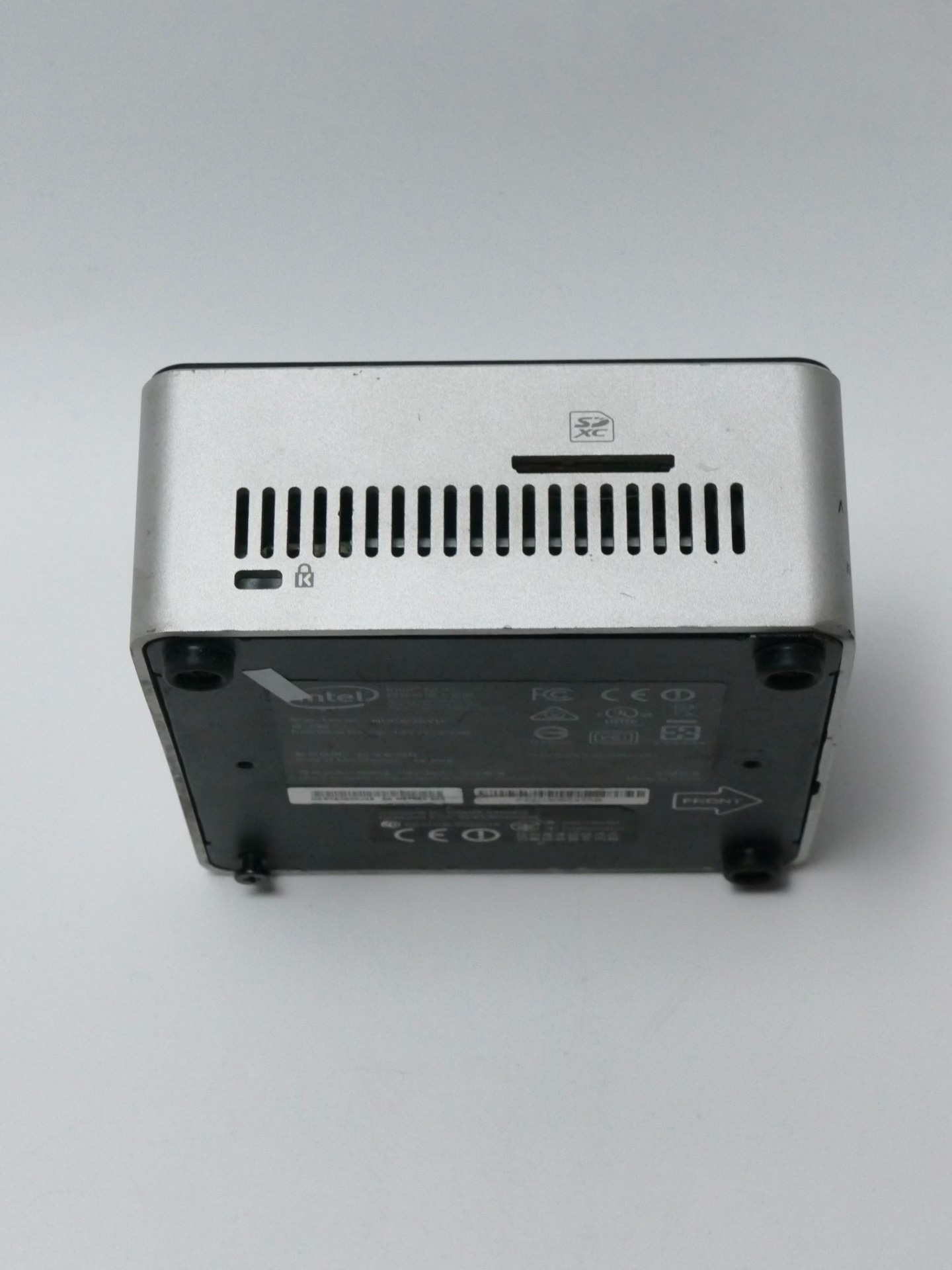
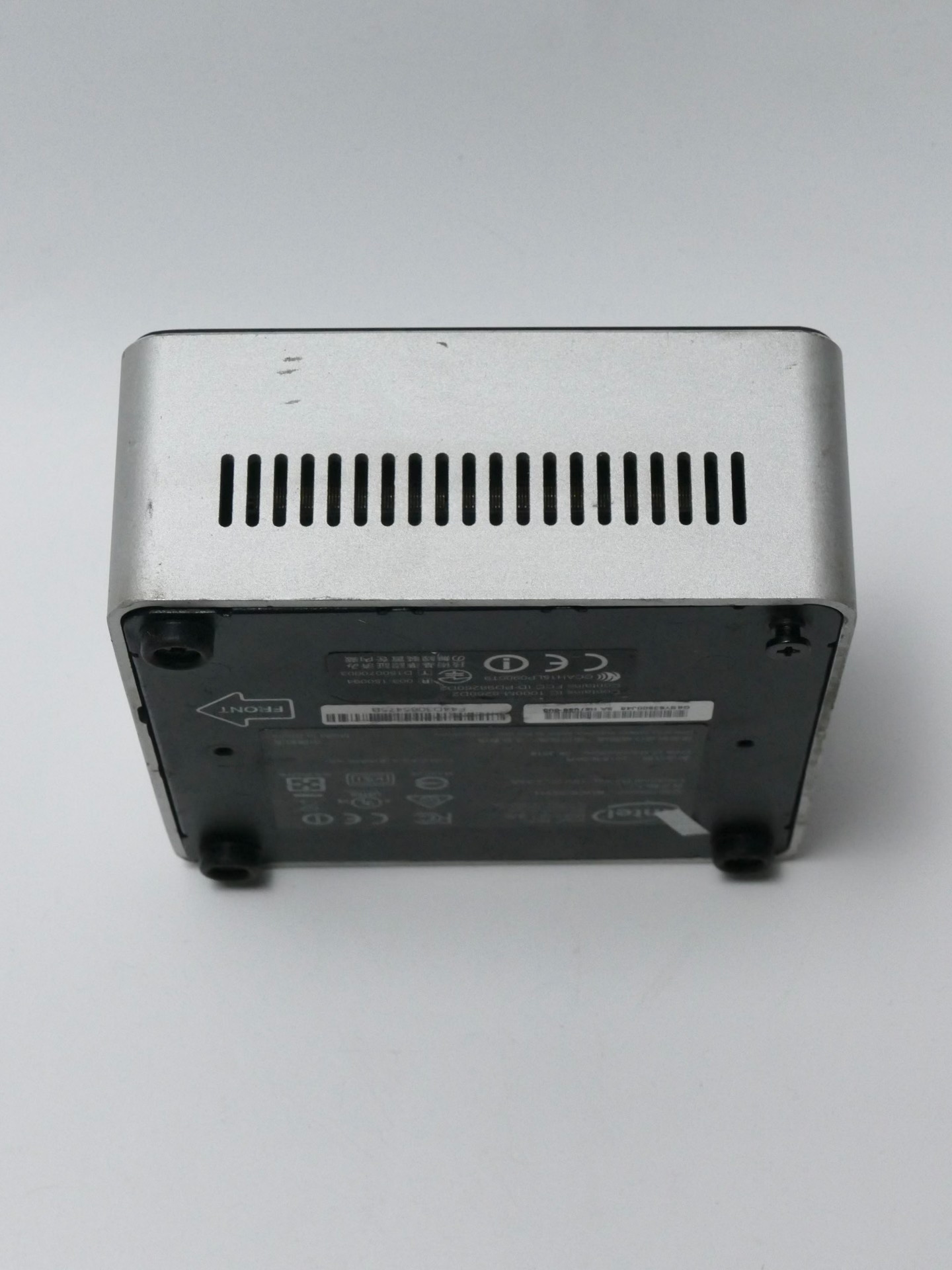
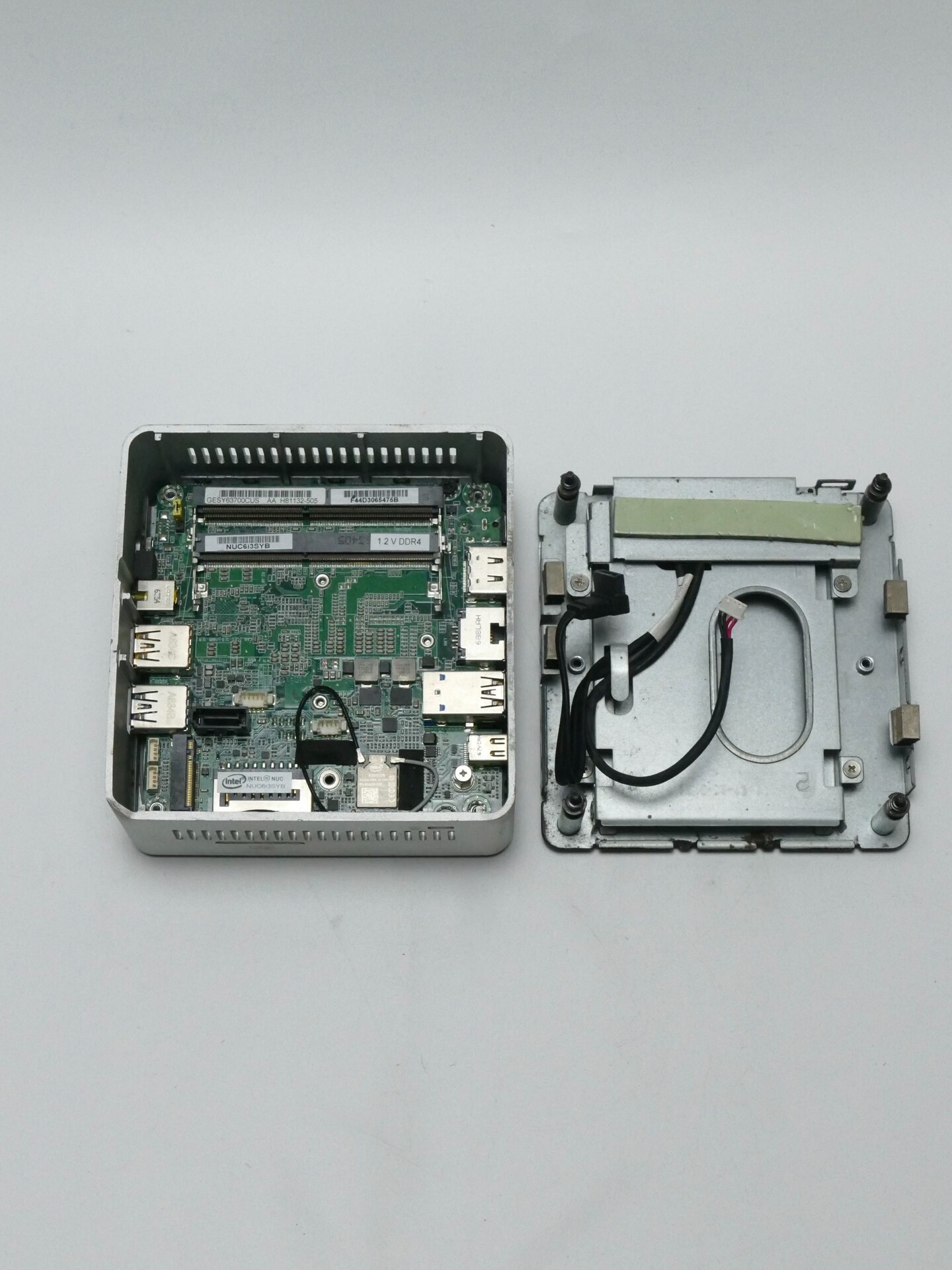
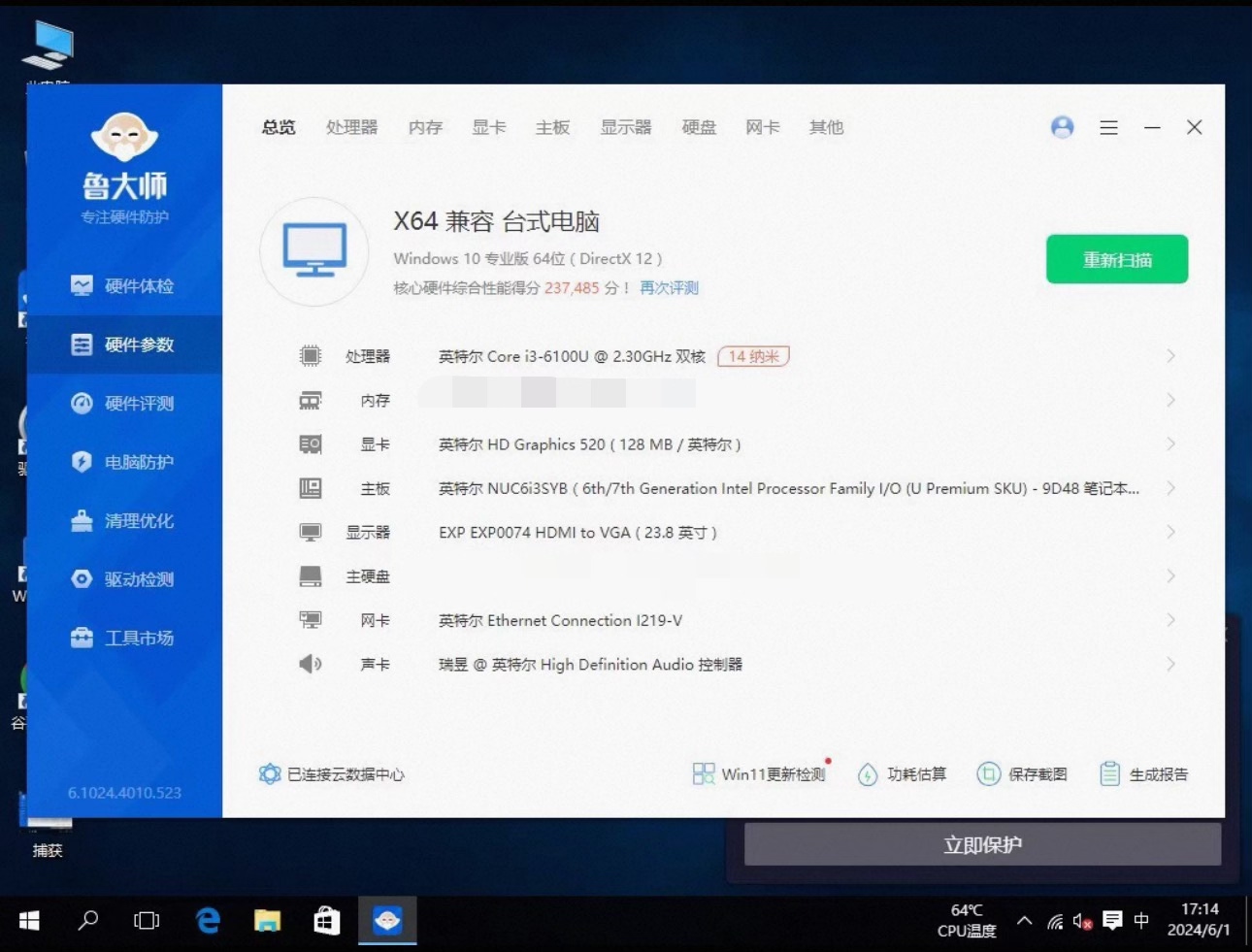
因特尔NUC6i3SYH小主机 无内存 无硬盘
상품 설명
注意:上层内存条插槽故障,下层正常使用 I3-6100U处理器,HD520核显,支持4K,千兆网口,支持双频WiFi蓝牙 不含内存,不含硬盘,不含电源 2️⃣_Y蓝_2层
구매 평가와 활용법
용도와 선택
Need more space or another drive for a NAS? Check whether the listing includes the drive or just the enclosure or tray. For a used drive, ask for a screenshot of its health report.
사양과 호환성
Look up what your PC or NAS accepts. A SAS drive usually will not work on a home PC’s SATA port. Two M.2 SSDs can look alike and still use different protocols. Check the drive size if you are buying an enclosure.
수령 후 점검
Start by making sure the computer can see the drive. Check the health report and try reading some files. Before a format or write test, check that you have picked the right drive and backed up anything you need.
오픈 소스
사용 팁
Keep the first health report. If reads slow down or errors turn up later, you can check whether anything has changed.
활용 아이디어
- Use smartmontools to check hours and errors on a drive it supports.
- Back up a small folder with Restic, restore it somewhere else and open a few of the files.